

Biomes O Plenty 1.21.1 Fabric
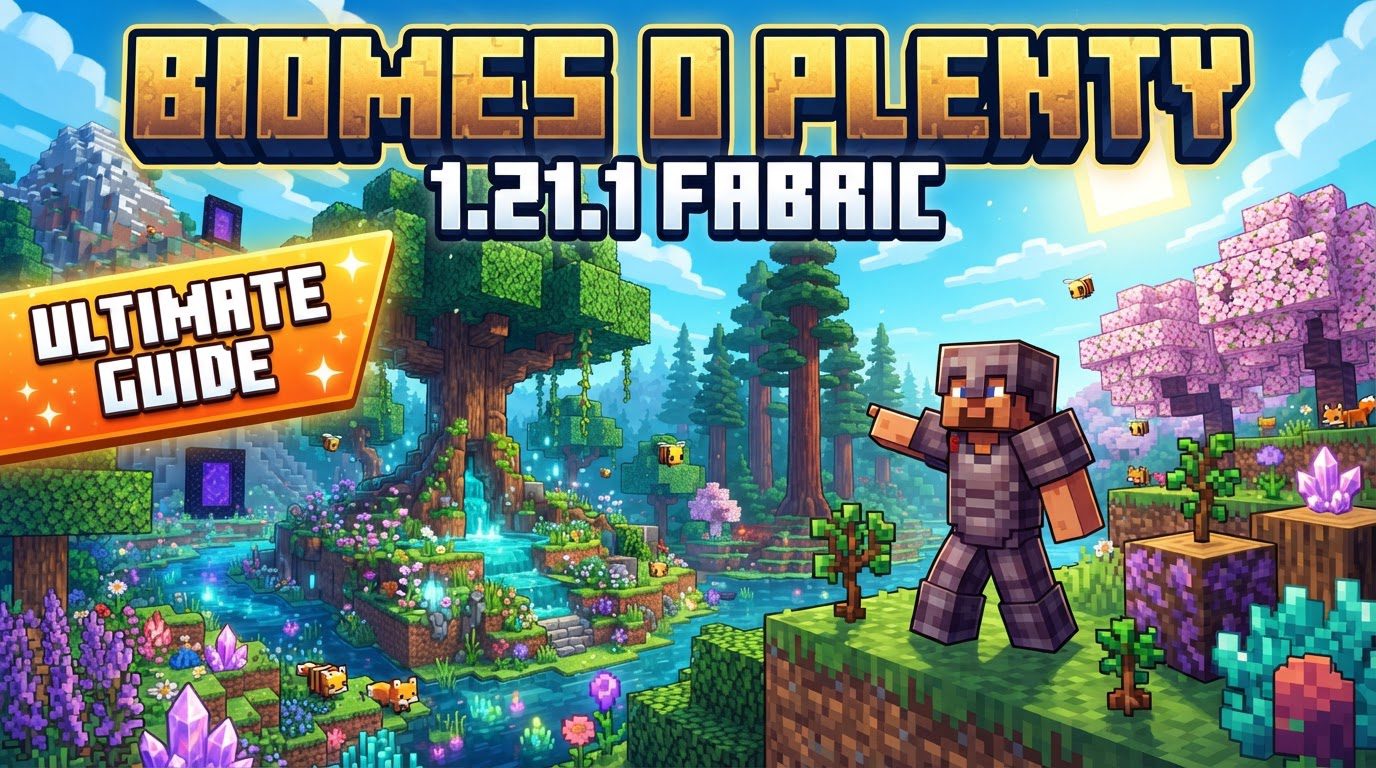
Over fifty distinct biomes await discovery, transforming the familiar blocky landscape of Minecraft into an incredibly diverse and breathtaking world. Biomes O’ Plenty, a cornerstone modification for Java Edition, elevates the exploration and building experience to new heights, especially for players venturing into Minecraft 1.21.1 with the Fabric mod loader. This guide will equip you with all the knowledge needed to seamlessly integrate and fully enjoy this expansive mod.
Enriching Your Minecraft 1.21.1 World
Biomes O’ Plenty is more than just a mod; it’s a complete overhaul of Minecraft’s world generation system. Designed for Minecraft Java Edition, its primary purpose is to dramatically increase the environmental variety players encounter. It achieves this by introducing an impressive array of over 50 unique biomes across the Overworld, Nether, and even the End dimensions. Each new biome isn’t merely a recolor; it often comes with its own set of custom trees, vibrant flowers, unique plants, and distinctive building blocks, providing an unparalleled canvas for both adventurers and creative builders. The mod is meticulously crafted to integrate these new environments with a “vanilla-esque flair,” ensuring that while they are novel and exciting, they still feel inherently part of the Minecraft universe, rather than jarring additions.
The Heart of Biomes O’ Plenty: A World Reimagined
The true magic of Biomes O’ Plenty lies in its ability to offer an endless sense of wonder. Imagine stumbling upon a majestic Cherry Blossom Grove, its delicate pink petals drifting through the air, or discovering the ethereal glow of a Mystic Grove, teeming with otherworldly flora. The mod introduces landscapes as varied as the vibrant Rainbow Hills, the fragrant Lavender Fields, and the dense, sprawling Tropical Rainforests, each presenting unique challenges, resources, and aesthetic opportunities. This vast expansion of ecological diversity not only makes exploration inherently more rewarding but also provides an enormous palette for players looking to construct bases, villages, or grand architectural marvels that truly blend with their surroundings. The introduction of new block types and natural decorative elements further empowers players to express their creativity with greater fidelity and detail than ever before.
Prerequisites for a Flourishing Fabric World
Before diving into the installation of Biomes O’ Plenty itself, it’s crucial to understand that modern Minecraft mods, especially those that deeply alter world generation, often rely on a network of supporting libraries and APIs. For Minecraft 1.21.1 on Fabric, three key dependencies are absolutely essential for Biomes O’ Plenty to function correctly. Failing to install any of these will prevent the mod from loading or cause significant issues.
- Fabric API: This is the fundamental modding API for Fabric. Almost all Fabric mods, including Biomes O’ Plenty, require it to run. Ensure you download the version specifically for Minecraft 1.21.1 and the Fabric mod loader.
- GlitchCore: A more recent addition to the dependency list, GlitchCore is required for Biomes O’ Plenty versions compatible with Minecraft 1.20.4 and above, which includes 1.21.1. Without it, the mod will not initialize.
- TerraBlender: This library is vital for mods that add new biomes, as it facilitates the seamless integration of custom biomes into Minecraft’s world generation system. It has been a requirement for Biomes O’ Plenty since Minecraft 1.18 and remains essential for 1.21.1.
Always double-check that all these dependency files are downloaded for the correct Minecraft version (1.21.1) and are compatible with the Fabric mod loader.
Seamless Integration: Installing Biomes O’ Plenty on Fabric 1.21.1
Installing Biomes O’ Plenty, along with its necessary dependencies, is a straightforward process once you understand the steps. Follow these instructions carefully to get your expanded world up and running:
- Install Fabric Loader: Your journey begins by setting up the Fabric Mod Loader. Navigate to `fabricmc.net` and download the installer for Minecraft 1.21.1. Run the installer to set up a new Fabric profile in your Minecraft launcher.
- Download Dependencies: Acquire the required supporting mods. Visit reliable platforms like Modrinth or CurseForge to download `Fabric API`, `GlitchCore`, and `TerraBlender`. Crucially, ensure each `.jar` file is specifically for Minecraft 1.21.1 and the Fabric mod loader.
- Download Biomes O’ Plenty: Once your dependencies are secured, download the Biomes O’ Plenty mod file (also a `.jar` file) itself. Again, confirm it’s the correct version for Minecraft 1.21.1 and Fabric from Modrinth or CurseForge.
- Locate Your Mods Folder: Open your Minecraft launcher. Go to the “Installations” tab, find your newly created Fabric Loader profile for 1.21.1, and click the folder icon that appears when you hover over it. This will open your game directory. Inside, you should find a “mods” folder. If it doesn’t exist, simply create a new folder named “mods”.
- Place Mod Files: Drag and drop all the `.jar` files you downloaded – Biomes O’ Plenty, Fabric API, GlitchCore, and TerraBlender – directly into the “mods” folder.
- Launch Minecraft: Close and reopen your Minecraft Launcher. Select the Fabric Loader profile you installed earlier and click “Play.”
- Create a New World: To fully experience the vast array of new biomes, you must create a brand-new world. When doing so, navigate to the world creation options and ensure you select “Biomes O’ Plenty” as the world type. This instructs the game to use the mod’s generation algorithms.
Maximizing Your Biomes O’ Plenty Adventure
To ensure a smooth and enjoyable experience with such a comprehensive world-altering mod, a few considerations and best practices are worth noting:
- Allocate Sufficient RAM: Biomes O’ Plenty, with its extensive world generation and diverse assets, can be resource-intensive. While 4GB of RAM is a minimum for modded Minecraft, it is highly recommended to allocate 6-8GB of RAM to Minecraft for optimal performance and to prevent lag, especially when exploring new chunks.
- New Worlds for the Best Experience: Biomes O’ Plenty primarily affects newly generated chunks. If you load an existing world, the mod’s biomes will only appear in previously unexplored areas. For the most immersive and complete experience, starting a fresh world is always advisable.
- Server Configuration: If you’re running a Minecraft server and wish to use Biomes O’ Plenty, you’ll need to configure it correctly. Open your `server.properties` file and set `level-type=biomesoplenty`. This ensures the server uses the mod’s world generator for all new world creation.
- Client Requirement for Servers: Players connecting to a Biomes O’ Plenty server must also have the mod and its dependencies installed on their own client. Without it, they will experience visual glitches, incorrect biome names, and missing custom textures, leading to a broken experience.
- Configuration Options: Biomes O’ Plenty is highly customizable. You can fine-tune various aspects of the mod using its JSON-based configuration files, typically located in your `.minecraft/config/biomesoplenty/` directory. Here, you can adjust biome spawn frequency, toggle specific features, and modify terrain parameters to tailor the world to your preferences.
Navigating Potential Hurdles: Common Mistakes and Solutions
Even with clear instructions, players sometimes encounter issues. Being aware of common mistakes can save you a lot of troubleshooting time:
- Neglecting Dependencies: The most frequent error is forgetting to install one or more of the required mods: Fabric API, GlitchCore, or TerraBlender. Without them, Biomes O’ Plenty simply won’t load or function. Always double-check your “mods” folder for all necessary `.jar` files.
- Incorrect Version/Mod Loader: Ensure every downloaded `.jar` file (Biomes O’ Plenty and all its dependencies) is specifically for Minecraft 1.21.1 and the Fabric mod loader. Mixing versions or using Forge-compatible files with Fabric will inevitably lead to crashes.
- Not Creating a New World: Installing the mod on an existing world without exploring new chunks will not showcase the new biomes. Remember that the mod only affects *newly generated* terrain.
- Incorrect World Type Selection: When creating a new world, failing to select “Biomes O’ Plenty” as the world type will result in vanilla Minecraft world generation, even if the mod is installed. Always verify this setting during world creation.
- Lag Spikes with Dynamic Resources: In some rare instances, particularly in specific biomes like the End Corruption, and especially if you have many other mods with custom models and dynamic resources enabled, you might experience lag spikes. While often difficult to pinpoint, reducing dynamic resource packs or adjusting graphics settings can sometimes help.
Final Thoughts on Your Expanded Journey
Biomes O’ Plenty for Minecraft 1.21.1 Fabric offers an unparalleled opportunity to rediscover the joy of exploration and creation within Minecraft. By carefully following the installation steps, understanding its core mechanics, and heeding the optimization tips, you’re set to embark on an adventure through landscapes you’ve only dreamed of. Prepare to be amazed by the sheer variety and beauty that this mod brings to your blocky world.
Tags:
YOU MAY ALSO LIKE...


