Create Factory Logistics Bottler
The “Create Factory Logistics Bottler” is the specialized block that bridges the gap between fluid management and item-based logistics within your advanced Minecraft factories. Introduced by the “Create Factory Logistics” mod, an essential addon for the popular “Create” mod, this device is specifically engineered to package liquids into transportable containers, making fluid movement as streamlined and automated as item delivery.
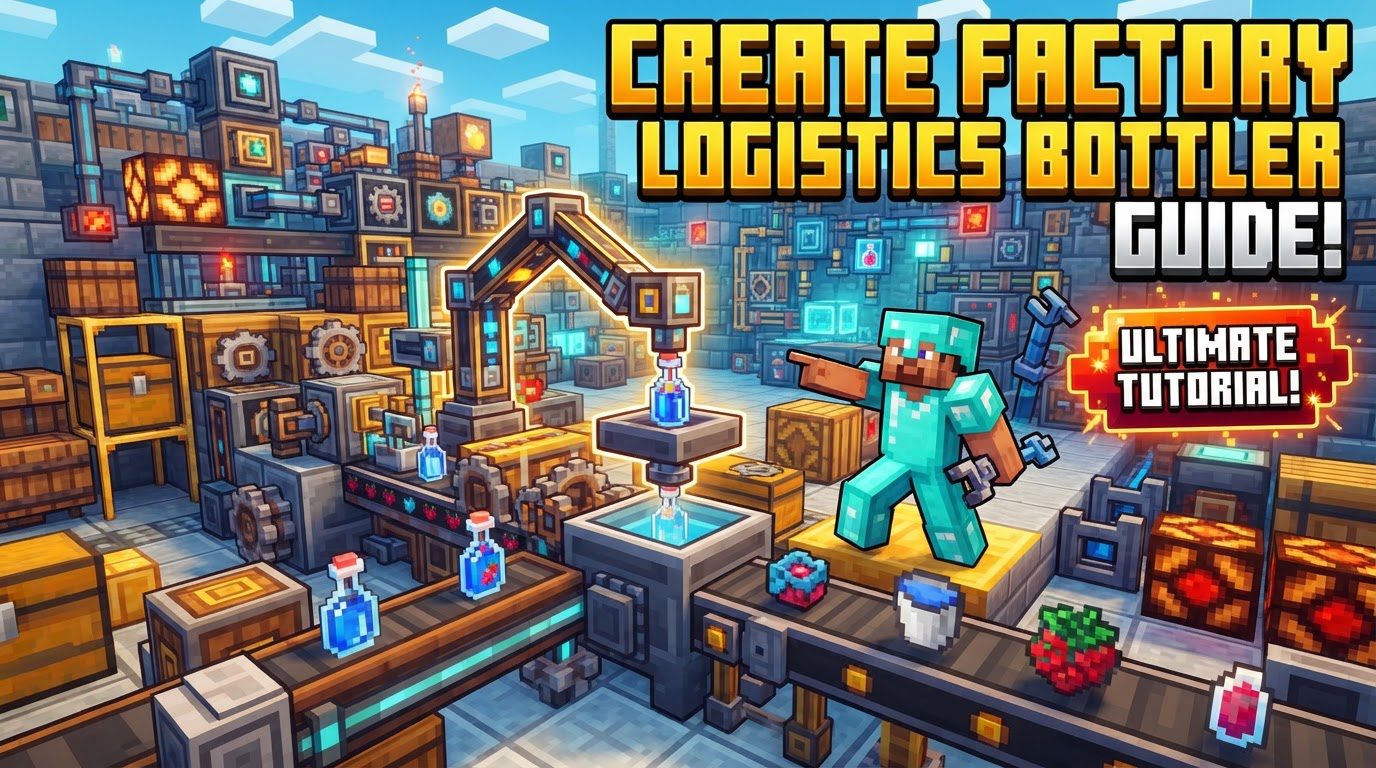
Core Functionality: Fluid Packaging and Logistics Integration
At its heart, the Bottler operates on a principle familiar to any seasoned Create mod user: packaging. Much like the Create mod’s item packager takes raw materials and consolidates them into compact “Packages” for efficient transport, the Bottler performs an analogous role for fluids. It transforms bulk liquids into discrete, network-friendly units, enabling their seamless integration into your existing logistical infrastructure.
- Fluid Packaging: The primary function is to take fluids supplied to it and fill them into dedicated containers. This process is crucial for moving liquids through systems designed primarily for items.
- “Jars” as Fluid Carriers: Central to this system are “Jars.” These specialized containers act as the fluid equivalent of item packages. Once a Jar is filled by the Bottler, it becomes a physical item that can be picked up, sorted, and routed by your Create Factory Logistics network, allowing fluids to travel alongside items on conveyors, through tunnels, and between Frogports.
- Integration with Logistics Network: The Bottler is not a standalone fluid handler; it is designed to be an integral component of the “frog-chain logistical system.” This means that once fluids are packaged into Jars, they become part of the same interconnected web of conveyors, Stock Links, and Frogports that handles all other items in your factory, ensuring a unified and efficient transportation paradigm.
Seamless Network Integration and Advanced Monitoring
Beyond simple packaging, the Bottler offers sophisticated integration capabilities that elevate your factory’s automation potential. It’s not just about moving fluids; it’s about intelligent fluid management, tracking, and supply for complex crafting operations.
- Wireless Tracking: For large, sprawling factories, knowing the status of your resources is paramount. When properly linked to Stock Links and a Stock Ticker, the Bottler allows for comprehensive wireless monitoring. This means you can track the current fluid levels within Bottlers, observe the availability of filled Jars, and manage your liquid inventory from a central location, optimizing supply chains and preventing unexpected shortages.
- Auto-crafting Support: One of the most powerful applications of the Bottler is its role in auto-crafting. Many advanced recipes require both solid items and specific fluid ingredients. By packaging fluids into Jars and delivering them via the logistics network, the Bottler directly facilitates the automated provision of these liquid components. This enables the creation of complex composite liquids or items that require fluids as input, all without manual intervention.
Setting Up Your Bottler: A Step-by-Step Guide
Implementing a Bottler into your factory requires careful planning and execution to ensure efficient fluid flow. Follow these steps to successfully integrate this powerful block into your Create Factory Logistics system.
- Establish a Create Logistics Network: Before placing your Bottler, ensure you have a foundational Create logistics network in place. This includes essential components like chain conveyors for item movement, Stock Links for communication, and Frogports for picking up and delivering items (including filled Jars). A robust network is key to the Bottler’s utility.
- Place the Bottler: Strategically position the Bottler within your established logistics network. Consider its proximity to both fluid sources and the destinations where the packaged Jars will be needed. Its placement should allow for easy input of fluids and empty Jars, and convenient output of filled Jars onto your conveyors.
- Supply Fluid: Connect a source of the desired fluid to the Bottler. This is typically achieved by connecting a liquid tank (such as a fluid tank or a portable storage interface) to the Bottler’s fluid input side using fluid pipes. Ensure a consistent and sufficient supply of the liquid you intend to package.
- Supply Empty Jars: Just as important as the fluid is the supply of empty Jars. Feed empty Jars into the Bottler’s item input side. This can be done using standard Create conveyors, hoppers, or other item transportation methods. The Bottler needs these containers to perform its packaging function.
- Activate the Bottler: The Bottler, like many Create machines, requires rotational power to operate. Provide power to the Bottler using standard Create mechanics, such as a sequenced gear shift, a powered gearbox, or a simple lever connected to a rotational source. Without power, the bottling process will not initiate.
- Transport Filled Jars: Once an empty Jar is filled with fluid, it becomes a transportable item. Ensure that your logistics network is set up to pick up these filled Jars. A Frogport placed adjacent to the Bottler’s output side is ideal for receiving the Jars and routing them to their designated destinations within your factory.
- Monitor with Stock System: To maintain oversight and control, link the Bottler to your Stock Links and a Stock Ticker. This connection allows you to remotely view the status of the Bottler, including its fluid levels and the number of filled Jars available, enabling proactive management of your fluid resources.
Maximizing Efficiency: Expert Tips for Bottler Operation
To truly master the Create Factory Logistics Bottler, consider these expert tips that enhance organization, control, and overall factory efficiency.
- Labeling: In complex factory setups, proper organization is paramount. Utilize signs to clearly label your Frogports and Bottlers. This practice helps in quickly identifying fluid types, destinations, and ensuring that Jars are addressed and routed correctly within your intricate logistics system.
- Fluid Level Control: For precise fluid management, integrate Factory Fluid Gauges with your Bottler setup. These gauges can be configured to automate and maintain exact fluid levels in connected tanks. This prevents overfilling or underfilling, ensuring a steady supply for bottling and preventing resource waste.
- Mixed Input Recipes: When dealing with auto-crafting recipes that demand both fluids and items, you have a couple of advanced options. You can use a re-packager to combine filled “Jars” (containing fluids) and “Packages” (containing items) into a single composite package. This streamlines delivery to a crafting station. Alternatively, for simpler setups, you might break down the process into stages, independently supplying fluids to a spout station while items are delivered separately.
- Sorting: As your logistics network grows, distinguishing between fluid Jars and item packages becomes critical. Employ Attribute Filters within brass tunnels to effectively sort these different container types. This ensures that Jars go to fluid-consuming stations and item packages go to item-consuming stations, preventing blockages and misdeliveries on your conveyor systems.
Avoiding Pitfalls: Common Bottler Mistakes
Even experienced players can encounter issues with the Bottler. Being aware of these common mistakes can save you valuable time and resources.
- Mod Confusion: A frequent error is confusing the “Create Factory Logistics Bottler” with generic “bottling machines” found in other Minecraft mods (like Immersive Engineering) or even vanilla mechanics. The Create Bottler has a unique design and integrates specifically with the Create Factory Logistics network, meaning its setup and functionality are distinct and require adherence to its specific mechanics.
- Improper Network Connection: Failing to correctly connect the Bottler to the Create Factory Logistics network is a major roadblock. If Frogports aren’t properly addressed or conveyors aren’t correctly aligned, the Bottler might fill Jars, but they will never reach their intended destination, leading to inefficient or completely non-functional fluid transport.
- Lack of Resources: The Bottler needs two primary inputs to operate: the desired fluid and empty Jars. Forgetting to supply either of these will prevent the Bottler from functioning. Ensure both a consistent fluid source and a steady stream of empty Jars are supplied to keep the process running.
- No Power: Like many Create machines, the Bottler requires rotational power. Forgetting to supply this power will result in the machine remaining idle. Always check that your Bottler is correctly hooked up to a power source, such as a water wheel, windmill, or steam engine, via gears or shafts.
- Mixed Container Handling: In recipes that utilize both items and fluids, incorrectly routing Jars and item packages can lead to severe blockages or incorrect deliveries. Without proper sorting mechanisms (like Attribute Filters in brass tunnels), Jars might end up in item-only inventories, or vice versa, halting production.
The Create Factory Logistics Bottler is an indispensable tool for any ambitious Create mod player looking to achieve true automation in fluid management. By understanding its mechanics and following best practices, you can seamlessly integrate liquids into your advanced logistical systems, unlocking new levels of factory efficiency and complexity.
Tags:
YOU MAY ALSO LIKE...