Create Factory Logistics Curseforge
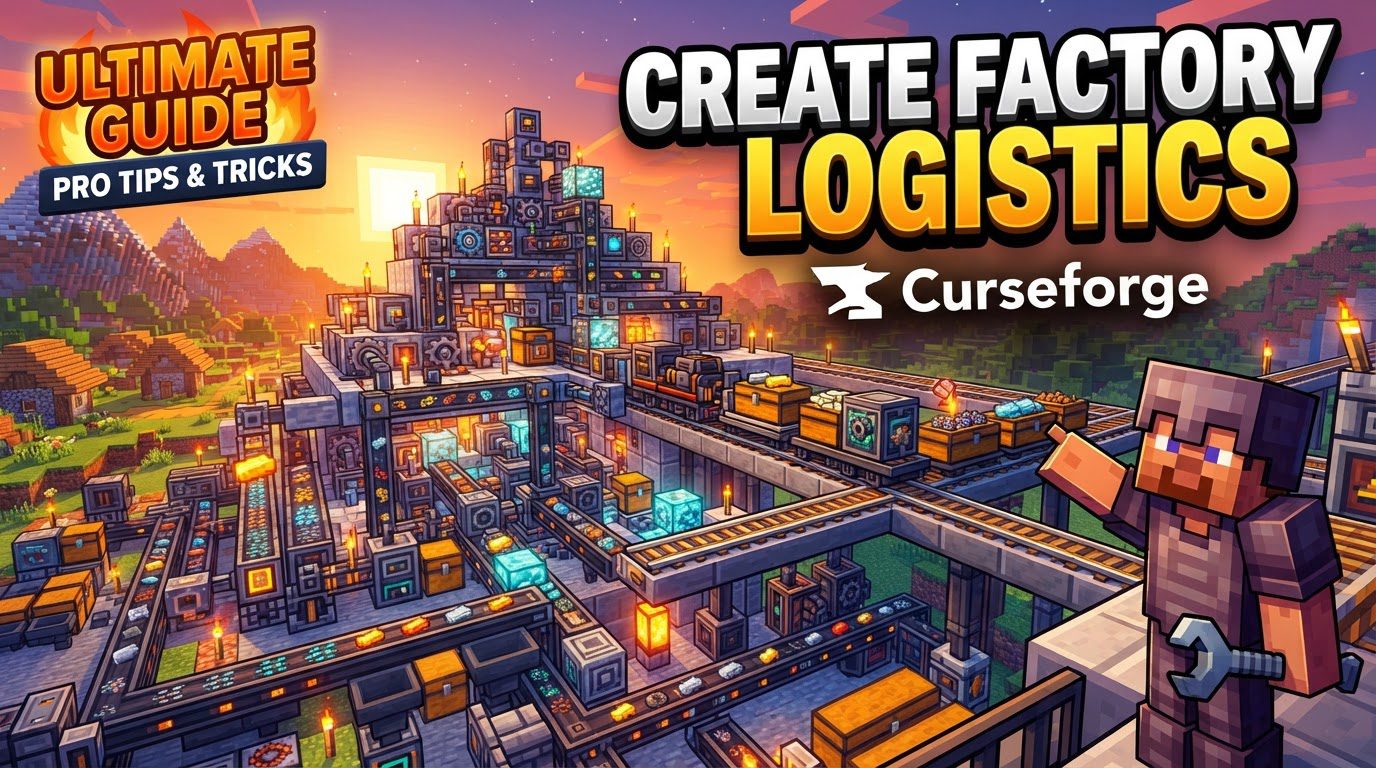
One of the most common frustrations for aspiring factory magnates in Minecraft is the sheer logistical headache of moving items and fluids efficiently across sprawling automated contraptions. “Create Factory Logistics” isn’t a single mod, but rather a collection of powerful CurseForge addons that build upon the beloved Create mod, transforming chaotic item routing into a streamlined, intelligent network. These extensions – including prominent ones like “Create Factory Logistics” by zznty, “Create: Additional Logistics,” and “Create: Expanded Logistics” – are designed to elevate your automation game, allowing you to manage resources with unprecedented precision and scale.
Understanding the Core Logistics Mechanics
At the heart of Create’s expanded logistics capabilities lies a sophisticated package-based system, where items are no longer just raw materials but intelligent, addressed units. This paradigm shift enables complex routing and management.
- Package-Based Item Logistics: Instead of simply moving items, this system encapsulates them into “packages,” each carrying a destination address. This allows for highly specific routing within your factory.
- Packagers: These essential blocks are your entry and exit points for the package network. They convert items from standard inventories into addressed packages and, conversely, unpack incoming packages back into storage.
- Stock Link: The Stock Link is the backbone of your inventory awareness. By connecting various inventories to a unified logistics network, it makes their contents transparent and accessible for tracking and fulfilling requests.
- Stock Ticker & Stock Keeper: To manage your vast inventory, the Stock Ticker helps organize items into categories within the network’s catalog. Paired with this, a Stock Keeper (typically a mob seated near the Ticker) provides a player interface to browse available items and place delivery requests, acting as your personal logistics assistant.
- Redstone Requester: For dynamic automation, the Redstone Requester enables automated item requests to be triggered via redstone signals, integrating logistics into your broader machine logic.
- Package Routing Components:
- Package Filters: These allow you to configure specific addresses, ensuring packages only proceed along designated routes.
- Package Funnels & Tunnels: Crucial for flow control, these are used to insert, extract, and sort packages based on their destination address as they travel along conveyor systems.
- Frogports: These ingenious devices facilitate package transfer between connected locations and possess the unique ability to automatically pathfind across networks of chain links, simplifying complex routing.
- Fluid Logistics (Create Factory Logistics by zznty): This specific addon introduces “Jars” for fluid transportation, mirroring the item packaging system. “Bottlers” are used to fill and empty these jars, while “Fluid Gauges” seamlessly integrate fluid ingredients and outputs into your automated crafting workflows, ensuring precise fluid management.
- Factory Gauges: These intelligent monitors keep a watchful eye on inventory levels. When quantities of an item or crafting ingredient fall below a set threshold, Factory Gauges automatically trigger requests, maintaining a steady supply chain.
Advanced Enhancements for Scalability
As your factory grows, additional mods introduce features to handle increasing complexity:
- Create: Additional Logistics:
- Promise Limits: Prevents system overload by allowing you to set a maximum number of open requests for Factory Gauges.
- Additional Stock: Improves Restockers to request multiple stacks of an item when stock falls, rather than only the exact missing amount, leading to fewer, larger deliveries.
- Package Accelerator: Boosts the speed of Packagers by consuming stress units, essential for high-throughput systems.
- Package Editor: Offers granular control by modifying package addresses using configurable rules, allowing for dynamic re-routing.
- Train Network Monitor: Provides real-time data on trains, stations, and package status within the Create train network, crucial for large-scale, train-based logistics.
- Create: Expanded Logistics:
- Drone Deliveries: Introduces drones for automated aerial package transport, ideal for navigating complex factory layouts or bridging gaps.
- Smart Factory Management: Tools like the Factory Board Manager and Wireless Stock Manager provide remote monitoring and management of your factory’s logic, offering unparalleled control from a distance.
- Automated Package Tracking: Logistics Funnels stamp packages with Tracking IDs, which Freight Scanners can then read, offering detailed oversight of every package’s journey.
Building Your Automated Network: A Step-by-Step Guide
Setting up your first logistics network can seem daunting, but by following these steps, you’ll establish a robust system for item management.
- Establish Storage: Begin by constructing Create Item Vaults. For optimal integration, ensure they are placed adjacently to form a single, contiguous storage chain.
- Connect to Network: Place a Packager so its input side faces directly into one of your vaults. Crucially, place a Stock Link adjacent to the Packager. The Packager will glow green, indicating a successful connection to the logistics network.
- Manage Stock: Set up a Stock Ticker. Next to it, place a seat with a mob (your designated Stock Keeper). This setup allows you, the player, to browse all available items within the linked storage and place delivery requests through the Stock Keeper’s interface.
- Create and Address Packages: Insert items into the Packager’s inventory. To initiate packaging, power the Packager with a redstone signal. For routing, place a sign on the Packager and write a specific address on it. This address will be assigned to all packages produced by that Packager, dictating their destination.
- Route Packages: Utilize Create’s extensive transport options. Employ conveyor belts for horizontal movement, funnels and tunnels for sorting and directional changes, and especially Frogports for intelligent, self-pathfinding package transfer across chain link networks.
- Unpack at Destination: At the intended receiving location, set up another Packager. Configure a funnel to draw packages into it. This receiving Packager will automatically unpack the delivered items and deposit them into any attached inventory (e.g., another vault, a chest, or a processing machine).
- Automate Requests: For hands-off replenishment, place Factory Gauges on Packagers or other storage blocks. Configure these gauges to monitor item quantities. When levels drop below your specified threshold, the Factory Gauge will automatically request replenishments or crafting ingredients from the network.
Optimizing Your Logistics: Expert Tips
To truly master Create Factory Logistics, consider these advanced strategies:
- Efficient Addressing is Key: Always use signs on your Packagers to clearly and consistently assign addresses. A well-defined addressing scheme is the bedrock of efficient and error-free package routing.
- Smart Filtering: Make extensive use of Package Filters, funnels, and tunnels. These tools are indispensable for accurately sorting packages by their intended destination, preventing misroutes and ensuring items arrive where they’re needed.
- Centralize Storage, Decentralize Access: Link multiple storage units with a Stock Link to create a comprehensive, unified inventory. This allows any Stock Keeper to access the entire inventory, regardless of physical location.
- Fluid Specifics: When working with liquids, fully integrate the dedicated fluid systems from “Create Factory Logistics.” Utilize Jars for transport, Bottlers for filling and emptying, and Fluid Gauges for precise monitoring and auto-requesting of fluid levels.
- Boost Performance: If your Packagers become a bottleneck in high-throughput systems, deploy Package Accelerators. These devices consume stress units to significantly increase packaging speed, keeping your production flowing.
- Prevent Overload with Promise Limits: Implement Promise Limits on your Factory Gauges. This crucial feature controls the number of pending requests, preventing your logistics network from being overwhelmed by simultaneous demands.
- Batch Requests for Efficiency: Configure Restockers with the “Additional Stock” feature. This allows them to request items in larger batches, reducing the frequency of small, individual requests and optimizing transport efficiency.
- Large-Scale Logistics Monitoring: For expansive factories relying on trains, integrate Train Network Monitors. These provide vital real-time data on trains, stations, and package status, giving you full oversight of your rail-based distribution.
- Remote Control and Drones: Explore features from “Create: Expanded Logistics” such as drone deliveries for aerial transport and wireless managers for advanced remote monitoring and operation. These tools are invaluable for managing vast, multi-layered factories.
Avoiding Common Pitfalls
Even the most seasoned factory builders can stumble. Be aware of these common mistakes to ensure your logistics network runs smoothly:
- Unaddressed Packages: A package without a designated address is a lost package. It will endlessly circulate within the network, never reaching its destination. Always assign addresses via signs on your Packagers.
- Incorrect Network Linking: Ensure all logistics components (Packagers, Stock Links, Gauges) are correctly associated with the intended logistics network. Mislinked components can lead to items being misrouted, untracked, or simply ignored.
- Runaway Requests: Without proper configuration, Factory Gauges can initiate an excessive number of requests. This can quickly lead to system overload, especially if Promise Limits are not configured to cap pending demands.
- Bottlenecks from Slow Packagers: In high-throughput automated systems, standard Packagers might be too slow to keep up. This creates bottlenecks. Proactively use Package Accelerators to mitigate this issue before it cripples your production line.
- Mismanaging Fluids: Attempting to transport fluids using item-based logistics or neglecting the dedicated fluid systems (Jars, Bottlers, Fluid Gauges) when “Create Factory Logistics” is installed will lead to inefficiency and frustration. Use the right tool for the job.
- Unloaded Chunks: Logistics systems, like most Minecraft automation, will cease to function if the chunks they reside in are unloaded. Ensure critical parts of your supply chain are chunk-loaded to prevent disruptions.
- Filter Misconfiguration: Incorrectly set Package Filters or funnels are a prime cause of packages being sent to the wrong location, getting stuck, or being unable to reach their intended destination. Double-check all filter settings.
By leveraging these powerful Create addons, you can transform your Minecraft factory from a collection of isolated machines into a cohesive, intelligent, and self-sufficient logistical masterpiece. Embrace the package-based system, build with precision, and watch your automated empire flourish.
Tags:
YOU MAY ALSO LIKE...