

Decoration Table Sophisticated Storage
Ever wished your Minecraft storage wasn’t just functional, but also a seamless part of your base’s aesthetic? The Sophisticated Storage mod, a revolutionary enhancement to Minecraft’s item management, doesn’t just offer advanced organizational capabilities; it provides an unparalleled level of visual customization. At the heart of this aesthetic revolution lies the Decoration Table, a dedicated block designed to transform mundane chests and barrels into visually stunning components of your architectural designs. It moves beyond simple utility, allowing players to craft storage solutions that perfectly complement any build style, from rustic farmhouses to futuristic laboratories.
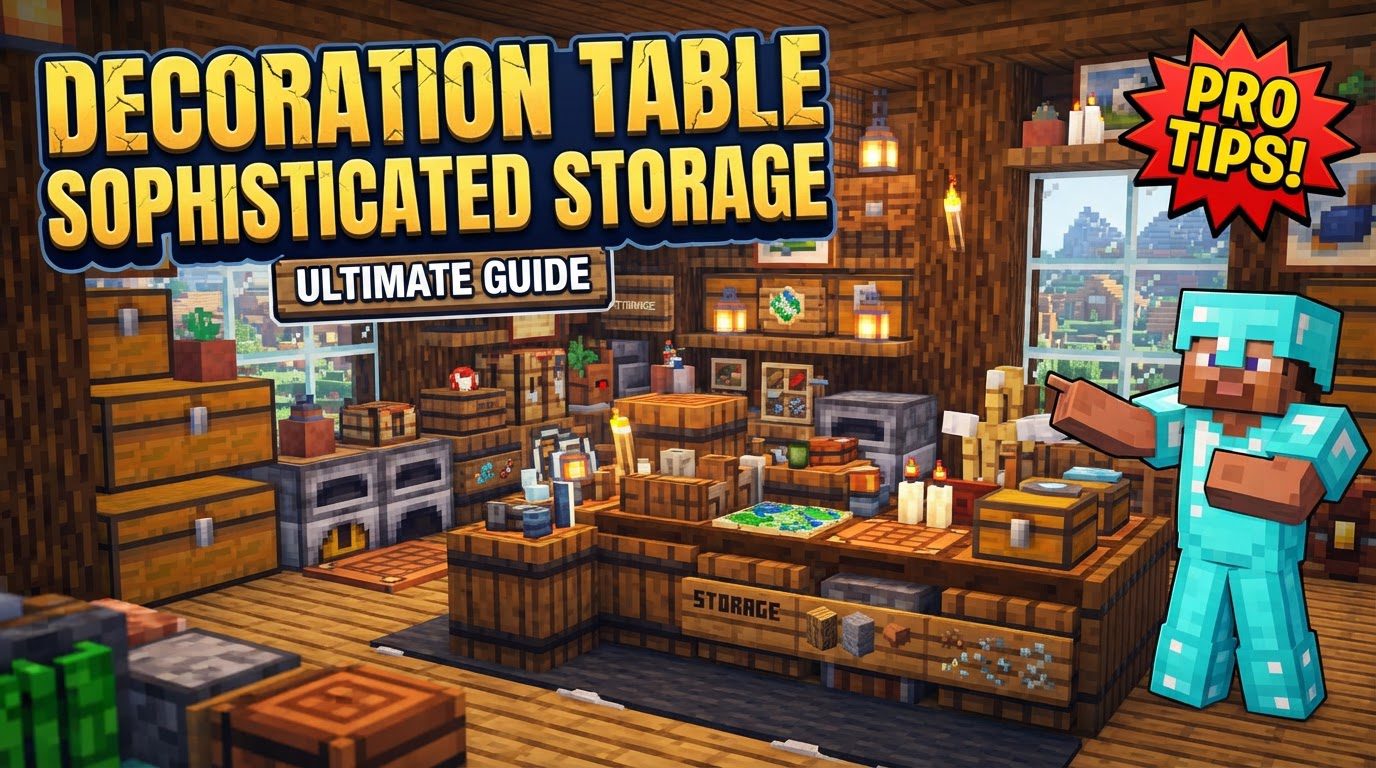
Unlocking Aesthetic Potential: The Decoration Table
The Sophisticated Storage mod fundamentally redefines how players interact with storage in Minecraft. It introduces highly customizable and upgradeable barrels, chests, and shulker boxes, moving far beyond the basic wooden chest. While the functional upgrades are powerful, the true artistic freedom comes with the Decoration Table. This specialized crafting station is your gateway to personalizing every storage block in your system, ensuring that your meticulously organized items are housed in containers that are as visually appealing as they are efficient. It’s not merely about changing a color; it’s about integrating your storage seamlessly into your world, adding depth and character to every corner of your base.
Understanding the Core Mechanics
The Decoration Table operates on a simple, intuitive principle: take a Sophisticated Storage block, choose its look, and apply it. However, the depth of its customization options is what truly sets it apart. Its graphical user interface (GUI) is where all the magic happens, offering a straightforward yet powerful way to manipulate the appearance of your storage units.
- Primary Purpose: The Decoration Table’s sole focus is on applying various colors and materials to Sophisticated Storage blocks. This means you can transform the default appearance of a barrel or chest into something entirely new, reflecting your personal style or the theme of your build.
- Dual-Color Selection: Within the GUI, players can select two distinct colors. These typically correspond to the main body and accent areas of the storage block, allowing for attractive two-tone designs. This dual-color system provides a significant leap in customization compared to simpler dyeing mechanics found elsewhere in Minecraft.
- Tiered Customization for Barrels: For higher-tier Limited Barrels (specifically Tier II, III, and IV), the customization options expand further. Beyond the primary and secondary colors, you gain the ability to independently customize the top inner accent material. This extra layer of detail means these advanced barrels can achieve even more intricate and sophisticated visual styles, perfect for showcasing rare items or marking specific storage categories.
- The Essential Paintbrush: While the Decoration Table is where you configure the look, the Paintbrush is the tool that brings that vision to life in your world. The Paintbrush acts as a portable applicator for your chosen colors and materials. You configure it at the Decoration Table, and then use it to apply those settings to blocks in the game world.
- Network-Wide Application: One of the most powerful features associated with the Paintbrush is its ability to apply decorations across an entire storage network. By using a configured Paintbrush on a Storage Controller, all connected Sophisticated Storage blocks within that network will instantly adopt the chosen decoration scheme. This feature is a massive time-saver for large-scale storage systems, eliminating the need to decorate each block individually.
- Material Consumption: It’s important to remember that customization isn’t free. Both the Decoration Table and the Paintbrush consume the specified dye items or material blocks from your player inventory. If you have containers like backpacks, they will also draw materials from there. Always ensure you have the necessary resources on hand before embarking on a large-scale redecoration project.
A Step-by-Step Guide to Customizing Your Storage
Decorating your Sophisticated Storage blocks is a straightforward process, but understanding each step ensures a smooth and efficient workflow. Follow these instructions to transform your storage system:
- Place the Storage Block: Begin by opening the Decoration Table’s GUI. In the designated “crafting” slot (usually on the left side of the interface), place the Sophisticated Storage block you intend to decorate. This could be a barrel, chest, or shulker box.
- Select Colors and Materials: Once the block is in place, you’ll see color picker options within the GUI. Use these to select your desired primary and secondary colors. These choices will immediately preview on the storage block within the interface. If you’re working with a higher-tier Limited Barrel (II, III, or IV), an additional option will appear, allowing you to choose a distinct material for the inner top accent. Experiment with these selections until you achieve the perfect look.
- Apply Decoration (Directly on Table): After making your color and material selections, you can apply them directly to the block currently in the Decoration Table’s slot. This is useful for decorating individual blocks before placing them, or for quickly customizing a few specific containers.
- Prepare Your Paintbrush (Optional, for World Application): For decorating blocks already placed in your world, or for mass application, you’ll need a Paintbrush. Place an empty or existing Paintbrush into the “crafting” slot of the Decoration Table (replacing your storage block). The colors and materials you just selected will then be “loaded” onto the Paintbrush. Remove the Paintbrush from the slot once it’s configured.
- Apply Decoration (Using the Paintbrush): With your configured Paintbrush in hand, right-click on any Sophisticated Storage block in the world. The block will instantly adopt the colors and materials loaded onto your Paintbrush. For unparalleled efficiency, right-click on a Storage Controller. This will apply the chosen decoration to every single Sophisticated Storage block connected to that controller within its network, saving you immense time and effort for large storage arrays.
Mastering Your Palette: Advanced Tips and Tricks
While the basic steps are simple, a few strategic approaches can elevate your decoration game and streamline your building process:
- Experiment with Color Combinations: Don’t be afraid to try unconventional color pairings. The dual-color selection, combined with the accent options for advanced barrels, opens up a vast spectrum of visual possibilities. Think about contrasting colors for highlights, or complementary shades for a more subtle, cohesive look. A little experimentation can lead to surprisingly unique and appealing designs that truly make your storage stand out.
- Utilize the Paintbrush for Bulk Decorating: This cannot be stressed enough. For any storage system larger than a handful of blocks, configuring a Paintbrush and using it on a Storage Controller is an absolute game-changer. It transforms what could be hours of tedious individual right-clicks into a matter of seconds, allowing you to maintain a consistent aesthetic across your entire base with minimal effort.
- Consider Tiered Customization: Remember that the more advanced Limited Barrels offer additional layers of customization. This means you can create a visual hierarchy or special designations within your storage system. Perhaps your Tier IV barrel for rare materials gets a unique inner accent, making it instantly recognizable and distinct from your common item storage. Leverage these extra options to add detail and functionality to your designs.
- Keep Materials Handy: Always ensure you have a sufficient supply of the required dyes or material blocks in your inventory or accessible containers (like backpacks) when using the Decoration Table or Paintbrush. Running out mid-project can be frustrating, especially when decorating a large network. Pre-stacking your dyes or materials will ensure a seamless decoration process.
Beyond Decoration: General Sophisticated Storage Best Practices
While the Decoration Table focuses on aesthetics, it’s crucial to remember the broader context of the Sophisticated Storage mod. A beautiful storage system is only truly effective if it’s also functional. Keep these general Sophisticated Storage considerations in mind:
- Ignoring Upgrade Slots: Sophisticated Storage containers come with upgrade slots for a reason. Forgetting to utilize these can severely limit their functionality and capacity. Upgrades like stack upgrades, speed upgrades, or void upgrades are essential for optimizing your storage and item flow.
- Incorrect Filter Setup: When implementing upgrades such as the Void Upgrade or Filter Upgrade, precise configuration is key. Leaving filters empty or setting them incorrectly can lead to unintended item handling, such as valuable items being voided or items not being sorted as expected. Always double-check your filter settings.
- Misunderstanding Controller Range: Storage Controllers have a defined connection range. Placing storage blocks too far away from the controller itself, or too far from other connected blocks, will prevent them from becoming part of the network. Plan your storage layouts with the controller’s range in mind to ensure all blocks are properly integrated.
- Mod Incompatibility: Minecraft’s modding ecosystem can sometimes lead to conflicts. Issues can occasionally arise when Sophisticated Storage interacts with other mods, particularly those that modify inventory or storage access, such as certain storage terminals not recognizing Sophisticated Storage chests. If you encounter unexpected behavior, check for known mod incompatibilities or consider adjusting your mod loadout.
Crafting a Cohesive Look
The Decoration Table is more than just a cosmetic tool; it’s an integral part of creating a truly sophisticated and personalized Minecraft base. By carefully selecting colors, materials, and leveraging the power of the Paintbrush and Storage Controllers, you can transform your storage solutions from mere utility blocks into integral, beautiful elements of your architectural vision. Dive in, experiment with your palette, and watch as your storage system becomes a seamless, stylish extension of your creativity.
Tags:
YOU MAY ALSO LIKE...


