

Enchanting Infuser 1.21.1
One of the most frustrating aspects of vanilla Minecraft enchanting is the sheer unpredictability of outcomes. You invest precious experience levels, only to receive an enchantment that’s either useless or far from what you desired. Enter the Enchanting Infuser mod for Minecraft 1.21.1, a game-changer that completely overhauls this system, empowering players with unprecedented control over their item enhancements.
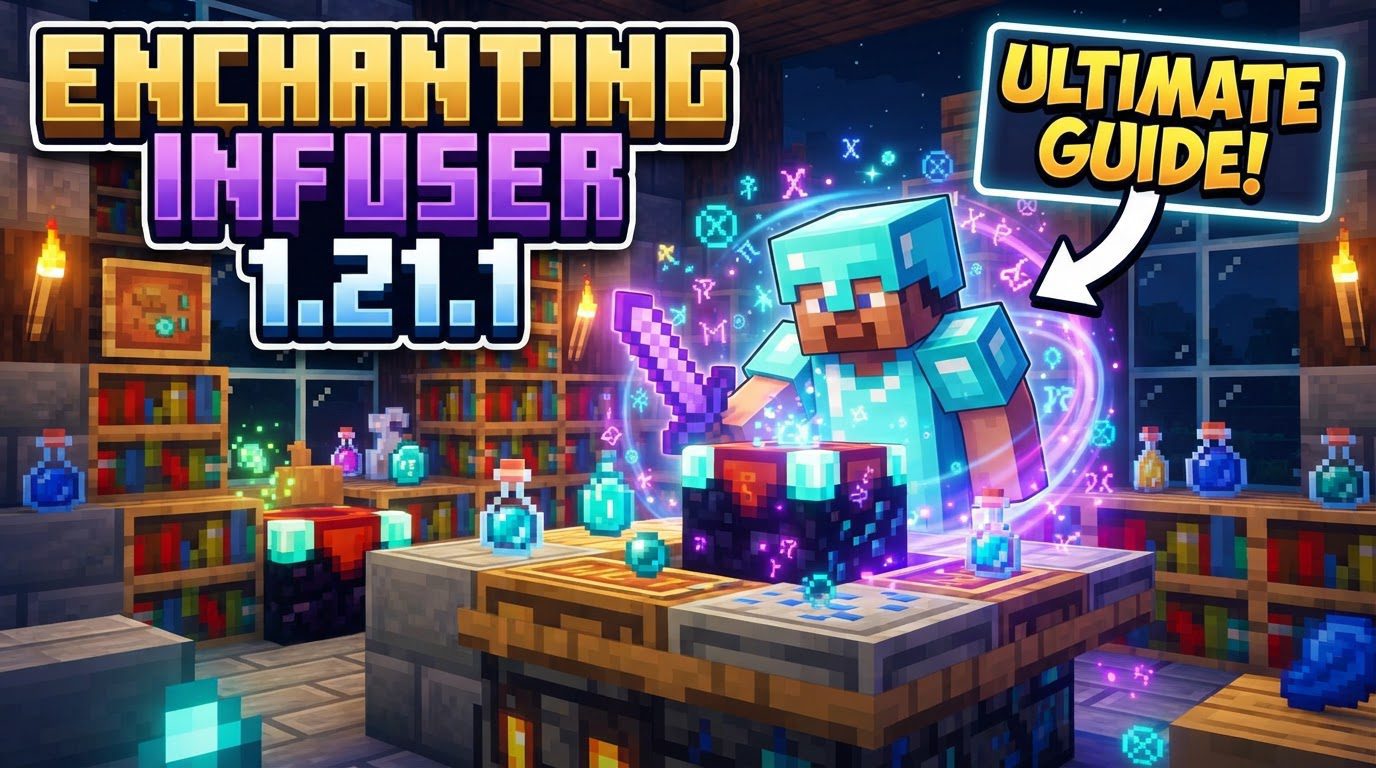
The Enchanting Infuser transforms the enchanting process from a gamble into a strategic choice. Instead of random results, this mod allows you to hand-pick the exact enchantments you want for your tools, weapons, and armor. This guide will delve into every aspect of setting up, using, and mastering the Enchanting Infuser, ensuring your gear is always perfectly tailored to your needs.
Setting the Stage: Installation and Dependencies
Before you can begin crafting your perfect gear, you’ll need to properly install the Enchanting Infuser mod. This mod is designed for Minecraft 1.21.1 and requires a specific mod loader. Depending on your preference, you’ll need either NeoForge or Fabric.
- Mod Loader Specifics: Ensure you download the version of the Enchanting Infuser mod compatible with your chosen loader.
- Crucial Dependencies: The Enchanting Infuser is not a standalone mod. It relies on other library mods to function correctly. You must install Puzzles Lib. If you’re using Fabric, you’ll also need the Fabric API. For NeoForge users, Forge Config API Port is another essential dependency. Forgetting these dependencies is a common mistake and will prevent the mod from working.
Once you have the correct mod files and all necessary dependencies, place them into your Minecraft instance’s ‘mods’ folder. A successful launch of the game should indicate the mod is active.
Crafting Your Infuser: Basic to Advanced
The Enchanting Infuser comes in two distinct tiers, each offering progressively more advanced functionalities. You’ll start with the Basic version and can later upgrade it.
The Basic Enchanting Infuser
This is your entry point into controlled enchanting. It provides the fundamental ability to select specific enchantments. To craft a Basic Enchanting Infuser, you will need:
- An existing Enchanting Table (the vanilla one).
- Two Amethyst Shards.
- Three Crying Obsidian.
- One Book.
Combine these ingredients in a crafting grid to create your first Infuser.
Upgrading to the Advanced Enchanting Infuser
For players seeking ultimate control and efficiency, the Advanced Enchanting Infuser is indispensable. It significantly expands upon the Basic version’s capabilities. To upgrade your Basic Infuser, you will require:
- Your existing Basic Enchanting Infuser.
- Two Netherite Ingots.
- Three Crying Obsidian.
- Another Book.
This upgrade transforms your Basic Infuser into a powerhouse, unlocking a suite of advanced features that will be detailed shortly.
Optimizing Your Enchanting Setup: The Power of Bookshelves
Just like the vanilla enchanting table, the Enchanting Infuser draws power from surrounding bookshelves. Proper placement is crucial to maximize its potential. To achieve the highest possible enchanting power and unlock the strongest enchantments, you must place up to 15 bookshelves around your Infuser.
- Placement Rule: Bookshelves must be within one block of the Infuser. This means they can be directly adjacent, or one block away diagonally, but not further.
- Maximizing Power: Aiming for all 15 bookshelves is highly recommended. This setup ensures you have access to the full range of enchantments and their highest levels, making your enchanting endeavors far more effective. Incorrect bookshelf placement is a common mistake that limits your enchanting options.
Using the Basic Enchanting Infuser
The Basic Enchanting Infuser streamlines the process of applying new enchantments to items.
- Placement: Place your Basic Enchanting Infuser in your desired location, ideally surrounded by 15 bookshelves.
- Item Insertion: Open the Infuser’s interface and place the item you wish to enchant into the designated slot.
- Enchantment Selection: A list of available enchantments will appear. These are determined by your surrounding bookshelves and your current experience level. You can choose specific enchantments from this list.
- Confirmation: Once you’ve selected your desired enchantments, apply them. This action will consume a certain amount of your experience levels, acting as the currency for the operation.
Mastering the Advanced Enchanting Infuser
The Advanced Enchanting Infuser is where the mod truly shines, offering unparalleled flexibility and control over your enchanted items. Beyond simply applying new enchantments, it provides several key functionalities:
- Modify, Upgrade, or Remove Existing Enchantments: Unlike the Basic Infuser, the Advanced version allows you to interact with enchantments already on an item. You can upgrade existing enchantments to higher levels (if available), modify them, or even remove unwanted enchantments entirely.
- Repair Damaged Items: The Advanced Infuser can also serve as a repair station. By placing a damaged item into its interface, you can consume experience levels to restore its durability, saving you resources on crafting new items or using anvils.
- Disenchanting for Experience: Have an item with useful enchantments you no longer need, or a tool with a single, high-level enchantment you want to extract? The Advanced Infuser can disenchant items, recovering a portion of the experience levels spent on those enchantments. This is an excellent way to reclaim value from unwanted or outdated gear.
- Creating Enchanted Books: For maximum flexibility, the Advanced Infuser allows you to create enchanted books directly. This is invaluable for stocking up on specific enchantments for later use or combining them on an anvil.
Attempting these advanced operations with a Basic Infuser will not work; they are exclusive to the Advanced tier.
Experience: The Lifeblood of the Infuser
Experience levels are the core currency for almost every operation within the Enchanting Infuser. Whether you’re applying new enchantments, upgrading existing ones, repairing tools, or disenchanting items for recovery, you will consume experience. Maintaining a steady supply of experience is paramount. Consider setting up an efficient mob farm or utilizing other experience-generating methods to fuel your enchanting endeavors.
Configuration and Treasure Enchantments
The Enchanting Infuser is a highly configurable mod, allowing players to tailor various aspects, including costs and available enchantments, to their preferences. A significant point of interest for Minecraft 1.21.1 users concerns treasure enchantments, such as Mending, and curses.
- Default Availability: By default, treasure enchantments and curses might not immediately appear in the Infuser’s interface.
- Enabling Treasure Enchantments: For Minecraft 1.21.1 and later, the availability of these special enchantments is controlled via enchantment tags. The mod often comes with a bundled data pack specifically designed to enable these enchantments. If you find Mending or other treasure enchantments missing, check the mod’s configuration files or ensure the bundled data pack is active. This is a common point of confusion for players expecting them by default.
Essential Tips for Efficient Enchanting
To get the most out of your Enchanting Infuser setup, keep these tips in mind:
- Max Out Bookshelves: Always aim for the full 15 bookshelves around your Infuser. This unlocks the highest enchantment levels and ensures you’re not missing out on powerful options.
- Prioritize the Advanced Infuser: Upgrade to the Advanced Infuser as soon as resources permit. Its expanded features, particularly the ability to modify and disenchant, offer significantly more control and can lead to more efficient experience usage in the long run.
- Secure an XP Farm: A reliable source of experience levels is non-negotiable. Without a consistent supply, your Infuser will quickly become a decorative block.
- Consider “Enchantment Insights”: For an even smoother experience, think about installing the “Enchantment Insights” mod. This companion mod provides in-game descriptions of enchantments directly within the Infuser’s interface, helping you make informed choices.
Troubleshooting Common Issues
Even with the best intentions, you might encounter some hiccups. Here are the most common mistakes and how to address them:
- Missing Dependencies: If the mod isn’t loading or the Infuser blocks aren’t appearing, double-check that you’ve installed Puzzles Lib, Fabric API (for Fabric), or Forge Config API Port (for NeoForge).
- Incorrect Bookshelf Placement: If you’re not seeing high-level enchantments, verify that all 15 bookshelves are within one block of the Infuser. Remove any blocks obstructing the direct line of sight between the bookshelf and the Infuser.
- Treasure Enchantments Not Appearing: Remember that Mending and other treasure enchantments might require specific configuration. For 1.21.1+, ensure the relevant enchantment tags are enabled, possibly through a bundled data pack. This is not enabled by default for all installations.
- Insufficient Experience: If you can’t apply enchantments, repair items, or disenchant, check your experience bar. All operations consume experience, and you simply might not have enough levels.
- Attempting Advanced Operations with a Basic Infuser: The Basic Infuser cannot modify existing enchantments, repair items, or disenchant. Ensure you’ve upgraded to the Advanced Infuser for these functionalities.
The Enchanting Infuser mod for Minecraft 1.21.1 is a powerful addition for any player who desires precision and control over their gear. By following this guide, you can transform your enchanting experience, ensuring your tools, weapons, and armor are always perfectly enchanted for any challenge the blocky world throws your way.
Tags:
YOU MAY ALSO LIKE...


