Fixing Creeper Explosion Radius Inconsistencies
A normal creeper explosion, often perceived as a 3-block radius, isn’t always what it seems. While these iconic green menaces are notorious for their destructive capabilities, their blast radii can be surprisingly inconsistent or behave in ways that challenge common assumptions. Understanding these nuances and mastering the tools available to control them is crucial for any Minecraft player, server administrator, or map designer looking to protect their creations or craft unique gameplay experiences.
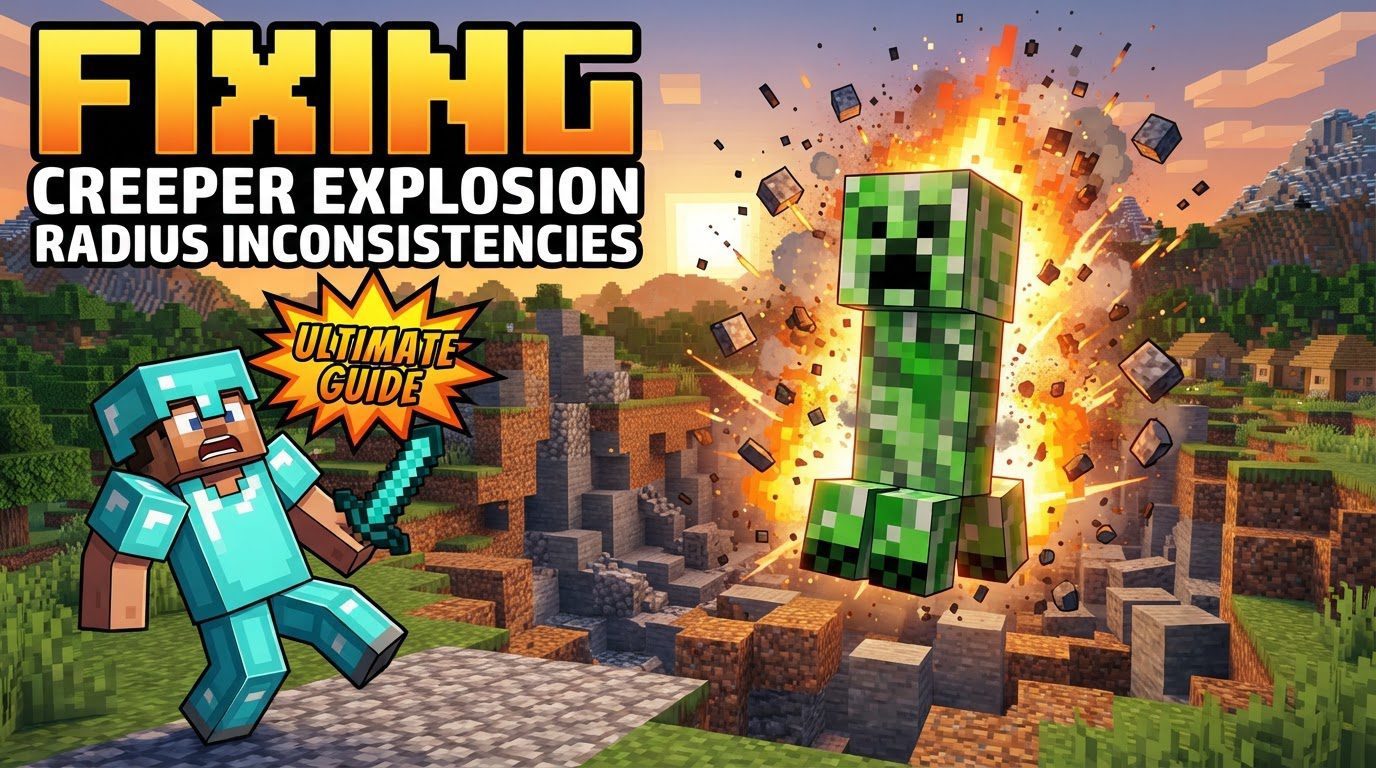
Creepers are a fundamental part of the Minecraft ecosystem, capable of turning meticulously crafted structures into craters and startling even the most seasoned adventurers. However, their behavior isn’t entirely random. By delving into their core mechanics and leveraging specific game commands, mods, and data packs, players can effectively manage and even redefine the destructive power of these explosive mobs.
The Volatile Core: Understanding Creeper Explosion Mechanics
Before attempting to fix or modify creeper behavior, it’s essential to understand how their explosions work in vanilla Minecraft. This foundational knowledge illuminates why “inconsistencies” might appear and how different solutions target specific aspects of their detonation.
- Default Explosion Power: A standard creeper possesses an explosion power of 3. This power rating generally translates to a 3-block radius of destruction. However, the actual number of blocks destroyed can vary significantly based on each block’s individual blast resistance. Stronger blocks like obsidian or reinforced deepslate can withstand creeper blasts with ease, while dirt or wood blocks are easily obliterated.
- Charged Creepers: When a creeper is struck by lightning, it transforms into a charged creeper. This electrifying event dramatically amplifies its explosion power and, consequently, its destructive radius. Charged creepers are significantly more dangerous and can cause far greater damage to structures and players alike.
- Detonation Trigger: Creepers are not always on a hair-trigger. They initiate their 1.5-second fuse when a player enters a 3-block proximity and maintains an uninterrupted line of sight with the creeper. This line of sight is critical; if a block obstructs their view, they won’t detonate even if a player is within range.
- Detonation Halt: The creeper’s fuse is not irreversible. The explosion can be canceled under several conditions:
- If the player moves out of the creeper’s line of sight before the fuse completes.
- If the player is knocked back or otherwise moved away from the creeper.
- If the player moves out of the effective blast radius before the fuse finishes. In Bedrock Edition, this cancellation distance is approximately 7 blocks.
- The specific cancellation distance can also increase with higher game difficulties, making it harder to escape an activated creeper on Hard mode.
- Mob Griefing: By default, creeper explosions are part of the “mob griefing” mechanic. This means they not only destroy blocks in their vicinity but also deal damage to any players caught in the blast.
Vanilla Solutions: Disabling Block Damage
For players primarily concerned with protecting their builds from creeper damage without delving into complex commands or external modifications, Minecraft offers a straightforward vanilla solution:
The /gamerule mobGriefing false Command:
This powerful command is the simplest and most widely used method to prevent creepers (and other mobs like ghasts or endermen) from destroying blocks. When executed, creepers will still initiate their fuse, perform their explosion animation, and even deal damage to players within their blast radius. However, no blocks will be destroyed or altered. This makes it an ideal choice for survival servers or creative builds where structural integrity is paramount.
- To disable block damage:
/gamerule mobGriefing false - To re-enable block damage:
/gamerule mobGriefing true
It’s crucial to understand a common mistake associated with this command: many players assume it completely neutralizes creepers. This is incorrect. While it safeguards your structures, creepers will still pose a threat to players, making it important to remain vigilant.
Advanced Control: Custom Explosion Radii with Java Edition Commands
For those seeking more granular control over creeper explosions, particularly in custom maps, minigames, or specialized servers, Java Edition’s command system offers robust options to precisely define explosion radii.
Summoning Creepers with Custom Radii
You can summon new creepers with a predetermined explosion radius using the /summon command. This is particularly useful for creating specific challenges or scenarios.
Command Format:
/summon minecraft:creeper ~ ~ ~ {ExplosionRadius:Xb}
Where ‘X’ is an integer representing your desired explosion power. The ‘b’ suffix denotes a byte value, which is typical for NBT tags like this.
- Example: No Explosion Damage: To summon a creeper that visually explodes but causes absolutely no block damage or player damage, you can set the radius to 0:
/summon minecraft:creeper ~ ~ ~ {ExplosionRadius:0b} - Example: Larger Blast: For a significantly more destructive creeper, you could set a higher radius, such as 10:
/summon minecraft:creeper ~ ~ ~ {ExplosionRadius:10b}
Modifying Existing Creepers Using Command Blocks
To dynamically alter the explosion radius of creepers already present in the world, or to ensure all newly spawned creepers adhere to a specific radius without manual summoning, repeating command blocks are invaluable. These blocks continuously execute a command, allowing for persistent modification of mob NBT (Named Binary Tag) data.
- For Minecraft 1.16+:
/execute as @e[type=minecraft:creeper,tag=!noexplode] run data merge entity @s {ExplosionRadius:0b,Tags:["noexplode"]}This command targets all creepers that do not have the “noexplode” tag. It then merges their NBT data to set their
ExplosionRadiusto 0 and adds the “noexplode” tag. The tag prevents the command from repeatedly modifying the same creeper, improving performance and preventing unintended behavior. - For Minecraft 1.17+ (Simplified Data Modification):
/execute as @e[type=creeper] run data modify entity @s ExplosionRadius set value 0This newer command syntax is more direct for modifying specific NBT values. While simpler, it’s generally best practice to still incorporate a tagging system (as in the 1.16+ example) if you only want to modify creepers once, or if you need to differentiate between modified and unmodified creepers for other command chains.
A crucial tip when using command blocks for continuous modification is to use tags. Failing to apply a unique tag can lead to inefficient command execution, as the command block will constantly try to modify the same entities, even if they’ve already been changed. Tags ensure that entities are processed only once or according to specific criteria.
Expanding Possibilities: Modding and Data Packs
For server owners and players seeking the ultimate level of customization, external solutions like server-side mods and data packs provide an extensive toolkit far beyond what vanilla commands offer.
- Server-Side Mods: Mods like “Creeper Tweaks” (available for mod loaders like Fabric or Forge) allow for deep configuration of creeper behavior. These can include adjustable explosion radii, custom fuse times, unique creeper variants, and more intricate damage mechanics. Installing mods typically requires a modded server environment.
- Data Packs: Minecraft data packs offer a powerful, server-side way to introduce new game mechanics, advancements, recipes, and even alter mob behaviors without needing a full mod loader. Data packs such as “Creeper Config” can provide options to modify explosion radii, adjust damage values, or even change how creepers interact with specific blocks, offering a balance between vanilla commands and full-blown mods. They are generally easier to install and manage than traditional mods.
These tools are particularly useful for creating highly customized survival experiences, complex adventure maps, or managing large multiplayer servers where consistent creeper behavior is paramount.
Practical Tips for Creeper Management
Beyond the technical solutions, a few practical tips can significantly improve your creeper experience:
- Structure Protection: For basic protection of your structures,
/gamerule mobGriefing falseremains the simplest and most effective vanilla solution. It stops block destruction without altering other mob behaviors, making it a low-impact choice. - Player Defense: Equip weapons with Knockback enchantments. A well-timed strike can push an activated creeper far enough away for its fuse to expire harmlessly, saving both your health and your surroundings.
- Custom Worlds: Leverage command blocks and data packs to create unique challenges or prevent griefing in custom maps or server events. Imagine a “Creeper Swarm” event where creepers have minimal explosion radius but are extremely numerous, or a “Gentle Giant” scenario where creepers are huge but cause no damage.
Common Pitfalls and Misconceptions
Even with advanced knowledge, certain misunderstandings can lead to frustration when dealing with creeper explosions:
/gamerule mobGriefing falseLimitations: As mentioned, this command only prevents block destruction. Creepers will still visually explode, create sound effects, and, most importantly, deal damage to players within their blast radius. Do not assume it makes creepers harmless.- Exceeding Effective Explosion Radius: While you can input very large numbers for
ExplosionRadiusin commands (e.g.,100b), the actual effective destructive power often caps out. For instance, the maximum effective radius in terms of block destruction is typically around 127. Inputting a larger number might not yield any additional destructive power beyond this internal limit. - Neglecting Tags with Command Block Modifications: When using repeating command blocks to modify creeper NBT data (like
ExplosionRadius), always incorporate a system to tag the modified entities. Without tags, the command block will constantly attempt to re-modify the same creepers, leading to unnecessary server load and potential performance issues. Tags ensure that each creeper is processed efficiently.
By understanding the intricate mechanics of creeper explosions and utilizing the diverse range of tools available-from simple game rules to advanced commands and external modifications-players can effectively mitigate inconsistencies and tailor the creeper experience to perfectly suit their Minecraft world. Whether you aim to safeguard your builds, design challenging encounters, or simply control the chaos, mastering creeper behavior is an invaluable skill.
Tags:
YOU MAY ALSO LIKE...