How Block Update Suppression Gets Triggered
The very fabric of Minecraft, a world built on seemingly solid blocks, can be bent and broken in ways that defy its own rules. One such phenomenon, Block Update Suppression (BUS), is not a feature but a bug-an unintended consequence that prevents blocks from updating correctly, leading to impossible constructions like floating liquids, custom portals, and advanced Redstone contraptions that would normally be impossible. Understanding how this powerful exploit gets triggered is key to leveraging its potential, though it requires careful navigation of the game’s underlying mechanics, which have evolved significantly over various versions.
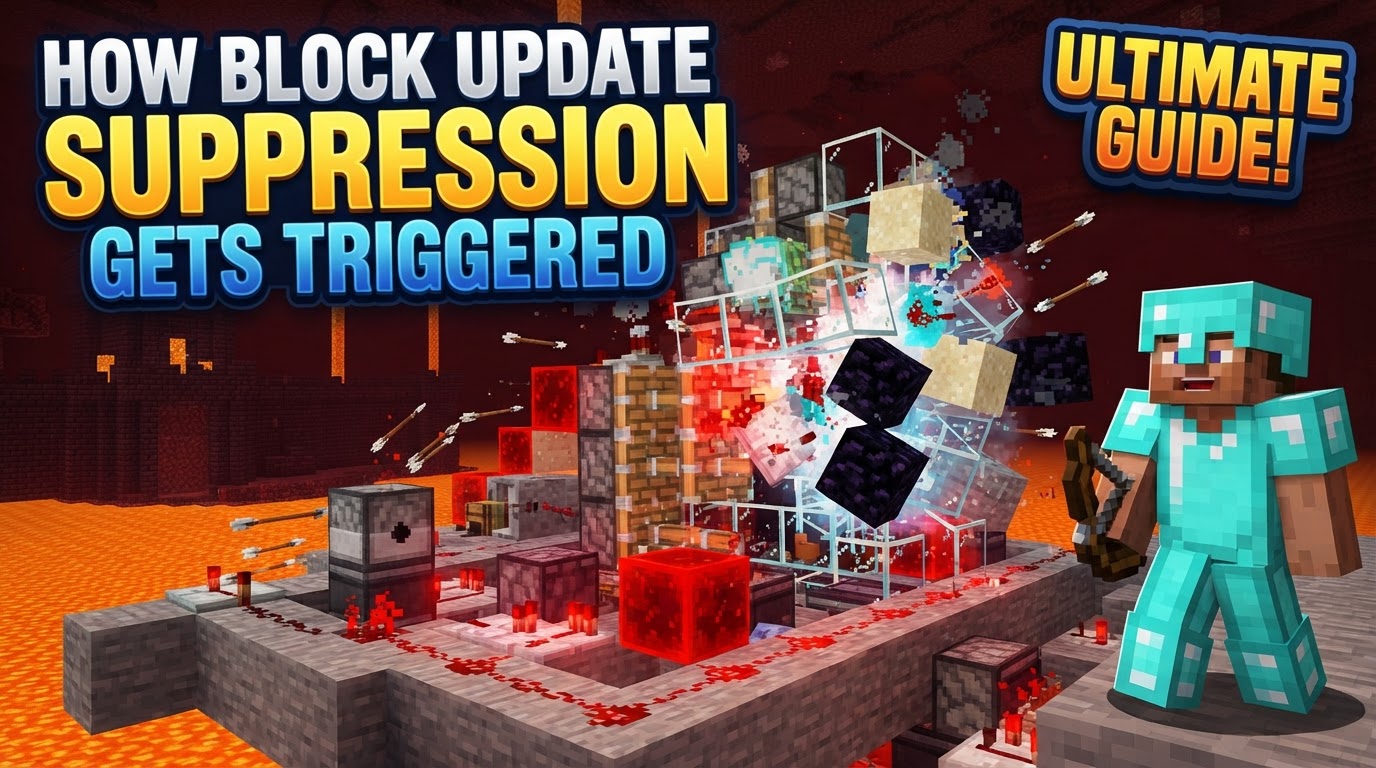
What is Block Update Suppression?
Block Update Suppression (BUS) is best defined as a bug or exploit within Minecraft that actively stops blocks from processing their scheduled updates. In a game where every action, from placing a block to breaking one, triggers updates in adjacent blocks, preventing these updates can lead to blocks existing in “intended” states. This could manifest as gravity-affected blocks like sand or gravel floating mid-air, nether portals retaining their frame without a purple interior, or pistons extending indefinitely without a power source. Its primary purpose, for advanced players and technical Minecrafters, is to allow for unique builds, custom portal designs, and highly complex Redstone mechanisms that are simply not achievable under the normal, strict rules of block updates.
It is crucial to understand that the methods for triggering BUS are highly dependent on the specific Minecraft version being played. Furthermore, traditional update suppression techniques are primarily applicable to Minecraft: Java Edition. Due to fundamental differences in how Bedrock Edition handles game ticks and block updates, these methods generally do not work on Bedrock, or if they do, their mechanisms are entirely different.
Historical Triggers: The Stack Overflow Era (Pre-1.19 Java Edition)
Before the significant overhaul in Minecraft 1.19, the most prevalent and well-understood method for triggering Block Update Suppression in Java Edition revolved around intentionally causing a “Stack Overflow” error. This was a sophisticated exploit that capitalized on the game’s internal processing limits.
The Mechanism of Stack Overflow
At its core, a Stack Overflow occurs when a computer program, in this case, Minecraft, tries to use more memory on its call stack than is available. The call stack is where the program keeps track of active functions and their parameters. In Minecraft’s context, every block update could be seen as a function call. When one block updates, it might trigger an update in an adjacent block, which in turn triggers another, creating a chain of nested calls. If this chain became excessively long and deep, it would exhaust the stack’s memory, leading to a Stack Overflow error.
Technical players would intentionally design complex Redstone contraptions to create an overwhelming number of nested block updates. A common component used for this was a large array of “bud-powered” activator or powered rails. These rails, when updated by a block change nearby (Block Update Detector or BUD switch), would schedule their own updates, which could then trigger further updates in a predictable, cascading manner. By creating a sufficiently large and interconnected network of these updating blocks, the game’s call stack would become overloaded, triggering the Stack Overflow.
A fascinating aspect of this method was the game’s error handling. If the initial action that led to the Stack Overflow exception was directly caused by player input (e.g., placing a block, breaking a block, activating a lever), the game’s internal code would often catch this exception. Instead of crashing, the game would cancel all the pending updates that caused the overflow and continue running. This cancellation of updates was precisely the phenomenon of Block Update Suppression, allowing blocks to remain in their “pre-update” state.
Early Glitches: The 6-Sided Piston (Beta 1.7.3 & Modern Beta)
Going even further back into Minecraft’s history, specific versions like Beta 1.7.3 and the “Modern Beta” era presented simpler, yet equally impactful, methods of update suppression. One notable example involved the creation of a “6-sided piston block.”
This anomaly could be created through a particular piston glitch. Once formed, this special piston block, when powered (often via quasi-connectivity, a Redstone mechanic where pistons react to power from two blocks away), possessed the unique property of preventing block updates in its adjacent areas. This localized suppression could be used to maintain blocks in unusual states, showcasing how even early game mechanics could be exploited to manipulate update logic.
Modern Triggers: Update Skipping (Post-1.19 Java Edition)
The landscape of Block Update Suppression fundamentally changed with the Minecraft 1.19 update. Mojang significantly rewrote how block updates are managed internally, moving away from the recursive, nested call structure that facilitated Stack Overflow-based suppression. Instead, the game now handles block updates by maintaining a list of pending updates.
The Rise of Update Skipping
With the new update system, the traditional Stack Overflow method of update suppression is no longer viable. However, a similar phenomenon, termed “Update Skipping,” can still occur. This happens when the list of pending updates reaches its maximum predefined length. The default limit for this list is a staggering 1,000,000 updates. When this enormous queue is filled, the game is forced to prioritize. Consequently, less critical or less “useful” updates might be skipped to prevent the game from becoming overwhelmed or crashing. While not as absolute as a Stack Overflow cancellation, this skipping of updates can still be leveraged to achieve certain forms of update suppression, though the precise methods for reliably triggering it are still being explored and refined by the technical community.
Mod-Assisted Suppression: The “Update Suppression Block”
For players who wish to experiment with update suppression without delving into the complex, version-dependent Redstone contraptions or risking world corruption, mods offer a streamlined and often safer alternative. Mods like “Better Update Suppression” provide dedicated tools to achieve this.
Step-by-Step with a Mod
- Installation: The first step is to install the chosen update suppression mod (e.g., “Better Update Suppression”) into your Minecraft client. This usually involves using a mod loader like Fabric or Forge.
- Obtain the Block: Once installed, you can typically acquire the specialized “Update Suppression Block” through a game command. For example, in “Better Update Suppression,” you might use
/give @s better_update_suppression:update_suppression_block, or in some cases, it might be craftable. - Placement: Place the Update Suppression Block directly adjacent to the block you intend to suppress. The proximity is crucial for the mod’s functionality.
- Activation: Right-click the Update Suppression Block to activate its suppression capabilities. The block usually provides a visual cue, such as changing color (e.g., from a neutral gray to an active red), to indicate its status.
- Execution: While the Update Suppression Block is active, perform the action that would normally trigger an unwanted update in the adjacent block. A common example is breaking a block of obsidian that forms part of a nether portal frame. With the suppressor active, the portal frame might remain intact without the purple portal animation appearing.
- Deactivation: Once the desired effect is achieved, right-click the Update Suppression Block again to deactivate it. This is important for preventing unintended side effects or resource consumption.
Crucial Safeguards and Best Practices
Engaging with Block Update Suppression, regardless of the method, carries inherent risks. It manipulates fundamental game logic, and mistakes can be costly.
- Backup Your World: This cannot be stressed enough. Update suppression, especially when mismanaged or when dealing with complex Redstone, can lead to server crashes, client crashes, or even irreversible world corruption. Always create a backup of your world save before attempting any update suppression experiments.
- Carpet Mod for Protection: For Java Edition players, the popular Carpet mod offers a valuable safeguard. It includes an “update suppression crash protection” rule that, when enabled, can prevent your game or server from crashing due to certain update suppression scenarios, making experimentation safer.
- Slow and Careful Operation: When using any update suppression technique, particularly with mods, operate slowly and deliberately. Rushing can lead to errors, accidental activations, or unintended consequences that are difficult to diagnose and fix.
- Understand Update Order: A deep understanding of how blocks update in Minecraft is invaluable. Knowledge of the difference between player-initiated updates, scheduled updates, and locational update order (e.g., which direction an update propagates first) is crucial for effectively designing and executing update suppression setups.
Common Pitfalls to Avoid
Even experienced players can fall prey to common mistakes when working with update suppression.
- Expecting Identical Behavior Across Versions: This is perhaps the most frequent error. Update suppression methods and their outcomes are highly version-dependent. A design that worked perfectly in 1.18 using Stack Overflow will not work in 1.19, and vice-versa. Always verify the method for your specific game version.
- Ignoring Crash Risks: Failing to back up your world or neglecting to use crash protection tools like the Carpet mod can lead to devastating and irreversible world damage or persistent game crashes, forcing you to abandon your progress.
- Incorrectly Applying Methods to Bedrock Edition: Many of the sophisticated Java Edition update suppression techniques rely on specific Java-exclusive mechanics. Attempting to replicate these directly in Bedrock Edition will almost certainly fail, as Bedrock’s update handling is fundamentally different.
- Placing Suppressors Incorrectly (with mods): When using mod-provided suppression blocks, pay close attention to placement instructions. For instance, placing two Update Suppression Blocks directly adjacent to each other, even if inactive, can sometimes lead to unexpected behavior or issues.
- Relying on Non-Player Initiated Updates for Suppression: While player input often triggers the “cancellation” aspect of older update suppression, updates not directly caused by a player (e.g., Redstone delays, piston movements, mob actions) can still bypass some suppression mechanisms or lead to crashes even with seemingly active suppression.
Block Update Suppression remains a fascinating and powerful, albeit risky, aspect of Minecraft’s technical gameplay. By understanding its historical triggers, modern mechanics, and crucial safeguards, players can responsibly explore the boundaries of what’s possible in their blocky worlds.
Tags:
YOU MAY ALSO LIKE...