Automating Crafting with Refined Storage’s Crafter (Step by Step)
Automating Crafting with Refined Storage’s Crafter
Refined Storage is an indispensable mod for item management in Minecraft, offering a sophisticated system for storing, organizing, and retrieving resources. A cornerstone of its advanced capabilities is the ability to automate crafting, transforming tedious manual processes into seamless, on-demand operations. This guide will walk you through setting up and optimizing automated crafting using Refined Storage’s Crafter block, leveraging its powerful features to streamline your in-game production.
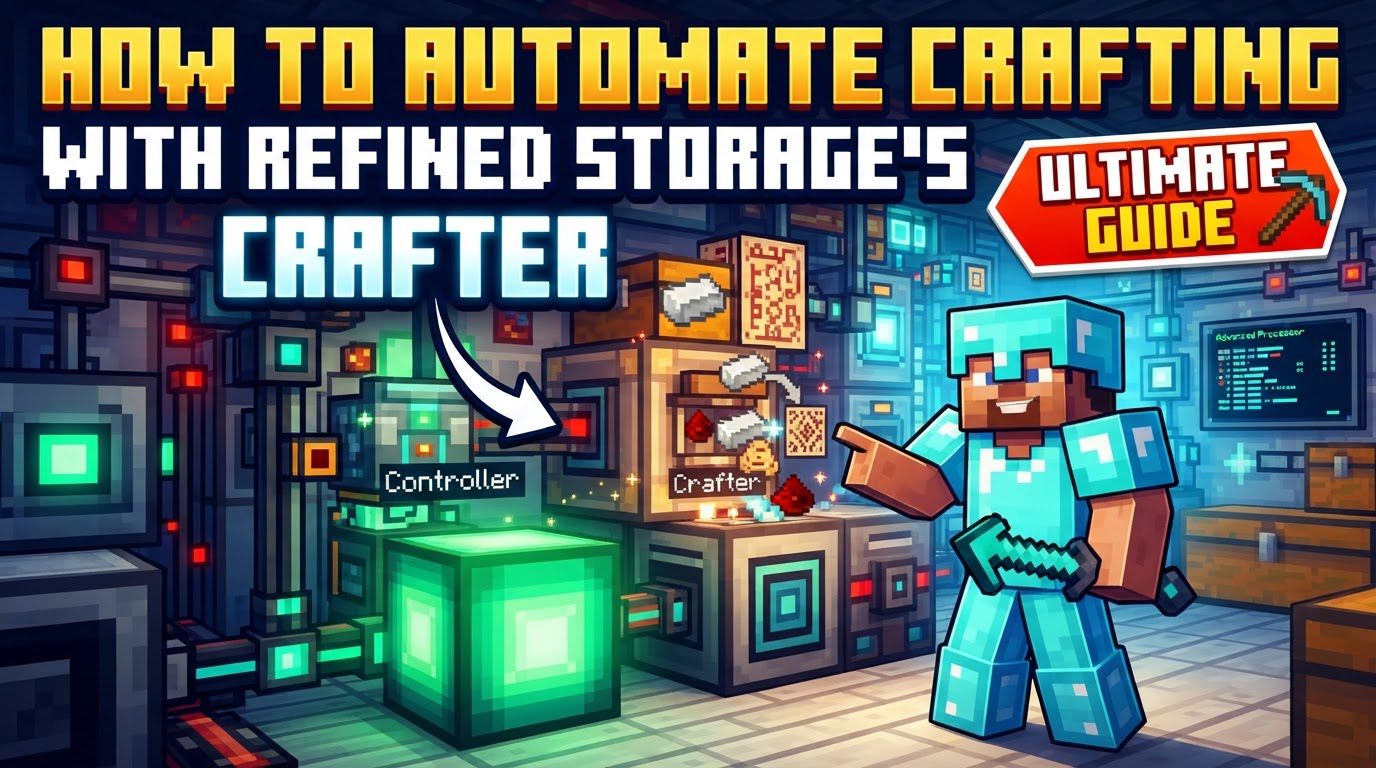
At its core, Refined Storage’s automated crafting system relies on a few key components working in concert. The foundation of any Refined Storage setup is a functional Refined Storage network. This network necessitates a central Controller, which powers and manages all connected components, a Grid for user interaction and item access, and robust storage solutions, typically in the form of Disk Drives equipped with Storage Disks or dedicated Storage Blocks. These fundamental elements ensure your items are accessible and your network is operational, ready to handle the demands of automated crafting.
Within this network, Crafters are the blocks responsible for executing crafting requests. They are the workhorses that hold the instructions for creating items and then perform the actual crafting. To provide these instructions, you utilize Pattern Grids. These specialized grids are where you define recipes, known as “patterns,” which the Crafters will later follow. Patterns are versatile; they can be configured for standard crafting table recipes, allowing the system to replicate any item you could craft manually, or for “processing” recipes. Processing recipes are crucial for automating tasks that involve external machines, such as furnaces for smelting ores, pulverizers for grinding materials, or chemical reactors for complex reactions. The beauty of this system lies in its ability to perform multi-step autocrafting. This means if you request a complex item and a sub-component of that item is not present in your storage system, Refined Storage will intelligently check for a pattern for that sub-component and craft it first, then use it to create the final requested item. To maintain oversight of these automated processes, a Crafting Monitor is available, allowing you to track active crafting tasks and intervene if necessary, providing a valuable layer of control.
Step-by-Step Process for Automated Crafting
Setting up automated crafting with Refined Storage involves a structured approach:
- 1. Establish a Refined Storage Network: Before diving into automation, ensure your basic Refined Storage infrastructure is sound. You must have a Controller to power the network, at least one Grid for accessing items and initiating crafts, and adequate storage, such as a Disk Drive populated with a Storage Disk, or various Storage Blocks. All these components need to be interconnected using Refined Storage cables to form a cohesive network.
-
2. Create Crafting Patterns: This is a pivotal step where you teach your network how to make items.
- Place a Pattern Grid somewhere accessible within your network.
- For standard crafting table recipes, place the required ingredients into the Pattern Grid’s crafting area, just as you would in a regular crafting table. Once the desired output appears, click the “Create Pattern” button. This generates a pattern for that specific recipe.
- For processing recipes, which involve external machines, you’ll need to check the “Processing” box within the Pattern Grid’s interface. Then, place the input items on the left side of the interface and the expected output items on the right side. This tells the system what goes into the external machine and what should come out.
- 3. Place Crafters: Once patterns are defined, you need Crafters to execute them. Place Crafters in your world, ensuring they are connected to your Refined Storage network. This can be achieved by placing them directly adjacent to another network block or by connecting them with Refined Storage cables. Each Crafter has internal slots for holding patterns.
- 4. Insert Patterns: Take the patterns you created in the Pattern Grid and place them into the dedicated pattern slots within the Crafter. A single Crafter can hold multiple patterns, allowing it to craft various items. The Crafter will then know how to produce the items specified by these patterns.
-
5. For Processing with External Machines: Automating processes that require machines like furnaces or pulverizers has a specific setup:
- Orient the Crafter: The Crafter must be placed and oriented to face the input side of the external machine. For example, if a furnace accepts items from the top, the Crafter should be placed above it, facing downwards. This allows the Crafter to push input items directly into the machine.
- Attach an Importer: To retrieve the finished products from the external machine, attach an Importer to its output side. The Importer will automatically pull items from the machine and return them to your Refined Storage system, completing the processing loop.
- Configure External Machine: Ensure the external machine itself is powered and correctly configured to accept input from the Crafter and output to the Importer. Some machines have specific side configurations that need to be set up to allow item flow.
- 6. Request Items: With everything set up, open any Grid connected to your network. Search for the desired item you wish to craft. Click on the item, specify the quantity you need, and then initiate the craft. Refined Storage will then take over, using your stored resources and defined patterns to produce the requested items, including any necessary sub-components or processing steps.
Important Tips for Efficient Automation
- Nested Crafting: Embrace the power of nested crafting. For any complex item, ensure you have patterns for all its intermediate ingredients. For instance, if you want to craft a chest, and you don’t have planks, the system will automatically craft the planks from wood logs if a plank pattern exists. This makes your crafting requests incredibly efficient.
- Fuzzy Mode: When creating patterns, consider enabling “Fuzzy mode.” This option allows for alternative inputs for a recipe. For example, if a recipe requires oak wood planks, Fuzzy mode would allow the system to use any type of wood plank (birch, spruce, etc.) to fulfill the requirement, provided the recipe does not specifically demand a certain wood type.
- Speed Upgrades: To accelerate the crafting processes within your Crafters, utilize speed upgrades. Inserting these upgrades into a Crafter’s dedicated upgrade slots will significantly reduce the time it takes for the Crafter to perform its tasks, especially beneficial for high-volume production.
- Crafter Direction: Pay close attention to the orientation of your Crafters, especially when setting up processing recipes with external machines. The Crafter must be correctly pointed towards the input side of the machine to ensure items are transferred successfully.
- Crafting Monitor: Make regular use of the Crafting Monitor. This interface provides a real-time overview of all active crafting tasks. It’s an invaluable tool for troubleshooting, identifying why a craft might be stuck, or canceling unwanted or incorrectly initiated crafting jobs.
- Fluid Autocrafting: Refined Storage is not limited to solid items; it also supports patterns for fluids. You can define patterns for crafting or processing fluids, expanding your automation capabilities into liquid-based recipes.
Common Mistakes to Avoid
While powerful, Refined Storage’s automation can be tricky to master. Be mindful of these common pitfalls:
- Missing Patterns for Sub-components: This is arguably the most frequent cause of crafting failures. If you request a complex item and the system encounters an intermediate item for which no pattern exists, the entire crafting chain will halt. Always ensure patterns are created for all necessary ingredients, no matter how small.
- Incorrect Crafter or Importer Placement: For processing recipes, the precise placement and orientation of Crafters and Importers are critical. Ensure the Crafter is pushing items into the correct input side of the external machine, and that an Importer is pulling from the correct output side. Misplacement will lead to items not being transferred.
- Unpowered Network: Refined Storage components, including Crafters and external machines involved in processing, require a consistent supply of power. An unpowered or insufficiently powered network will lead to components ceasing to function, resulting in failed crafting tasks. Always monitor your power levels.
- Performance Overhead: While convenient, constantly crafting extremely large quantities of items, particularly through resource-intensive processes like ore processing, solely via the request-based system can be resource-intensive for your game client or server. For such scenarios, consider setting up dedicated external autocrafting machines with their own item transport systems (like pipes or conduits) for continuous production, rather than relying exclusively on Refined Storage’s on-demand autocrafting for massive throughput.
- Stuck Crafting Tasks: Crafting tasks can occasionally get stuck due to various reasons, such as missing resources, incorrect machine configuration, or network glitches. The Crafting Monitor is your best friend here; use it to identify and cancel any tasks that aren’t progressing as expected, then investigate the underlying issue.
- Not Configuring External Machine Sides: Many external machines have configurable sides for input and output. It’s crucial to correctly set up these machine sides to accept items from the Crafter and output to the Importer. A machine might default to not accepting inputs or outputs from certain sides, requiring manual adjustment.
By understanding these mechanics, following the step-by-step setup, and heeding the tips and common mistakes, you can build a highly efficient and reliable automated crafting system with Refined Storage, transforming your Minecraft experience.
Tags:
YOU MAY ALSO LIKE...