

Building a Create Mod Conveyor Belt System, Explained
9
views ❘
2 hours ago
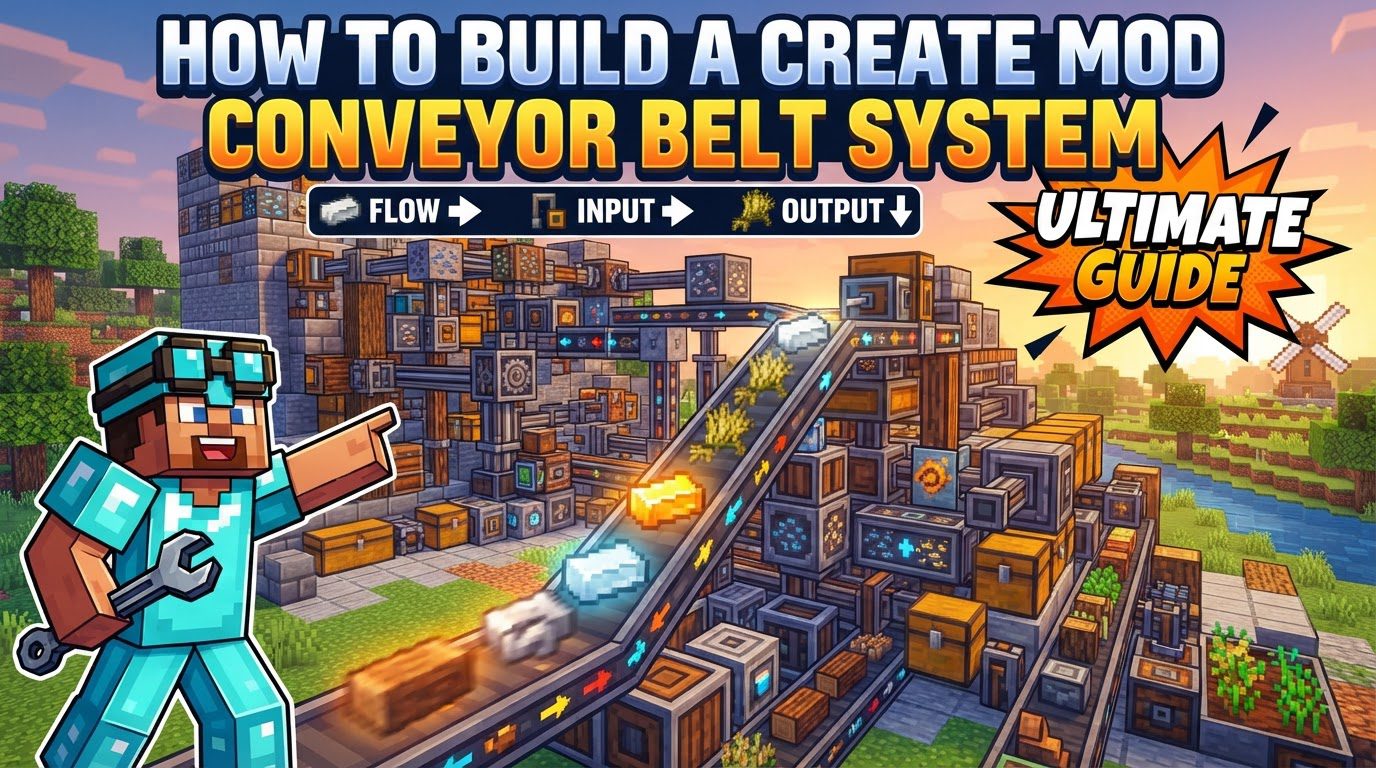
Mechanical Belts are a core component in the Create mod, serving as versatile conduits for movement. They convey rotational force, move items, and transport entities like players and mobs. Understanding their construction and optimization is crucial for automating processes, from resource transportation to complex factory setups.
Understanding Key Mechanics
- Functionality: Mechanical Belts act as a moving surface. When powered, they continuously transport anything placed upon them, including items, players, and mobs, from one end to the other.
- Power Requirements: Belts require rotational force supplied by connecting to shafts. These shafts derive energy from Create mod generators such as water wheels, encased fans, or engines. Without consistent rotational power, the belt remains static.
- Placement Rules: A Mechanical Belt connects two or more shafts placed in a single, continuous line. These shafts can be horizontal, vertical, or diagonally (45° towards the y-axis). Crucially, all connected shafts must face the exact same direction for successful placement.
- Item Handling and Interaction: Items placed on a moving belt attach to its surface, are carried to the end, and then deposited back into the world. Funnels (Andesite or Brass) are essential for managing item flow, placed above or alongside belts to add or remove items. Items can also undergo bulk processing (e.g., washing, smelting) directly on a belt.
- Belt Length: A single belt segment has a default maximum length of 20 blocks. This length can be adjusted within the Create mod’s configuration settings if longer segments are desired.
Step-by-Step Guide: Building Your First Conveyor System
- 1. Gather Materials: You will need Mechanical Belts (crafted from six Dried Kelp per belt), shafts, and a source of rotational power (e.g., a water wheel, encased fan, or engine).
- 2. Place Power Source: Set up a rotational power source, such as a water wheel, and connect it to a shaft. This shaft will provide the initial rotational force.
- 3. Place Shafts: Carefully plan your conveyor’s path. Place at least two shafts in the desired direction and alignment. Ensure they are in a single line and all face the same direction.
- 4. Create Belt: With Mechanical Belts in hand, right-click the first shaft, then right-click the second shaft. A Mechanical Belt will form between them if all placement conditions are met.
- 5. Add Item Input/Output: Use Andesite Funnels or Brass Funnels with chests or barrels to manage item flow. Funnels can deposit items directly onto the belt or extract them into containers. For items dropped from above, funnels can be placed on top of containers, which then deposit onto the belt.
- 6. Extend/Adjust: To extend a belt, right-click its end with another Mechanical Belt in hand. To shorten or modify a belt, use a wrench.
Important Tips
- Speed Control: Rotational speed controllers adjust the belt’s movement speed, directly affecting item throughput. A belt at 64 RPM moves approximately 150 singular items per minute, providing a benchmark for efficiency.
- Vertical Movement: Belts can move items upwards when placed diagonally (45°). For longer downward distances, chutes are often a more effective alternative.
- Visibility: Andesite or Brass Casings can be placed over belt segments. These allow additional blocks like Tunnels to be connected and can provide a window to view items traveling on the belt.
- Dyeing: Mechanical Belts can be dyed by right-clicking them with dye, adding colored stripes for organization. These stripes can be removed by right-clicking with a water bucket.
- Item Filtering: Funnels can be filtered to accept or dispense specific items. This is useful for sorting or ensuring only desired items enter/exit the system.
- Wrench Utility: A wrench is invaluable for picking up entire Create contraptions, including belts, allowing for easy relocation or reconfiguration.
Common Mistakes to Avoid
- Incorrect Shaft Alignment: Both shafts connected by a belt must face the exact same direction. Failure to do so prevents belt placement. Always verify shaft orientation.
- Overfilling Belts: A belt completely saturated with items can jam the system. Implement measures like redstone-limited input or vaults with funnels to prevent overfilling and ensure continuous item flow.
- Belts Not Picking Up Items: Belts can be unreliable at grabbing large quantities of dropped item entities, especially if their internal “block” inventory is full. Placing funnels horizontally to deploy items directly onto the belt is generally more effective than dropping items from above.
- Conflicting Rotational Force: If two shafts connected by a belt are independently powered, their rotational force must be in the same direction and at the same speed. A belt cannot be placed if there’s a conflict in direction or a significant speed discrepancy.
Click to rate this post!
[Total: 0 Average: 0]

