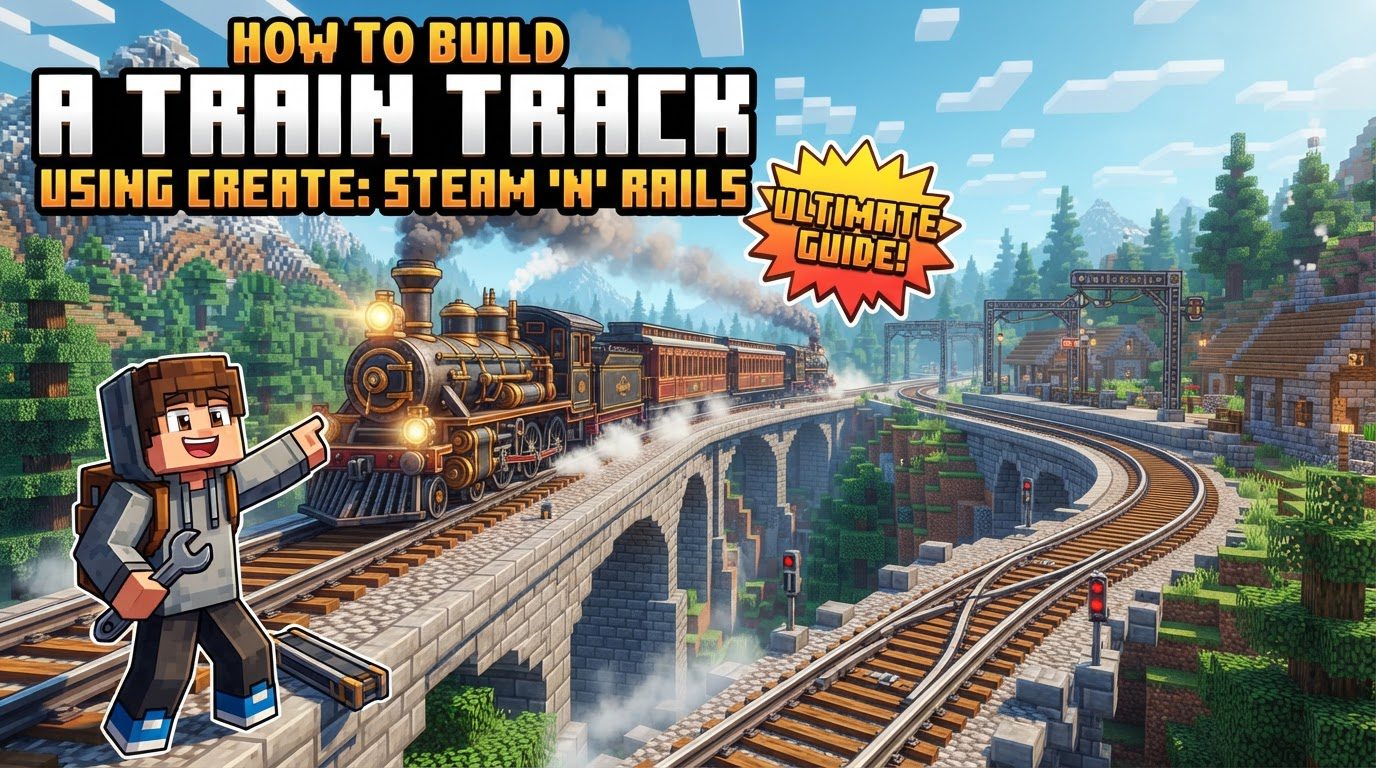
Building a Train Track Using Create: Steam ‘n’ Rails
Building an efficient and aesthetically pleasing railway system in Minecraft takes on a new dimension with the Create: Steam ‘n’ Rails mod. This powerful extension to the core Create mod introduces a comprehensive railway infrastructure, allowing players to construct intricate track networks, automate train movements, and even transport trains across dimensions. This guide will walk you through the essential mechanics, step-by-step construction processes, and crucial tips to master track building in Create: Steam ‘n’ Rails.
Key Railway Mechanics
The Create: Steam ‘n’ Rails mod significantly expands upon basic rail concepts, offering a variety of track options and advanced automation features.
- Track Gauges: The mod provides flexibility in track width with three distinct gauges:
- Narrow Gauge: Two blocks wide, suitable for compact designs.
- Standard Gauge: Three blocks wide, offering a balanced aesthetic and functionality.
- Wide Gauge: Four blocks wide, for grander, more imposing railways.
Each gauge requires its corresponding bogies for train operation.
- Track Types: Beyond functional differences, the mod offers diverse aesthetics for tracks:
- Material Variants: Tracks can be crafted from various wood types, Blackstone, and even tileless designs for a cleaner look.
- Ender Tracks: A unique variant with distinct visual properties.
- Phantom Tracks: These tracks become invisible when not held by the player, ideal for hidden railway sections or aesthetic purposes.
- Automated Switches: Managing railway junctions is streamlined with automated switches:
- Andesite Track Switches: A basic automated switch.
- Brass Track Switches: Offers more advanced control options.
Both types allow for automated control of railway junctions, activatable via Redstone signals, buttons, or interactions with intelligent conductors.
- Conductor Automation: Intelligent conductors are a cornerstone of railway automation, capable of performing various tasks:
- Pressing buttons to activate track switches.
- Controlling trains remotely using a conductor’s whistle.
- Train Coupling: The mod includes mechanisms for players to couple and decouple train cars and wagons, allowing for flexible train compositions.
- Monorails: For unique transportation needs, a dedicated monorail system is available. These tracks are one block wide and require specific bogeys. Their placement mechanics are similar to standard tracks.
- Nether Portal Travel: A groundbreaking feature allows train tracks to extend directly through Nether Portals. When a track is laid into a portal, corresponding tracks automatically appear on the other side, enabling seamless interdimensional train travel.
Step-by-Step Track Construction
Building your railway network involves crafting tracks and then strategically placing them, with several tools to assist in large-scale construction.
- Crafting Tracks: The fundamental process for creating tracks is straightforward:
- Place a stone, smooth stone, or Andesite slab as the base.
- Deploy two iron or zinc nuggets onto the slab.
- Use a mechanical press to complete the crafting process, yielding your track segments.
- Placing Tracks Manually: For individual track segments or precise adjustments:
- Right-click on the ground with a track item in hand to place it.
- Tracks can be oriented in eight different directions, offering versatility for curves and straightaways.
- Assisted Placement: For constructing longer sections of track efficiently:
- Right-click with a track in your hand to designate a starting point.
- Move up to 32 blocks away from the start point.
- Right-click again at your desired end point.
- The mod will automatically fill in the tracks between the two points. Green highlights will indicate valid end points as you move, helping you plan your railway.
- Creating Inclines: Tracks can be smoothly integrated into varying terrain:
- For 45° inclines, place tracks on the side of blocks. Ensure there are no blocks directly above the track to allow for the slope.
- When using assisted placement, holding the
Controlkey will help create smoother S-curve inclines, providing a more gradual transition between elevations.
- Building Junctions: To create branching paths in your railway:
- Right-click an already placed track segment.
- Extend a new track from it to the side.
- A junction will be automatically generated, connecting the new track to the existing line.
Important Tips for Railway Engineers
To ensure a smooth and enjoyable experience building your railway, keep these tips in mind.
- Mod Installation: Always verify that both the core Create mod and the Create: Steam ‘n’ Rails addon are correctly installed in your Minecraft mods folder. Issues can arise if either is missing or incorrectly set up.
- Material Access: Have Create’s standard crafting materials readily available. Items like Andesite Alloy and Precision Mechanisms are crucial for many advanced components within the Steam ‘n’ Rails mod.
- Switch Control: Track switches offer both manual and automated control:
- Manual Control: Right-click a switch to cycle through its directions. Shift-right-clicking will reverse the cycling order.
- Automated Control: Integrate switches with Redstone, buttons, or intelligent conductors for dynamic track routing.
- Automated Track Production: For large-scale railway projects, manually crafting tracks can be tedious. Consider building an automated machine for track production using:
- Funnels to feed materials.
- Deployers to place nuggets onto slabs.
- A mechanical press for crafting.
- Belts to transport materials and finished tracks.
This setup will efficiently generate the large quantities of tracks you’ll need.
- Off-Hand Block for Slopes: When using assisted placement to lay tracks on a slope, holding any solid block in your off-hand will automatically place that block beneath the tracks. This provides necessary support and ensures stable inclines without requiring manual terraforming for every segment.
- Conductor Whistle and Lens: These tools enhance remote control and monitoring:
- Conductor’s Whistle: Can be used to summon a bound train, bringing it to your location.
- Remote Lens: Allows you to view through the eyes of a conductor, providing a valuable perspective for remote monitoring of your railway operations.
- Bi-directional Control: To enable a train to move in either direction from a station, place two train controllers next to a conductor, ensuring they face opposite directions. This setup provides maximum flexibility for train movement.
Common Mistakes to Avoid
Even experienced builders can encounter issues. Being aware of these common pitfalls can save you time and frustration.
- Incorrect Incline Transitions: Manually creating 45° inclines without using the assisted placement feature for transitions between level and sloped tracks can lead to problems. Trains may not recognize or properly navigate these slopes, potentially causing derailments or stalls. Always utilize assisted placement for smooth incline transitions.
- Obstructed Tracks: This is a simple but critical mistake. Placing any block directly in the path of a track will prevent trains from moving past that point. Ensure your tracks have a clear path at all times.
- Nether Portal Track Alignment: While tracks can extend through Nether Portals, attention to detail on the exit side is crucial. Ensure the tracks on the exit side are correctly oriented, for example, pointing away from a wall or into an open area, to avoid pathfinding issues. The arrow displayed on the track indicates its direction, which is vital for correct alignment.
- Assembly on Curves: Trains cannot be assembled or disassembled on curved or diagonal track sections. Always ensure your train assembly and disassembly points are on straight track segments.
- Train Control Orientation: When assembling a train, ensure the Train Controls block faces the correct direction relative to the train station. Incorrect orientation can lead to control issues or prevent the train from functioning as intended.
- Alpha Status: It’s important to remember that the Create: Steam ‘n’ Rails mod, especially for newer versions of Create, may sometimes be in an alpha or beta state. This means you might encounter bugs or unexpected behavior. Always back up your world regularly to prevent data loss.
By understanding these core mechanics, following the construction steps, utilizing helpful tips, and avoiding common errors, you’ll be well-equipped to build an impressive and functional railway system with Create: Steam ‘n’ Rails. Happy engineering!
Tags:
YOU MAY ALSO LIKE...