Configuring Quark’s Improved Sleeping Mechanics (Step by Step)
Understanding Quark’s Improved Sleeping Mechanics
Quark, a popular Minecraft mod, introduces a highly beneficial feature known as “Improved Sleeping” that significantly enhances the multiplayer sleep experience. Unlike vanilla Minecraft, where every single player on the server must be in a bed for the night to pass, Quark’s implementation offers much greater flexibility and control. This guide will walk you through the core functionalities of this feature and provide a detailed, step-by-step process for configuring it to best suit your server’s needs.
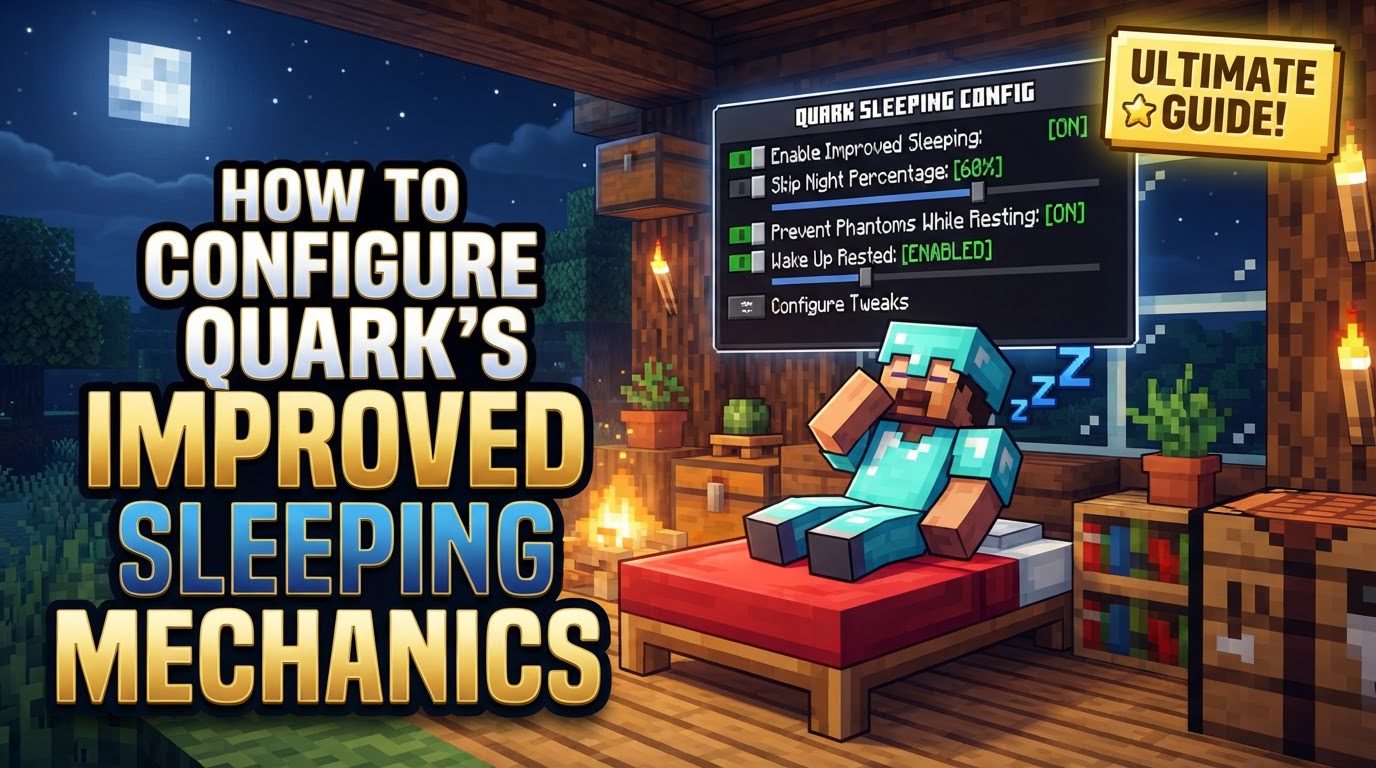
The primary goal of Quark’s Improved Sleeping is to streamline the transition from night to day, making it less cumbersome for players on a multiplayer server. It addresses common frustrations by allowing the night to pass even if not every player is in a bed, while also intelligently accounting for inactive players.
Key Mechanics of Improved Sleeping
Quark’s improved sleeping introduces several crucial mechanics that differentiate it from the standard Minecraft sleep system. Understanding these is fundamental to effective configuration and troubleshooting.
- AFK Player Detection: One of the most intelligent aspects of this feature is its ability to identify and exclude inactive players from the sleep count. A player is automatically marked as AFK (Away From Keyboard) if they have not registered any keystrokes or mouse clicks for a continuous period of 2 minutes. This means that players who are simply logged in but not actively playing will not hinder the progress of the night. Their presence will not prevent the night from passing, allowing active players to still skip the night without needing to wait for everyone to manually disconnect or find a bed.
- Configurable Sleep Percentage: The mod provides server administrators with the power to define the exact percentage of non-AFK players that must be sleeping for the night to pass. This is a significant improvement over the all-or-nothing approach of vanilla Minecraft. For instance, if you have 10 active players online and set the required percentage to 50%, only 5 of those players need to be in a bed for the night to transition to day. This flexibility is invaluable for servers with varying player counts and activity levels.
- Server-Wide Communication: To keep all players informed and encourage participation, Quark broadcasts server-wide messages when a player enters a bed. These messages clearly show the current number of players who are sleeping. Furthermore, players can hover their mouse cursor over this count within the chat message to see a detailed list of exactly who is currently in a bed. This transparency helps players understand the current sleep status and encourages others to join in to meet the required percentage.
Step-by-Step Configuration Process
Configuring Quark’s Improved Sleeping feature is a straightforward process that involves editing a configuration file. Follow these steps carefully to implement your desired settings.
-
Access the Configuration File: The first step is to locate the appropriate configuration file for Quark on your Minecraft server. This file is typically named
quark.cfgor, in newer versions,quark-common.toml. You will find this file within your Minecraft server’sconfigfolder. This folder is usually located in the same directory as your server’s main JAR file. You will need file access to your server, which might involve using an FTP client or your hosting provider’s control panel file manager. -
Modify the Percentage: Once you have opened the configuration file using a plain text editor (like Notepad, Notepad++, VS Code, or Sublime Text), you will need to find the specific setting related to “Improved Sleeping.” Configuration files can be extensive, so using your text editor’s search function (usually Ctrl+F or Cmd+F) to look for terms like “improved sleeping,” “sleep percentage,” or similar keywords will help you quickly locate the relevant entry. Within this section, you will find a value, often represented as an integer or a decimal, that dictates the percentage of players required to sleep. For example, it might be set to
100by default, indicating 100%. To change this, simply edit the numerical value to your desired percentage, such as50for 50%,25for 25%, or any other value between 0 and 100. - Save and Restart: After making your desired changes to the sleeping percentage, it is absolutely critical to save the configuration file. Ensure you overwrite the original file with your modified version. Once saved, you must fully restart your Minecraft server for these changes to take effect. Simply stopping and starting the server is sufficient; a full server reboot is not necessarily required but ensures all processes are refreshed. The server will read the new configuration file upon startup, applying your custom improved sleeping rules.
Important Tips for Optimal Use
To ensure a smooth experience with Quark’s Improved Sleeping, keep the following tips in mind:
- Quark’s Modularity: Quark is renowned for its modular design. This means that almost all of its features, including Improved Sleeping, can be individually enabled, disabled, and tweaked to your exact specifications. If you find that a particular aspect of Quark’s sleep mechanics isn’t working for your server, or if you simply prefer a different approach, you have the granular control to adjust it without affecting other Quark features. This modularity extends to the improved sleeping feature itself, allowing you to fine-tune the experience.
- Configuration Methods: While many Quark features offer convenient in-game configuration options, often accessible by pressing the “q” button in the main menu (or through a hotkey), server-side changes like the improved sleeping percentage often require direct editing of the configuration file. This is because these settings directly impact server-wide gameplay mechanics rather than individual client-side preferences. Always assume for server-wide features that direct file editing is the primary method of configuration, as in-game options may not expose all parameters.
Common Mistakes to Avoid
Even with a clear guide, it’s easy to fall into common pitfalls. Being aware of these will help you troubleshoot and ensure your configuration works as intended.
-
Not Restarting the Server: This is arguably the most frequent mistake. Any changes made to the
quark.cfgorquark-common.tomlfile will not be recognized or applied by the server until it has been fully restarted. Simply saving the file and rejoining the game will not suffice. Always ensure a complete server restart after any configuration modifications. - Conflicting with Other Mods: Minecraft servers often run multiple mods, and sometimes these mods can conflict. If you are using another sleep-management mod, such as Morpheus, alongside Quark, you may encounter issues. These mods might override each other’s functionality, leading to unpredictable behavior or one mod’s settings not taking effect. If you prefer the mechanics of another sleep mod, it is best practice to explicitly disable Quark’s improved sleeping feature within its configuration file to prevent conflicts. Conversely, if you want to use Quark’s system, ensure no other conflicting sleep mods are active.
- Misunderstanding AFK Mechanics: It’s crucial to remember that players marked as AFK do not contribute to the active player count when calculating the required sleeping percentage. This can significantly impact when the night passes. For example, if you have 10 players online, but 3 are AFK, only the 7 non-AFK players will be considered for the sleep vote. If your percentage is set to 50%, then 4 of those 7 active players (rounding up) would need to be sleeping, not 5 out of 10 total players. A failure to account for AFK players can lead to confusion about why the night isn’t passing despite seemingly enough players in beds.
- Incorrect Percentage Calculation: When setting a percentage less than 100%, it’s important to understand how this translates to the number of players. If you have a small number of online players, a percentage might require more players than you anticipate. For instance, if you set the requirement to 50% and there are 3 non-AFK players online, two players (which is approximately 66%) must sleep for the night to pass. One player sleeping would only be 33%, which is below the 50% threshold. Always consider the minimum number of players required for your chosen percentage, especially with smaller server populations.
-
Docker Image Issues: Server administrators utilizing Docker images for their Minecraft servers might encounter a specific issue where changes made to
quark.cfg(orquark-common.toml) revert on boot. This often happens if the configuration file is not correctly persisted outside the Docker container’s ephemeral filesystem. To resolve this, ensure that your Docker setup includes proper volume mounting for theconfigdirectory, or that you are modifying the Docker image itself to include the desired configuration by default. Without correct persistence, every server reboot will revert your Quark settings to their original state, undoing all your modifications.
By carefully following this guide and paying attention to these common pitfalls, you can effectively configure Quark’s improved sleeping mechanics, providing a much smoother and more enjoyable multiplayer experience for all players on your Minecraft server.
Tags:
YOU MAY ALSO LIKE...