

Crafting an ME Controller in Applied Energistics 2 (Step by Step)
The ME Controller stands as the foundational core of any advanced Applied Energistics 2 (AE2) network. Without this crucial block, an ME Network is severely limited, unable to scale beyond a mere eight devices. It is the central routing hub, orchestrating the flow of data and items across your entire automated storage and crafting infrastructure. Understanding its mechanics, crafting process, and optimal utilization is paramount for any aspiring AE2 master. This guide will walk you through everything you need to know about the ME Controller, from its basic components to advanced network optimization techniques and common pitfalls to avoid.
Understanding ME Controller Mechanics
-
Central Routing Hub: The primary function of the ME Controller is to act as the central routing hub for an ME Network. It is the brain that enables more than 8 devices to operate simultaneously within your system. Without a controller, your network is restricted to a small, isolated setup, incapable of handling the demands of a complex base. As your automation needs grow, the ME Controller becomes an indispensable component, allowing for vast expansion and connectivity.
-
Channel Provision: Each individual ME Controller block is a powerhouse, providing a generous 32 channels per face. These channels are the lifeblood of your network, essential for connecting various ME devices such as storage buses, crafting terminals, and interfaces, and for managing the intricate data flow between them. Every device connected to your network consumes at least one channel, making efficient channel management a critical aspect of network design.
-
Multiblock Structure: One of the most powerful features of the ME Controller is its ability to be constructed as a multiblock structure. This design allows for a significant increase in channel capacity beyond what a single block can offer. By adding more controller blocks, you can expand your network’s capabilities, supporting a vast array of devices and complex automation setups. This modularity is crucial for large-scale operations, enabling you to design a controller tailored to your network’s needs.
-
Power Consumption and Storage: A single ME Controller block requires 6 AE/t (Applied Energistics units per tick) to function. This power consumption is a constant drain on your energy grid, so ensuring an adequate power supply is critical for uninterrupted network operation. Beyond its operational power, each controller block can also store a substantial 8000 AE internally, acting as a small buffer for your network’s power needs, helping to smooth out minor power fluctuations.
-
Unique Network Rule: It is imperative to remember that only one ME Controller, or a single multiblock controller structure, can exist per ME Network. Attempting to place two separate controllers will result in network errors and instability, effectively breaking your system. All controller blocks intended for a single network must be physically connected to form one cohesive multiblock unit to ensure proper functionality and channel routing.
Crafting an ME Controller Block
The journey to establishing a robust Applied Energistics 2 network begins with crafting your very first ME Controller block. This is a multi-step process that requires specific materials and an understanding of intermediary crafting steps.
-
Step 1: Gather Materials
Before you can begin the crafting process, you’ll need to collect the following essential components:
- You will need 4x Iron Ingot. These are a staple resource in Minecraft, easily obtained by mining and smelting iron ore. Iron is a foundational material for many early-game and advanced recipes.
- You will need 4x Fluix Crystal. Fluix Crystals are unique to AE2 and are typically created by combining Quartz, Redstone, and Charged Certus Quartz in a pool of water, or found growing on Fluix Pylons in the world. They are a core component for many AE2 devices due to their energy-conducting properties.
- You will need 1x Advanced Processor. This is a more complex component, requiring its own specific crafting sequence before it can be used in the ME Controller recipe. Processors are the “brains” of AE2 components, enabling complex logic.
-
Step 2: Craft Advanced Processor
The Advanced Processor is a vital component not only for the ME Controller but also for several other high-tier AE2 items. Its creation involves two main stages:
- First, you must create an Advanced Processor Assembly. This is done by combining 2x Redstone, 1x Diamond, 1x Silicon, and 1x Quartz Cutting Knife in a crafting grid. Silicon is typically made by smelting Certus Quartz Dust (obtained from Certus Quartz) or Nether Quartz. The Quartz Cutting Knife is a reusable tool crafted from a stick and a Certus Quartz, essential for creating all types of AE2 processors.
- Once you have the Advanced Processor Assembly, the next step is to smelt it in any standard furnace. Placing the assembly in a furnace will yield the finished Advanced Processor. This smelting process finalizes the intricate circuitry, preparing it for integration into the ME Controller.
-
Step 3: Craft ME Controller
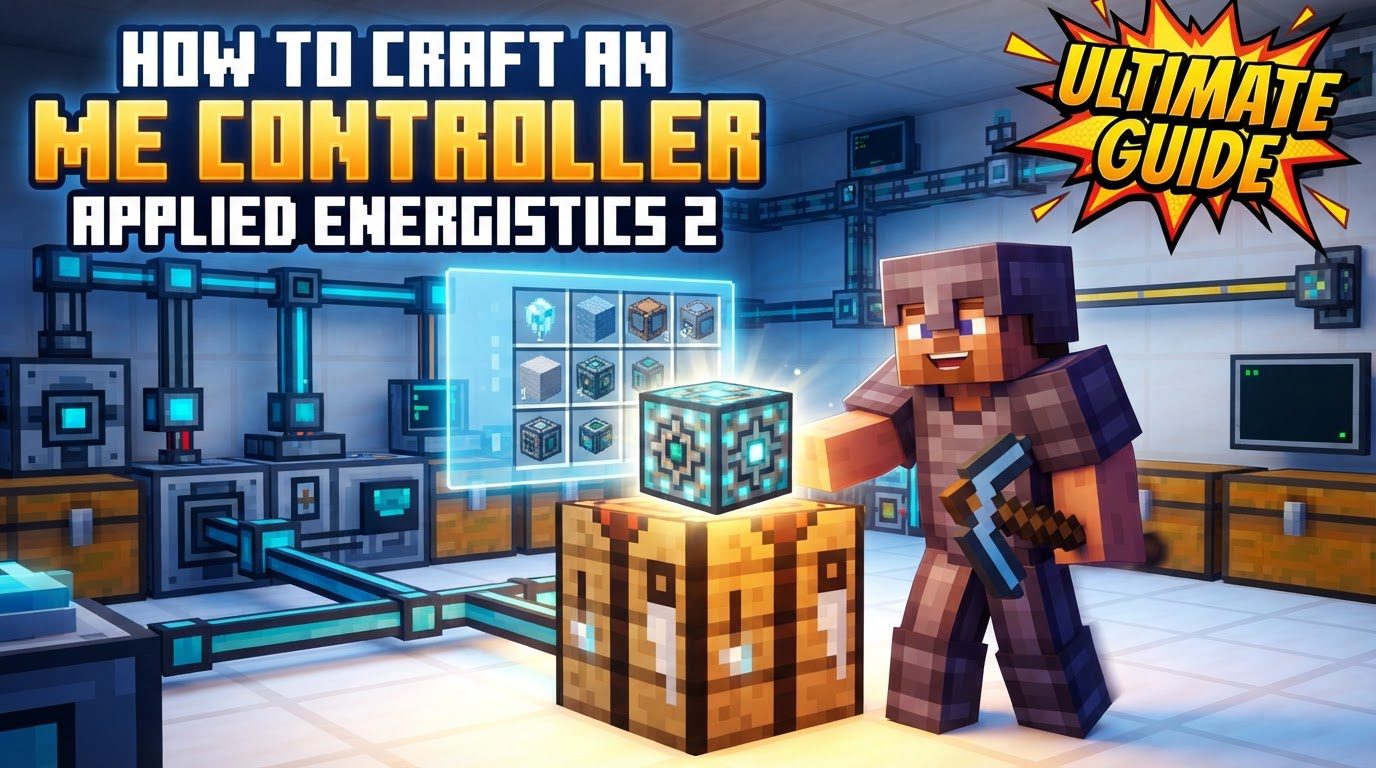
With all the necessary components in hand – 4x Iron Ingots, 4x Fluix Crystals, and 1x Advanced Processor – you are now ready to craft the ME Controller itself. Place the materials into a crafting grid according to the specific recipe. While the exact arrangement can vary slightly between versions or modpacks, the general principle involves arranging the 4x Iron Ingots, 4x Fluix Crystals, and 1x Advanced Processor to form the ME Controller block. Typically, the Advanced Processor is placed centrally, surrounded by a pattern of Fluix Crystals and Iron Ingots that forms the outer structure of the controller.
Optimizing Your ME Network with the Controller
Once you have your ME Controller, understanding how to effectively integrate it into your network is crucial for optimal performance and scalability. Proper planning and utilization of AE2’s features will lead to a more efficient and manageable system.
-
Utilize ME Dense Cables: Each face of an ME Controller provides a substantial 32 channels. To efficiently transmit this large capacity to other parts of your network, always utilize ME Dense Cables directly from the controller faces. Standard ME Cables only carry 8 channels, which would waste 24 channels per controller face, severely limiting your network’s potential. Dense Cables are specifically designed to carry all 32 channels, making them indispensable for high-throughput connections directly from your controller and for backbone wiring.
-
Employ P2P Tunnels for Channel Management: Point-to-Point (P2P) Tunnels are an advanced feature that allows for incredibly efficient channel distribution and network expansion. They enable you to send many channels (up to 32) over a single cable segment, vastly simplifying complex network layouts. By using P2P Tunnels, you can consolidate channel lines, reducing cable clutter and making your network more manageable and expandable. This is especially useful for transmitting channels across long distances, through walls, or between different floors of a base without running multiple bulky dense cables.
-
Configure P2P Tunnels with a Memory Card: To effectively use P2P Tunnels, you will need a Memory Card. This item is an essential tool for configuring and copying settings between P2P Tunnels. Right-clicking an input P2P Tunnel with a Memory Card will store its unique channel settings. These settings can then be applied to an output P2P Tunnel by right-clicking it, allowing for quick and consistent setup of your channel routing infrastructure. This avoids manually reconfiguring each tunnel.
-
Strategic Multiblock Placement: When constructing a multiblock controller, consider starting a few blocks above ground or in an easily accessible location. This strategic placement provides better access to all sides of the controller blocks, making it significantly easier to attach cables, P2P Tunnels, and perform maintenance, expansion, or troubleshooting. Planning your controller’s location from the outset can save significant effort and frustration later on as your network grows.
-
Visual Confirmation of Functionality: A healthy, functioning ME Controller provides clear visual feedback. After assembly and power connection, ensure your controller glows and cycles through various colors. This visual cue indicates that it is correctly assembled, receiving sufficient power, and actively functioning as the heart of your ME Network. If it’s not glowing, or is a solid white or red, it indicates an issue that needs immediate attention.
Troubleshooting and Avoiding Common Pitfalls
Even experienced players can make mistakes when dealing with the intricacies of AE2 controllers. Being aware of these common errors can save you hours of debugging and ensure your network operates smoothly.
-
Multiple Controllers: A fundamental rule of AE2 is that you must not place two separate ME Controllers in the same ME Network. Your network can only have one central controller. If you wish to expand its capacity, all controller blocks must be physically connected to form a single, unified multiblock structure. Placing a second, unconnected controller will cause network instability and operational failures, as the network cannot decide which controller to use.
-
Incorrect Multiblock Structure: While multiblock controllers offer great flexibility, they are subject to specific structural rules. The entire multiblock controller must fit within a 7x7x7 block space. Furthermore, all controller blocks within the multiblock must be connected to each other, forming a single contiguous mass. Gaps or disconnected sections will prevent the multiblock from forming correctly, leading to a non-functional controller that will likely appear solid white or red.
-
Invalid Multiblock Shapes: Certain geometric configurations of controller blocks are deemed invalid and will cause the controller to malfunction. Specifically, avoid “cross intersections” where a controller block has more than two adjacent controller blocks in a single axis (X, Y, or Z). For example, a controller block with blocks directly above, below, and to its east along the Y and X axes. Such configurations will cause the problematic controller block to turn white or red, signaling an error, and disable the entire multiblock structure. Controllers are generally designed for linear or planar extensions, not complex three-dimensional crosses.
-
Wasting Channels: Each controller face offers 32 channels. Connecting ME Devices or standard ME Cables (which only carry 8 channels) directly to a controller face is highly inefficient. This practice wastes a significant portion of the available channels, limiting your network’s potential. Always use ME Dense Cables to draw channels directly from the controller, and then branch off with standard cables or P2P Tunnels further down the line to maximize channel utilization and network efficiency.
-
Power Issues: An ME Network, especially one with a multiblock controller and numerous devices, can be quite power-hungry. Each controller block consumes 6 AE/t, and the network as a whole will demand more power as devices are added. Ensure your power generation and storage systems are robust enough to meet the network’s demands. Insufficient power will lead to intermittent network operation or complete shutdown, causing your automated systems to fail.
-
Mixing P2P and Regular Channels: It is crucial to avoid mixing regular AE2 channels and P2P channels on the same cable. Doing so can cause network instability, unpredictable behavior, and errors within your system, making troubleshooting extremely difficult. P2P Tunnels should be treated as dedicated channel conduits, separate from your main channel lines where possible, to maintain network integrity and predictable channel flow.
-
Unpowered P2P Tunnels: P2P Tunnels are not self-sufficient; they require power to function correctly. This power can be supplied either directly from the main ME Controller network they are connected to, or, in more complex setups, from a separate subnet with its own dedicated power source. If your P2P Tunnels are not working, check their power supply as a primary troubleshooting step, as an unpowered tunnel will not transmit channels.
Tags:
YOU MAY ALSO LIKE...


