How to Create Your Own Barcode System
A ‘barcode system’ in Minecraft might conjure up images of digital scanners and product identification, but within the blocky confines of the game, this concept branches into two distinct, yet equally ingenious, applications. Players can either construct highly functional automated item sorters that “read” and direct items based on their type, or they can meticulously recreate visual barcodes and QR codes using blocks. Both systems, in their own ways, showcase the remarkable versatility and engineering possibilities inherent in Minecraft’s design.
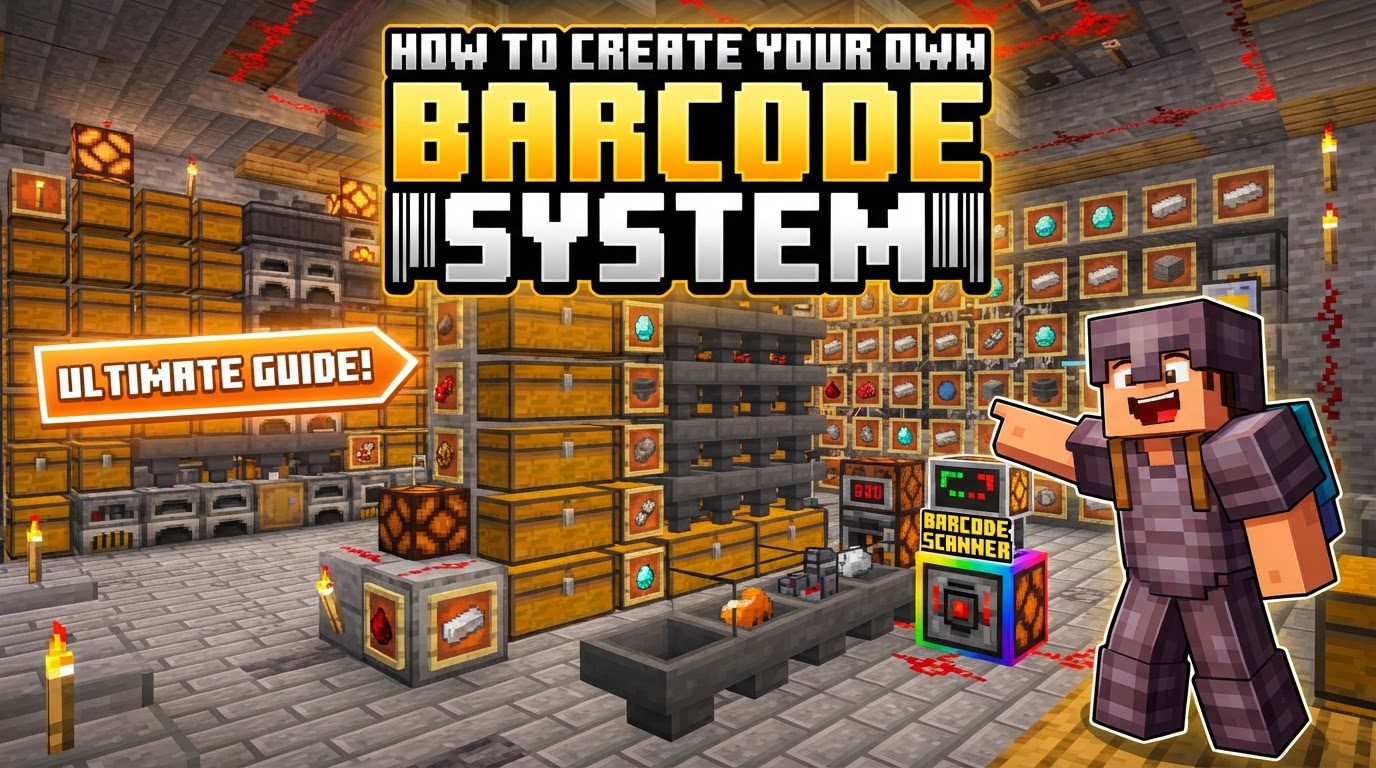
This guide will delve into both interpretations, providing comprehensive instructions and insights to help you implement your own barcode systems, whether for efficient inventory management or for unique aesthetic projects.
Building a Functional Barcode System: Automated Item Sorters
The most practical and widely used “barcode system” in Minecraft is the automated item sorter. This Redstone contraption identifies incoming items by type and channels them into designated storage units, effectively streamlining inventory management for large-scale farms, mines, or storage facilities. It’s an essential build for any serious player looking to escape the tedious task of manual sorting.
Key Mechanics Behind Item Sorting
Understanding the core components and their interactions is crucial for successful sorter construction:
- Hoppers: These versatile blocks serve as both transporters and temporary storage. Items flow through them, and critically, they hold items for detection by other Redstone components.
- Comparators: The brain of the sorting system, comparators read the fill level of a container (like a hopper) and output a Redstone signal whose strength is proportional to the number of items inside. This proportional signal is what allows the system to ‘identify’ when a specific item type is present in sufficient quantity.
- Redstone Dust and Repeaters: These are the electrical wiring of your Redstone circuits. Redstone dust transmits signals, while repeaters strengthen and delay them, ensuring signals reach their intended destination with the correct timing and power.
- Redstone Torches: Often used as inverters or power sources, Redstone torches play a critical role in locking hoppers. When a hopper is powered from its side by a Redstone torch (or any Redstone signal), it becomes locked and will not pull or push items. This locking mechanism is fundamental to preventing unwanted item flow.
- Filter Items: These are specific items placed within the sorting hopper to create a ‘trigger’ condition. Typically, one item of the type you wish to sort is placed in the first slot, and then several ‘junk’ items (like cobblestone or dirt) are used to fill the remaining four slots. This setup ensures that only the desired item, when it accumulates, can push the comparator’s signal strength high enough to activate the sorting mechanism.
Step-by-Step Guide to a Basic Item Sorter Module
A single item sorter module can be replicated to create a large, tileable system. Follow these steps to build one:
- Input Line: Begin by establishing a method for delivering unsorted items to your sorting system. This is commonly a water stream flowing into a chain of hoppers, or simply a long line of hoppers feeding into the first sorting module.
- Filter Hopper Placement: Place a chest where you want your sorted items to collect. Place a hopper on top of this chest, facing downwards into it. This will be your output hopper.
- Sorting Hopper: Place another hopper directly on top of the output hopper, facing downwards. This is your sorting hopper; it’s where items will be temporarily held and identified.
- Comparator Setup: Position a Redstone comparator directly adjacent to the sorting hopper, ensuring it faces away from the hopper. This comparator will read the contents of the sorting hopper.
- Redstone Circuit Construction:
- Place a solid block directly in front of the comparator’s output.
- Place a piece of Redstone dust on top of this block.
- Place another solid block directly below the Redstone dust.
- Attach a Redstone torch to the side of this lower block, facing towards the output hopper (the one directly above the chest). This torch should initially be lit, powering and locking the output hopper.
- When the sorting hopper accumulates enough items of the designated type, the comparator will output a strong enough signal to power the Redstone dust. This, in turn, will power the block below it, which will then turn off the Redstone torch. When the torch turns off, it unpowers and unlocks the output hopper, allowing items to flow into the collection chest.
- Filter Item Configuration: Open the sorting hopper. In the first slot, place one item of the specific type you wish to sort (e.g., one Iron Ingot if you’re sorting iron). In the remaining four slots, place one item each of a common, stackable ‘filler’ item (like cobblestone or dirt). This configuration ensures that the comparator outputs a base signal strength that is only exceeded when the desired item type starts accumulating in the sorting hopper.
- Collection Chests: Place additional chests below the output hoppers to maximize storage capacity for your sorted items.
Advanced Tips for Efficient Barcode Systems
- Tileable Design: Plan your sorters to be compact and repeatable. Most basic sorter designs are ’tileable,’ meaning you can place them side-by-side with minimal spacing to sort many different item types in a small footprint.
- Buffer Space: Always ensure there is ample buffer space in your input line or in the sorting hoppers themselves. This prevents item overflow and potential loss if your collection chests become full, or if items arrive at the system faster than they can be processed.
- Strategic Filler Items: While cobblestone is a common filler, consider using items that do not stack to 64 (e.g., tools, snowballs, eggs) if you encounter issues where the primary sorted item accidentally fills up the filler slots. This is rare but can occur in high-throughput systems or with specific item types.
Common Mistakes to Avoid
- Comparator Mode: Ensure your comparator is in “compare” mode (the default when placed) and not “subtract” mode. Right-clicking a comparator toggles its mode, indicated by the Redstone torch on its front.
- Incorrect Filter Items: Having too many or too few filter items, or using the wrong type, can cause the system to malfunction. If the filter items aren’t configured correctly (1 item of type to sort, 1 of four junk items in the other slots), the comparator won’t activate at the correct threshold, leading to items getting stuck or unsorted.
- Redstone Signal Issues: Pay close attention to Redstone signal strength. If the signal is too weak, it might not reach the torch, or it might incorrectly power/unpower a hopper. Ensure all Redstone dust is properly connected and powered.
- Hopper Locking: The Redstone torch must correctly power and lock the output hopper (the one directly above the chest). If the torch is positioned incorrectly or the signal path is broken, items will flow freely into the chest, bypassing the sorting mechanism.
Visual Barcode and QR Code Systems
Beyond functional sorting, the concept of a “barcode system” in Minecraft can also extend to purely visual representations. Players can construct large-scale barcodes or QR codes using contrasting blocks, typically black and white wool, concrete, or snow. These creations are primarily aesthetic or serve as novelty projects, but they can be surprisingly intricate.
To create a visual barcode or QR code:
- External Generation: The most common approach is to use a real-world QR code or barcode generator tool online. These tools allow you to input text or a URL and will output a pixelated image of the code.
- Block-by-Block Recreation: You then meticulously recreate this pixel pattern in Minecraft. Each ‘pixel’ of the generated code corresponds to a block in your build. Black blocks for the dark parts of the code and white or light-colored blocks for the lighter parts are essential for contrast.
- Scale and Accuracy: For larger, more complex codes, maintaining scale and accuracy is paramount. Even a single misplaced block can render a QR code unreadable by external devices.
- In-Game Reading (Advanced Redstone): While most visual codes are for external scanning (e.g., pointing a smartphone camera at the screen), it is theoretically possible to devise incredibly complex in-game Redstone systems to “read” these patterns. This would involve arrays of block detectors (like observers) connected to logic gates that interpret the block patterns into data, a feat of engineering reserved for the most dedicated Redstone experts. For most players, the joy comes from the construction and the visual effect.
Whether you’re building an automated sorting powerhouse or a monumental block art piece, Minecraft’s flexibility allows for diverse interpretations of a “barcode system.” Both types offer unique challenges and immense satisfaction upon completion, showcasing the endless creativity possible within the game.
Tags:
YOU MAY ALSO LIKE...