

Extending Potion Duration Using Redstone — A Quick Guide
Mastering potions in Minecraft offers significant advantages, from enhancing combat prowess to streamlining exploration. While many beneficial potions come with inherent time limits, a powerful alchemical technique exists to extend their effectiveness: utilizing Redstone Dust. This guide provides a comprehensive overview of how to leverage Redstone Dust to prolong potion durations, covering the core mechanics, a step-by-step brewing process, essential tips, and common pitfalls to avoid. Understanding this process is crucial for any player looking to optimize their potion usage and gain a lasting edge.
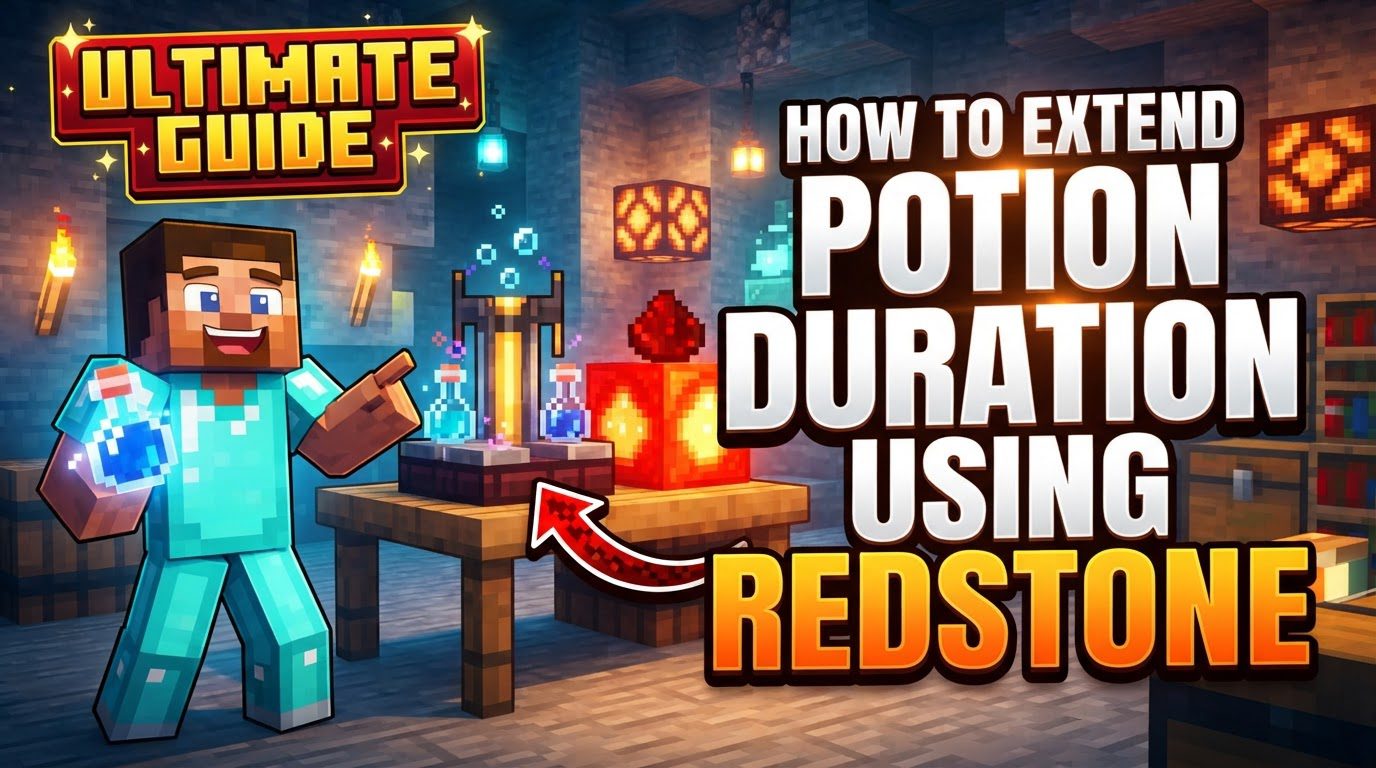
Key Mechanics of Potion Duration Extension
-
Redstone Dust is the ingredient used to extend the duration of most potions in Minecraft. This versatile material is specifically dedicated to prolonging the active period of time-limited potions.
-
Adding Redstone Dust to a potion significantly increases its duration. For example, a 3-minute potion can become an 8-minute potion, allowing players to enjoy effects for much longer periods and conserving resources.
-
The effects of Redstone Dust (extending duration) and Glowstone Dust (increasing potency but shortening duration) are mutually exclusive. You cannot apply both to the same potion; a choice must be made between a longer-lasting or a more potent effect.
-
Redstone Dust can only be added once to a potion. Once a potion’s duration has been extended, it cannot be further prolonged by adding more Redstone Dust.
-
Only potions that have an inherent time limit can have their duration extended. Instantaneous effect potions, such as Potions of Instant Health or Harming, do not possess a duration to prolong, rendering Redstone Dust ineffective on them.
Step-by-Step Guide to Extending Potions
Extending the duration of your potions using Redstone Dust is a straightforward process within a Brewing Stand. Follow these steps:
-
Step 1: Brew a Time-Limited Potion: Begin by brewing any potion that has a time limit. Combine its specific ingredient (e.g., Magma Cream for Fire Resistance, Sugar for Swiftness) with an Awkward Potion in a Brewing Stand.
-
Step 2: Keep Potions in the Brewing Stand: After the initial brewing, keep the newly brewed potion(s) in their respective output slots within the Brewing Stand.
-
Step 3: Place Redstone Dust as the Ingredient: Access the Brewing Stand’s GUI and place a single unit of Redstone Dust into the top ingredient slot.
-
Step 4: Observe Duration Extension: The Brewing Stand will brew the Redstone Dust with the potion(s). Once complete, their duration will be extended, such as a 3-minute potion becoming an 8-minute potion. The potion is then ready for use or further modification.
Important Tips for Efficient Potion Extension
-
Ensure Potion Has a Duration: Always verify that the potion you are trying to extend inherently possesses an ongoing duration effect. Instantaneous effect potions, like those of Instant Health or Harming, cannot be extended, wasting Redstone Dust.
-
Extended Potions Can Be Further Modified: An extended potion is not a final form. It can still be further modified into other useful variants:
-
Splash Potions: By adding Gunpowder to an extended potion in a Brewing Stand, it becomes a Splash Potion, applying effects to multiple entities in an area upon impact.
-
Lingering Potions: An extended Splash Potion can be transformed into a Lingering Potion by adding Dragon’s Breath. These create a persistent cloud of the potion’s effect, affecting anyone who enters it.
-
-
Automated Redstone Brewing Contraptions: For players requiring large quantities of extended potions, manual brewing is inefficient. Automated redstone brewing contraptions can be built to efficiently extend large quantities of potions, utilizing hoppers and precise redstone timing for mass production.
Common Mistakes to Avoid
To ensure successful potion extension and prevent wasted resources, be aware of these common mistakes:
-
Confusing Redstone Dust with Glowstone Dust: Glowstone Dust enhances a potion’s effect but shortens its duration, directly contrasting Redstone Dust’s function of extending duration. Always verify the dust being used.
-
Attempting to Extend Instantaneous Effect Potions: Do not try to apply Redstone Dust to potions that do not possess a duration effect, such as potions of Instant Health or Harming. These deliver immediate effects, leaving no duration to prolong.
-
Trying to Double-Extend or Extend After Glowstone: Redstone Dust can only be added once to a potion. Furthermore, due to their mutually exclusive nature, you cannot add Redstone Dust to a potion that has already been extended or enhanced by Glowstone Dust, nor vice-versa.
-
Errors in Automated Redstone Systems: In automated systems, incorrect redstone timings or hopper setups can lead to brewing failures or items getting stuck. Redstone mechanics can also differ between Java and Bedrock editions, potentially causing inconsistencies that require careful testing and adaptation.
Conclusion
Mastering the art of extending potion durations with Redstone Dust is an invaluable skill for any Minecraft player. By understanding its core mechanics – that Redstone Dust prolongs effects, is mutually exclusive with Glowstone Dust, and applies only once to time-limited potions – you gain the ability to significantly enhance your brewed concoctions.
The process is straightforward, requiring just a few steps within the Brewing Stand. By diligently avoiding common mistakes and leveraging the provided tips, you can efficiently produce extended potions that will serve you well in countless in-game scenarios. Embrace this knowledge to elevate your alchemical prowess, making every potion last longer and work harder for you.
Tags:
YOU MAY ALSO LIKE...


