Generating a Structure Using the Place Command — A Quick Guide
Mastering the `/place` Command in Minecraft: A Comprehensive Guide
The `/place` command in Minecraft is a powerful tool for creators, map makers, and players looking to quickly generate various in-game elements. This command allows for the instant placement of everything from individual features like trees and ore veins to complex, multi-part structures and templates. Understanding its nuances can significantly enhance your building and world-creation capabilities.
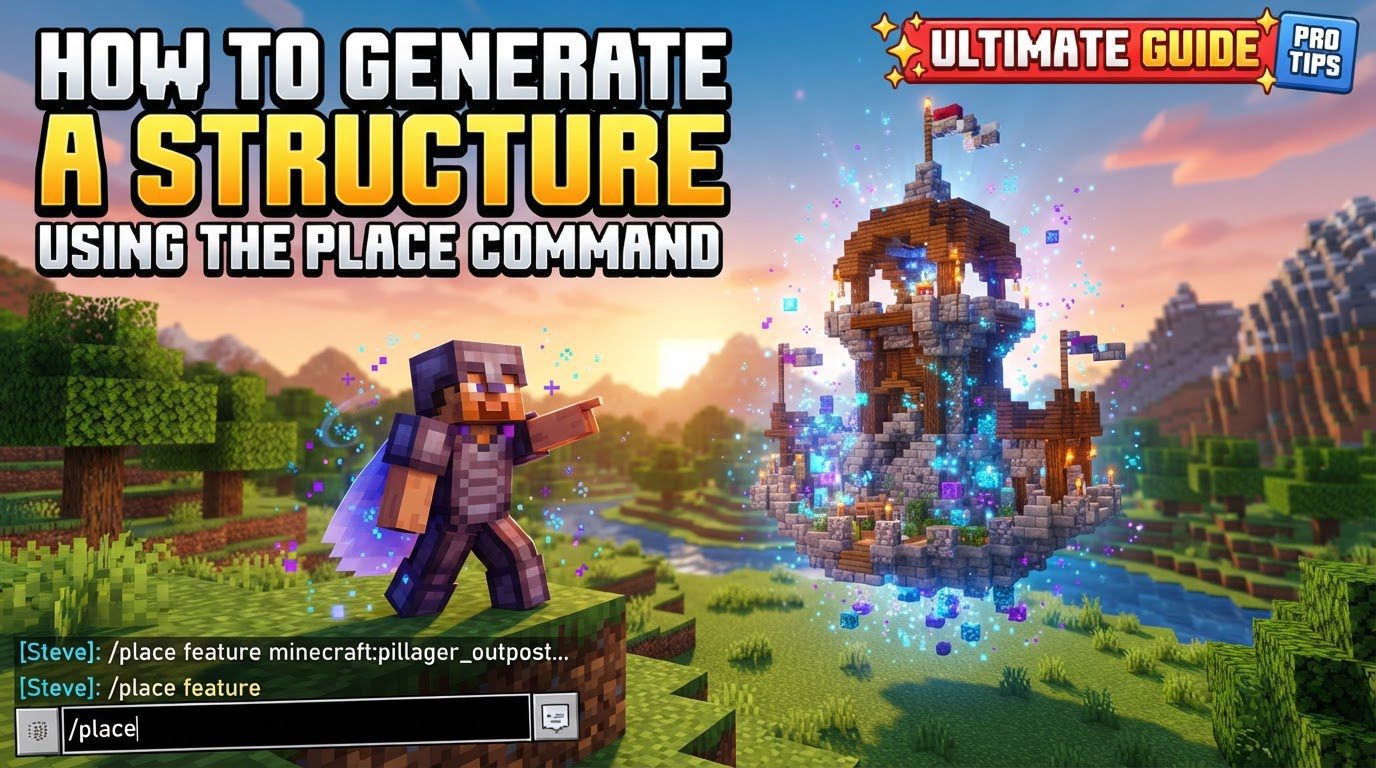
Introduced in Minecraft Java Edition, the `/place` command has also made its way to Bedrock Edition. For Bedrock players, it’s crucial to note that full functionality, especially for more advanced structural placements, may require enabling specific experimental toggles such as “Data-driven Jigsaw Structures” and “Upcoming Creator Features” in your world settings. Regardless of your edition, a fundamental requirement for using this command is that cheats must be enabled in your world. Without cheats, the command console will not execute `/place` or any other administrative commands.
Key Mechanics of the `/place` Command
The `/place` command is not a single, monolithic function but rather a versatile suite of subcommands, each tailored to generate a specific type of content. These subcommands dictate the kind of element you intend to place and require different arguments to function correctly. The command’s flexibility is one of its greatest strengths, allowing for precise control over placement, orientation, and even completeness.
-
Subcommands: The command is broken down into four primary subcommands:
feature: Used for smaller, usually naturally generating world elements like trees, plants, or mineral veins.jigsaw: Designed for generating modular structural parts, often found in complex or custom structures that use jigsaw blocks for assembly.structure: The go-to subcommand for placing entire, predefined structures that are saved within the game’s assets.template: Allows for the placement of specific parts of structures based on a template file, offering granular control over individual components.
-
Arguments: Common arguments across these subcommands typically include:
- Coordinates ( ): These define the exact location where the structure or feature will be placed. Coordinates can be absolute (e.g.,
100 64 -50) or relative to your current position using tildes (e.g.,~ ~ ~for your current spot, or~5 ~-2 ~10for 5 blocks east, 2 blocks down, and 10 blocks south of you). - Rotation: For certain types like templates, you can specify an orientation, such as
none,clockwise_90,counterclockwise_90, or180. - Mirroring: Also available for templates, this argument allows you to flip the structure along an axis, with options like
none,front_back, orleft_right. - Integrity: A value between 0.0 and 1.0 (e.g.,
0.5for 50% completeness) used with templates to control how complete or “damaged” the placed template appears.
- Coordinates ( ): These define the exact location where the structure or feature will be placed. Coordinates can be absolute (e.g.,
Detailed Breakdown of Subcommands
Understanding when to use each subcommand is key to effectively utilizing `/place`.
-
/place feature [ ]This subcommand is ideal for placing smaller, individual world generation elements. Features are typically defined in data packs and represent things like single trees, patches of flowers, or a specific ore vein. For instance, you could use this to quickly populate an area with custom trees or generate a single, specific type of plant. The
is the namespaced ID of the feature you wish to place, such asminecraft:tree_oakorminecraft:ore_coal. If coordinates are omitted, the feature will attempt to place at your current location. -
/place jigsaw [ ]The
jigsawsubcommand is more advanced and is used for generating parts of structures that are built using jigsaw blocks. These are often complex, modular structures like villages, strongholds, or custom structures designed with jigsaw logic. Therefers to a jigsaw pool, which is a collection of structure pieces. Thespecifies a target pool element, anddetermines how many layers of jigsaw connections the generation process should attempt to resolve. This subcommand is particularly useful for debugging or assembling custom jigsaw-based structures part by part. -
/place structure [ ] [ignore_jigsaw_start_height] [keep_jigsaws]This is arguably the most commonly used subcommand for placing entire, pre-defined structures. The
corresponds to the namespaced ID of a complete structure, such asminecraft:village_plains,minecraft:pillager_outpost, orminecraft:trial_chambers. The optional argumentignore_jigsaw_start_heightis critical for structures that normally generate underground (like Trial Chambers); setting it totruewill place the structure at the specified Y-level, rather than attempting to find its natural generation height. Thekeep_jigsawsargument, when set totrue, will prevent jigsaw blocks within the structure from converting into their final blocks, which can be useful for further editing or connecting other jigsaw-based structures. -
/place template [ ] [rotation] [mirroring] [integrity]The
templatesubcommand offers the most control over individual structure parts. Arefers to a specific structure template file (.nbtfile) saved in your world’sgenerated/minecraft/structuresfolder or a data pack. This allows you to place custom-saved builds. You can precisely control itsrotation(e.g.,clockwise_90),mirroring(e.g.,front_back), and even itsintegrity, which determines the percentage of blocks that will actually be placed from the template, simulating decay or incompleteness. This is invaluable for creative builders and map makers who want to reuse specific components or create ruins.
Step-by-Step Process for Using `/place`
To successfully generate a structure or feature, follow these steps:
- Enable Cheats: Before anything else, ensure that cheats are enabled in your world. This is typically done during world creation or by opening an existing world to LAN and selecting the “Allow Cheats” option.
- Open Chat: Press the chat key (usually ‘T’ or ‘/’) to bring up the command console in-game.
-
Choose Subcommand: Decide which type of element you want to place.
- For small elements like trees or ores: use
/place feature. - For modular structure parts: use
/place jigsaw. - For entire predefined structures: use
/place structure. - For specific parts of structures from a template: use
/place template.
- For small elements like trees or ores: use
-
Specify Coordinates: Input the desired X Y Z coordinates. You can use absolute numbers (e.g.,
100 64 -50) or relative coordinates using tildes (e.g.,~ ~ ~for your current location, or~10 ~-5 ~0to place it 10 blocks east and 5 blocks below you). -
Add Optional Arguments: Depending on the subcommand, include any necessary optional arguments such as rotation, mirroring, integrity,
ignore_jigsaw_start_height, orkeep_jigsaws. - Execute Command: Press Enter to run the command. If successful, your chosen element will appear at the specified location.
Important Tips for Effective Use
- Relative Coordinates: Always remember that tildes (
~) are your friends for quick, relative placements.~ ~ ~places at your feet, while~ ~10 ~places 10 blocks directly above you. - Underground Structures: When placing structures like Trial Chambers that are designed to be underground, always use
ignore_jigsaw_start_height truewith the/place structurecommand if you want them to appear at your specified Y-level. Otherwise, they might generate far below or not at all if their natural generation conditions aren’t met. - Template Integrity: Experiment with the
integrityargument (0.0 to 1.0) when using/place templateto create weathered ruins or incomplete builds. A value like0.75will result in roughly 75% of the blocks being placed. - Rotation and Mirroring: Don’t forget the rotation and mirroring options for templates. These can save you significant time in editing and provide more variety when placing multiple instances of the same template.
- Map Creation and Creative Building: The `/place` command is an indispensable tool for map creators. It allows for rapid prototyping, populating custom terrain, and quickly adding complex structures without manual building, greatly accelerating the development process.
Common Mistakes to Avoid
While powerful, the `/place` command can be tricky. Be aware of these common pitfalls:
- Forgetting Cheats: This is the most common oversight. Without cheats enabled, the command will simply not work, often giving a “You do not have permission to use this command” message.
- Bedrock Edition Experimental Features: In Bedrock, if you’re trying to place complex structures or use jigsaw features, ensure “Data-driven Jigsaw Structures” and “Upcoming Creator Features” are toggled on. Otherwise, the command might fail or not recognize certain structure IDs.
-
Structures Generating Incorrectly: Structures that naturally generate underground (e.g., Trial Chambers) will often appear as solid blocks or fail to generate if
ignore_jigsaw_start_height trueis not used when placing them above ground. They expect to be surrounded by earth. - “Cannot place blocks outside of world” Error: This error typically means your target coordinates are outside the currently loaded chunks or beyond the world boundary. To fix this, move closer to the target area, increase your simulation distance, or use a command block in a constantly loaded area.
-
Misusing Subcommands: Don’t confuse `feature`, `jigsaw`, or `template` for placing entire, pre-built structures. They often place only smaller elements, modular parts, or specific sections. For a complete structure, always opt for
/place structure. - Feature Placement Rules: Some features have specific placement requirements (e.g., trees needing dirt underneath, or certain plants needing water). Placing them in an unsuitable environment might lead to unexpected results or failure to generate.
- Orientation Issues: If you’re placing a custom-saved template, its orientation upon placement depends on how it was originally saved relative to the structure block’s facing direction. If it looks wrong, try different rotation arguments.
- Underground Structures Above Ground: When placing a structure that normally generates with air (like a dungeon) above ground without its typical surrounding blocks, it might appear as a solid block if not generating into air. This is especially true for structures that are meant to replace existing terrain.
By mastering the `/place` command and understanding its various subcommands and arguments, you gain an incredibly powerful tool for world manipulation and creative expression in Minecraft. Whether you’re building an adventure map, testing structure generation, or simply experimenting with world elements, this command is an essential part of any Minecraft expert’s toolkit.
Tags:
YOU MAY ALSO LIKE...