

Identifying Breaking Changes in a New Update, Explained
To effectively identify breaking changes in a new Minecraft update, players must focus on understanding the game’s development cycle, diligently reviewing official documentation, and proactively testing their content against upcoming versions. This multi-faceted approach helps anticipate and mitigate potential issues before they impact primary gameplay or custom creations.
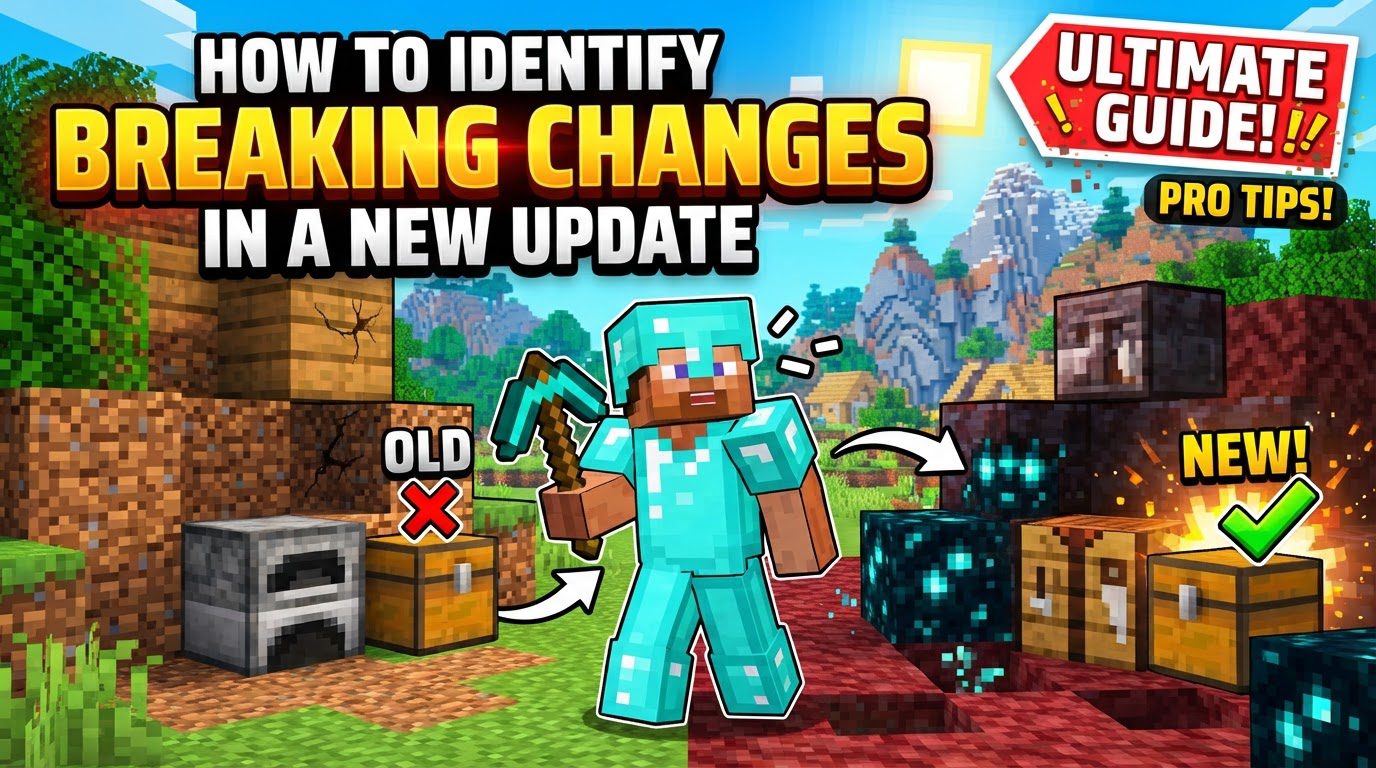
Key Mechanics for Identifying Changes
-
Snapshots, Pre-releases, and Betas: Mojang regularly releases experimental versions of Minecraft that showcase upcoming features and changes before a full update. For Java Edition, these are known as snapshots, while Bedrock Edition users receive similar content through betas and previews. These early releases are crucial for identifying breaking changes. By engaging with them, players can gain an invaluable head start in understanding how new mechanics, item behaviors, or technical adjustments might impact their existing worlds, resource packs, data packs, and mods. They serve as a vital testing ground for both Mojang and the community.
-
Patch Notes and Changelogs: Comprehensive patch notes and changelogs accompany every snapshot, beta, and official game release. These documents are the authoritative source for understanding all modifications introduced in an update. They detail new features, list bug fixes, and, most importantly for identifying breaking changes, highlight technical adjustments. Players should meticulously review these notes, as they often contain explicit warnings or descriptions of changes that could directly affect custom content or established gameplay mechanics, making them an indispensable resource.
-
Data-Driven Development: Minecraft is gradually transitioning towards a data-driven approach in its development. This means that an increasing number of game elements, such as block properties, item recipes, and world generation features, are defined by external data files rather than being hard-coded. While this shift can potentially make certain types of custom content, particularly data packs, more resilient to future updates by allowing for easier modification, core game logic or fundamental changes to how this data is interpreted can still lead to significant incompatibilities, requiring adjustments to existing data packs.
-
Modding API Evolution: For the Java Edition, the vibrant modding community relies heavily on mod loaders like Forge, Fabric, and NeoForge to extend the game’s functionality. Major Minecraft updates frequently introduce significant underlying code changes, necessitating substantial rewrites and updates for existing mods. This often results in a period of incompatibility immediately following an official game update until mod developers can adapt their creations. Mojang’s initiative to release official mappings aims to standardize the obfuscated code names used internally, which could potentially streamline the mod development process and improve compatibility across updates in the long term.
-
Technical Updates: Beyond new features, every update typically includes a range of technical updates that can directly cause breaking changes for custom content creators. These often involve changes to internal version numbers for data packs and resource packs, requiring creators to update these version numbers within their files. Furthermore, modifications to the structure or functionality of advancements, loot tables, and even the underlying rendering systems can render existing custom content incompatible or cause visual glitches. Understanding these technical, under-the-hood changes is crucial for anyone maintaining custom game content.
Step-by-Step Process for Identifying Breaking Changes
-
Monitor Official Announcements: The first step in staying ahead of breaking changes is to actively monitor Mojang’s official channels. This includes the Minecraft Launcher news feed, the official Minecraft website, and their various social media accounts. These platforms are where Mojang first announces upcoming updates, provides details about snapshot and beta releases, and shares critical information about significant changes. Regular monitoring ensures you are among the first to know about potential disruptions, allowing you to begin your preparation and testing process early.
-
Thoroughly Review Patch Notes: Once an update or experimental version is released, it is imperative to thoroughly review the accompanying patch notes. Do not simply skim them. These detailed documents are the primary source of information regarding all modifications, new features, bug fixes, and, crucially, technical adjustments that could impact your gameplay or custom content. Pay close attention to sections describing changes to existing mechanics, data pack versions, resource pack formats, or any mention of altered game logic, as these are prime indicators of potential breaking changes.
-
Test in Snapshots/Pre-releases: Before a major update officially rolls out, make it a practice to test your critical content in snapshots or pre-releases. This involves loading a duplicate of your main world, your custom resource packs, and any data packs you use into the latest experimental version. This proactive testing allows you to identify potential issues, bugs, or incompatibilities in a controlled environment, long before the update affects your primary game installation. It’s an invaluable opportunity to see firsthand what might break and to report issues to Mojang.
-
Backup Your Worlds: This step cannot be stressed enough: always create a complete backup of your Minecraft worlds before updating to any new game version, whether it’s a snapshot or an official release. World corruption or irreversible data loss due to compatibility issues is a genuine risk. A backup ensures that even if an update introduces unforeseen problems that render your world unplayable or damaged, you can always revert to a stable, pre-update state. This is your ultimate safety net against breaking changes.
-
Check Mod/Plugin Compatibility: For players who rely on mods or plugins, verifying compatibility is a critical step. Before updating your game, visit the respective download pages or repositories for your mods (e.g., Modrinth, CurseForge). Look for explicit statements from the developers confirming that their creations have been updated and are compatible with the specific new Minecraft version. Tools like PlugCheck can also assist in quickly assessing the compatibility status of multiple mods or plugins, helping you avoid launching an incompatible setup.
-
Create a Dedicated Test World: For significant updates, especially those introducing major new mechanics or changes to world generation, it is highly recommended to create a dedicated test world in the updated version. This fresh world allows you to freely experiment with new features, observe changes in item behavior, understand altered crafting recipes, and check rendering system modifications without any risk to your long-standing primary saves. It provides a clean slate to learn the new version’s intricacies and identify subtle breaking changes.
Important Tips for Proactive Identification
-
Early Engagement with Snapshots: One of the most effective strategies for identifying breaking changes is through early engagement with snapshots. Whether you actively play them or simply follow community discussions and reports from those who do, keeping abreast of snapshot developments provides crucial early warnings. This foresight allows you to anticipate potential issues, understand Mojang’s development direction, and begin planning for necessary adjustments to your custom content or gameplay strategies well in advance of the official release.
-
Understand Data-Driven Changes: As Minecraft moves towards a more data-driven architecture, it becomes increasingly important for advanced users and content creators to familiarize themselves with the concept of data-driven game elements. A deeper understanding of how data packs interact with the game’s internal data structures can help predict which parts of your custom content might be more resilient to updates and which might require immediate attention. While not a guarantee against breaks, this knowledge can reduce the impact of some future updates on data pack functionality.
-
Leverage Community Resources: The vast and active Minecraft community is an invaluable resource. Leverage community resources such as official Minecraft forums, dedicated modding discords, and fan wikis. These platforms are excellent places to find discussions on reported breaking changes, discover workarounds for known issues, and get real-time updates on the compatibility status of popular mods and resource packs. Other players and content creators often encounter and document issues before official channels can, providing a collective intelligence network.
-
Patience is Key for Mod Users: If you rely heavily on mods, patience is key. Mod developers require a significant amount of time to adapt their creations to new Minecraft versions, especially after major updates that introduce extensive code changes. Expect a delay, sometimes weeks or even months, between the official release of a new Minecraft version and the availability of compatible mod releases. Attempting to force outdated mods onto a new version is almost guaranteed to lead to crashes and instability. Waiting for developers to update their mods is the safest and most reliable approach.
Common Mistakes to Avoid
-
Updating without Backing Up Worlds: A critically common and easily avoidable mistake is updating without first backing up your worlds. Neglecting to create a complete backup of your game saves before installing a new update is akin to gambling with your progress. If an update introduces compatibility issues or unforeseen bugs that corrupt your world data, without a backup, this loss of progress can be irreversible and devastating. Always treat world backups as a mandatory pre-update ritual.
-
Ignoring Official Patch Notes: Another frequent error is ignoring the official patch notes. Many players jump straight into a new update without reading what has actually changed. This oversight means missing vital information about altered mechanics, deprecated features, or necessary technical adjustments that could directly impact their gameplay, custom content, or understanding of new systems. The patch notes are your primary guide to navigating an update; neglecting them leaves you uninformed and vulnerable to unexpected breaks.
-
Assuming Automatic Compatibility: It is a dangerous assumption to believe that existing mods, resource packs, or even older worlds will seamlessly transfer to a new game version without issues. Minecraft updates frequently introduce fundamental changes that are not backward compatible. This can range from changes in block IDs or data values to entirely new rendering pipelines or world generation algorithms. Always verify compatibility rather than assuming it, especially for custom content or worlds that have been carried over through multiple updates.
-
Using Outdated Mods/Plugins: Attempting to run mods or plugins designed for an older Minecraft version on a new one is a recipe for disaster. This will almost certainly result in game crashes, severe performance issues, unexpected behavior, or even world corruption. Mod loaders and mods themselves are tightly integrated with specific game versions. Always ensure that all your installed mods and plugins are explicitly updated for the exact Minecraft version you are running to maintain stability and prevent game-breaking errors.
-
Playing Main Worlds in Experimental Versions: A significant risk is playing your main, valuable worlds in experimental versions such as snapshots, pre-releases, or betas. These versions are inherently unstable, prone to bugs, and may introduce world-breaking changes that are later reverted or altered, potentially leaving your world in an unrecoverable state. Always use copies of your worlds, or dedicated test worlds, for experimental versions. Reserve your primary saves for stable, official releases to prevent permanent corruption or loss.
Tags:
YOU MAY ALSO LIKE...


