Locating a Biomes O’ Plenty Bayou Biome
The Biomes O’ Plenty mod significantly expands Minecraft’s world generation, introducing a plethora of unique biomes. Among these, the Bayou stands out as a particularly atmospheric and resource-rich environment. It is characterized by lush, swampy terrain dominated by tall willow trees gracefully draped in Spanish moss. The ground consists of rich mud and vibrant grass, frequently dotted with clusters of cattails and ferns, creating a dense, wild appearance that captivates many explorers.
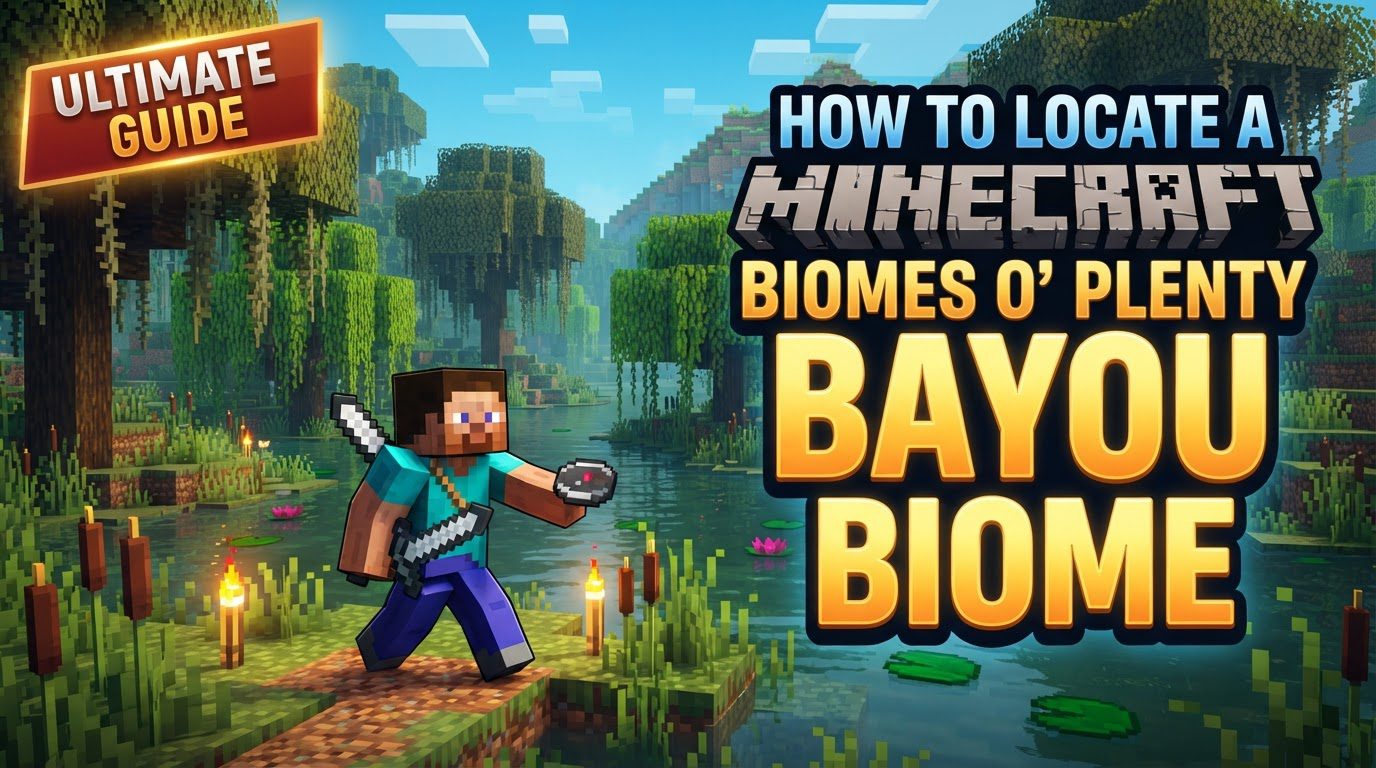
Beyond its visual appeal, the Bayou offers specific gameplay elements. Witch Huts can occasionally be found nestled within its depths, providing opportunities for potion ingredients and encounters with witches. Furthermore, slimes are known to spawn above ground in this biome, making it an excellent location for farming slimeballs without needing to delve into deep caves. Classified as a “Common” biome within Biomes O’ Plenty, it holds a rarity rating of 8, meaning it’s not exceedingly rare but requires proper world setup and potentially some dedicated searching. Its unique design also prioritizes water travel, featuring clear boat paths that weave through its waterways, making navigation by boat an efficient and immersive experience. Crucially, Biomes O’ Plenty biomes, including the Bayou, will only generate in your world if the “Biomes O’ Plenty” world type is explicitly selected during the world creation process. Failure to do so means the biome will simply not exist in your game world.
Prerequisites for Biome Generation
Before attempting to locate a Bayou, the most critical step occurs even before you load into your world: ensuring proper world generation. Biomes O’ Plenty is a comprehensive mod that completely overhauls Minecraft’s terrain generation. For any of its custom biomes, like the Bayou, to appear, you must select the “Biomes O’ Plenty” world type when creating a new world. When you are in the “Create New World” screen, navigate to the “World Type” option. Typically, this is set to “Default” or “Large Biomes” in vanilla Minecraft. You need to click this option until it displays “Biomes O’ Plenty”. If this option is not available, it indicates that Biomes O’ Plenty is either not correctly installed or not enabled for your specific Minecraft version. Always double-check your mod installation and ensure compatibility with your game client. Without this crucial setting, no amount of searching or command usage will yield a Biomes O’ Plenty Bayou, as the biome simply won’t generate in your game world.
Methods for Location
Once your world is correctly set up with the Biomes O’ Plenty world type, you can employ several methods to locate a Bayou biome. These range from in-game commands to specialized mod items, catering to different playstyles and Minecraft versions.
Using the /locatebiome command (Minecraft 1.16.1 and newer)
For players utilizing Minecraft version 1.16.1 or any subsequent updates, the in-game /locatebiome command stands as the most straightforward and efficient method for pinpointing the exact location of a Bayou biome. This command is a native Minecraft feature, enhanced by Biomes O’ Plenty to recognize its custom biome IDs. To use it, first, ensure that cheats are enabled in your world. Open the chat interface by pressing ‘T’ (default key) or ‘/’. In the chat window, type the following command precisely: /locatebiome biomesoplenty:bayou. After typing, press the Enter key. The game’s system will then process your request and, within moments, provide you with the coordinates (X, Y, Z) of the nearest Bayou biome. A particularly convenient feature of this command is that the provided coordinates in the chat are often clickable. By simply clicking on these coordinates, you will be instantly teleported directly to the discovered Bayou biome, saving you considerable travel time. This method is highly recommended for its speed and simplicity, especially when starting a new world and desiring to establish a base in a specific biome.
Using the /bop tpbiome command (Minecraft 1.13.2 to 1.16.0)
Players operating within the Minecraft versions ranging from 1.13.2 up to 1.16.0 will find a slightly different, mod-specific command to be their primary tool for biome location and teleportation. The /bop tpbiome command is a utility provided directly by the Biomes O’ Plenty mod itself, designed to assist with navigation within its expansive biome set. Similar to the /locatebiome command, you must have cheats enabled in your world to use this function. Open your chat window, typically by pressing ‘T’. Then, input the command: /bop tpbiome biomesoplenty:bayou. Press Enter to execute the command. Unlike /locatebiome which first gives coordinates, this command directly teleports you to the nearest instance of the specified biome. This makes it incredibly efficient for quickly reaching a Bayou. It is important to note the version specificity here; attempting to use this command in versions 1.16.1 or newer will likely result in an ‘unknown command’ error, as it was superseded by the vanilla /locatebiome command. Conversely, /locatebiome will not work for Biomes O’ Plenty biomes in versions prior to 1.16.1. Always confirm your game version to ensure you are using the correct command syntax for optimal results.
Using Nature’s Compass (Mod)
For those who prefer a more in-game, non-command approach to biome discovery, the Nature’s Compass mod offers an excellent solution. This widely popular utility mod is often included in larger modpacks and provides a convenient way to locate any biome, including those from Biomes O’ Plenty. The first step is to ensure Nature’s Compass is installed in your modpack. Once available, you will need to craft the Nature’s Compass item. The crafting recipe typically involves a standard compass surrounded by various common resources, though this can vary slightly between modpack configurations. Once crafted, hold the Nature’s Compass in your hand and right-click to open its graphical user interface (GUI). Within this interface, you will find a comprehensive list of all biomes currently registered in your game, including “Biomes O’ Plenty: Bayou”. Select the “Bayou” biome from the list. The compass will then begin to point in the direction of the nearest instance of that biome, often displaying the distance in blocks. Some versions or configurations of Nature’s Compass may also offer a direct teleportation option once a biome has been selected and located. This method blends exploration with convenience, allowing players to feel more immersed while still having a powerful tool at their disposal.
Using the Biome Finder (Biomes O’ Plenty item)
Biomes O’ Plenty itself provides a dedicated in-game item for biome detection: the Biome Finder. This artifact is a late-game utility, requiring specific rare resources to craft, making it a reward for progression rather than an early-game tool. To craft a Biome Finder, you will need four Ender Amethysts and one Terrestrial Artifact. These are materials typically found in Biomes O’ Plenty’s unique dimensions or rarer biomes, signifying the item’s advanced nature. Once crafted, the Biome Finder operates by consuming “biome essence” (or a similar power source, depending on the mod version and configuration) to function. When activated, it can detect biomes within a substantial radius of 13045 blocks from your current location. This vast detection range makes it incredibly powerful for long-distance biome scouting. The Biome Finder will typically display the name and direction of nearby biomes, allowing you to manually navigate towards your desired Bayou. While more resource-intensive to acquire, the Biome Finder offers a satisfying in-game progression path for locating specific biomes without resorting to commands or external mods, aligning with the exploration aspect of Minecraft.
Important Tips for Success
To ensure a smooth and successful search for your ideal Bayou biome, keep the following crucial tips in mind:
- Installation and World Type: Always double-check that Biomes O’ Plenty is correctly installed in your Minecraft instance and, most importantly, that you have selected the “Biomes O’ Plenty” world type when creating your world. This is the single most common reason for not finding BoP biomes.
- Command Suggestions: For players using commands, enabling command suggestions in your Minecraft chat settings can significantly streamline the process. As you type
/locatebiome b, for instance, the game will suggestbiomesoplenty:bayou, reducing the chance of typos and ensuring correct syntax. - Version Awareness: Be acutely aware of your Minecraft game version. The command syntax for locating biomes has changed over time. Using the correct command for your specific version (e.g.,
/locatebiomefor 1.16.1+ vs./bop tpbiomefor 1.13.2-1.16.0) is paramount. Mismatching commands will inevitably lead to errors. - Older Version IDs: While the full ID
biomesoplenty:bayouis standard for 1.13.2 and newer versions when using/bop tpbiome, be mindful that very old versions of Minecraft or Biomes O’ Plenty might have required a numeric ID for biome location commands. However, for the versions covered in this guide, the string ID is correct.
Troubleshooting and Common Mistakes
Even with the right tools and knowledge, players can sometimes encounter issues when trying to locate a Bayou biome. Understanding common pitfalls can save you a lot of frustration.
- Not Selecting the “Biomes O’ Plenty” World Type: This is, by far, the most frequent error. If you create a world with the “Default” or “Large Biomes” world type, Biomes O’ Plenty biomes, including the Bayou, simply will not generate. There is no way to retroactively add them to an existing world generated with a different world type. The only solution is to create a new world, ensuring the “Biomes O’ Plenty” world type is selected.
- Incorrect Command Syntax: Using the wrong command for your Minecraft version is another common mistake. For example, trying to use
/bop tpbiome biomesoplenty:bayouin Minecraft 1.16.1 or newer will result in an ‘Unknown command’ error because the command was removed in favor of the vanilla/locatebiome. Conversely,/locatebiome biomesoplenty:bayouwill not work for Biomes O’ Plenty biomes in versions 1.13.2 to 1.16.0. Always verify your Minecraft version and use the corresponding command as outlined in the methods above. - Biome Not Found Message: If a command like
/locatebiomeor/bop tpbiomereturns a message such as ‘Could Not Find Biome [biomename]!’, it indicates that no such biome exists within the game’s search radius (typically 10,000 blocks for/locatebiomein vanilla). This doesn’t necessarily mean the biome doesn’t exist anywhere in your world, but it’s not close enough to be detected by the command from your current position. If this happens, you might need to travel a considerable distance in one direction and try the command again, or consider using the Biome Finder item for its larger detection range. - Disabled Biomes in Configuration: In some instances, particularly within custom modpacks or older Biomes O’ Plenty versions, specific biomes might be disabled by default in the mod’s configuration files. This is less common for popular biomes like the Bayou but is worth checking if all other troubleshooting steps fail. You would need to navigate to your
.minecraft/config/BiomesOPlentyfolder and open thebiomegen.cfgfile. Within this file, locate the entry for the Bayou biome (or similar Biomes O’ Plenty biome entries) and ensure its value is set to ‘true’. If it’s set to ‘false’, change it, save the file, and restart your game. This ensures the biome is allowed to generate in your world.
Tags:
YOU MAY ALSO LIKE...