

How to make custom banners in Minecraft?
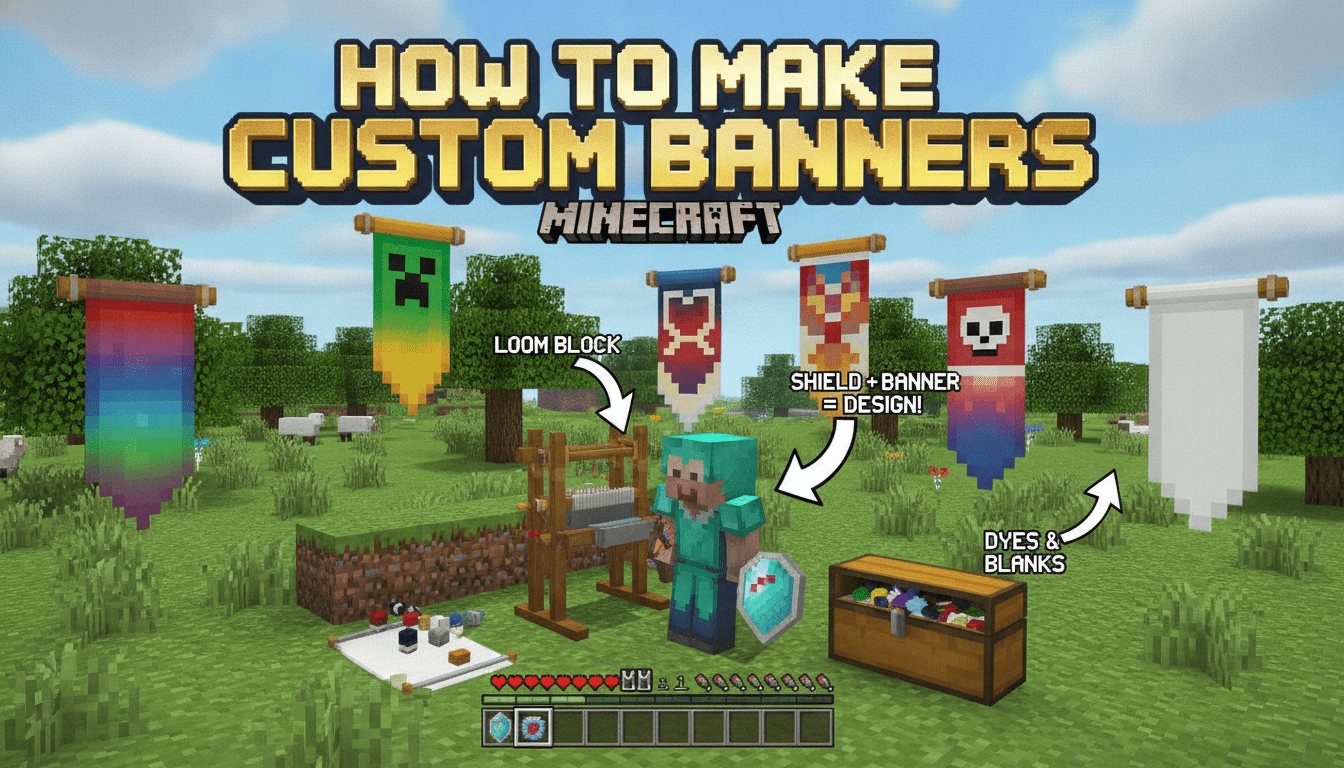
To make custom banners in Minecraft, you’ll dive into a world of vibrant colors and intricate designs, transforming simple wool into personalized flags for your bases, outposts, and more. This guide will walk you through every step, from gathering basic materials to mastering the loom and unlocking rare patterns.
What You’ll Need
- Wool (6 blocks, same color): Obtained by shearing sheep (1-3 wool per shear, sheep regrow wool) or killing them (1 wool). You can also craft white wool from 4x String in a 2×2 grid. Wool can be found in various structures.
- Stick (1 item): Crafted from 2x Wooden Planks (any type) placed vertically in a crafting grid (yields 4 sticks). Also craftable from 2x Bamboo, or found by breaking dead bushes/leaves, or as a witch drop.
- Loom (1 block): Crafted from 2x String (horizontal, side-by-side) and 2x Wooden Planks (directly below the string). String is obtained from spiders, cobwebs (with a sword), or chest loot. Wooden planks are made from any log.
- Dyes (various colors): Used to color your banner patterns. There are 16 different dyes, obtained from flowers, minerals (Lapis Lazuli), plants (Cactus, Cocoa Beans), or by combining existing dyes.
- Optional: Banner Pattern Items (e.g., Creeper Charge, Globe): These special items unlock unique patterns on the loom. Some are craftable, some are traded, and some are found as loot. Note that banner pattern items are not consumed when used in the loom.
Step-by-Step
1. Crafting a Basic Banner
The foundation of any custom banner is a plain, single-colored banner.
- Gather Materials: You’ll need 6 blocks of wool (all the same color) and 1 stick. The color of the wool you use will determine the base color of your banner.
- Open a Crafting Table: Right-click on a crafting table to open its 3×3 grid.
- Arrange Ingredients:
- Place three wool blocks in the top row (slots 1, 2, 3).
- Place three more wool blocks in the middle row (slots 4, 5, 6).
- Place the stick in the bottom-center slot (slot 8).
- Collect Your Banner: A single banner of your chosen wool color will appear in the output slot. Drag it into your inventory.
2. Crafting a Loom
The loom is the essential tool for customizing banners with patterns.
- Gather Materials: You’ll need 2x String and 2x Wooden Planks (any type).
- Open a Crafting Table:
- Arrange Ingredients:
- Place one string in the top-left slot (slot 1) and another string in the top-middle slot (slot 2).
- Place one wooden plank in the middle-left slot (slot 4) and another wooden plank in the center-middle slot (slot 5).
- Collect Your Loom: A loom block will appear in the output slot. Drag it into your inventory.
3. Applying Patterns with the Loom
This is where the real customization begins!
- Place the Loom: Place your newly crafted loom block in your world by right-clicking.
- Open the Loom Interface: Right-click on the placed loom. You’ll see three input slots on the left and a display of available patterns on the right.
- Slot 1 (Banner Slot): Place your basic banner here.
- Slot 2 (Dye Slot): Place the dye you want to use for the pattern here. This dye will be consumed.
- Slot 3 (Banner Pattern Item Slot): If you have a special banner pattern item (like “Creeper Charge”), place it here. This item is not consumed.
- Select a Pattern: Once your banner and dye (and optional pattern item) are in place, the loom will display all available patterns.
- Basic Patterns: These are always available and include various stripes, borders, crosses, and gradients.
- Special Patterns: If you’ve placed a banner pattern item in Slot 3, its unique pattern will become available for selection.
- Apply the Pattern: Click on the desired pattern from the list. The customized banner will appear in the output slot on the right. Drag it into your inventory.
- Layering Patterns: You can repeat this process up to six times on a single banner. Each new pattern will be layered on top of the previous ones. The order in which you apply patterns matters for the final look. Experiment with different colors and patterns to create unique designs!
Obtaining Dyes
Dyes are crucial for adding color to your banner patterns. There are 16 primary dye colors, many of which can be crafted from natural resources or by combining other dyes.
- Red Dye: From Poppies, Rose Bushes, Red Tulips, or Beetroots.
- Yellow Dye: From Dandelions or Sunflowers.
- Blue Dye: From Lapis Lazuli ore or Cornflowers.
- Green Dye: By smelting Cactus in a furnace.
- Black Dye: From Ink Sacs (dropped by squids) or Wither Roses.
- White Dye: From Bone Meal (crafted from bones) or Lily of the Valley.
- Brown Dye: From Cocoa Beans (found on jungle trees).
- Orange Dye: Combine Red Dye + Yellow Dye, or from Orange Tulips.
- Purple Dye: Combine Red Dye + Blue Dye.
- Light Blue Dye: Combine Blue Dye + White Dye, or from Blue Orchids.
- Lime Dye: Combine Green Dye + White Dye.
- Pink Dye: Combine Red Dye + White Dye, or from Pink Tulips, Peonies.
- Gray Dye: Combine Black Dye + White Dye.
- Light Gray Dye: From Azure Bluets, Oxeye Daisies, White Tulips, or combine Gray Dye + White Dye.
- Cyan Dye: Combine Blue Dye + Green Dye.
- Magenta Dye: Combine Purple Dye + Pink Dye, or from Alliums, Lilacs.
Crafting and Finding Banner Pattern Items
Some of the most iconic banner designs require special banner pattern items. These items are not consumed when used in the loom, so you only need one to apply the pattern multiple times.
- Flower Charge: Craft with 1x Paper + 1x Oxeye Daisy.
- Creeper Charge: Craft with 1x Paper + 1x Creeper Head (obtained when a Charged Creeper kills a regular Creeper).
- Skull Charge: Craft with 1x Paper + 1x Wither Skeleton Skull (rare drop from Wither Skeletons).
- Thing (Mojang Logo): Craft with 1x Paper + 1x Enchanted Golden Apple.
- Bordure Indented (Wavy Border): Craft with 1x Paper + 1x Vines.
- Field Masoned (Bricks): Craft with 1x Paper + 1x Brick Block.
- Globe: Trade with a master-level Cartographer Villager for 8 emeralds.
- Snout: Found as loot in generic chests within Bastion Remnants in the Nether.
- Guster: Rare reward from vaults in trial chamber structures, requiring a trial key.
- Flow: Obtained in trial chambers as loot from different vaults.
Java vs. Bedrock Edition Differences
While the core mechanics are similar, there are a few key distinctions between Java and Bedrock Editions when it comes to banners:
- Banner Pattern Application:
- Java Edition: The loom is the only way to apply patterns to banners.
- Bedrock Edition: You can apply patterns using the loom or by combining a banner, dye, and a special item (like bricks or vines for Bordure Indented/Field Masoned, or an item for basic patterns) in a crafting table.
- Base Banner Color:
- Java Edition: Once a banner is crafted, its base color cannot be changed.
- Bedrock Edition: A colored banner can be turned into a white banner using bleach in a 3×3 crafting grid.
- Visuals: Java Edition banners sometimes have a slight “blurring” effect, allowing for smoother color transitions, while Bedrock Edition banners are “crisper,” which can make some complex designs appear different.
- Ominous Banner: In Bedrock Edition, this is called the “Illager Banner” and has a unique texture but cannot be placed on a shield. In Java Edition, it uses standard banner layers and can be placed on a shield.
Tips for Efficiency and Advanced Usage
- Removing Patterns: Made a mistake? Don’t worry! You can remove the last applied pattern from a banner by using a cauldron filled with water. Each use of the cauldron will remove one layer, consuming a portion of the water.
- Duplicating Banners: Once you’ve created a custom banner you love, you can easily duplicate it. Place your custom banner in a crafting grid with a blank banner of the same base color. This will create two identical custom banners. The dyes used for the patterns are not consumed during duplication.
- Banners on Shields: In a crafting table, combine a shield with a custom banner. The banner’s design will be applied to the shield, allowing for personalized combat gear. Note that the Ominous Banner (Java) can be put on a shield, but the Illager Banner (Bedrock) cannot.
- Map Markers (Java Edition): In Java Edition, right-clicking a placed banner with a map in your hand will add a colored marker to the map at the banner’s location. If you name the banner using an anvil before placing it, its name will appear on the map marker, making it excellent for marking points of interest.
- Pre-Loom Crafting (Bedrock Only): Before the loom was added in Minecraft 1.14, patterns were applied by arranging banners and dyes in specific shapes on a crafting grid. This method is still available in Bedrock Edition but is generally less intuitive than using the loom.
FAQ
Q: Can I change the base color of a banner after I’ve crafted it?
A: In Java Edition, no, the base color is permanent. In Bedrock Edition, you can use bleach in a crafting grid to turn a colored banner into a white banner.
Q: How many layers can a banner have?
A: A banner can have up to six different patterns layered on it. The order of application is important, as newer patterns will overlay older ones.
Q: Are banner pattern items consumed when I use them in the loom?
A: No, banner pattern items (like Creeper Charge or Globe) are not consumed. You only need one to apply that pattern multiple times.
Q: Can I remove all patterns from a banner?
A: You can only remove the last applied pattern using a cauldron filled with water. Each use removes one layer. You cannot completely strip a banner back to its base color this way if it has multiple layers.
Q: What’s the easiest way to get lots of wool for banners?
A: The most efficient way is to shear sheep. They drop 1-3 wool and regrow it over time by eating grass blocks, allowing for a renewable supply.
Custom banners are a fantastic way to add personality and flair to your Minecraft world. With a little practice and creativity, you’ll be designing impressive flags in no time!
Tags:
YOU MAY ALSO LIKE...


