Moving a Structure Using Radial Chassis (Step by Step)
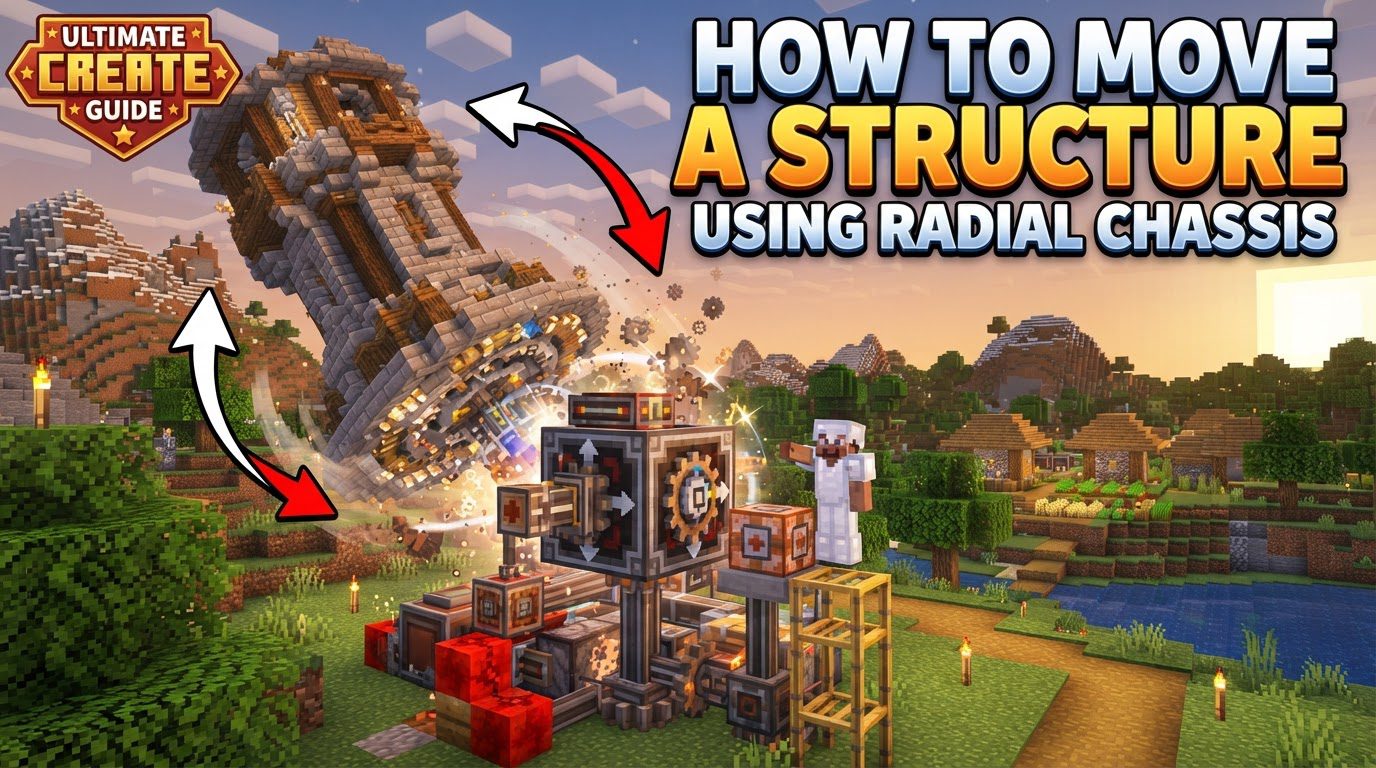
The Radial Chassis is an item from the Minecraft Create Mod, specifically designed for moving structures. It offers a unique approach to block manipulation, excelling at handling structures that require radial or rotational movement. This makes it an indispensable tool for complex builds and dynamic contraptions.
Understanding the Core Mechanics of the Radial Chassis
To effectively utilize the Radial Chassis, understanding its fundamental operational principles is crucial. These mechanics dictate its interaction with blocks and integration into contraptions.
- Radial Connection Method: A primary feature of the Radial Chassis is its radial connection method. Unlike the Linear Chassis, which connects blocks in a straight line, the Radial Chassis connects to blocks within a specified radius around its sticky faces. This allows it to grab blocks in a circular or spherical pattern, making it ideal for non-linear structures.
- Activating Sticky Faces: To enable the Radial Chassis to grab blocks, its faces must be made sticky. This is done by right-clicking the desired sides with a Slimeball or Super Glue. These items are not consumed, offering a convenient way to activate connections. Only sticky faces will attempt to connect to blocks within the set radius.
- Adjusting the Connection Radius: The connection range of the Radial Chassis is controlled by its radius setting, which can be precisely adjusted using a Wrench. Modifying this radius is critical, as it dictates the extent of the structure the chassis will attempt to move. An incorrectly set radius can result in unintended block connections or failure to move the desired structure.
- Integration with Contraption Anchors: For movement to occur, the Radial Chassis must be part of a contraption powered by a contraption anchor. Examples include the Mechanical Bearing or Gantry Carriage. These anchors provide the motive force and stability to initiate and control the movement of the entire assembly, including the chassis and its gripped blocks.
Step-by-Step Guide to Moving Structures with Radial Chassis
Moving a structure using a Radial Chassis involves a systematic approach. By following these steps carefully, you can ensure your contraption functions as intended, providing precise and controlled movement for your builds.
- Placement of the Radial Chassis: Place the Radial Chassis at the center of the structure you intend to move or rotate. Its central position is vital, as connections radiate outwards, dictating how uniformly the structure is grabbed and moved.
- Activating Sticky Faces: With the chassis placed, right-click the sides where you want it to connect to your structure using a Slimeball or Super Glue. This defines which faces will actively grab blocks, so consider which faces are adjacent to your intended structure.
- Adjusting the Connection Radius: After configuring sticky faces, use a Wrench to adjust the connection radius of the Radial Chassis. This step is paramount for defining the scope of the structure to be moved. Adjust the radius until it precisely encompasses all intended blocks.
- Building Your Structure: Build your desired structure around the sticky faces of the chassis, ensuring all intended blocks are within its adjusted radius. Blocks outside this range will not be grabbed, and unintended blocks within it might be.
- Connecting to a Contraption Anchor: Finally, connect the Radial Chassis, directly or indirectly, to a contraption anchor. This could be a Mechanical Bearing for rotation or a Gantry Carriage for linear movement. This connection provides the necessary power and control for the entire contraption, including your structure, to move.
Important Tips for Optimal Radial Chassis Usage
Mastering the Radial Chassis involves understanding subtle nuances and employing best practices. These tips will help you avoid common pitfalls and achieve more precise and efficient structural movement.
- Precise Radius Adjustment with a Wrench: Always use a Wrench to set the precise radius for each Radial Chassis. This meticulous adjustment is paramount to prevent unintended block connections. An oversized radius can grab extraneous blocks, potentially breaking your build, while an undersized one will leave parts of your structure behind.
- Simultaneous Radius Adjustment: For contraptions with multiple Radial Chassis, hold
Ctrlwhile scrolling with a Wrench to simultaneously adjust the radius of all connected chassis. This feature is useful for large-scale projects or fine-tuning complex systems. - Visualizing Connection Area with Engineer’s Goggles: Use Engineer’s Goggles to visualize the area a chassis will affect. These goggles provide a visual overlay, highlighting blocks the chassis intends to grab. This allows you to confirm radius settings and identify unintended connections before activation, preventing structural damage.
- Ideal for Circular Structures: The Radial Chassis is particularly useful for circular structures like windmills, rotating observatories, or circular platforms. Its design, connecting blocks in a radius, makes it perfectly suited for such applications, effortlessly grabbing all connected blocks in its defined range.
Common Mistakes to Avoid When Using the Radial Chassis
Even experienced builders can encounter issues with the Radial Chassis if certain common mistakes are overlooked. Being aware of these pitfalls can save you time, resources, and frustration.
- Unintended Block Connections: A frequent issue is unintended block connections. Due to its radial connection method, the chassis can inadvertently grab nearby blocks not meant for movement. This can lead to parts of your base being torn or contraptions failing. Careful radius adjustment and Engineer’s Goggles are key preventative measures.
- Issues with Default Radius: Failing to adjust the default radius is a common oversight. Radial Chassis often default to a large radius (e.g., 8 blocks). If not reduced with a Wrench to match your structure, the contraption may attempt to move too many blocks. This overload can cause structures to break, freeze, or lead to performance issues. Always adjust the radius upon placement.
- Using Radial when Linear is Better: While powerful, the Radial Chassis isn’t always optimal. For straightforward linear movements or simple doors, a Linear Chassis is often more appropriate and efficient. It’s designed for straight-line connections and is less prone to grabbing extra blocks, simplifying design. Assess movement type; if linear, a Linear Chassis is likely superior.
Tags:
YOU MAY ALSO LIKE...