Picking Between Forge, Fabric, and NeoForge for a Modpack, Explained
Choosing the right mod loader is the foundational decision for any Minecraft modpack, significantly impacting the type of experience you can create. With Forge, Fabric, and NeoForge dominating the modding landscape, understanding their core differences and strengths is crucial. This guide will walk you through the characteristics of each loader and a systematic process to help you make an informed decision, ensuring your modpack vision comes to life.
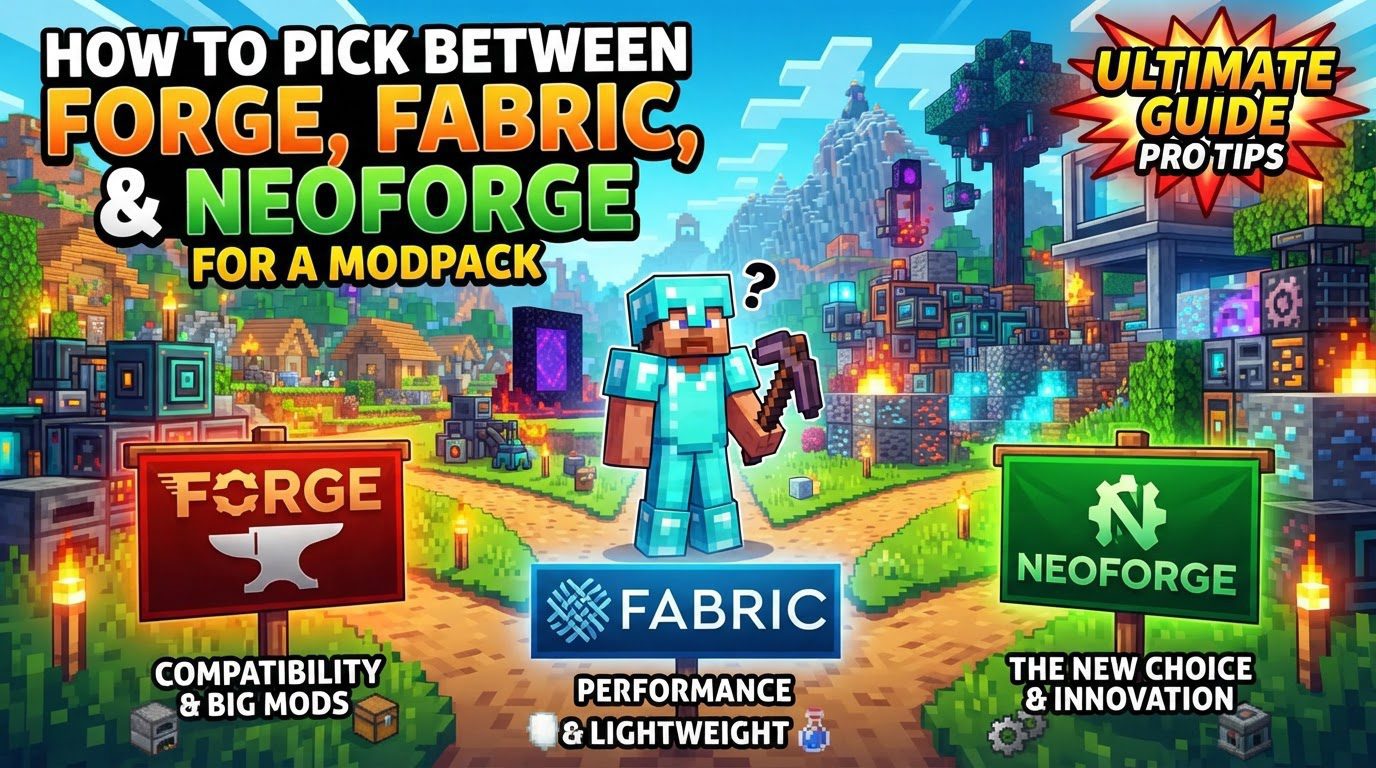
Key Mechanics of Each Mod Loader
Each mod loader offers a distinct approach to Minecraft modding, catering to different needs and preferences.
- Fabric: Known for its streamlined design, Fabric boasts low overhead and exceptional speed. This efficiency translates into faster game loading times and generally better performance, making it an excellent choice for players prioritizing optimization. Fabric is also characterized by its rapid updates, quickly adapting to new Minecraft versions shortly after their release. Its ecosystem is particularly strong for performance-enhancing mods, quality-of-life improvements, and creating lighter, more “vanilla-plus” experiences. It’s important to note that Fabric’s modding ecosystem is entirely separate and incompatible with Forge or NeoForge mods.
- Forge: Historically, Forge has been the go-to platform for heavily modded Minecraft. It supports an extensive array of massive content mods, enabling complex gameplay changes, new dimensions, intricate tech trees, and deep magic systems. Its large and mature mod ecosystem means a vast selection of mods developed over many years. However, this robustness comes with trade-offs: Forge tends to have higher system overhead, potentially leading to longer loading times and more demanding performance requirements. Additionally, updates for new Minecraft versions can be slower compared to Fabric, as the extensive API requires more time for adaptation.
- NeoForge: Representing a modern evolution, NeoForge is a direct fork of Forge, developed by most of the original Forge team. Its primary goal is to provide a cleaner codebase, improve maintainability, and embrace modern modding standards. NeoForge is designed to be the future of Forge-style modding, particularly for newer Minecraft versions. For any modpack aiming to leverage Forge-like features on recent game updates, NeoForge is almost always the superior option since its split from the original Forge. While it offers some degree of backward compatibility with older Forge mods, this is not guaranteed for all mods, and its dedicated ecosystem is still in the process of growing and maturing.
Step-by-Step Process for Mod Loader Selection
Choosing the right mod loader involves a methodical approach to ensure compatibility and align with your modpack’s vision.
- Define your modpack’s goal: Before looking at any mods or loaders, clearly articulate the kind of Minecraft experience you want to create. Are you aiming for a lightweight performance boost, a deep dive into tech and magic, a unique adventure, or a refined vanilla-plus experience? Your overarching goal will guide all subsequent decisions. For example, a goal of “extreme performance on an older machine” points towards Fabric, while “building a massive factory” leans towards Forge or NeoForge.
- List essential mods: Identify the absolute core mods that are non-negotiable for your modpack. These are the mods that define your desired experience and without which the modpack would not achieve its primary goal. For instance, if you envision a pack centered around a specific large tech mod like Applied Energistics or a magic mod like Botania, these would be on your essential list.
- Check mod compatibility: This is a critical step. For each mod on your essential list, research and find out which mod loader (Forge, Fabric, or NeoForge) it supports and for which specific Minecraft versions. Mod pages on platforms like CurseForge or Modrinth will clearly state this information. The availability of your key mods on a particular loader will often dictate your choice of loader.
- Prioritize and select: It’s possible that your essential mods might be split across different loaders. In such cases, you need to prioritize the most crucial mods. If a significant majority of your defining mods are only available on one loader, that loader becomes your primary candidate. If you have core mods on both Forge/NeoForge and Fabric, you might need to make difficult choices, potentially finding alternatives or adjusting your modpack’s vision to fit a single loader. Select the loader that best supports the majority or the most vital components of your mod list.
- Consider Minecraft version: The target Minecraft version for your modpack also plays a significant role. Newer Minecraft versions often see faster or more stable support on certain loaders. Fabric is renowned for its quick updates to new Minecraft versions, making it a good choice if you want to play on the latest snapshots or releases with mods quickly. NeoForge, on the other hand, is specifically designed for modern Forge-style modding on newer versions, offering a more stable and forward-looking platform than older iterations of Forge for those versions.
Important Tips for Modpack Creation
Keep these best practices in mind to streamline your modpack development and avoid common pitfalls.
- There is no single “best” mod loader; the right choice depends entirely on your specific goals and the mods you want to use. What works perfectly for one modpack might be completely unsuitable for another.
- Modpack launchers like the CurseForge App or Modrinth App significantly simplify the modpack creation process. They automatically handle the installation of the correct mod loader and manage mod dependencies, making it much easier to assemble and maintain your pack.
- Always verify the required mod loader and Minecraft version for each mod you intend to use. This information is readily available on mod download pages and is crucial for preventing compatibility issues.
- For multiplayer experiences, it is imperative to ensure that both the client (your game) and the server use the identical mod loader and version. Mismatched loaders or versions will prevent players from connecting to the server.
- For modpacks where performance is a primary focus, Fabric is often the preferred choice. Its lean core and the abundance of optimization-focused mods within its ecosystem make it ideal for maximizing frame rates and reducing lag.
- For complex, content-rich modpacks that rely on extensive inter-mod interactions, Forge (or NeoForge for modern versions) remains a strong and reliable choice. These loaders are built to handle the demands of large-scale modding with deep integration.
Common Mistakes to Avoid
Being aware of these common errors can save you a lot of frustration and debugging time.
- Mixing mod loaders: This is a fundamental incompatibility. Mods designed for Forge are incompatible with Fabric, and vice versa. Attempting to use a Forge mod in a Fabric instance (or vice-versa) will inevitably lead to crashes or prevent the game from launching. While NeoForge offers some backward compatibility with older Forge mods, this is not a guaranteed feature for all mods, and you should always check.
- Incorrect mod versions: Installing a mod meant for the wrong Minecraft version or the wrong mod loader is a frequent cause of issues. For example, a mod compiled for Minecraft 1.19.2 on Forge will not work on Minecraft 1.20.1 on Fabric. Such errors will almost certainly result in game crashes, infinite loading screens, or the game failing to launch altogether.
- Assuming instant updates: Modded Minecraft setups do not automatically update themselves when a new Minecraft version is released. Both the mod loader itself and each individual mod you are using will need to be updated by their respective developers to support the new version. This process takes time, and you should expect delays before your favorite mods are available for the latest game updates.
- Adding too many mods simultaneously: When you add a large batch of mods at once and encounter a crash, it becomes extremely difficult to pinpoint which specific mod or interaction is causing the problem. Instead, add mods in small batches, ideally no more than five at a time, and test your game frequently to ensure stability. This allows for easier identification and isolation of conflicts.
- Not backing up your world: This is perhaps the most critical mistake to avoid. Before installing new mods, updating existing ones, or making any significant changes to your modpack, always create a backup of your Minecraft world. Mod conflicts or errors can corrupt world data, and a backup is your only safeguard against irreversible data loss.
- Attempting manual installation as a beginner: While manual installation is possible, it is generally much more prone to errors for beginners. Using dedicated modpack launchers like the CurseForge App or Modrinth App is highly recommended. These tools automate the complex processes of downloading, installing, and managing mods and loaders, offering a more user-friendly and reliable experience.
By carefully considering your modpack’s goals, researching mod compatibility, and following these guidelines, you can confidently navigate the world of Minecraft mod loaders. Each platform offers unique advantages, and the best choice will always be the one that most effectively brings your personal vision for a modded Minecraft experience to life.
Tags:
YOU MAY ALSO LIKE...