

Resetting a Villager’s Profession by Breaking Its Job Block (Step by Step)
In the vast and intricate world of Minecraft, villagers are invaluable allies, offering a diverse array of trades that can significantly enhance a player’s journey. From acquiring rare enchantments to stocking up on essential resources, optimizing villager trades is a common goal for many players. Fortunately, the game provides a mechanism to influence these trades: by resetting a villager’s profession through the manipulation of its job site block. This guide will delve into the comprehensive process, conditions, and best practices for effectively resetting a villager’s profession to secure the most advantageous deals.
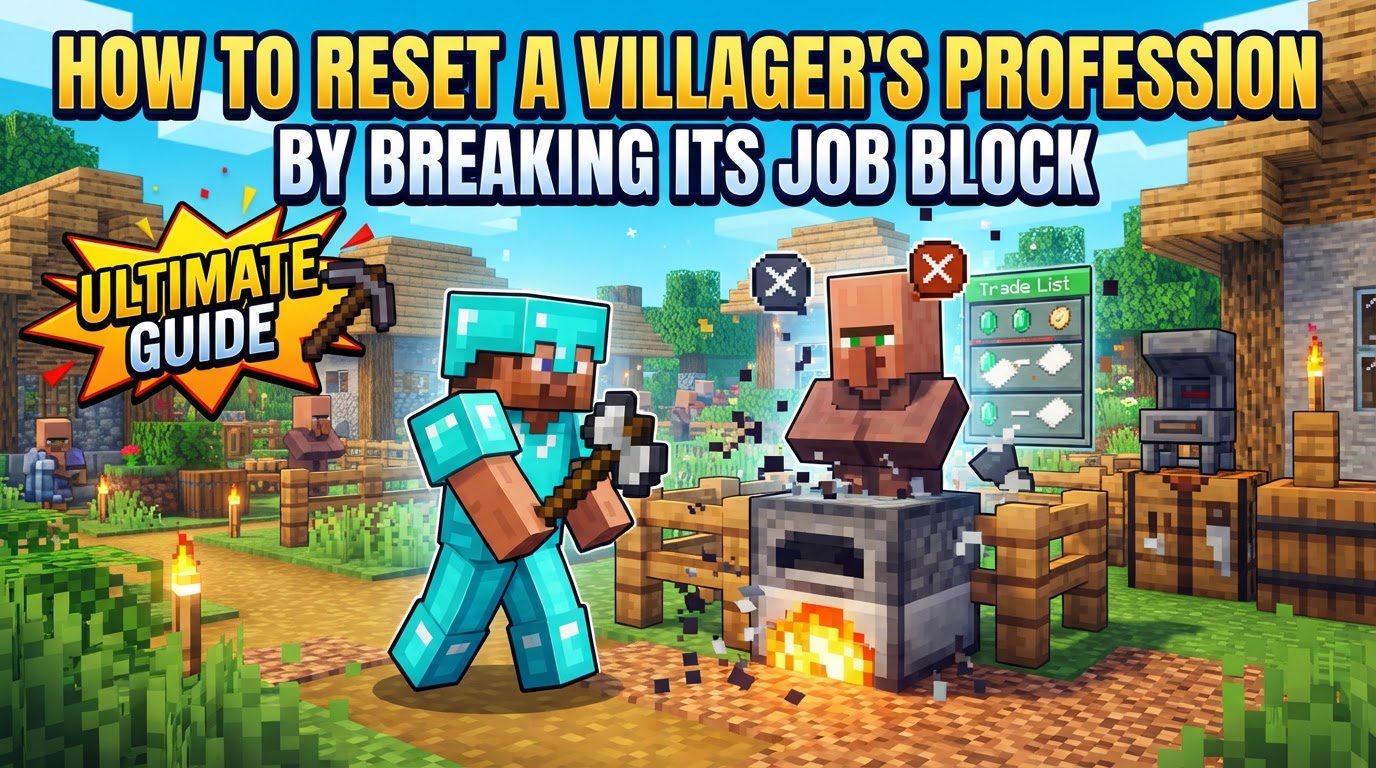
The ability to reset a villager’s profession and, consequently, its available trades, is a powerful tool for any seasoned Minecraft player. It allows for a degree of control over the often-random nature of villager offerings, transforming them from unpredictable encounters into a reliable source for specific items. Understanding the underlying mechanics and adhering to a precise methodology are crucial for success in this endeavor.
Understanding the Core Mechanics of Villager Professions
At the heart of a villager’s identity lies its profession, which is inextricably linked to a specific job site block. These blocks serve as the villager’s workstation and define what services they offer. For instance, a Librarian villager will always be associated with a Lectern, while a Farmer villager claims a Composter. Each profession has a unique set of potential trades, which are generated when the villager initially links to its job block.
The dynamic nature of this link is what enables profession resetting. When the job site block that a villager is currently using is broken, the villager immediately loses its associated profession. This transition is often visually confirmed by the emission of green particles from the villager, signaling its unemployment. Once unemployed, the villager becomes a blank slate, ready to claim a new profession or re-establish an old one with a new set of trades.
New trades are generated precisely at the moment an unemployed villager claims a new or replaced job site block. This means that if you break a Lectern, the Librarian becomes unemployed. If you then place a new Lectern, the villager will re-link to it, becoming a Librarian again, but with a completely fresh set of trades. Alternatively, placing a different job block, such as a Grindstone, would cause the villager to adopt the Armorer profession, again with new trades. This flexibility is key to obtaining desired items or enchantments.
However, there is an absolutely crucial condition that governs this entire process: a villager’s profession and its associated trades can only be reset if you have not yet traded with that villager. The moment even a single trade is completed with a villager, its current set of trades becomes permanently locked in place. Breaking its job block after a trade has occurred will still cause it to lose its profession and become unemployed, but when it re-links to a block, it will revert to the *same* set of trades it had before, rendering the resetting process ineffective for trade optimization. This “no trade” rule is the most important principle to remember.
A Step-by-Step Guide to Resetting Villager Professions
Executing a villager profession reset is a straightforward process, provided you follow these steps carefully:
-
Step 1: Identify if the Villager Has Been Traded With
Before you begin, it is paramount to confirm that you have not engaged in any trades with the villager you intend to reset. As previously emphasized, even a single completed trade will permanently lock their current offers, making any subsequent resetting attempts futile for trade rerolling. Only interact with villagers you are certain have not been traded with if your goal is to obtain new trades.
-
Step 2: Break the Workstation
Locate the specific job site block that the villager is currently utilizing. For example, if you wish to reset a Farmer, find its Composter. Once identified, destroy the block. Upon its destruction, the villager will immediately lose its profession, becoming unemployed. You will typically observe green particles emitting from the villager, which serves as a visual confirmation that it has successfully lost its job and is now ready for a new assignment.
-
Step 3: Place New/Same Job Site Block
With the villager now unemployed, the next step is to place the desired job site block. You have two main options here:
- To reroll trades within the same profession (e.g., getting a different enchantment from a Librarian), place the same type of job block (another Lectern) nearby.
- To change their profession entirely (e.g., turning a Farmer into a Fletcher), place a different type of job block (a Fletching Table).
The villager should, if conditions are met, link to this newly placed block. This linking is also often accompanied by green particles, indicating it has claimed the block and adopted a new or renewed profession.
-
Step 4: Check Trades & Repeat
Once the villager has linked to the new block, its profession will update, and a fresh set of trades will be generated. Interact with the villager to inspect these new offers. If the trades are not satisfactory – perhaps you’re looking for a specific enchantment or a better price – simply repeat the entire process: break the job block, wait for unemployment, and then place it again (or a different one). This iterative process can be repeated as many times as necessary until the desired trades appear.
Essential Tips for Efficient Villager Profession Resetting
While the basic steps are straightforward, several tips can significantly improve your efficiency and success rate when resetting villager professions:
-
Isolate the Villager:
To prevent unwanted complications, it is highly recommended to confine the villager you are working with to a small, contained area. This enclosure should ideally only have the specific job site block you intend for it to claim. Isolation prevents the villager from linking to unintended blocks in the vicinity or wandering off, which can disrupt your workflow and make the process more frustrating. Walls and a roof are effective for this purpose.
-
Ensure Access to Workstations and Beds:
Villagers require a clear and unobstructed path to both their workstation and a bed to reliably claim a profession and reset trades. If a villager cannot pathfind to the job block you’ve placed, it will not link to it. Similarly, while not always strictly necessary for profession linking in Java Edition, villagers often need access to a bed for their profession to reset or to claim a new one reliably, especially in Bedrock Edition. Providing a bed nearby is a good general practice to ensure consistent behavior.
-
Patience is Key:
Obtaining specific high-tier enchantments, such as Mending or desirable efficiency enchantments, or perfectly priced trades, can be a time-consuming process. The generation of trades is somewhat random, meaning you may need to repeat the breaking and placing of job blocks many, many times. Do not get discouraged if your ideal trade doesn’t appear after a few attempts; persistence will eventually pay off.
-
Managing Multiple Workstations:
If you are working with multiple villagers in close proximity, you must be mindful of their interactions. When you place a job site block, any nearby unemployed villager might claim it first. To avoid this, you may need to place multiple workstations simultaneously, ensuring each villager has one, or make sure other villagers are already securely linked to their own designated blocks before attempting to reset another’s profession.
Common Pitfalls to Avoid During the Reset Process
Being aware of common mistakes can save you significant time and frustration:
-
Trading Before Resetting:
This is, without a doubt, the most crucial mistake you can make. As discussed, trading even a single item with a villager will permanently lock their current trades. Once locked, breaking their job block and replacing it will only result in them regaining the exact same locked trades. Always double-check that no trades have occurred before attempting to reroll.
-
No Workstation Access:
Villagers cannot reset or claim new professions if they are unable to pathfind to and physically access their job site block. Ensure there are no blocks obstructing their path, and that the block is within a reasonable distance. A villager that is stuck or too far from the block will simply remain unemployed or link to a different, accessible block if one is available.
-
Ignoring Bed Placement:
While not universally critical for every single profession link in Java Edition, ignoring bed placement can lead to unreliable behavior, especially in Bedrock Edition. Villagers often need access to a bed to function optimally, including for claiming professions and working correctly. Always provide a bed within reach of your working villager for consistent results.
-
Other Villagers Claiming the Block:
If you have multiple villagers in the vicinity, an unintended villager might claim the job block you’ve placed before your target villager has a chance. This can be frustrating, especially if that other villager has already been traded with. To prevent this, ensure your target villager is isolated, or strategically place job blocks so that only the desired villager can claim it.
Mastering the art of resetting villager professions by breaking their job block is an essential skill for any serious Minecraft player. By understanding the mechanics, following the step-by-step guide, and heeding the important tips and common mistakes, you can efficiently manipulate villager trades to your advantage. Remember the golden rule: never trade before you’re satisfied with the offers. With patience and proper setup, you’ll soon have a thriving village offering exactly what you need, enhancing your gameplay experience significantly.
Tags:
YOU MAY ALSO LIKE...


