Shortening a Server MOTD Under the New Component Limit — A Quick Guide
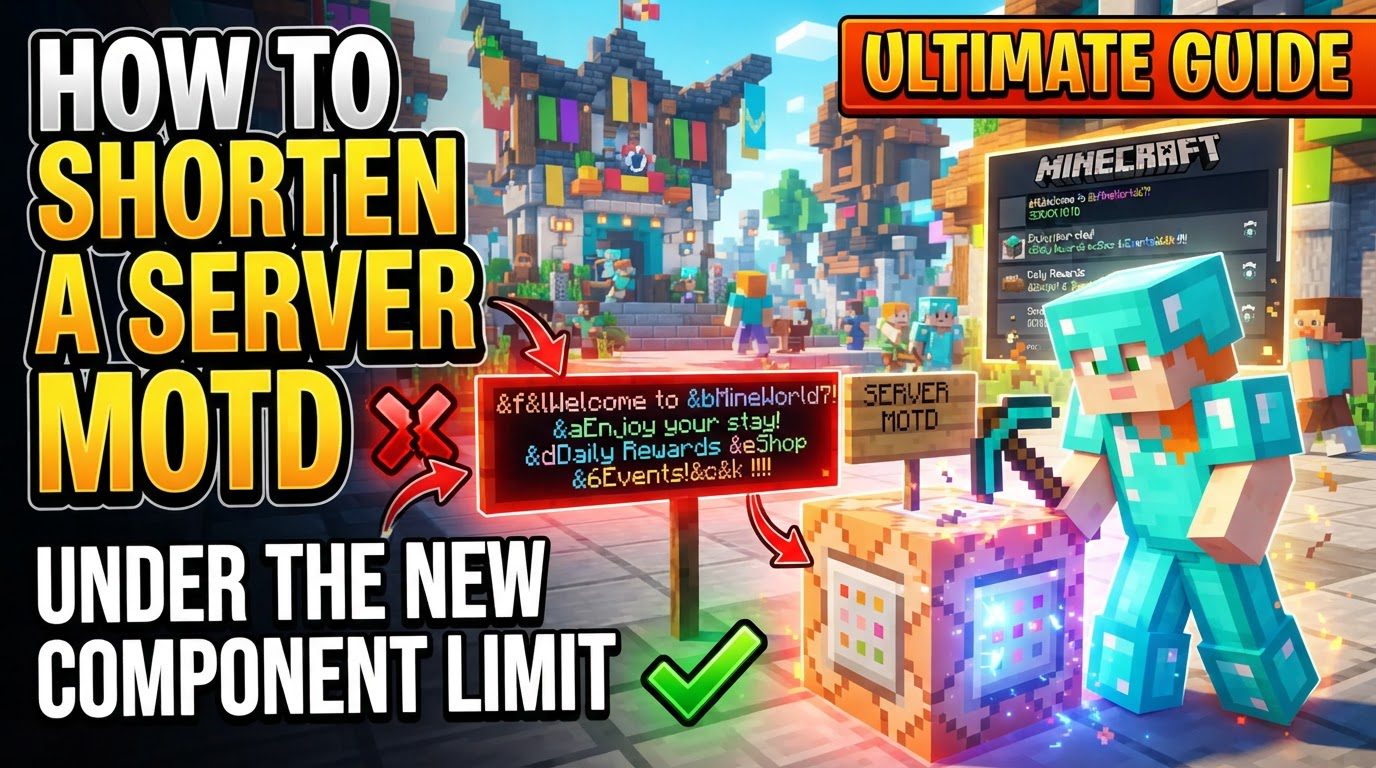
The Message of the Day (MOTD) is a crucial element for any Minecraft server, serving as the first impression for potential players browsing the multiplayer server list. It’s the descriptive text that appears directly beneath your server’s name, offering a quick glimpse into what your server is about. Crafting an effective MOTD requires not only creativity but also an understanding of the technical limitations, especially the character and display constraints that govern how your message is presented. This guide will walk you through the process of creating a concise and impactful MOTD, ensuring it adheres to the existing display limits and avoids common pitfalls.
Understanding MOTD Mechanics and Limitations
Before diving into the practical steps, it’s essential to grasp the fundamental mechanics of how MOTDs function within Minecraft Java Edition:
- Definition and Location: The MOTD is configured via the
motd=line found in your server’sserver.propertiesfile. This plain text file is located in your Minecraft server’s main directory. - Display Constraints: Generally, the MOTD is limited to two lines of text in the server list. Each of these lines has a strict display limit, approximately 59 characters. This character count refers to the visible, displayed text, not the underlying formatting codes.
- Consequences of Exceeding Limits: If either line of your MOTD surpasses this approximate 59-character limit, players attempting to view your server in the multiplayer list may encounter a “communication error.” This issue prevents your MOTD from displaying correctly and can deter players.
- Formatting Codes: Minecraft Java Edition 1.7.2 and newer supports two primary methods for adding color and style to your MOTD:
- Legacy Formatting Codes: These use the section sign (
§) followed by a character (e.g.,§cfor red,§lfor bold). Crucially, these formatting codes themselves do not count towards the visible character limit of the displayed text. - JSON Formatting: While supported, the research notes emphasize the use of legacy codes, often represented with Unicode escape sequences.
- Legacy Formatting Codes: These use the section sign (
- Java Edition Specifics: For Java Edition servers, especially when editing the
server.propertiesfile, it’s vital to use the correct syntax for formatting. This often involves Unicode escape sequences like\u00A7to represent the section sign (§) and\nto denote line breaks.
Step-by-Step Process for Editing Your Server MOTD
Modifying your server’s MOTD is a straightforward process, but it requires careful attention to detail to ensure proper implementation and avoid issues. Follow these steps:
- Stop Your Server: This is the critical first step. Before making any alterations to configuration files, your Minecraft server must be completely shut down. Attempting to edit
server.propertieswhile the server is running can lead to changes not being applied or, in some cases, data corruption. - Locate
server.properties: Navigate to the main directory where your Minecraft server files are stored. Within this directory, you will find theserver.propertiesfile. This file contains various server-wide settings, including the MOTD. - Open and Edit: Open the
server.propertiesfile using a plain text editor. Avoid using word processors like Microsoft Word, as they can introduce hidden formatting characters that will corrupt the file. Once opened, locate the line that begins withmotd=. This is where your current MOTD is defined. - Compose Your Message: Now, it’s time to craft your desired MOTD. Given the character constraints, think about what essential information or catchy slogan you want to convey. For adding colors and special formatting, it is highly recommended to use an online MOTD generator tool. Websites like mctools.org/motd-creator are invaluable for this purpose. These tools allow you to visually design your MOTD and then generate the correct string, which often includes Unicode escape sequences (e.g.,
\u00A7for the section sign§) and line break indicators (\n) suitable for direct pasting into yourserver.propertiesfile. - Paste and Save: Once you have generated the correct MOTD string from an online tool, copy it. Then, paste this string directly after
motd=in yourserver.propertiesfile, replacing any existing MOTD text. After pasting, ensure you save theserver.propertiesfile. - Restart Server: With the changes saved, you can now start your Minecraft server. The new MOTD will become active upon a successful restart.
Optimizing Your MOTD for Conciseness and Impact
Given the strict character limits, optimizing your MOTD is crucial for both readability and effectiveness. Here are some important tips:
- Keep it Concise: A clean, two-line message is generally the most effective approach. It ensures your MOTD is readable at a glance within the server list, preventing players from having to squint or scroll to understand your message. Brevity helps convey your server’s identity quickly and clearly.
- Utilize Generators: As mentioned, online MOTD generators are invaluable. They simplify the complex process of adding colors and formatting by automatically producing the correct syntax. This includes properly encoding special characters like the section sign (
§) as\u00A7and correctly inserting line breaks using\nfor a two-line display within themotd=string inserver.properties. This prevents syntax errors that could cause your MOTD not to display as intended. - Test Your MOTD: After implementing your new MOTD and restarting the server, always add your server to your own Minecraft client’s favorites list. This allows you to preview exactly how the MOTD appears to players. Check for correct formatting, colors, line breaks, and ensure no characters are cut off or causing display issues.
- Prioritize Key Information: With only approximately 59 characters per line, every character counts. Focus on conveying the most essential server details or an appealing slogan. Think about what makes your server unique or what you want players to know immediately. Is it a specific game mode, a unique community feature, or a compelling tagline?
Common Mistakes to Avoid When Shortening Your MOTD
Even with a clear process, certain errors can lead to frustration. Being aware of these common mistakes can save you time and ensure your MOTD displays correctly:
- Exceeding Character Limits: This is arguably the most common pitfall. Writing more than approximately 59 visible characters per line will inevitably lead to display issues or the dreaded “communication error” being reported in the server list. Always double-check your character count, especially after adding formatting. Remember, formatting codes do not count towards this visible limit.
- Incorrect Formatting Codes: A frequent mistake is attempting to use plain
§or&symbols directly in theserver.propertiesfile for Java Edition servers. For Java Edition, the correct representation for the section sign is its Unicode escape sequence,\u00A7. Using the incorrect symbol will prevent your formatting from displaying and may instead show the raw text of the code itself to players. - Forgetting to Save or Restart: Any modifications made to the
server.propertiesfile will not take effect until the file is properly saved and the Minecraft server is restarted. Simply editing the file and expecting changes to appear is a common oversight. - Changing While Running: Editing
server.propertieswhile your server is actively running will not result in immediate application of the changes without a restart. Furthermore, it can sometimes lead to inconsistencies or issues if the server attempts to read the file while it’s being modified. Always stop your server first. - Ignoring Line Breaks: To achieve a two-line MOTD, which is the standard display format, you must explicitly use the
\nescape sequence within themotd=string in yourserver.propertiesfile. Without this, your entire MOTD will attempt to display on a single line, almost certainly exceeding the character limit and causing display problems.
By understanding these mechanics, following the step-by-step process, and avoiding common errors, you can effectively shorten and optimize your Minecraft server’s MOTD. A well-crafted, concise MOTD is a powerful tool for attracting players and making a strong first impression in the crowded server list.
Tags:
YOU MAY ALSO LIKE...