Spectating After Death in Hardcore Mode (Step by Step)
Spectating After Death in Minecraft Hardcore Mode
Minecraft’s Hardcore mode presents the ultimate challenge: a single life to conquer its vast and dangerous world. When death inevitably arrives, it marks what is typically considered the definitive end of your adventure in that specific world. However, the game offers a unique and often overlooked mechanic that allows players to observe their world even after their demise. This guide will delve into the intricacies of spectating after death in Hardcore mode, exploring not only how to simply observe but also how to potentially continue your journey or recover your world.
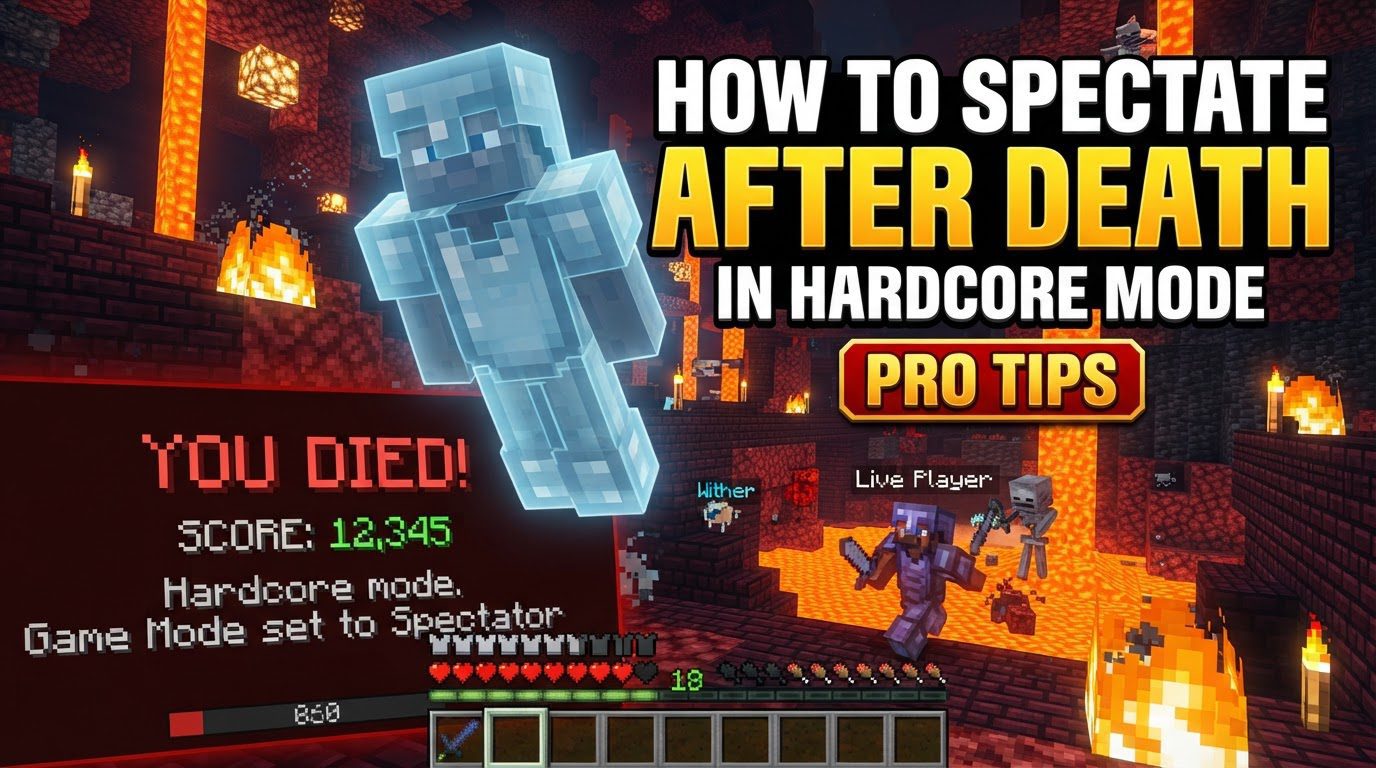
Understanding Spectator Mode in Hardcore
Upon death in Hardcore mode, a distinct set of mechanics is triggered. The game doesn’t immediately delete your hard-fought world; instead, it offers a moment of reflection and a chance to truly appreciate what you’ve built. Here’s what happens:
- Automatic Transition: The moment your character falls, you are automatically switched into spectator mode. This is a core design feature, providing an immediate opportunity to review your world.
- Unrestricted Observation: In spectator mode, you gain the ability to fly freely through the world. You can pass directly through blocks, allowing for an unhindered view of your bases, mines, and explorations. Crucially, you cannot interact with the world in any way; you are a ghost, merely observing.
- World Preservation: The Hardcore world itself is not deleted upon your death. This preservation is key to the entire spectating experience, allowing you to spend as much time as you wish exploring your past endeavors.
- Review and Reflection: Spectating provides a valuable opportunity to review all aspects of your playthrough. You can revisit your impressive builds, take stock of the resources you collected, and even reflect upon the achievements and statistics tied to that specific world. It’s a chance to learn from your mistakes or simply admire your accomplishments.
The Immediate Option: Spectate World
After a fatal encounter in Hardcore, the game presents you with a “Spectate world” option. Choosing this immediately places you into the spectral form described above. This allows you to embark on a final, ethereal tour of your world. You can fly through your grand castles, explore the depths of your mines, or retrace the steps of your final moments. This option is perfect for those who seek closure, wish to analyze their world for future Hardcore attempts, or simply want to appreciate the world they left behind.
Continuing Your Hardcore Journey (Java Edition)
While Hardcore is designed for a single life, players in Java Edition have methods to circumvent this ultimate finality and potentially return to their world in survival mode. These methods essentially “cheat” the system, but they allow for continued play if you so choose.
Method 1: The “Open to LAN” Trick (Easiest)
This is widely considered the most straightforward way to regain control of your Hardcore world:
- Step 1: Spectate After Death. After your character dies, select the “Spectate world” option presented on the death screen. This places you into spectator mode within your world.
- Step 2: Access the Game Menu. Once in spectator mode, press the “Escape” key to open the game menu.
- Step 3: Open to LAN. From the game menu, select the “Open to LAN” option. This prepares your single-player world to be accessible by other players on your local network.
- Step 4: Enable Cheats. In the “Open to LAN” menu, locate the “Allow Cheats” toggle and switch it to ON. This is a critical step, as it grants you the ability to use commands.
- Step 5: Start LAN World. Click the “Start LAN World” button. Your world will now be opened to your local network, and crucially, cheats will be enabled for you.
- Step 6: Return to Survival. Open the chat window (usually by pressing ‘T’) and type the command
/gamemode survivalor its numerical equivalent,/gamemode 0. Press Enter. This command will instantly switch your game mode from spectator back to survival, allowing you to resume playing your Hardcore world.
Method 2: Advanced NBT Editing (More Involved)
For those comfortable with file manipulation, there’s a more technical, optional method that directly edits your world’s statistics:
- Step 1: Exit the Game. After dying and entering spectator mode, completely exit Minecraft.
- Step 2: Navigate to World Files. Open your computer’s file explorer and type
%appdata%\.minecraft\saves\[world name]\statsinto the address bar, replacing[world name]with the actual name of your Hardcore world. This will take you to the folder containing your world’s statistics files. - Step 3: Edit Statistics File. Locate and open the relevant statistics file (it’s usually a JSON file with a long string of numbers and letters, representing your player UUID) using a text editor like Notepad.
- Step 4: Locate and Change Death Entry. Within the file, search for the entry related to death, specifically
"minecraft:killed_by". This entry typically holds a value, such as1, indicating you have died. Change this value to0. - Step 5: Save and Re-enter. Save the modified file and then restart Minecraft. When you load your Hardcore world, you should find yourself able to play in survival mode once again.
Continuing Your Hardcore Journey (Bedrock Edition)
Bedrock Edition has a different approach to world recovery after death in Hardcore (or “hardcore-like” settings, as official Hardcore is Java exclusive but Bedrock players often impose similar self-restrictions). The process involves exporting and re-importing the world:
- Step 1: Exit World After Death. After you die, do not attempt to spectate. Instead, go to the main menu and back out of the world you were playing in.
- Step 2: Access World Settings. From the main menu, navigate to your list of worlds. Locate the Hardcore world you died in and select the “Edit” icon (often a pencil or gear symbol) next to its name.
- Step 3: Export and Clear Player Data. Within the world settings, look for an “Export” button. If available, initiate the export process. Crucially, before finalizing the export, you should be presented with an option to “Clear player data.” Ensure this option is selected or toggled ON. This step is vital as it removes your death state from the world’s data.
- Step 4: Import the World. Once the world has been exported with cleared player data, import it back into Minecraft. This will create a fresh instance of your world, effectively resetting your player state within it and allowing you to play again.
Important Considerations and Tips
Even when recovering a world, there are several points to keep in mind:
- Easiest Recovery Method: For Java Edition players, the “Open to LAN” method to re-enable survival mode is overwhelmingly considered the easiest and most accessible way to continue playing a Hardcore world after death. It requires no external tools or file editing.
- Persistent Death Statistics: Regardless of which method you use to recover your world, your in-game statistics will still reflect your death. While you might be back in survival, the game’s internal records will forever show that you met your end in that Hardcore playthrough. This serves as a permanent reminder of your “failure” in that single-life challenge.
- Changing World Type (Java Edition): After successfully recovering your world using the “Open to LAN” method, you gain full access to game commands. This means you can further modify the world type if you wish. You could, for example, use commands to change the world from Hardcore to Creative mode for building purposes, or to standard Survival mode to remove the Hardcore restriction entirely. This offers flexibility if you decide the Hardcore challenge is no longer for you in that specific world.
Common Issues and What to Avoid
While spectating and recovery methods offer great utility, players should be aware of potential pitfalls:
- Default Spectator Spawn Point: When you first enter spectator mode after death, you might not always spawn exactly where you died. The game can sometimes place you at the world’s original spawn point instead of your final resting place. Be prepared to fly a considerable distance to reach your death location or point of interest.
- Void Spawn Bug: A known bug in some Minecraft versions can cause a significant issue when entering spectator mode after death. Players might find themselves spawning in a void, with no terrain, entities, or structures loading around them. This can make spectating impossible and is a frustrating, albeit rare, occurrence.
- Dying While Already in Spectator Mode: Although it seems counterintuitive, it is possible to “die” while already in spectator mode, typically through console commands. Doing so can lead to peculiar visual glitches. One such known issue is being stuck viewing the world through a mob’s “shader,” meaning your screen might take on the visual distortions or effects associated with looking through the eyes of a specific creature, severely impairing your ability to observe clearly.
Whether you choose to embrace the finality of Hardcore death by purely spectating, or you decide to bend the rules to continue your adventure, understanding these mechanics provides a richer and more informed Minecraft experience. The ability to spectate offers valuable insights, closure, or a second chance, depending on your approach to the game’s ultimate challenge.
Tags:
YOU MAY ALSO LIKE...