

Stopping Fire From Spreading to Your Base, Explained
Understanding Fire Spread in Minecraft
Fire in Minecraft can be a destructive force, capable of razing carefully constructed bases and valuable resources in moments. To effectively protect your creations, it’s crucial to understand how fire behaves within the game world.
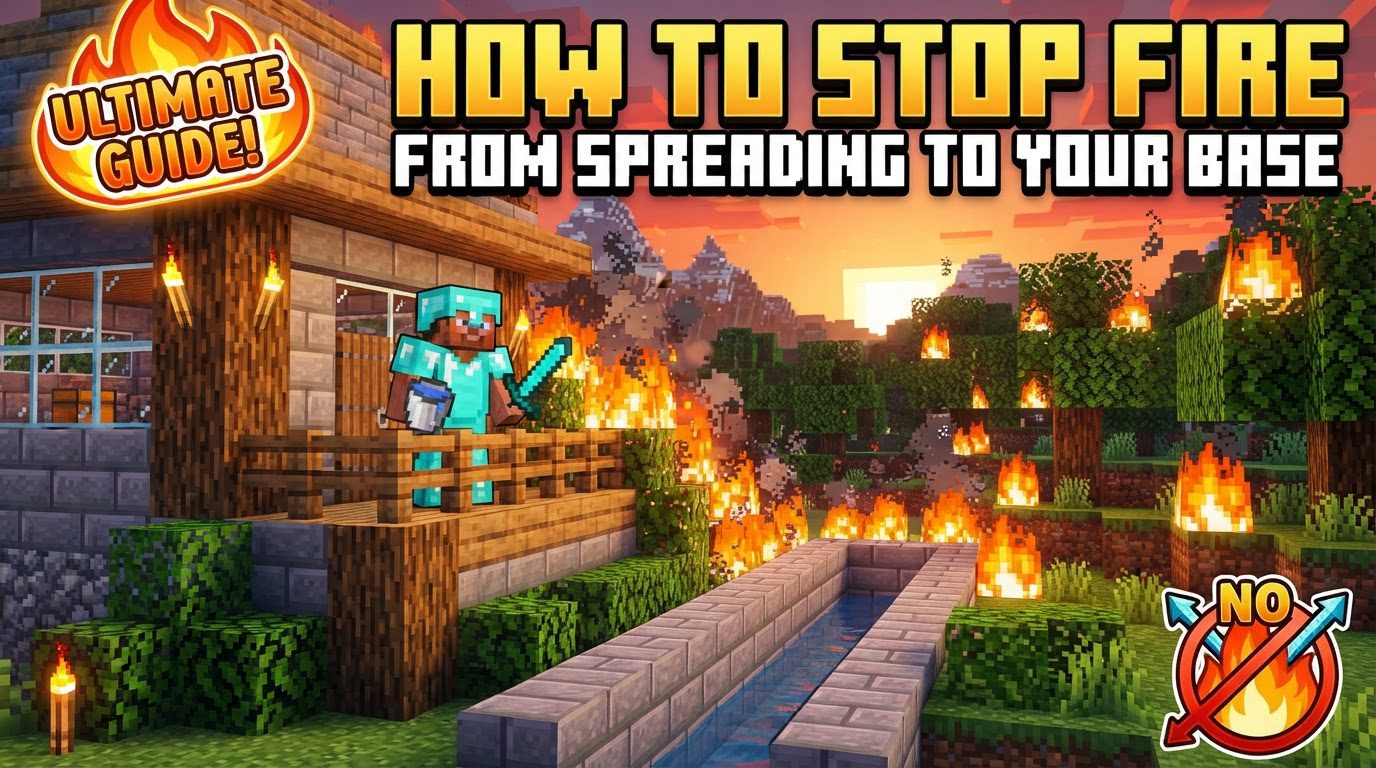
Key Fire Mechanics
- Spread Radius: Fire has a specific spread mechanic. It can spread to flammable blocks located within a 3x3x6 area relative to the burning source. This means it can spread 1 block horizontally, 1 block downwards, and up to 4 blocks upwards from the initial fire block. This seemingly small range can quickly engulf large structures if not contained.
- Flammability of Blocks: Not all blocks burn equally. Highly susceptible materials include wood, leaves, wool, and hay bales. These blocks will catch fire and spread it rapidly. Understanding which materials are flammable is the first step in prevention.
- Lava as a Source: Still lava is a constant source of heat and can ignite nearby flammable blocks, initiating a fire spread. Careless placement of lava, even if seemingly contained, can lead to disaster.
- Spreading Through Solid Blocks: In specific circumstances, fire can appear to spread through what seem to be solid, non-flammable blocks. This often occurs due to the game’s internal mechanics calculating spread even if a direct line of sight isn’t immediately apparent or if there are small gaps. Never underestimate fire’s ability to bypass seemingly secure barriers.
- Soul Fire Exception: It’s important to note that soul fire, a variant found in the Nether, behaves differently. Unlike regular fire, soul fire does not spread to other blocks, making it a safer decorative or lighting option in certain contexts.
Controlling Fire Spread with Game Commands and Settings
For those who wish to completely neutralize the threat of fire spread, Minecraft offers built-in game commands and world settings that can disable this mechanic entirely.
Using the `/gamerule` Command (Java Edition)
This command is the most effective and permanent solution for preventing fire spread across your entire world in Java Edition. It gives you direct control over this game mechanic.
- Step 1: Open Chat: Begin by pressing the “t” key on your keyboard to open the chat window.
- Step 2: Enter Command: Type the command exactly as follows:
/gamerule doFireTick false. It is crucial to pay attention to case sensitivity. - Step 3: Execute Command: Press Enter to execute the command. You should receive a confirmation message in the chat indicating that the game rule has been updated.
- Effect: Once this command is executed, fire will no longer spread to other blocks in your world. Any existing fires will remain in place and will not naturally extinguish; they will burn indefinitely on their source block without spreading. You will need to manually put out any active fires (e.g., by using a water bucket or by breaking the block that is on fire).
- Re-enabling Fire Spread: If you ever wish to re-enable fire spread, simply use the command:
/gamerule doFireTick true.
Using World Settings (Bedrock Edition)
Bedrock Edition players have a convenient toggle within the game settings to manage fire spread.
- Step 1: Access Settings: Go to the main game settings from your world or the main menu.
- Step 2: Navigate to World Options: Look for “World Options” or “Game” settings. These sections contain various toggles for world behaviors.
- Step 3: Toggle “Fire Spreads”: Locate the “Fire Spreads” option and toggle it to the “off” position. This will prevent fire from spreading in that specific world.
Practical Strategies for Fire Prevention
Even if you choose not to disable fire spread via commands, or if you are playing on a server where you cannot, there are numerous practical construction and design strategies to protect your base.
Use Non-Flammable Materials
The most fundamental defense against fire is to build with materials that cannot burn. When constructing your base or any critical structures, prioritize:
- Stone and Cobblestone: Readily available and completely fireproof.
- Glass: Ideal for windows and decorative elements, as it does not burn.
- Obsidian: Extremely blast-resistant and fireproof, though more difficult to obtain.
- Other Options: Bricks, iron blocks, concrete, and various other stone-based blocks are also non-flammable.
Create Firebreaks
Firebreaks are strategic barriers designed to stop fire before it reaches your base. These can take several forms:
- Trenches: Digging a trench, at least one block deep and wide, around your base creates a gap that fire cannot jump.
- Non-Flammable Walls: Constructing a perimeter wall made of stone or other non-flammable blocks around your base acts as a physical barrier to fire spread. Ensure these walls extend high enough to prevent fire from jumping over, considering the 4-block vertical spread.
- Water Channels: A moat of water around your base is an excellent firebreak, as water extinguishes fire instantly.
Keep Water Readily Available
A simple water bucket is an invaluable tool for extinguishing fires. Always have one or more water buckets in your inventory or easily accessible storage, especially when working with fire sources or in flammable areas.
Proper Fireplace Construction
If you plan to have a fireplace in your base, meticulous construction is essential to prevent it from becoming a hazard:
- All Non-Combustible Materials: Ensure that the fireplace structure itself, including the chimney and any surrounding blocks within the fire’s spread radius, is made entirely of non-combustible materials like stone, bricks, or netherrack.
- Adequate Enclosure: The fire source (e.g., netherrack, lava) must be completely enclosed to prevent spread to adjacent flammable blocks. Consider a hearth extending outwards to catch any stray sparks, though fire mechanics usually dictate direct block-to-block spread.
- Chimney Height: Ensure your chimney extends sufficiently high and is also constructed from non-flammable blocks to prevent fire from igniting the roof or surrounding structures.
Automated Extinguishing Systems
For advanced players, Redstone can be used to create automated fire extinguishing systems. These might involve dispensers loaded with water buckets activated by pressure plates or other sensors, designed to douse fires in critical areas.
Back Up Your World Regularly
Despite all precautions, accidents can happen. Regularly backing up your Minecraft world is the ultimate failsafe. This allows you to revert to a previous state if a catastrophic fire occurs, saving hours of building and resource gathering.
Common Mistakes to Avoid
Understanding potential pitfalls is just as important as knowing the solutions.
- Building with Flammable Materials: A common and critical error is constructing entire bases or significant portions of them out of wood, wool, or other flammable blocks without adequate fire prevention measures. This is especially risky if your base is near natural lava pools, active volcanoes, or if you frequently use open flames for lighting or cooking.
- Underestimating Fire Spread: Never assume small gaps or seemingly solid blocks will stop a fire. Fire can jump surprising distances and, in certain conditions, can spread through blocks that appear solid. Always err on the side of caution with firebreaks and material choices.
- Working with Lava Carelessly: Lava is a powerful tool but an extreme fire hazard. Avoid carrying open lava buckets in your inventory near flammable structures, and never place lava directly adjacent to or within the spread radius of flammable blocks. Even a single block of lava can set off a chain reaction.
- Improper Fireplace Design: An inadequately constructed fireplace is a significant fire hazard. Failing to use non-combustible materials for the entire structure, including the chimney, or not fully enclosing the fire source, invites disaster.
- Not Using the `/gamerule` Command: If you are constantly battling fire issues, or if fire spread significantly detracts from your enjoyment of the game, not utilizing the
/gamerule doFireTick falsecommand (or the Bedrock equivalent) is a missed opportunity. It is the most effective and permanent solution to eliminate fire spread as a concern.
By understanding fire mechanics, employing strategic building practices, and utilizing game commands when appropriate, you can ensure your Minecraft base remains a safe and secure haven from the destructive power of fire.
Tags:
YOU MAY ALSO LIKE...


