

Storing Items in a Minecart with a Chest (Step by Step)
The minecart with a chest stands as a cornerstone of logistical operations and advanced automation in the world of Minecraft. This ingenious combination of a standard minecart and a storage chest offers players a dynamic and efficient way to transport, store, and manage their valuable resources. Understanding its mechanics and applications is crucial for any player looking to optimize their base, streamline resource gathering, or construct intricate automated systems.
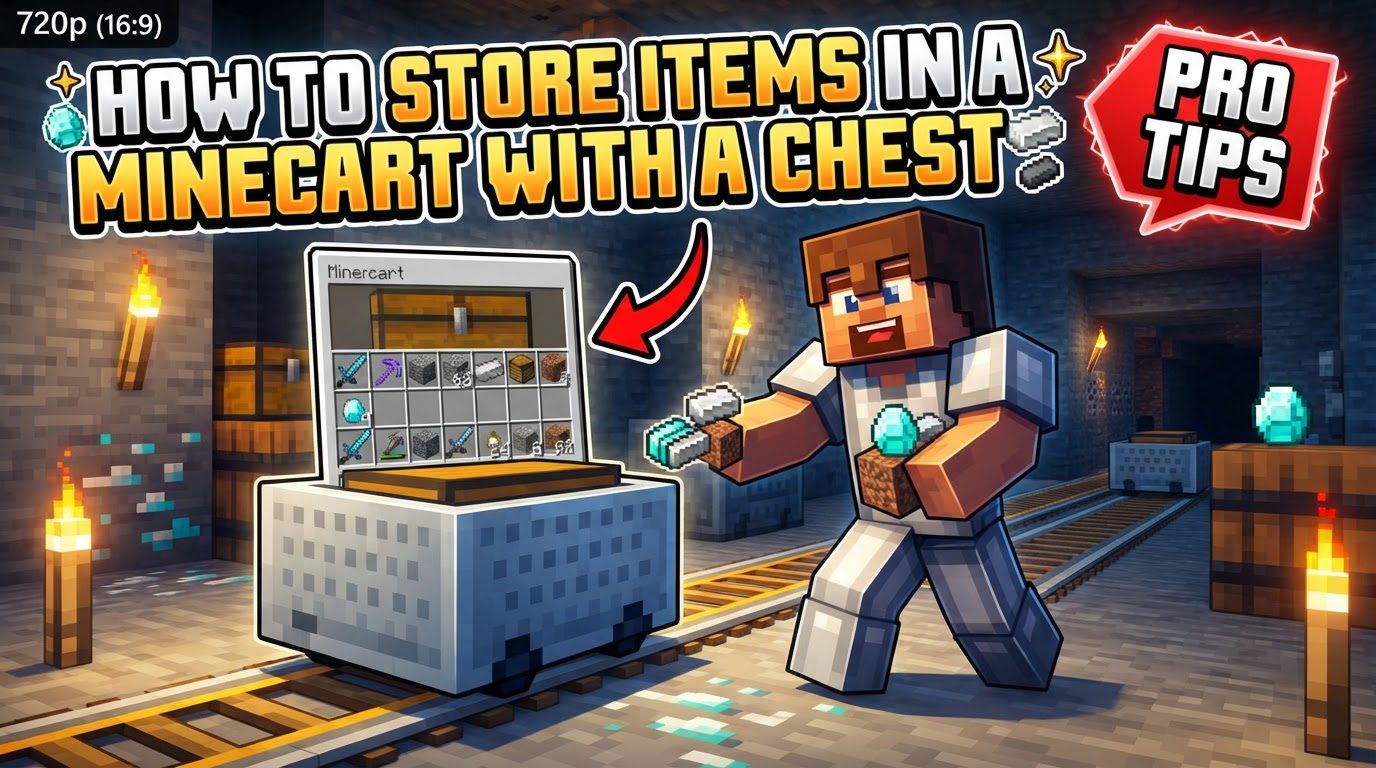
At its essence, a minecart with a chest functions as a singular chest mounted within a minecart. This provides a substantial 27 inventory slots for item storage, mirroring the capacity of a conventional single chest. This makes it an ideal solution for moving large quantities of materials that would otherwise quickly fill a player’s personal inventory. Accessing the contents of this mobile storage unit is straightforward; simply use the item button – typically a right-click on a computer – on the minecart with a chest. Notably, this action occurs without any accompanying sound effect or the visual chest opening animation, allowing for discreet and quick interaction.
One of the key advantages of this utility block is its flexibility in placement. Minecarts with chests can be placed and operated on any type of rail available in the game, from basic rails to powered rails, activator rails, and detector rails. This universal compatibility ensures that they can be integrated into virtually any rail-based transport network a player designs.
The interaction between minecarts with chests and hoppers is particularly vital for automation. Hoppers can effectively extract items from a minecart with a chest if they are positioned directly underneath the track on which the minecart rests. Conversely, hoppers can deposit items into a minecart with a chest in two primary ways: either by having the minecart roll directly under a downward-facing hopper, or by having a hopper face directly into the side of the minecart with a chest. This seamless integration with hoppers forms the backbone of automated loading and unloading stations, allowing for hands-free item transfer.
When designing transport systems, it’s critical to consider the impact of the minecart’s load on its speed. The speed boost provided by powered rails is directly dependent on how full the minecart with a chest is. An empty minecart will travel significantly further on a given number of powered rails compared to a fully loaded one. This distinction is paramount for ensuring that minecarts reach their intended destinations without getting stuck or running out of momentum.
A unique and powerful characteristic of minecarts with chests is their ability to occupy the same block space. Multiple chest minecarts can exist on a single rail segment within the same block, and they can even be stacked on top of one another. This property opens up possibilities for incredibly compact storage solutions, as will be discussed further.
For advanced automated systems, redstone comparators play an indispensable role. When a minecart with a chest is positioned on a detector rail, a redstone comparator placed adjacent to that rail can detect how full the minecart is. The comparator will emit a redstone signal whose strength is proportional to the minecart’s contents, providing a precise feedback mechanism for controlling loading, unloading, and routing operations based on its fill level.
Step-by-step Process for Using a Minecart with a Chest
Utilizing a minecart with a chest is a straightforward process, beginning with its creation and culminating in its deployment and use.
- Crafting: To create a minecart with a chest, you simply need to combine one chest with one minecart in any crafting grid, whether it’s your personal 2×2 inventory grid or a 3×3 crafting table. The crafting recipe is shapeless, meaning the relative positions of the chest and minecart in the grid do not matter. Once crafted, you will receive a single minecart with a chest item.
- Placement: Before you can place your minecart with a chest, you must first lay down a section of rail on the ground. Once a rail is in position, select the minecart with a chest item in your hotbar and use it (typically right-click) on the placed rail. The minecart with a chest will then appear on the track, ready for use.
- Accessing Contents: To store or retrieve items, simply approach the placed minecart with a chest and use the item button (right-click on Java Edition, or the equivalent “use item” control on other editions). This action will open the minecart’s inventory interface, allowing you to drag and drop items between your personal inventory and the minecart’s 27 slots.
- Retrieval: Should you need to remove a minecart with a chest from your rail system, you can do so by attacking it. This is typically done by left-clicking it repeatedly until it breaks. When a minecart with a chest is broken, it will drop as a single minecart with chest item, and all of its stored contents will also spill out onto the ground as individual items, ready to be picked up.
Important Tips for Effective Use
Leveraging the full potential of minecarts with chests involves understanding various best practices and advanced applications:
- Automated Systems: Minecarts with chests are fundamental components in automated item transport systems. By integrating them with powered rails for consistent movement and hoppers for hands-free loading and unloading, players can design intricate networks that automatically move resources from production areas (like farms or mines) to centralized storage facilities. This significantly reduces the manual effort required for resource management.
- Loaders/Unloaders: Designing dedicated loading and unloading stations is key to efficient automation. A loading station typically involves a series of hoppers positioned above the track, feeding items downwards into the minecart with a chest as it passes underneath. An unloading station involves hoppers placed underneath the track, pulling items out of the minecart and feeding them into storage chests. Redstone comparators, used in conjunction with detector rails, can be employed to detect when a minecart is full or empty, allowing for sophisticated control. For instance, a comparator can trigger a powered rail to stop an empty minecart at a loading station or move a full one towards an unloading point.
- Infinite Storage: One of the most advanced and compact storage techniques involves “minecart cramming.” This method exploits the ability to place multiple chest minecarts within a single block space on a rail. By carefully arranging and pushing numerous minecarts into the same block, players can create incredibly high-density storage solutions. While accessing specific minecarts within a dense stack can be challenging, this technique offers an almost infinite storage capacity within a very small footprint, ideal for specialized item sorting systems.
- Single Item Type Efficiency: For optimal efficiency, particularly within automated loading and unloading systems, it is often best practice to dedicate individual minecarts with chests to a single type of item. This simplifies the logic required for hoppers and sorting mechanisms, preventing mixed inventories and ensuring that items are transported and stored precisely where they are intended.
- Piglins: When operating in the Nether, it is crucial to remember that opening or destroying a minecart with a chest in the vicinity of Piglins will anger them. This behavioral trait is similar to how they react to opening regular chests, and it can lead to hostile encounters if not accounted for. Always exercise caution when interacting with chest minecarts in Piglin-populated areas.
Common Mistakes to Avoid
Even experienced players can fall prey to common pitfalls when working with minecarts with chests. Being aware of these can save time and frustration:
- Ignoring Load: A frequent mistake is underestimating the impact of a minecart’s load on its travel distance. Forgetting that a full minecart with a chest travels significantly shorter distances on powered rails than an empty one can lead to transport systems failing. Minecarts might get stuck midway, necessitating manual intervention. Always test your rail lines with a fully loaded minecart to ensure it has sufficient powered rails to reach its destination.
- Unloaded Chunks: Minecarts with chests, like most entities, require the chunks they are in to be loaded for them to continue moving. If a minecart travels into an unloaded chunk – a chunk where no player is nearby to keep it active – it will simply stop. This is a common issue for long-distance transport systems that span across areas where players might not always be present. Designing systems that account for chunk loading, or utilizing chunk loaders, is essential for reliable long-haul transport.
- Expecting Automatic Collection: A common misconception is that a regular minecart with a chest will automatically pick up items from the ground or transfer them to another chest without assistance. This is incorrect. A minecart with a chest is purely a storage unit. For automatic item collection from the ground or direct transfer between inventories without external hoppers, a specialized minecart with a hopper is required. The chest minecart relies on hoppers to either feed items into it or pull items out of it.
By understanding these mechanics, following best practices, and avoiding common errors, players can effectively harness the power of the minecart with a chest, transforming their Minecraft experience with efficient and reliable item storage and transport solutions.
Tags:
YOU MAY ALSO LIKE...


