Teleporting Between Waystones — A Quick Guide
The Waystones mod introduces a revolutionary fast-travel system to Minecraft, fundamentally changing how players navigate their worlds. At its core, Waystones are special blocks that enable instant teleportation across vast distances, spanning different biomes and even between dimensions. This guide will walk you through the comprehensive process of activating, utilizing, and mastering Waystones, ensuring you can efficiently traverse your Minecraft adventures with unparalleled ease and speed.
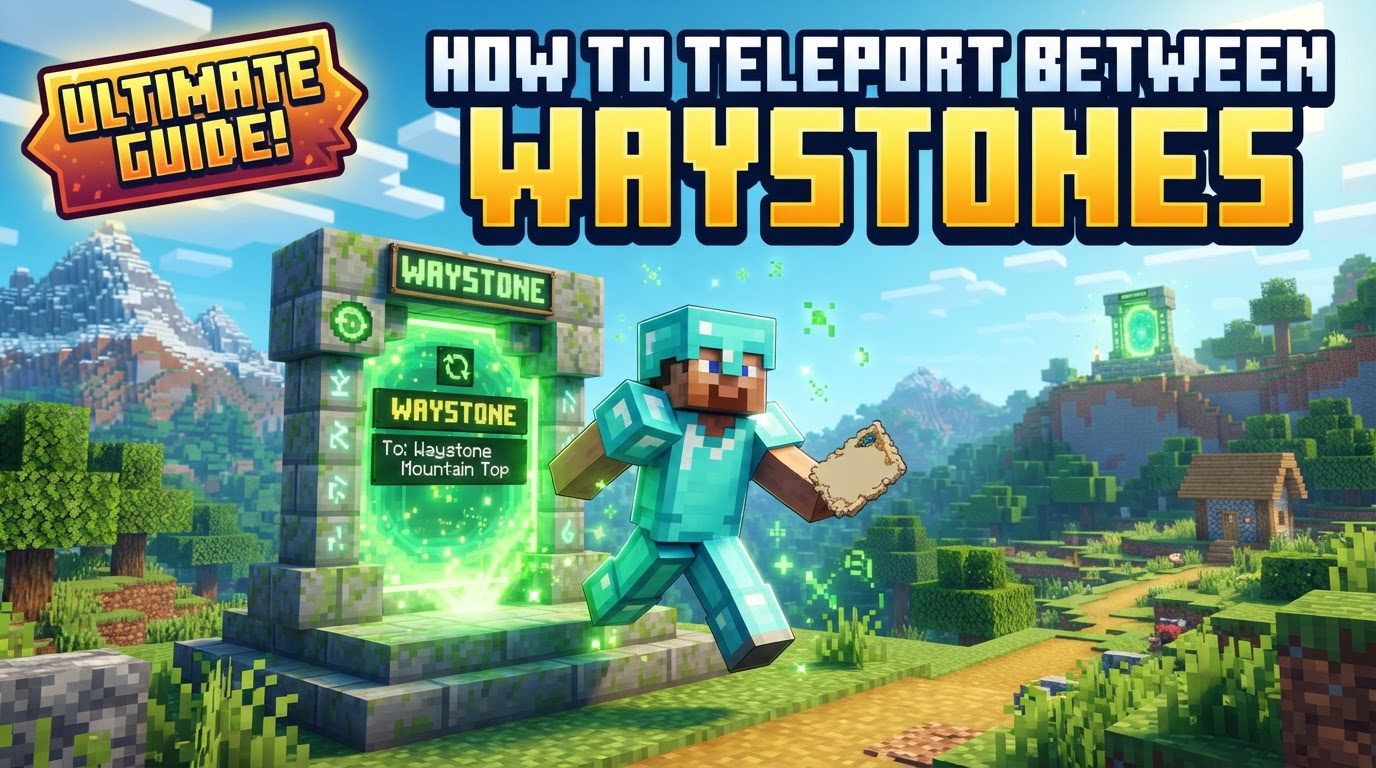
Activating and Using Waystones
The fundamental step to leveraging the power of Waystones is activation. Whether you stumble upon a naturally generated Waystone in a village or craft one yourself, the process remains straightforward: you must right-click the Waystone block. This simple action serves two critical purposes. Firstly, it activates the Waystone, making it functional and accessible. Secondly, upon activation, the Waystone is immediately added to your personal network of known Waystones, making it a potential destination for future teleports. Without activation, a Waystone remains inert and cannot be used for travel.
Immediately following activation, the game will prompt you to name your newly discovered Waystone. This naming convention is not merely cosmetic; it is a vital organizational tool. A clear and memorable name allows you to easily identify the Waystone’s location within your teleportation menu, preventing confusion, especially as your network grows. Should you wish to rename a Waystone at any point, simply shift + right-click it with an empty hand, and the renaming prompt will reappear.
Once you have activated and named at least two Waystones, you are ready to begin teleporting. To initiate a teleport, right-click on any activated Waystone within your network. This action will bring up a dedicated menu, which serves as your central hub for all known Waystones. The menu will display a comprehensive list of all the Waystones you have activated. From this list, you can select your desired destination. Upon selection, and provided you meet any cost requirements, you will be instantly transported to the chosen Waystone.
Understanding Teleportation Costs
While the convenience of instant travel is immense, it often comes with a cost. Teleporting between Waystones typically consumes experience levels. This mechanism is designed to balance the power of fast travel within the game. The cost of a teleport is not static; it dynamically adjusts based on several factors. Primarily, the further the distance between your current Waystone and your chosen destination, the higher the experience cost will be. Additionally, interdimensional travel, such as teleporting from the Overworld to the Nether or End, carries a fixed, often higher, cost due to the significant boundary crossing involved.
It is crucial for players to monitor their experience levels, especially before embarking on long-distance or interdimensional journeys, to ensure they have sufficient experience to cover the cost. Attempting to teleport without enough experience, if the cost is enabled, will prevent the teleportation from occurring. However, it’s important to note that this experience cost mechanism is not universally enforced. The Waystones mod provides configuration options that allow server administrators or single-player users to disable the experience cost entirely, making all teleports free. This flexibility allows for customization based on desired gameplay difficulty and server dynamics.
Portable Teleportation Options
Beyond the fixed Waystone blocks, the mod offers several portable items that grant you the power of teleportation from virtually anywhere in your world, significantly enhancing your mobility and strategic options. These items provide crucial flexibility, allowing you to escape dangerous situations, return to base, or quickly reach a distant Waystone without needing to be physically at another Waystone block.
- Warp Stone: This is arguably one of the most valuable portable teleportation items. A Warp Stone is a reusable item that, when right-clicked from your inventory, opens the familiar Waystone selection menu. This means you can initiate a teleport to any activated Waystone in your network from any location, at any time. Crafting a Warp Stone, using a Warp Stone as a core component, is highly recommended for its sheer utility and reusability.
- Warp Scrolls: Unlike the reusable Warp Stone, Warp Scrolls are single-use items. When consumed, they also present the Waystone selection menu, allowing you to choose any activated Waystone as your destination. These are excellent for emergencies or for when you need a quick, one-off teleport without having a Warp Stone on hand.
- Bound Scrolls: These scrolls offer a more specialized form of teleportation. A Bound Scroll is designed to be linked to a specific Waystone. Once bound, using the scroll will always teleport you directly to that particular Waystone, making it perfect for frequent trips to a primary base, a resource farm, or any other location you visit regularly. Their single-use nature means you’ll need to carry multiple if you plan many trips.
- Return Scrolls: The Return Scroll provides a convenient “get out of jail free” card. When used, it instantly teleports you to the nearest activated Waystone in your network. This is incredibly useful for quickly retreating from dangerous encounters or for returning to a known safe point when lost or disoriented.
Diverse Types of Waystones
The Waystones mod isn’t limited to a single type of teleportation block; it introduces a variety of Waystone types, each with unique functionalities catering to different needs and scenarios:
- Standard Waystones: These are the most common and versatile type, forming the backbone of your personal teleportation network. They allow two-way travel between any other activated Waystone in your network.
- Sharestones: These are distinguished by their color-coded appearance and are designed for shared networks. Sharestones enable multiple players, typically on a server, to access and utilize a common set of Waystones without individual activation. This is ideal for communal bases or public access points, often simplifying group travel and collaboration.
- Portstones: Portstones offer a specialized, one-way teleportation service. While you can teleport to a Portstone, you cannot teleport from it to another Waystone. They act as destination points, useful for creating drop-off locations or exits from specific areas.
- Warp Plates: These are unique in that they function as teleporting pressure plates. When a player, mob, or even items step onto a Warp Plate, they are instantly teleported to a designated destination. This opens up possibilities for automated transport systems, mob farms, or creative puzzle elements within your world.
Important Tips for Efficient Waystone Use
- Activate All Waystones: Make it a habit to right-click and activate every Waystone you encounter, whether crafted or naturally generated. A larger network provides more flexibility and options for fast travel.
- Rename for Clarity: Always assign clear, descriptive, and memorable names to your Waystones. A Waystone named “Cave Base” is far more useful than “Waystone #3” when you’re trying to quickly navigate your network.
- Craft a Warp Stone Early: Prioritize crafting a Warp Stone. Its reusability and ability to open the Waystone selection menu from anywhere makes it an indispensable tool for exploration, mining, and general mobility.
- Strategic Scroll Usage: Understand the distinct roles of different scrolls. Use Warp Scrolls for occasional, flexible teleports. Bind Bound Scrolls to frequently visited locations like your main base or a specific farm. Keep Return Scrolls handy for emergency escapes or quick returns to safety.
- Relocate Waystones as Needed: Don’t feel stuck with a Waystone’s initial placement. If a location proves inconvenient or your base shifts, simply break the Waystone with a pickaxe and place it in a more strategic position.
- Consider Global Waystones: For multiplayer environments, explore the option of making Waystones global. This allows all players on a server to utilize them without individual activation, often configured to be free of XP cost, fostering community and ease of access to shared resources or public spaces.
Common Mistakes to Avoid
Even with a robust system like Waystones, certain pitfalls can hinder your experience. Being aware of these common mistakes can save you frustration and ensure smooth teleportation:
- Neglecting Activation: The most frequent oversight is forgetting to right-click a newly placed or discovered Waystone. An inactive Waystone will not appear in your teleportation menu and cannot be used.
- Insufficient Experience: If experience costs are enabled on your server or world, always check your experience bar before attempting a teleport, especially for long distances or interdimensional jumps. Running out of XP mid-teleport attempt will simply cancel the action.
- Spawn Protection Interference: On some multiplayer servers, Waystones might not function correctly within the server’s designated spawn protection area, particularly for non-operator players. This is a server-side configuration that may prevent interaction or teleportation.
- Mod Conflicts: Minecraft’s modding ecosystem is vast. Occasionally, other mods, particularly those that alter world generation, player interaction, or chunk loading, can interfere with Waystone functionality. If you encounter unexpected behavior, check for known mod conflicts.
- Incorrect Installation/Configuration: Ensure the Waystones mod is installed correctly for your specific Minecraft version and mod loader (Forge, Fabric, NeoForge). Server configurations can also disable specific Waystone features, such as interdimensional travel or the experience cost, so verify settings if issues arise.
Tags:
YOU MAY ALSO LIKE...