

Tracking Mob Kill Counts Using Statistics — A Quick Guide
Minecraft, at its core, is a game of exploration, creativity, and survival. As players delve deeper into its blocky worlds, they often seek ways to quantify their achievements and progress. One such aspect is tracking the number of hostile creatures vanquished. Fortunately, Minecraft provides a powerful, built-in “Statistics” feature that, when combined with the versatile `scoreboard` command, allows players to meticulously track their mob kill counts. This guide will walk you through the process, from understanding the underlying mechanics to setting up and displaying your kill counters, ensuring you can keep a precise tally of every monster you conquer.
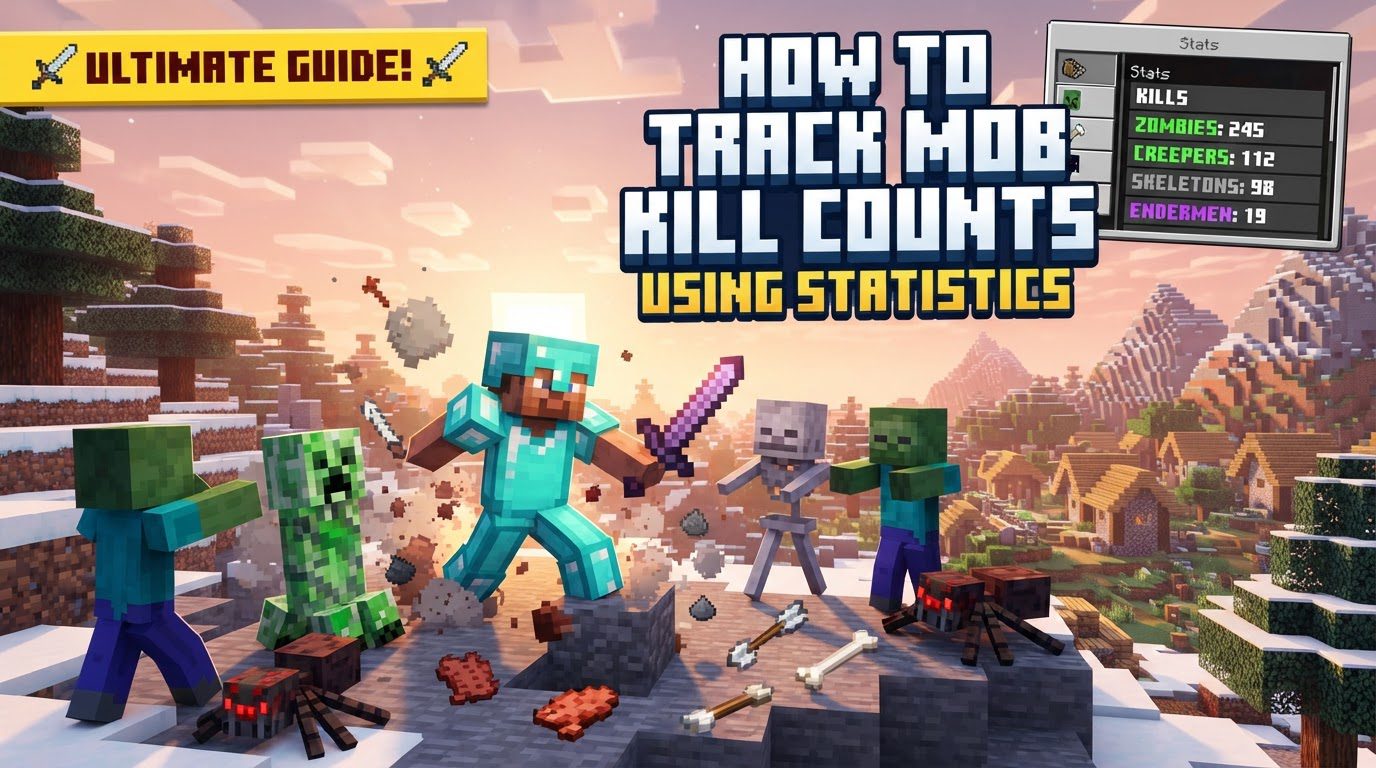
Key Mechanics of Mob Kill Tracking
Minecraft’s sophisticated internal systems record a vast array of player activities, collectively known as “Statistics.” These statistics serve as a comprehensive log of a player’s journey, encompassing everything from blocks broken to items crafted and, crucially, mobs killed. Understanding how these statistics function and how they interact with the scoreboard system is fundamental to effective tracking.
- Individual Player Statistics: It is important to note that these statistics are not server-wide aggregates but are stored individually for each player. This means every player maintains their own unique set of records. A significant advantage for Java Edition players is that these statistics accumulate across all worlds. If a player engages in combat on one server or single-player world, their kill count for a specific mob type will carry over and continue to increase when they join another world, provided they are using the same player profile. This persistence allows for long-term tracking of player accomplishments.
- The Scoreboard System: While statistics are the raw data, the `scoreboard` command acts as the primary interface for displaying and interacting with this information within the game. It allows players and server administrators to create custom objectives that can then be linked to specific statistics. These objectives essentially “listen” for changes in the underlying statistics and update their associated scores accordingly, making complex data visible and actionable in real-time.
- Automatic Tracking Criteria: The magic of the scoreboard system lies in its criteria, which are predefined conditions that automatically update a player’s score based on their in-game actions. For mob kill tracking, there are several key criteria to choose from, each serving a distinct purpose:
totalKillCount: This criterion is broad in its scope. It tracks all kills performed by a player, without distinguishing between mob types or even between mobs and other players. If you’re looking for a general measure of a player’s combat prowess against any living entity, this is the criterion to use. However, it’s crucial to remember its all-encompassing nature to avoid misinterpretations regarding mob-specific counts.minecraft.killed:minecraft.: For players who desire granular control and wish to track the elimination of specific hostile creatures, this criterion is ideal. By replacing “ with the exact identifier of a mob (e.g., `minecraft.zombie`, `minecraft.skeleton`, `minecraft.creeper`), you can create an objective that exclusively tallies kills of that particular species. This is invaluable for specialized challenges, achievements, or detailed performance tracking.minecraft.custom:minecraft.mob_kills: This criterion provides a general count specifically for mob kills, offering a middle ground between the broad `totalKillCount` and the highly specific `minecraft.killed` criteria. Unlike `totalKillCount`, it excludes player kills, focusing solely on hostile (and sometimes passive) creatures. It’s an excellent choice when you want a simple, overall tally of monsters defeated without breaking down each type.
Step-by-Step Guide to Tracking Mob Kills
Implementing mob kill tracking in Minecraft involves a straightforward process using the /scoreboard command. Follow these steps to set up your desired objective and make it visible in your game world:
- 1. Create a Scoreboard Objective:
The first step is to define your tracking objective. This is done using the `/scoreboard objectives add` command, which requires an internal name for the objective, the specific criterion it will track, and an optional display name that players will see.- For a general mob kill counter: If you want to track all kills, including both mobs and other players, you would use the `totalKillCount` criterion. The command would look like this:
/scoreboard objectives add mob_kills totalKillCount "Mob Kills"
In this example, `mob_kills` is the unique internal identifier for the objective, `totalKillCount` is the criteria that tells the scoreboard to track all kills, and `”Mob Kills”` is the user-friendly name that will appear on the scoreboard display. - To track specific mobs (e.g., skeletons): If your goal is to count only kills of a particular mob type, such as skeletons, you’ll use the `minecraft.killed:minecraft.` criterion. For skeletons, the command would be:
/scoreboard objectives add skeleton_slayer minecraft.killed:minecraft.skeleton "Skeletons Slain"
Here, `skeleton_slayer` is the objective’s internal name, `minecraft.killed:minecraft.skeleton` precisely tracks only skeleton kills, and `”Skeletons Slain”` is the descriptive display name. Remember to replace `skeleton` with the correct mob identifier for other specific creatures you wish to track.
- For a general mob kill counter: If you want to track all kills, including both mobs and other players, you would use the `totalKillCount` criterion. The command would look like this:
- 2. Display the Objective:
After creating an objective, it exists within the game’s memory but is not yet visible to players. To make the score appear in-game, you need to assign it to a display slot using the `/scoreboard objectives setdisplay` command.- To show on the sidebar: The `sidebar` slot is the most common choice for objectives that you want to be constantly visible on the side of the screen. To display your general mob kill counter on the sidebar, you would use:
/scoreboard objectives setdisplay sidebar mob_kills
(Remember to replace `mob_kills` with the internal name of your specific objective.) - To show in the player list: The `list` slot displays the objective’s scores when players open the player list (typically by pressing the Tab key). This is useful for objectives that don’t need constant visibility but should be easily accessible. For example:
/scoreboard objectives setdisplay list mob_kills
- To show on the sidebar: The `sidebar` slot is the most common choice for objectives that you want to be constantly visible on the side of the screen. To display your general mob kill counter on the sidebar, you would use:
- 3. Reset a Player’s Score (Optional):
There might be instances where you need to reset a player’s score for a particular objective – perhaps to start a new challenge, correct an error, or clear old data. This can be done with the `/scoreboard players reset` command:
/scoreboard players reset <player> <objective>
Replace `<player>` with the player’s username (or `*` for all players) and `<objective>` with the internal name of the objective you wish to reset.
Important Tips for Effective Tracking
To maximize the utility and accuracy of your mob kill tracking system, consider these crucial tips that can enhance functionality and user experience:
- Choose the Right Criteria: The selection of your scoreboard criterion is paramount to accurate tracking. As discussed, `totalKillCount` is suitable for a raw, overall kill tally that includes players and all types of mobs. For a count that specifically excludes player kills but still encompasses all mob types, `minecraft.custom:minecraft.mob_kills` is the appropriate choice. Finally, for highly specific tracking of individual mob species, such as creepers or zombies, the `minecraft.killed:minecraft.` criterion offers the precision you need. Carefully consider your objective before deciding which criterion to implement.
- Meaningful Display Names: While the internal name of your scoreboard objective is primarily for command usage, the `[display name]` argument is what players will actually see on the scoreboard. Utilizing a clear, descriptive, and user-friendly display name (e.g., `”Ghasts Slain”`, `”Total Monsters Defeated”`) significantly improves the clarity and appeal of your tracking system. A well-chosen display name makes the objective’s purpose immediately obvious to anyone viewing the scoreboard.
- Utilize Command Blocks for Advanced Functionality: The true power of scoreboard objectives is unleashed when integrated with command blocks. This allows for the creation of automated systems and advanced functionalities based on player kill counts. For instance, you could set up command blocks to detect when a player reaches a specific kill milestone (e.g., 100 zombie kills) and then automatically award them an item, an experience boost, or even a custom title. This integration transforms simple tracking into dynamic gameplay mechanics, adding depth and progression to your world.
Common Mistakes to Avoid
Even experienced players can encounter pitfalls when setting up scoreboard objectives. Being aware of these common errors will help you troubleshoot and ensure your tracking functions as intended, saving you time and frustration:
- Misinterpreting
totalKillCount: One of the most frequent misunderstandings stems from the `totalKillCount` criterion. It is crucial to remember that this statistic counts *all* kills a player makes, encompassing not only mobs but also other players. If your intention is solely to track mob kills, relying on `totalKillCount` will lead to an inflated and inaccurate count, as it will include any PvP eliminations. Always opt for `minecraft.custom:minecraft.mob_kills` or specific `minecraft.killed:minecraft.` criteria if you need a pure mob-kill count. - Incorrect Mob Identifier: When using the `minecraft.killed:minecraft.` criterion for specific mob tracking, precision is key. The “ part of the identifier must be exactly correct. Forgetting the `minecraft.` prefix or misspelling the mob’s name (e.g., `zombie` instead of `minecraft.zombie`, or `creapr` instead of `creeper`) will result in the objective failing to track any kills. Always double-check the exact official identifier for the mob you wish to track.
- Bedrock Edition Limitations: It is vital to understand the differences between Minecraft Java Edition and Bedrock Edition when it comes to statistics and scoreboards. Bedrock Edition has significantly more limited built-in statistics compared to Java Edition. Direct scoreboard commands for tracking specific mob kills as described in this guide might not work the same way, or at all, in Bedrock. Achieving similar functionality in Bedrock Edition often requires the use of add-ons, behavior packs, or more complex command setups that go beyond the native scoreboard system.
- Forgetting to Set a Display Slot: A common oversight is creating a scoreboard objective but then forgetting to use the `/scoreboard objectives setdisplay` command. If you don’t assign your objective to a display slot (like `sidebar` or `list`), the objective will exist and track scores in the background, but it will not be visible to players in-game. This can lead to confusion, as players might assume the objective isn’t working when it simply hasn’t been made visible.
- Omitting Quotes for Display Names: When providing an optional `[display name]` for your objective, especially if that name contains spaces, it is imperative to enclose the entire phrase in quotation marks. For example, use `”Mob Kills”` instead of `Mob Kills`. Without the quotation marks, the command system will interpret each word as a separate argument, leading to a syntax error or an incomplete display name.
Tags:
YOU MAY ALSO LIKE...


