

How to Use Crafting Upgrade Minecraft Sophisticated Storage
Integrating a full crafting station directly into your storage is not only possible but incredibly convenient in Minecraft’s Sophisticated Storage mod. No more shuffling inventory between a chest and a workbench; with the Crafting Upgrade, your storage container becomes a self-contained crafting powerhouse, revolutionizing how you manage resources and create items in your Minecraft world.
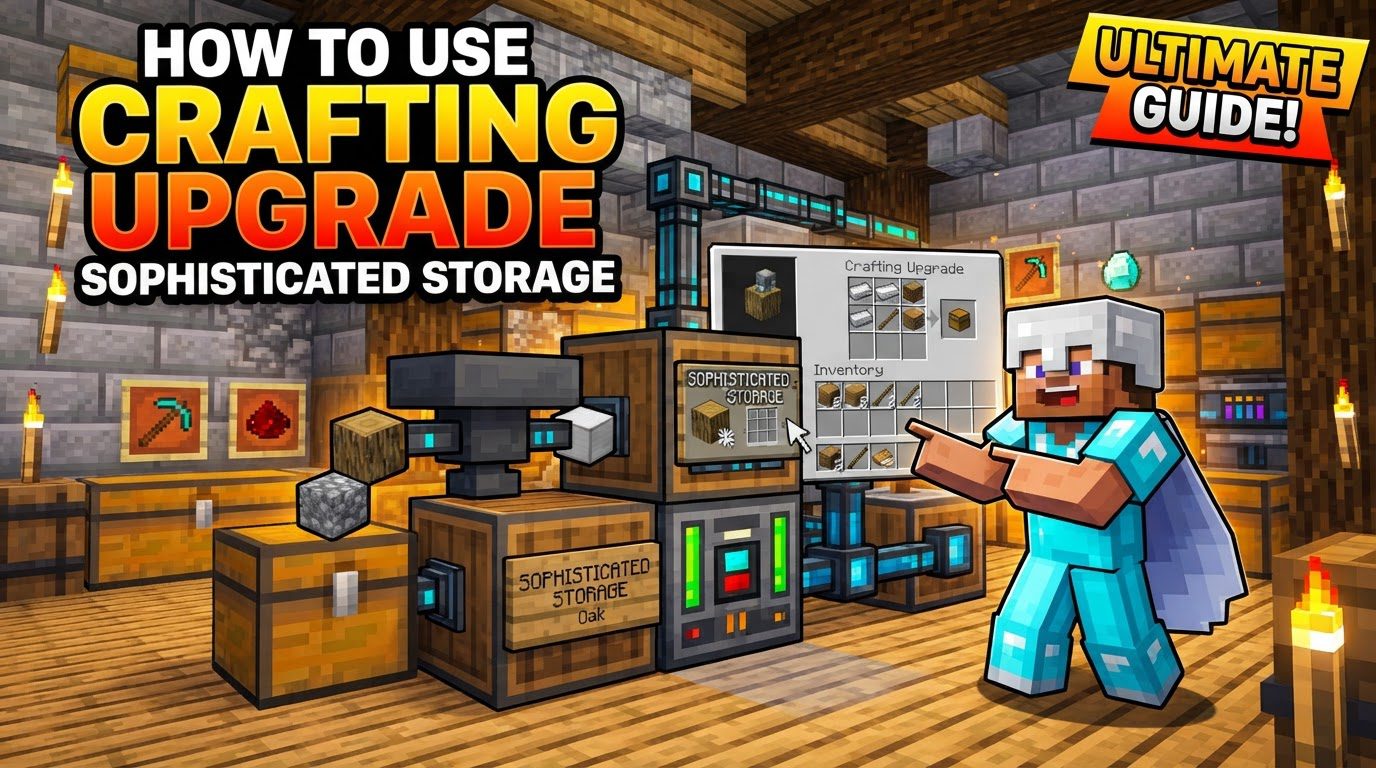
The Power of Integrated Crafting
The Crafting Upgrade is a game-changer for efficiency and organization within Minecraft’s Sophisticated Storage ecosystem. At its core, this upgrade grants any compatible storage block the ability to function as a fully integrated crafting table. This means you can access a standard 3×3 crafting grid directly from the storage block’s interface, utilizing the items already stored within that specific container.
Imagine having a chest dedicated to building materials. With a Crafting Upgrade installed, you can open that chest, and instantly, a crafting grid appears alongside its inventory. You can then pull wood, stone, or iron directly from the chest into the crafting grid to make planks, stone bricks, or tools, without ever moving a single item into your personal inventory. The system is designed for seamless operation: ingredients required for your recipe are automatically pulled from the storage block’s inventory, and the crafted item appears in the output slot, ready to be taken or placed back into the storage.
This powerful integration isn’t limited to just chests and barrels. The Crafting Upgrade system is also fully compatible with Sophisticated Backpacks, extending this convenience to your portable inventory. This allows for on-the-go crafting directly within your backpack, making expeditions and resource gathering far more streamlined.
Setting Up Your Sophisticated Crafting Station
Getting your integrated crafting station up and running is a straightforward process, involving just a few key steps:
1. Obtain a Sophisticated Storage Block
Your journey begins with acquiring a Sophisticated Storage block. This can be any of the specialized containers provided by the mod: a Sophisticated Chest, Barrel, or Shulker Box. These blocks are distinct from vanilla Minecraft chests and are designed to accept the mod’s unique upgrades. If you initially have a vanilla chest that you wish to upgrade, you can convert it into a Sophisticated Storage block by applying a Basic Tier Upgrade to it. This foundational step ensures your chosen container is compatible with the Crafting Upgrade and other Sophisticated Storage enhancements.
2. Craft the Crafting Upgrade Item
Next, you’ll need the Crafting Upgrade item itself. The specific recipe for this upgrade can vary slightly depending on your modpack, but it generally involves common crafting materials. It’s always a good idea to consult your in-game recipe book (like JEI – Just Enough Items) to confirm the exact ingredients for your particular setup. Once you have the necessary components, craft the upgrade at a standard crafting table.
3. Install the Upgrade
With the Crafting Upgrade in hand, the next step is to install it into your chosen Sophisticated Storage block. Open the inventory GUI of your Sophisticated Chest, Barrel, or Shulker Box. You’ll notice a dedicated section for upgrade slots, typically located on the left side of the inventory interface. Simply drag and drop the Crafting Upgrade item into one of these available slots. The upgrade will snap into place, indicating successful installation.
4. Access the Crafting Grid
Once the Crafting Upgrade is installed, its functionality becomes immediately accessible. An icon representing a crafting grid will appear within the storage block’s interface, usually near the upgrade slots or alongside the main inventory view. Clicking this icon will instantly open the familiar 3×3 crafting grid directly within the storage block’s GUI.
5. Craft Items with Ease
Now, the magic happens. With the crafting grid open, you can place items from the storage block’s inventory directly into the grid slots. The system intelligently detects the ingredients and displays the resulting crafted item in the output slot. You can then take the crafted item out into your personal inventory, or, for even greater convenience, move it back into the storage block to keep your organization pristine. This seamless item flow eliminates the need to constantly open and close different interfaces, making crafting a fluid and integrated experience.
Maximizing Your Crafting Efficiency
The Crafting Upgrade’s true potential shines when combined with thoughtful application and other Sophisticated Storage features:
- Dedicated Crafting Stations: Designate specific Sophisticated Storage blocks with a Crafting Upgrade as dedicated crafting stations. For instance, a chest filled with ores and fuels could have a Crafting Upgrade for making tools and armor, or a barrel with farming produce could be used to craft various food items. This creates compact, purpose-built workstations for frequently made items, reducing clutter and travel time across your base.
- Synergy with Other Upgrades: Enhance your crafting station by pairing the Crafting Upgrade with other Sophisticated Storage upgrades. Consider adding
Stack Upgrades to significantly increase the storage capacity of your crafting materials, ensuring you have ample ingredients on hand. For superior organization, integrate Filter Upgrades to precisely control what items are allowed into the container, keeping your crafting ingredients neatly separated and easily accessible.
- Network Integration for Advanced Setups: While the Crafting Upgrade excels at individual block functionality, for larger bases or highly automated systems, consider leveraging a Storage Controller network. While the Crafting Upgrade operates on the specific block it’s installed in, a Storage Controller allows for broader item access across multiple linked containers. This means that while you’d still craft from a single block, the ability to pull resources from a vast network could indirectly support more ambitious crafting projects.
Navigating Potential Pitfalls: Common Mistakes & Troubleshooting
While the Crafting Upgrade is incredibly powerful, a few common issues can arise. Understanding these can save you time and frustration:
- Incorrect Storage Type: A frequent mistake is attempting to apply Sophisticated Storage upgrades to non-Sophisticated Storage chests. Mods like Iron Chests, for example, offer their own enhanced storage solutions, but their blocks are not compatible with Sophisticated Storage upgrades. Always ensure you are using a genuine Sophisticated Storage chest, barrel, or shulker box, or a vanilla chest converted with a Basic Tier Upgrade.
- Insufficient Upgrade Slots: Sophisticated Storage blocks, especially lower-tier ones, have a limited number of upgrade slots. If you find you can’t install your Crafting Upgrade, double-check if your storage block has an available slot. You might need to upgrade the tier of your storage block (e.g., from Basic to Iron) to gain more upgrade slots.
- Confusing Upgrade Types: Be mindful not to mix up Sophisticated Storage upgrades with Sophisticated Backpack upgrades. While both mods are often used together and share a similar aesthetic, their upgrades are distinct. Although some upgrades might be convertible between the two systems, it’s crucial to use the correct type for your intended container.
- Issues with Staged Recipes: There have been reports within the community regarding the Crafting Upgrade encountering difficulties with certain “staged” recipes, particularly those involving dyed items or other recipes that require specific NBT data or order. For example, in some modpacks like SkyFactory 5, staged dye recipes might not function correctly. If you encounter such an issue, it’s worth checking if the recipe works on a vanilla crafting table as a workaround, or reporting it to the modpack creator or mod developer.
The Crafting Upgrade for Sophisticated Storage is an indispensable tool for any Minecraft player looking to streamline their inventory management and crafting processes. By integrating crafting directly into your storage, it transforms your base into a more efficient, organized, and enjoyable space. Master this upgrade, and you’ll find yourself spending less time shuffling items and more time building, exploring, and creating.
Tags:
YOU MAY ALSO LIKE...


