How to use the /data command to modify entity data
The /data command in Minecraft is an incredibly powerful tool for advanced players, mapmakers, and server administrators. Introduced in Minecraft Java Edition 1.13, it superseded the older /entitydata command, offering a far more versatile and comprehensive way to interact with the game’s underlying data structures. This command allows for the inspection, modification, and manipulation of NBT (Named Binary Tag) data associated with entities, block entities, and even command NBT storage.
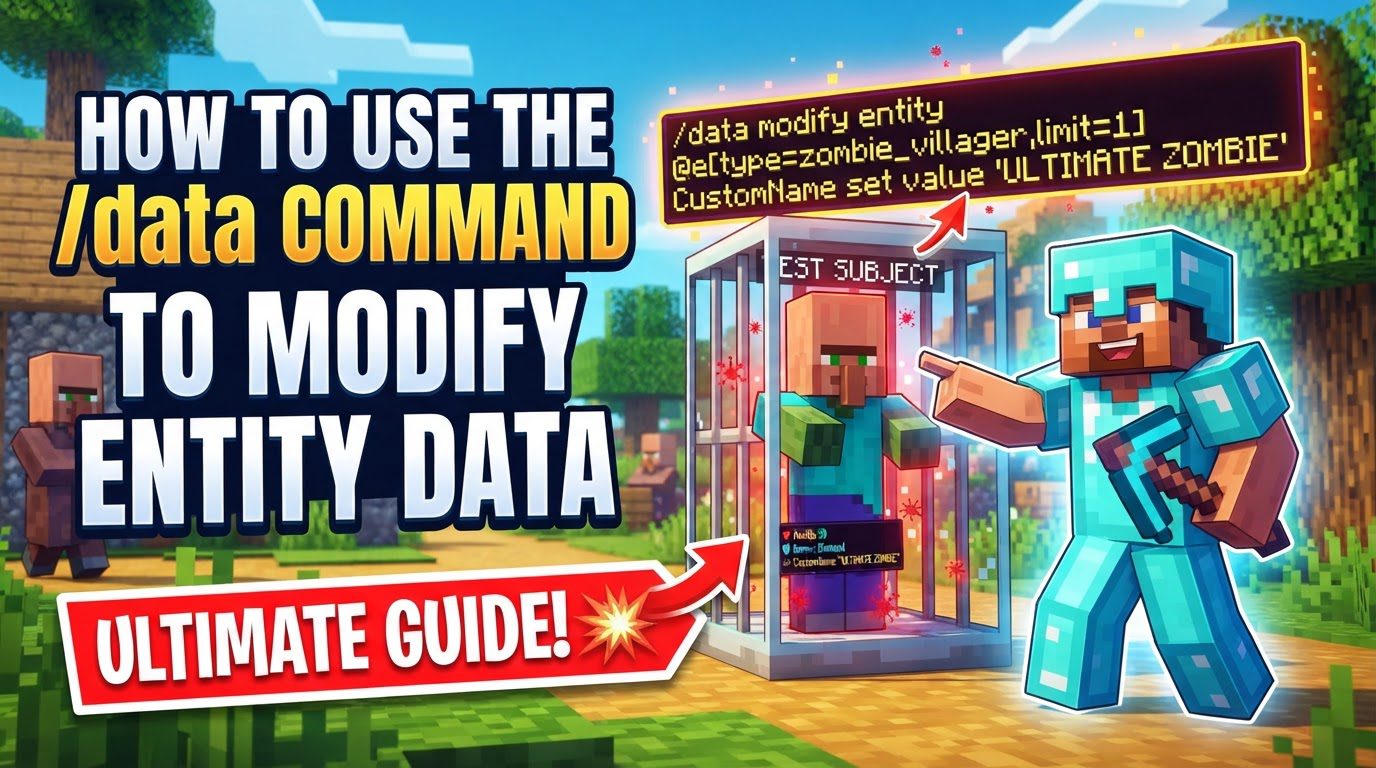
At its core, the /data command provides functionalities to get, merge, modify, and remove NBT data. Among these, the data modify subcommand stands out for its fine-grained control, enabling users to make very specific alterations to NBT tags without needing to completely overwrite an entity’s or block’s entire data structure. This guide will focus specifically on utilizing /data modify to manipulate entity data, providing a comprehensive overview of its mechanics, usage, and important considerations.
Understanding Key Mechanics of /data modify
The data modify subcommand is designed for precision. Instead of simply replacing an entire NBT compound, it allows you to target and alter individual tags, add elements to lists, or even copy data from one source to another. This level of control is crucial for creating dynamic and complex gameplay mechanics.
- Operations for Fine-Grained Control: The
data modifycommand supports several distinct operations, each tailored for a specific type of NBT manipulation:set: This operation directly changes the value of a specified NBT tag. It’s used when you want to assign a new value to an existing tag or create a new tag with a specific value.append: Designed for NBT lists, this operation adds a new item to the very end of the list.prepend: Also for NBT lists, this operation adds a new item to the very beginning (start) of the list.insert: This operation provides even more control over NBT lists, allowing you to add a new item at a specific numerical index within the list. Existing items at and after that index will be shifted to accommodate the new entry.merge: Whiledata mergeis a standalone command for simpler modifications, themergeoperation withindata modifyallows combining NBT structures. When merging, if a tag exists in both the target and the source, the source’s value will overwrite the target’s. If a tag only exists in the source, it will be added to the target.
- Data Sources: When modifying data, you need to specify where the new data comes from. There are two primary ways to provide this data:
value: This is used when you want to directly provide the new NBT data as a literal value. This value must be formatted correctly as an NBT compound, list, or primitive type.from: This powerful option allows you to copy NBT data from another location. Thecan be ablock,entity, orstorage. You then specify the(e.g., coordinates for a block, a selector for an entity, or a namespace for storage) and theto pinpoint the exact NBT tag to copy.
- Understanding NBT Structure and Paths: NBT data is hierarchically organized.
- Compounds: These are like objects or dictionaries, containing key-value pairs. You navigate through compounds using dot notation (e.g.,
Brain.memories,Pos[0]). - Lists and Arrays: These are ordered collections of items. To access a specific item within a list or array, you use square brackets with the item’s numerical index (e.g.,
Inventory[3]for the fourth item in an inventory list,HandDropChances[0]for the first item in the hand drop chances array).
A correct NBT path is crucial for the command to locate the precise tag you intend to modify.
- Compounds: These are like objects or dictionaries, containing key-value pairs. You navigate through compounds using dot notation (e.g.,
Step-by-Step Process: Using /data modify entity
Executing a /data modify entity command involves a specific syntax and understanding of its components. Follow these steps to correctly construct and run your commands:
- Open the Chat Window: In Minecraft, press ‘T’ (by default) to open the chat window, where you will type your command.
- Start the Command: Begin with the base command structure:
/data modify entity.: This selector must resolve to a single entity. Examples include@s(the executing entity),@p(the nearest player), or a more specific selector like@e[type=pig,limit=1,sort=nearest]to target the nearest pig. If you need to modify multiple entities, you must use theexecutecommand in conjunction, such asexecute as run data modify entity @s .... This ensures that the/data modify entity @spart always targets the single entity currently being iterated over by theexecute ascommand.: This is the NBT path that points to the specific tag within the target entity’s data that you wish to change. For example, to modify an entity’s X motion component, you would useMotion[0]. To access a tag within a compound, you might useTags(for custom tags) orHandDropChances[0]for the drop chance of the item in the main hand.
- Choose an Operation: Select one of the operations discussed earlier:
setappendprependinsert(replacewith a number)merge
- Specify the Data to Apply: After choosing your operation, you must tell the command what data to use for the modification.
value: Use this if you are directly inputting the new NBT data. Themust be a correctly formatted NBT literal (e.g.,{SomeTag:1b},[0.0d,0.0d,0.0d],"Hello World"). Remember to enclose key-value pairs of NBT data within curly brackets{}.from: Use this if you are copying data from another location. Provide thesourceType(block,entity, orstorage), thesourceidentifier (e.g., coordinates for a block, a selector for an entity, or a namespace for storage), and thesourcePathto the specific NBT tag to be copied.
- Execute the Command: Press Enter to run the command. The game will process your request and, if successful, modify the entity’s data as specified.
Important Tips for Effective Data Modification
To maximize your efficiency and avoid common pitfalls when using the /data command, keep the following tips in mind:
data mergevs.data modify: For simpler modifications where you want to add new NBT tags or completely overwrite existing ones with new values,/data mergeis often sufficient and easier to use. However, for more intricate scenarios, such as altering a specific part of a list (e.g., changing only one element of a motion vector), copying data between entities (e.g., a custom name from one entity to another), or performing string manipulations within a list,/data modifyoffers the necessary precision.- Master NBT Structure: A deep understanding of NBT’s hierarchical nature is paramount. Remember that compound tags are accessed using dot notation (e.g.,
Brain.memories,VillagerData.level), while individual elements within lists or arrays are accessed using bracket notation with their index (e.g.,Inventory[3]for the fourth slot,HandDropChances[0]for the main hand’s drop chance). Incorrect paths are a primary reason for command failure. - Leverage the
executeCommand: As mentioned, when you need to apply modifications to multiple entities that match a complex selector, theexecutecommand is indispensable. By chainingexecute as run data modify entity @s ..., you can iterate through all selected entities and apply the data modification to each one individually, ensuring that the@sselector always refers to the current entity in the loop. - NBT Syntax: Always enclose key-value pairs of NBT data within curly brackets
{}. This applies when providing directvaluearguments that represent compound tags. Lists are enclosed in square brackets[].
Common Mistakes to Avoid
Even experienced users can stumble upon common errors. Being aware of these can save you significant debugging time:
- Modifying Player Data Directly: The
/datacommand is intentionally restricted and cannot directly change player NBT data. Player data is handled differently by the game, and attempts to use/data modify entity @p(or any other player selector) to alter their NBT will fail. - Targeting Multiple Entities with Direct
/data modify entity: If yourselector resolves to more than one entity when used directly with/data modify entity, the command will fail. Always ensure your selector includeslimit=1for direct usage, or, as recommended, useexecute as run data modify entity @sfor situations involving multiple targets. - Incorrect NBT Path: This is perhaps the most frequent error. A typo, an incorrect index, or a misunderstanding of the NBT structure will lead to the command failing to find or modify the intended data. Double-check your paths carefully.
- Incompatible Data Types: Attempting to set a value with an incompatible data type for the target NBT tag will often result in no change or an error. For example, trying to set a number where a string is expected, or vice-versa, will not work. NBT tags have specific data types (e.g., byte, short, int, long, float, double, string, list, compound), and your input must match.
By mastering the /data modify entity command and understanding its nuances, you gain unparalleled control over the Minecraft world, enabling you to create sophisticated and dynamic gameplay experiences.
Tags:
YOU MAY ALSO LIKE...