Kaleidoscope Instructions
If you’ve ever scoured your Minecraft inventory or crafting table for a “kaleidoscope,” you’re not alone in a common misconception. The truth is, there’s no official, in-game item or crafting recipe for a kaleidoscope in vanilla Minecraft. This often surprises players expecting to find a tool to create swirling, colorful patterns. However, the term “kaleidoscope” holds significant meaning within the Minecraft community, manifesting in two distinct and equally fascinating ways: as names for various player-created modifications (mods) that enrich the game, and as the inspiration for elaborate, optical illusion-style builds that faithfully mimic the visual effects of a real-world kaleidoscope.
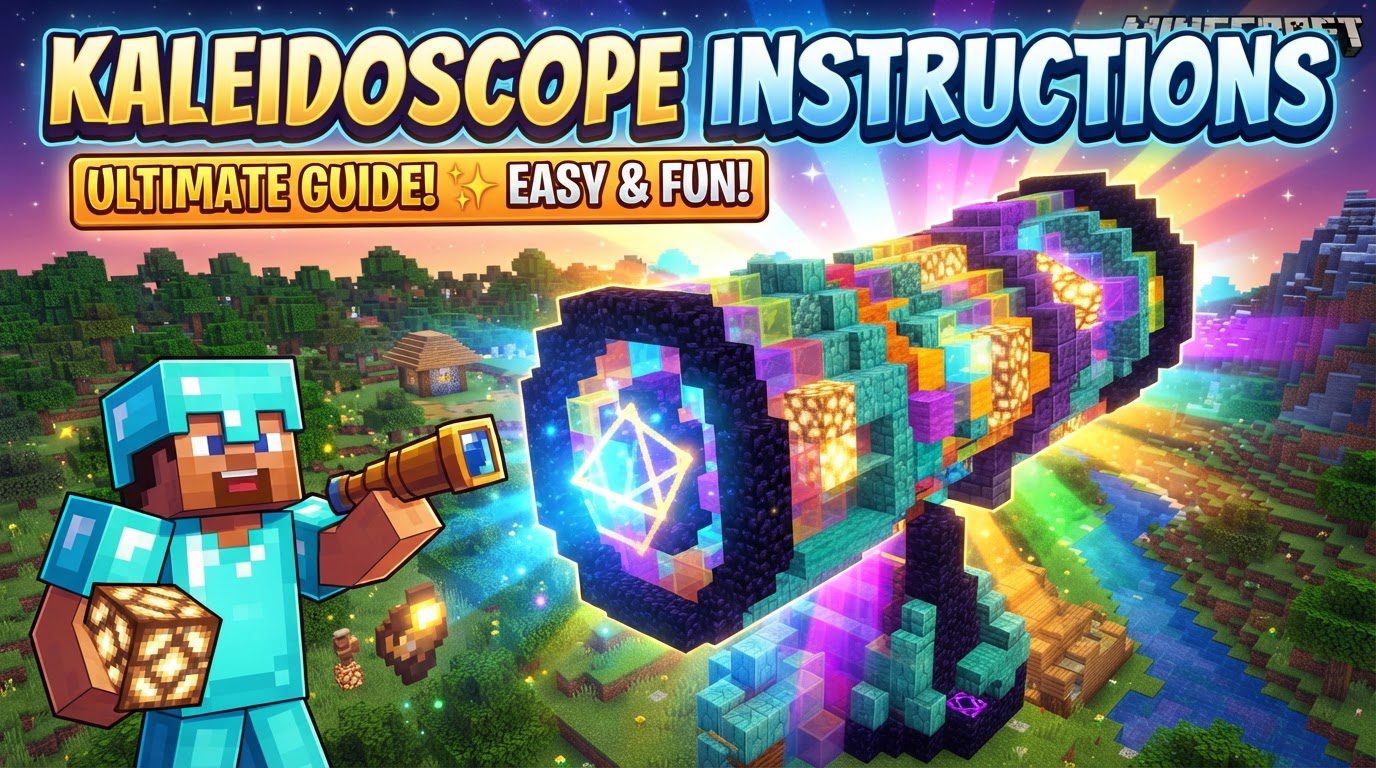
A World Without Vanilla Kaleidoscopes
First and foremost, it’s crucial to understand that a “kaleidoscope” as a functional item does not exist within the base version of Minecraft. Mojang, the developers, have not included any block, item, or mechanic that directly produces kaleidoscopic visual effects. This absence means that players seeking such experiences must look to community-driven content or unleash their own creative building prowess to bring these vibrant patterns to life.
“Kaleidoscope” in the Modding Community
The ingenuity of the Minecraft community often fills gaps in vanilla gameplay, and the term “Kaleidoscope” has been adopted by several mod developers to name their creations. These mods offer diverse functionalities, from enhancing gameplay mechanics to overhauling visual aesthetics.
Culinary & Contraption Creations: Kaleidoscope: Tavern & Cookery
One prominent use of the term “Kaleidoscope” is associated with a pair of Java Edition mods: “Kaleidoscope: Tavern” and “Kaleidoscope: Cookery.” These mods are designed to significantly expand the game’s culinary and decorative aspects. “Tavern” likely focuses on creating more immersive social and gathering spaces within Minecraft, while “Cookery” delves deep into advanced farming, intricate cooking recipes, and detailed brewing mechanics. Players looking to build elaborate kitchens, fully functional farms, or charming taverns will find these mods invaluable. An interesting extension to this suite is “Kaleidoscope Contraption,” an addon specifically designed to integrate the blocks from “Cookery” with the popular Create mod. This allows for the creation of dynamic, mobile kitchens and automated culinary setups, turning food preparation into a complex, satisfying engineering challenge.
Environmental Transformations: The Kaleidoscope Mod
Another mod simply titled “Kaleidoscope” takes a different approach, focusing on environmental aesthetics. This particular mod grants players the ability to dynamically alter in-game environmental properties through commands. Imagine changing the sky’s hue to a vibrant purple, shifting the water’s color to an ethereal green, or adjusting the fog’s density and tint to create a completely new atmosphere. This mod empowers players to customize their world’s visual mood on the fly, offering a powerful tool for map makers, cinematographers, or anyone wanting to personalize their Minecraft experience beyond what texture packs offer.
Fabric Enhancements: The Kaleidoscope Fabric Mod
For players using the Fabric mod loader, there’s also a “Kaleidoscope” content mod that aims to enhance the base game with a variety of quality-of-life features and miscellaneous additions. While the specifics of its content can vary, such mods typically include small, yet impactful, improvements that streamline gameplay, add convenience, or introduce minor new mechanics that fit seamlessly into the vanilla experience. These QoL mods are often highly valued for making the game feel more polished and enjoyable without drastically altering its core identity.
Crafting Optical Wonders: Player-Built Kaleidoscopes
Beyond the realm of mods, the most direct and visually stunning interpretation of “kaleidoscope” in Minecraft comes from the players themselves. Resourceful builders frequently construct large-scale structures or employ clever game mechanics to generate visual effects that strikingly resemble the patterns seen through a kaleidoscope or other complex optical illusions.
The Core Principles of Kaleidoscopic Builds
Creating a convincing kaleidoscopic effect in Minecraft relies on mastering several fundamental building principles:
- Symmetry and Repetition: This is the bedrock of any kaleidoscopic design. Blocks must be arranged in precisely mirrored and repeating patterns to trick the eye into perceiving the characteristic radial or rotational symmetry.
- Colored Blocks: A rich and varied palette is indispensable. Utilizing vibrant blocks like wool, concrete, glazed terracotta, various types of glass, and illuminated blocks such as glowstone is crucial for injecting color and contrast into the patterns.
- Strategic Lighting: Proper illumination is key to making the patterns pop. Incorporating light sources like glowstone, sea lanterns, or even strategically placed shroomlights can highlight the intricate designs and prevent parts of the illusion from being lost in shadow.
- Dynamic Elements (Advanced): For truly ambitious builders, dynamic elements can add a layer of complexity. This might involve using command blocks or mob spawners to generate falling sand entities with custom block IDs. These “falling blocks” can then despawn, creating a constantly changing, mesmerizing visual display, much like a real kaleidoscope shifts its patterns.
- Optical Illusions: At its heart, a player-built kaleidoscope is an optical illusion. By carefully arranging square blocks, builders can manipulate perception, creating the impression of depth, movement, or even perfectly circular shapes within a fundamentally blocky environment.
Blueprint Your Visual Masterpiece: A Step-by-Step Guide
Embarking on a kaleidoscopic build requires planning and precision:
- Concept & Design: Begin by envisioning the desired visual effect. Sketch out patterns, consider how they will repeat and reflect, and decide on the overall scale and shape of your structure.
- Material Gathering: Amass a diverse array of colorful blocks. Don’t forget light sources. Blocks like prismarine, known for its subtle color-changing properties, can add a dynamic touch.
- Symmetrical Construction: Start by building a foundational pattern. Then, meticulously replicate this pattern, ensuring precise mirroring and rotation. Any deviation can disrupt the illusion, so accuracy is paramount.
- Integrated Lighting: As you build, weave light sources directly into and around your structure. This ensures that the patterns are evenly illuminated from all angles, maximizing their visual impact.
- Refinement: Step back and observe your creation from various distances and perspectives. Make adjustments to fine-tune the illusion, enhance color combinations, and improve overall visual appeal.
Expert Tips for Dazzling Illusions
- High Contrast is King: Use blocks with starkly contrasting colors and textures. This makes patterns distinct, prevents visual muddling, and ensures maximum impact.
- Varied Block Palettes: Don’t limit yourself. Experiment with combinations of blocks like prismarine, quartz, nether brick, various wood types, and colored glass or terracotta. The wider the palette, the more complex and engaging your visual narrative.
- Strategic Lighting: Beyond just placing lights, consider their intensity and position. Well-placed lighting can accentuate intricate designs and prevent dark, obscure areas from detracting from the illusion.
- Embrace Glazed Terracotta: These blocks are a builder’s dream for kaleidoscopic designs. Their unique, pre-defined patterns naturally lend themselves to creating repeating, intricate designs when placed correctly.
- Avoid Overuse of Sea Lanterns: While excellent light sources, placing more than two sea lanterns directly next to each other can sometimes create an overly bright, uniform glow that might wash out the subtle details of your patterns. Use them judiciously.
Avoiding Common Pitfalls in Kaleidoscopic Construction
- Lack of Precise Symmetry: Even a single misplaced block or an imprecise mirror can break the illusion. Precision is paramount for a convincing kaleidoscopic effect.
- Poor Color Choice: Using colors that are too similar or muddied together can make your intricate patterns indistinguishable, resulting in a flat, uninteresting visual.
- Inadequate Lighting: A poorly lit build will hide its beauty. Insufficient light leaves parts of the structure in shadow, obscuring the hard work put into the visual effect.
- Monotonous Block Usage: Relying on too few block types will lead to a less complex and engaging visual experience. Variety is the spice of kaleidoscopic life.
- Ignoring Perceived Color Shifts: Be aware that the perceived color of a block can subtly change based on the colors of adjacent blocks. This phenomenon can alter the intended illusion, so always view your build from different angles and adjust accordingly.
Conclusion: Infinite Patterns, Infinite Creativity
While a “kaleidoscope” isn’t a native Minecraft item, its spirit thrives in the game’s expansive modding community and, most vividly, in the hands of creative builders. Whether you’re enhancing your gameplay with a mod or meticulously arranging blocks to form breathtaking optical illusions, the concept of a kaleidoscope in Minecraft is a testament to the boundless creativity and ingenuity that defines its player base. So, gather your blocks, plan your patterns, and prepare to bring a world of swirling, symmetrical beauty to your blocky universe.
Tags:
YOU MAY ALSO LIKE...