

Minecraft Bedrock How to Use Shield
A common misconception for players transitioning to Minecraft Bedrock Edition, especially those familiar with its Java counterpart, is how to effectively deploy a shield. Unlike the familiar right-click action, Bedrock Edition demands a different approach to activate this crucial defensive tool. Mastering the shield in Bedrock is not just about holding an item; it’s about understanding its unique mechanics, strategic applications, and the subtle differences that set it apart, transforming you from a vulnerable adventurer into a formidable, protected force against the myriad dangers of the blocky world.
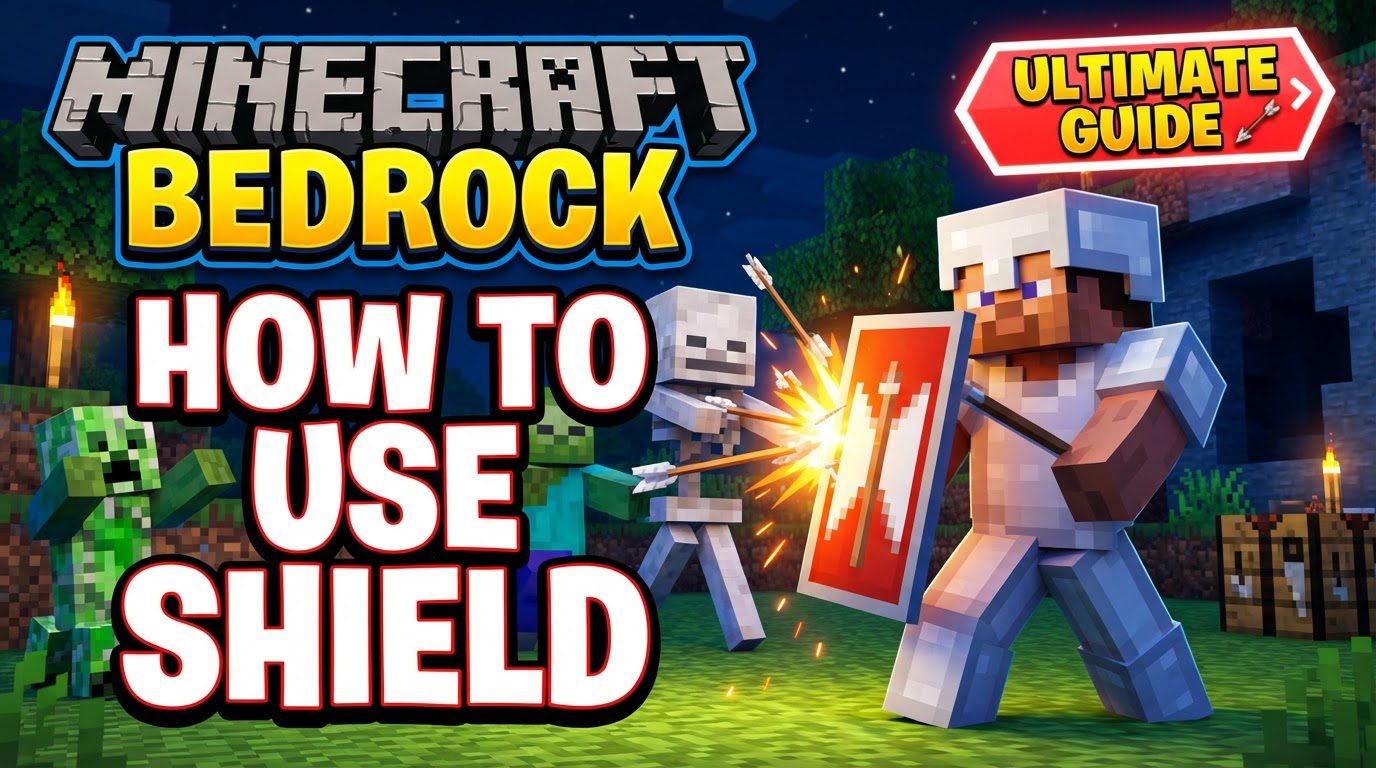
Crafting Your Defensive Wall
Before you can wield a shield, you must first construct one. The process is straightforward, requiring a few common resources that are readily available early in your Minecraft journey. To craft a shield, you will need six wooden planks of any type and a single iron ingot. These materials combine to create a sturdy barrier capable of absorbing significant punishment.
- Gather 6 wooden planks (any variety will do, so feel free to use oak, spruce, birch, etc.).
- Obtain 1 iron ingot, typically acquired by smelting iron ore in a furnace.
- Open a crafting table, which is essential for creating most items in Minecraft.
- Place the iron ingot in the top-center slot of the 3×3 crafting grid.
- Arrange the wooden planks around the iron ingot to form a “U” shape: place one plank in the top-left, top-right, middle-left, middle-center, middle-right, and bottom-center slots. This specific pattern is crucial for the recipe.
- Once crafted, the shield will appear in the output slot. Drag it into your inventory to claim your new defensive asset.
Equipping Your Shield for Battle
Once crafted, the shield needs to be properly equipped to be functional. In Minecraft Bedrock Edition, shields are exclusively used in the off-hand slot, allowing you to hold another item, such as a sword or pickaxe, in your main hand simultaneously. This dual-wielding capability is a cornerstone of effective combat and utility in Bedrock.
- Open your inventory by pressing the appropriate key or button (e.g., ‘E’ on PC).
- Locate the shield in your inventory.
- Drag the shield into the dedicated off-hand slot. This slot is typically represented by a shield icon located near your character’s avatar in the inventory screen. Placing it here makes it available for immediate use without needing to select it in your hotbar.
Mastering the Block: Bedrock’s Unique Activation
This is where Minecraft Bedrock truly diverges from its Java counterpart and is often the source of initial confusion for new players or those switching versions. To activate your shield and block incoming damage in Bedrock Edition, you do not right-click. Instead, you must crouch.
- To block attacks, simply crouch. On PC, this is typically done by pressing and holding the ‘Shift’ key. On game consoles, it’s usually by pressing the ‘R3’ button (right stick click).
- When you crouch with a shield equipped in your off-hand, your character will raise the shield, creating a protective barrier.
- This blocking action is instantaneous and will remain active as long as you continue to crouch. Release the crouch button to lower your shield and resume normal movement.
Beyond Basic Blocking: Advanced Shield Mechanics
Shields in Bedrock are more than just simple damage absorbers; they offer a suite of tactical advantages that can turn the tide of an encounter.
The Mighty Shield Bash
Introduced in the Nether Update, the shield bash adds an offensive element to your defense. While blocking, if an enemy attacks you, there’s a chance they’ll be briefly stunned. This stun effect is invaluable, providing a window of opportunity for counterattacks or a quick escape. It’s particularly effective in close-quarters combat, allowing you to disrupt enemy attack patterns and gain the upper hand.
Durability and Repairs
Like most tools and armor, shields have a finite lifespan. A shield has 337 durability points, and each blocked attack or explosion will cause it to lose durability. Neglecting shield maintenance can leave you vulnerable at the worst possible moment. Fortunately, shields are repairable:
- You can repair a damaged shield on an anvil by combining it with wooden planks. Each plank restores a certain amount of durability.
- Alternatively, two damaged shields can be combined in a crafting table to create a single, more durable shield, though this method does not restore full durability and can be less efficient than using an anvil.
Trident Synergy
One of Bedrock’s most unique shield interactions involves the trident. When equipped with a trident in your main hand and a shield in your off-hand, you gain the ability to throw the shield as a projectile. This adds an unexpected offensive dimension, allowing for ranged attacks or distractions, and is a distinct feature not found in other editions.
Building Under Cover
Unlike Java Edition, Bedrock allows players to place blocks while holding a shield. This seemingly minor difference offers immense tactical flexibility. You can quickly erect temporary fortifications, build bridges over hazards, or reinforce defenses even while under attack, maintaining your protective stance throughout. This makes shields invaluable not just for combat, but also for construction and exploration in dangerous areas.
Understanding Cooldowns and Axe Disabling
Shields are powerful, but not infallible. They operate on a cooldown system, meaning you cannot block indefinitely. After blocking a certain amount of damage or for a sustained period, the shield will temporarily become inactive, leaving you exposed. Furthermore, enemies wielding axes pose a unique threat: if attacked by an axe, your shield has a chance to be disabled for 5 seconds, rendering it useless and forcing you to rely on other defensive maneuvers or quick evasion.
Personalizing and Enhancing Your Shield
Your shield isn’t just a functional item; it can also be a statement piece and an enchanted artifact.
Custom Designs with Banners
Express your creativity by customizing your shield with a banner. By combining a shield and a banner in a crafting table, the design of the banner will be imprinted onto the shield, allowing for personalized, unique defensive gear. This is a great way to represent your team, clan, or simply add a touch of personal flair to your character.
Enchanting Your Defense
To further bolster your shield’s capabilities, you can apply enchantments using an anvil. The most beneficial enchantments for shields include:
- Unbreaking: Increases the shield’s durability, making it last longer before needing repairs.
- Protection: While not directly enchanted onto the shield to increase its damage reduction (as it already blocks 100% of frontal damage), armor pieces with Protection still benefit you, and some players might mistakenly try to apply it directly. The primary enchantments for the shield itself are Unbreaking and Mending.
- Mending: Allows the shield to repair itself using experience orbs collected, significantly reducing the need for manual repairs and extending its lifespan indefinitely with careful management.
Strategic Combat Applications
Effective shield usage goes beyond simply holding down the crouch button; it involves timing, positioning, and understanding opponent behaviors.
Timing is Everything
While blocking generally provides robust protection, timing your blocks correctly is paramount, especially against projectiles. A well-timed block can entirely mitigate 100% of incoming projectile damage, including arrows, tridents, snowballs, and even ghast fireballs, deflecting them harmlessly. Use the shield bash mechanic strategically to stun enemies, particularly high-threat mobs or players, creating openings for decisive counterattacks or crucial moments to disengage.
PvP Dominance
In Player vs. Player (PvP) combat within Bedrock Edition, shields are incredibly potent. A player effectively using a shield can become almost invulnerable from the front, deflecting melee attacks and projectiles alike, while also knocking back attackers. This forces opponents to try and flank you or use environmental hazards. Forcing an opponent into lava, for instance, can compel them to move and drop their shield defense, creating an opening for attack.
Pitfalls to Avoid
Even with a powerful tool like the shield, common mistakes can undermine its effectiveness.
The Activation Trap
As highlighted, a frequent error for Java players is attempting to right-click to block. Remember, in Bedrock, crouching (Shift on PC, R3 on console) is the sole method of activating your shield. Forgetting this can lead to taking unnecessary damage.
Misjudging Block Timing
While the shield animation plays, there can sometimes be a slight delay before the actual block registers fully. This can lead to unexpected damage even if you *thought* you blocked in time. Practice is key to understanding this subtle timing.
Neglecting Maintenance
Shields have limited durability. A common mistake is to ignore the wear and tear until the shield breaks mid-combat, leaving you defenseless. Regularly check your shield’s durability (by opening your inventory) and perform timely repairs to avoid such predicaments.
Movement Limitations
Crouching to block in Bedrock significantly limits your movement speed. This can be more restrictive than in Java, making it challenging to backpedal off ledges or navigate complex terrain while maintaining your guard. Be mindful of your surroundings when blocking.
Monitoring Durability
Bedrock’s off-hand system does not display the durability bar for the item held there, unlike the hotbar. This means you must open your inventory to check your shield’s durability, which is an inconvenient and potentially dangerous action during intense combat. Always try to check its status during lulls in the action.
By understanding these mechanics, embracing the unique Bedrock activation method, and avoiding common pitfalls, you can transform your shield from a simple item into an indispensable tool for survival and triumph in Minecraft.
Tags:
YOU MAY ALSO LIKE...


