

Minecraft How to Enchant Higher Than 5
Most players, after spending countless hours grinding for experience and perfectly placed bookshelves, quickly realize a frustrating truth: a standard enchanting table will never offer them Sharpness VI, Efficiency VI, or any enchantment level beyond the customary maximum of V. This hard-coded limitation often leads to the assumption that such powerful tools are simply impossible within the game. However, for those who dare to venture beyond the traditional survival mechanics, Minecraft offers pathways to wield items imbued with enchantments far exceeding level 5, transforming ordinary gear into legendary artifacts of immense power.
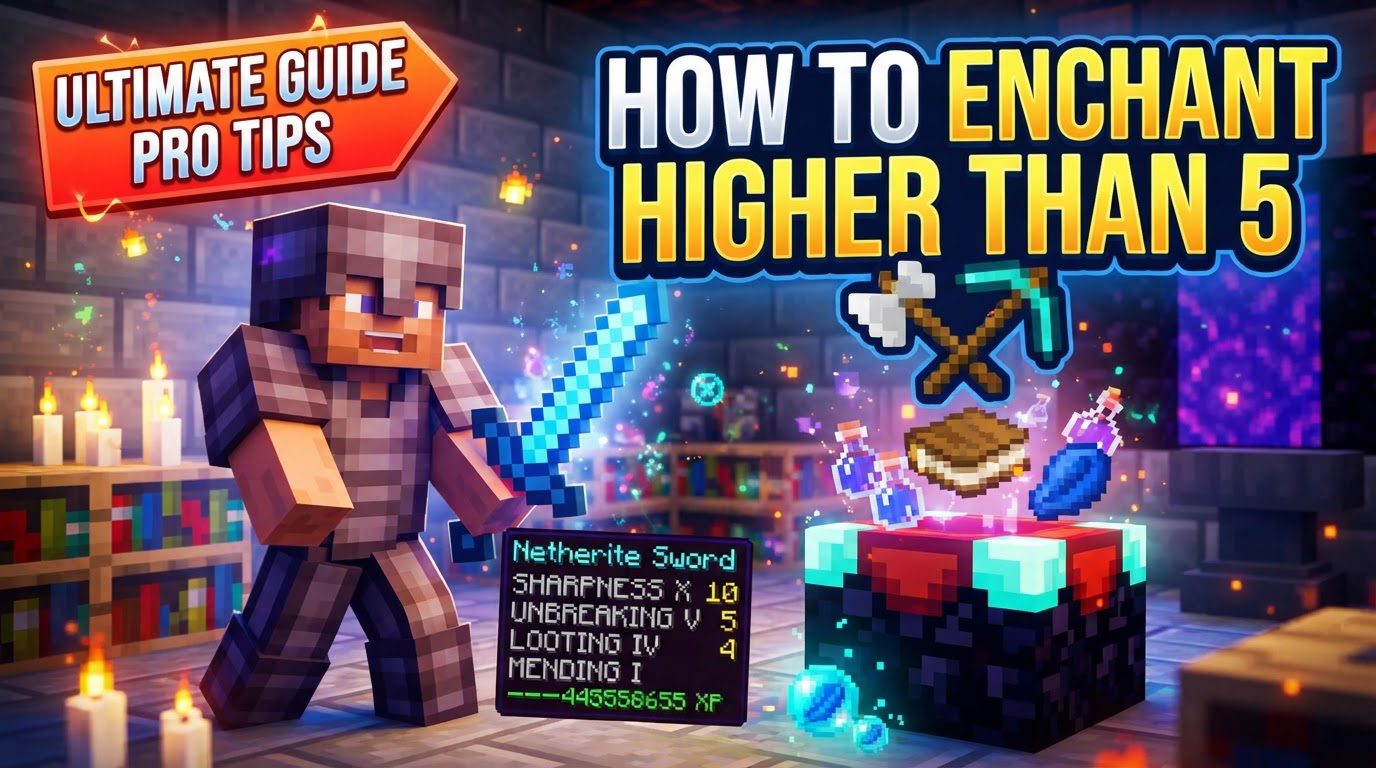
The Core Truth: Bypassing Vanilla Boundaries
The fundamental reason you cannot achieve enchantments higher than level 5 through conventional means in Minecraft’s Survival mode lies in the game’s design. Both the enchanting table and the anvil are programmed to respect the natural maximum levels for each enchantment. Whether you’re trying to combine two Sharpness V books on an anvil or hoping for a lucky roll at the enchanting table, the game’s mechanics simply won’t generate or allow the application of, for example, Sharpness VI. To transcend these limits, players must step into the realm of game commands and direct NBT (Named Binary Tag) data manipulation, which effectively bypasses the standard gameplay rules.
Understanding Vanilla Enchantment Limits
Before diving into advanced methods, it’s crucial to understand what “vanilla limits” entail. For most enchantments, the highest level obtainable through legitimate survival gameplay (enchanting tables, loot, villager trades, or combining books on an anvil) is level V. Examples include Sharpness V for swords, Efficiency V for tools, and Protection IV for armor (some protection types cap at IV). These limits are in place to maintain game balance and progression within the intended survival experience. When we talk about enchanting higher than 5, we are explicitly talking about methods that override these inherent game rules.
Unleashing Power with Commands: The Java Edition Approach
For Java Edition players, the most straightforward and versatile method to create items with enchantments far exceeding level 5 is through the use of in-game commands, specifically the /give command. This command allows for the direct manipulation of an item’s NBT data, where enchantment levels are stored.
Prerequisites for Command Usage
- Enable Cheats: In a single-player world, you must enable cheats when creating the world or by opening it to LAN and selecting “Allow Cheats: ON.”
- Operator Privileges: On a multiplayer server, you need to have operator status (OP) to execute commands.
- Open Chat: Press the ‘T’ key (default) to open the chat console where you will type your commands.
The /give Command Syntax
The /give command is incredibly powerful for custom item creation. Its basic structure for enchanted items is as follows:
/give @s <item>{Enchantments:[{id:"<enchantment_id>",lvl:<level>}]}
@s: This is a target selector meaning “yourself.” You can also use other selectors like@p(nearest player) or a specific player’s username.<item>: Replace this with the Minecraft ID of the item you wish to enchant (e.g.,diamond_sword,netherite_pickaxe,bow).{Enchantments:[...]}: This is the NBT tag that holds the enchantment data.id:"<enchantment_id>": Replace<enchantment_id>with the unique identifier of the enchantment. Examples includesharpness,efficiency,unbreaking,fortune,protection. Ensure correct spelling and lowercase.lvl:<level>: Replace<level>with your desired enchantment level. This can be any integer, though functional limits apply (discussed below).
Examples of /give Command Usage
Single Enchantment: To obtain a diamond sword with Sharpness 100:
/give @s diamond_sword{Enchantments:[{id:"sharpness",lvl:100}]}
Multiple Enchantments: To get a netherite pickaxe with Efficiency 255 and Unbreaking 100:
/give @s netherite_pickaxe{Enchantments:[{id:"efficiency",lvl:255},{id:"unbreaking",lvl:100}]}
Remember to separate multiple enchantment objects within the Enchantments:[...] list with commas.
A Note on the /enchant Command (Java Edition)
While the /enchant command exists (/enchant <target> <enchantment> [level]), it often respects vanilla enchantment rules. This means it might not allow you to apply levels higher than the natural maximum for certain enchantments, even with cheats enabled. For reliably exceeding level 5, the /give command with NBT data is the superior and more flexible choice.
Bedrock Edition’s Distinctive Approaches
Minecraft Bedrock Edition handles commands and NBT data slightly differently. While the /give command is present, directly inputting extremely complex NBT structures for very high enchantment levels via the in-game chat might be more restrictive or cumbersome compared to Java Edition.
External NBT Editors
For Bedrock Edition players, one of the most robust ways to achieve super-high enchantments is by using external NBT editors. These tools allow you to directly modify your world’s save files, granting granular control over item properties. Popular options include:
- Toolbox for Minecraft (Android)
- Amulet Map Editor (PC)
- Blocktopograph (Mobile)
- MCC Tool Chest (PC)
The general process involves:
- Place the item you wish to modify into your inventory within the game.
- Save and exit your world.
- Open your world save file using one of the NBT editors.
- Navigate to your player data and locate the item’s NBT tags.
- Find the enchantment tag (often labeled ‘ench’ or similar) and manually change the level (
lvl) value to your desired number. - Save the changes in the editor and reload your world.
Behavior Packs
Another method for Bedrock Edition involves community-created behavior packs. Some of these packs are specifically designed to modify game logic, allowing the /enchant command to apply enchantment levels up to 255 (or sometimes even higher, depending on the pack) without the usual vanilla restrictions. This requires downloading and applying the appropriate behavior pack to your world.
Functional Thresholds and Cautionary Tales
While you can technically input any integer for an enchantment level, there are practical and functional limits beyond which the enchantment either ceases to provide additional benefit or can cause significant game instability.
- Java Edition Functional Max: The maximum functional enchantment level for most enchantments in Java Edition is typically 255. Levels higher than this often behave identically to level 255, or may even cause unexpected glitches or crashes.
- Bedrock Edition Functional Max: Bedrock Edition generally allows for much higher functional levels, with 32,767 often cited as the practical maximum. Exceeding this can lead to similar issues of instability or lack of further effect.
Applying extremely high enchantment levels (e.g., Sharpness 1,000,000) can lead to several problems:
- Game Lag: Excessive enchantment data or calculations can strain your system, causing noticeable slowdowns.
- Glitches and Unpredictable Behavior: The game might not be designed to handle such extreme values, leading to visual bugs, incorrect damage calculations, or even crashes.
- Loss of Effect: Beyond the functional maximum, there’s often no additional benefit, rendering the extremely high number purely cosmetic.
Debunking Common Enchanting Myths
To ensure clarity, let’s address some persistent misconceptions:
- Survival Table/Anvil Fallacy: You absolutely cannot get enchantments higher than the natural maximum (e.g., Sharpness V) using a normal enchanting table or by combining books in an anvil in Survival mode. These game mechanics are hardcoded to respect vanilla limits.
- Incorrect Command Syntax: The most common mistake when using commands is incorrect syntax. Pay meticulous attention to capitalization, quotes, curly braces
{}, and square brackets[]. A single misplaced character can invalidate the entire command. - Platform Differences: Always be aware that command syntax, available tools, and the efficacy of certain methods can vary between Java Edition and Bedrock Edition. A command that works perfectly in one may not in the other.
The Path to Vanilla Perfection (A Quick Reminder)
For context, if your goal is simply to achieve the highest *vanilla* enchantment levels (e.g., Efficiency V, Sharpness V) without using commands, the standard method involves setting up an enchanting table surrounded by 15 bookshelves. Ensure there is a one-block air gap between the enchanting table and the bookshelves to maximize the enchantment level offered (up to level 30).
Conclusion: Crafting Legendary Gear
While Minecraft’s standard survival experience caps enchantments at level 5 (or 4 for some), the game’s underlying structure allows for incredible customization for those willing to use commands or external tools. Whether you’re aiming for a sword that one-shots the Ender Dragon or a pickaxe that mines entire chunks in seconds, understanding NBT data and command syntax unlocks a new dimension of power. Just remember to proceed with caution, respect functional limits, and enjoy the unparalleled might of your custom-crafted, super-enchanted gear.
Tags:
YOU MAY ALSO LIKE...


