

Minecraft How to Find X on Map
Many players assume a Minecraft map is an all-knowing GPS, capable of instantly revealing every hidden secret and your exact location. The truth is, mastering map navigation in Minecraft requires a deeper understanding of its unique mechanics, especially when trying to pinpoint a specific ‘X’ – be it a buried treasure or a custom waypoint. Relying on intuition alone often leads to getting hopelessly lost in the game’s infinite landscapes.
The Blueprint of Exploration: Understanding Map Fundamentals
Before you can effectively find anything on a map, it’s crucial to understand how maps themselves function within Minecraft’s vast world.
- Crafting Your First Map: Your adventure begins with an empty map, crafted from eight pieces of paper. This basic map, when held, will begin to fill in the terrain around you as you explore. However, an empty map alone won’t show your position. To make it truly useful for navigation, you need to combine it with a compass to create a locator map.
- Unveiling the World: Map Filling: Maps are not instantly generated. They only reveal areas you have physically traversed while holding the map in your hand. This means you must actively explore to chart new territory. If you put the map away or explore without it, those areas will remain uncharted on that specific map.
- The World’s Compass: Orientation and Coordinates: Every map in Minecraft is oriented with North at the top. This is a fundamental rule that helps you understand your direction relative to the mapped area. For additional orientation, remember that the sun rises in the East and sets in the West. Beyond visual cues, the game uses a precise coordinate system:
- X-coordinate: Represents your East-West position. Moving to higher positive X values means moving East; lower negative X values means moving West.
- Y-coordinate: Indicates your vertical position (height). Higher Y values mean you’re higher up.
- Z-coordinate: Denotes your North-South position. Higher positive Z values mean moving South; lower negative Z values means moving North.
Knowing your coordinates (often displayed by pressing F3 on Java Edition or in settings on Bedrock Edition) is invaluable for precise navigation.
- Expanding Your Horizons: Map Scaling: Initially, a map covers a relatively small area. You can scale up a map to cover a larger territory at a lower detail by using a cartography table or by crafting. This is essential for creating overarching maps of your world or for building impressive map walls.
Pinpointing Your Destination: Advanced Map Features
Beyond the basics, several features enhance a map’s utility, especially when trying to locate specific points of interest.
- The Indispensable Locator Map: This is arguably the most important type of map for active navigation. A locator map displays your current position as a small white arrow, and crucially, it also shows the direction you are facing. Without this arrow, you’re essentially looking at a static picture of the world without knowing where you are on it.
- Customizing Your Cartography: Map Markers:
- Java Edition: Players can add custom markers to maps. By placing a banner in the world and then using a map on it (right-clicking the banner while holding the map), the banner’s location will appear as a small icon on that map. This is incredibly useful for marking bases, specific structures, or resource rich areas.
- Bedrock Edition: Player markers on Bedrock maps have historically shown the direction you’re facing, even if you’re off the map. While specific implementations can change with updates, the general idea is to provide more persistent player tracking.
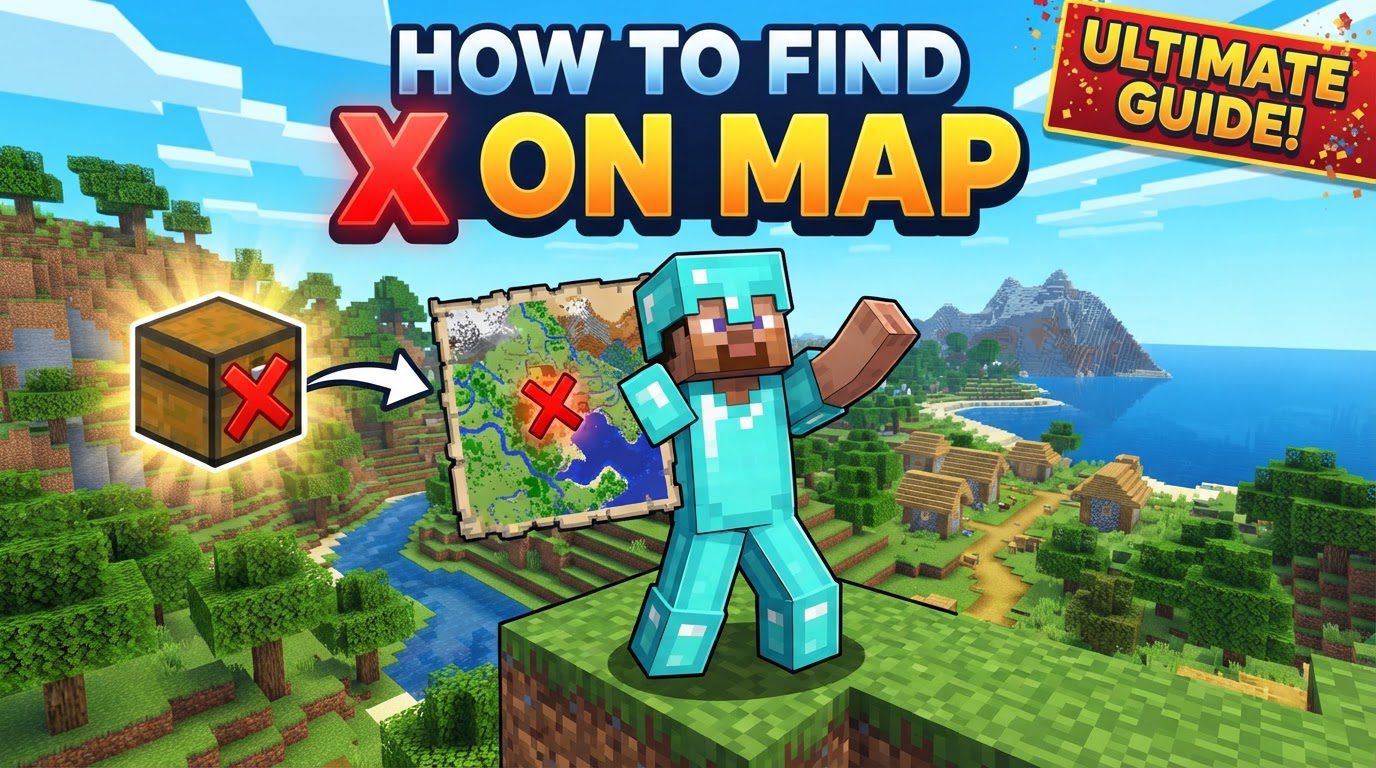
- The Allure of the Unknown: Treasure Maps: These unique maps are distinct from standard explorer maps. Found in shipwrecks or ocean ruins, a treasure map displays a red ‘X’ indicating the precise, albeit sometimes slightly offset, location of buried treasure. These maps are purely for treasure hunting and do not show your player position.
Navigating to the “X”: A Step-by-Step Guide
Whether you’re hunting for buried treasure or trying to find a custom marker, the process of locating an “X” on your map follows a logical progression.
- Step 1: The Foundation – Crafting Your Map: Begin by crafting an empty map using eight pieces of paper in a crafting grid.
- Step 2: Gaining Perspective – The Locator Upgrade: Combine your empty map with a compass in a crafting grid to create a locator map. This critical step ensures your position will be visible as a white arrow. For treasure maps, this step is unnecessary as they already have a fixed ‘X’ and don’t show your position.
- Step 3: Charting the Unknown – Exploration: Hold the locator map in your hand and move around the world. As you explore, the map will gradually fill in with the terrain, allowing you to see the landscape you’re traversing.
- Step 4: Finding Your Bearings – Orientation: Observe the white arrow on your locator map. This arrow represents your current position and the direction you are facing. Remember that the top of the map is North. Use this to orient yourself relative to the mapped area.
- Step 5: Identifying Your Target – The “X” or Marker: Locate the specific marker you’re looking for on the map. This could be the red ‘X’ of a treasure map, a banner icon you placed, or simply a distinctive landscape feature you’ve identified as your target.
- Step 6: The Journey – Moving Towards the Goal: Navigate by moving your white arrow towards the target ‘X’ on your map. Keep an eye on your arrow’s movement and direction relative to the ‘X’ to ensure you’re heading the right way. Adjust your course as needed.
- Step 7: Unearthing Secrets – Digging for Treasure: If you’ve reached the red ‘X’ on a treasure map, understand that the treasure chest won’t always be directly underneath the exact pixel. Digging a 9×9 block area around the ‘X’ will generally reveal the buried treasure chest. It’s often just a few blocks down, hidden under sand, dirt, or gravel.
Mastering the Map: Strategic Tips for Explorers
Beyond the basics, incorporating these strategies will elevate your navigation skills.
- Always Equip a Locator Map: This cannot be stressed enough. A map without your position is merely a picture. Always ensure you’re using a locator map for active exploration and navigation.
- Document Your Discoveries: Record Coordinates: Keep a journal or use in-game signs to jot down the X, Y, and Z coordinates of important locations: your base, a favorite village, a diamond mine, or a portal. This is your best defense against getting truly lost.
- Leave Your Mark: Utilize Banners for Waypoints: In Java Edition, banners are incredibly powerful for creating custom waypoints. Place a distinctively colored banner at important locations, then right-click it with your map to add its icon to your map. This allows for personalized, persistent markers that are far more reliable than memory.
- Beyond the Game: External Tools for Planning: For advanced planning or finding specific biomes and structures in a given seed, online tools like Chunkbase can be invaluable. These tools allow you to input your world seed and visualize the layout, helping you plan your explorations efficiently.
- The Grand Vision: Crafting Mega Map Walls: For an impressive display and a comprehensive overview of your world, create large map walls. This involves mapping out adjacent areas, scaling them up, and then displaying them together on item frames. It’s a project that offers both aesthetic appeal and practical utility.
- Teamwork Makes the Dream Work: Multiplayer Map Sharing: In multiplayer, locator maps can be duplicated and given to other players. This allows you to track each other’s positions on the map, making group expeditions and rendezvous points much easier to manage.
- The Breadcrumb Trail: Caving Navigation: While not directly map-related, a crucial navigation tip for underground exploration is to consistently place torches on one side of the wall (e.g., always on the right as you go deeper). This creates a reliable “breadcrumb” trail, allowing you to easily find your way back out by keeping the torches on your left.
Avoiding Common Cartographic Catastrophes
Even seasoned players can make mistakes. Be mindful of these common pitfalls to ensure smooth navigation.
- The Blind Spot: Relying on Non-Locator Maps: The biggest mistake is trying to navigate with a map that doesn’t show your position. Always ensure your map has been combined with a compass to become a locator map.
- Lost in Translation: Forgetting Map Orientation: Misinterpreting which way is North on your map (always the top) can lead you walking in circles or completely off course. Always double-check your orientation.
- The Static View: Assuming Automatic Map Updates: Maps only reflect areas you’ve physically explored while holding them. If changes occur in an area you’ve mapped but haven’t revisited with the map in hand, those changes won’t automatically appear. You must re-explore the area with the map to update it.
- The Memory Lapse: Neglecting Coordinate Jotting: Forgetting to record the coordinates of your base or other critical locations is a recipe for disaster. Always write them down, whether on a physical notepad or in-game signs.
- The Misleading Needle: Compass Confusion: Remember that a standard compass in Minecraft points to your world spawn point, not necessarily your bed or current respawn point. Don’t rely on it to find your way home unless your home is at world spawn.
- The Shallow Dig: Treasure Hunt Frustration: Simply standing on the ‘X’ of a treasure map is rarely enough. The treasure chest is often slightly offset and buried a few blocks deep. Always dig a 9×9 area around the ‘X’ to ensure you find it.
By understanding these mechanics and applying these strategies, you’ll transform from a wandering block-head into a master cartographer, capable of finding any ‘X’ the Minecraft world throws your way.
Tags:
YOU MAY ALSO LIKE...


