

Minecraft How to Spawn Ender Dragon
Facing the formidable Ender Dragon, the ultimate boss of Minecraft’s End dimension, is a rite of passage for many players. While its initial defeat marks a significant milestone, the adventure doesn’t have to end there. Whether you wish to relive the epic battle or summon the beast for creative purposes, there are two distinct methods for bringing the Ender Dragon into existence: respawning it in The End after its initial defeat, or summoning it using console commands.
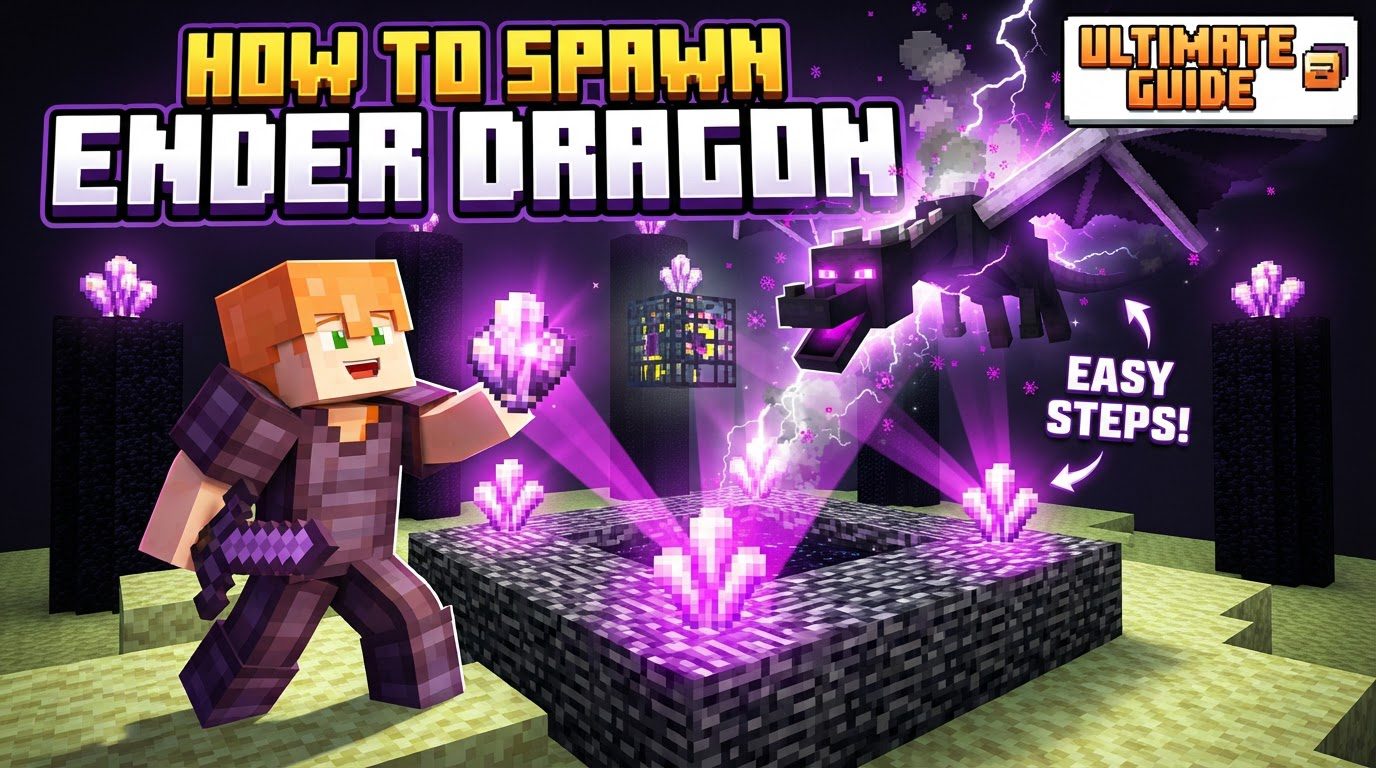
Each method serves a different purpose and comes with its own set of requirements and mechanics. Understanding these nuances is key to successfully spawning the dragon, whether for a challenging rematch or for creative experimentation in your Minecraft world.
Understanding the Methods: Respawn vs. Summon
Before diving into the step-by-step instructions, it’s crucial to differentiate between the two primary ways to spawn the Ender Dragon. Each method caters to a specific gameplay scenario.
- Respawning the Dragon: This method is designed for players who have already conquered the Ender Dragon and wish to fight it again within its native dimension, The End. It’s a resource-intensive process that triggers a cinematic regeneration of the End pillars and the dragon itself, offering a renewable challenge. This is the “canonical” way to re-engage the boss in Survival mode.
- Summoning the Dragon: This method leverages in-game commands and requires cheats to be enabled in your world. It offers unparalleled flexibility, allowing you to spawn the Ender Dragon at any location, including the Overworld or the Nether, and even customize some of its properties. This is primarily used for creative builds, testing, or custom challenges, as it bypasses the traditional progression.
Method One: Respawning the Ender Dragon in The End
To challenge the Ender Dragon again in its home dimension, you’ll need to follow a specific ritual involving special items.
Prerequisite: Defeat the Ender Dragon
The very first step for respawning is that the Ender Dragon must have been defeated at least once in that specific world. This action marks the completion of the main storyline and unlocks the ability to respawn the dragon. Without this initial victory, the respawn mechanism will not activate.
Gathering Resources: Crafting End Crystals
The key items for respawning the dragon are End Crystals. You will need exactly four of these. Crafting an End Crystal requires a specific arrangement of ingredients:
- One Eye of Ender: Placed in the center of the crafting grid.
- One Ghast Tear: Placed directly below the Eye of Ender.
- Seven Glass Blocks: Used to fill all remaining slots around the Eye of Ender and Ghast Tear.
Gathering these resources means venturing into the Nether for Ghast Tears and Eyes of Ender (crafted from Blaze Powder and Ender Pearls), and smelting sand for glass. This ensures that respawning the dragon remains a significant undertaking, even after the first defeat.
Strategic Placement of End Crystals
Once you have your four End Crystals, return to The End. Locate the central bedrock structure that surrounds the main exit portal – this is the area where the dragon egg typically spawns after the first defeat. On each of the four sides of this bedrock structure, there is a small, flat surface. You must place one End Crystal on the middle of each of these four sides, ensuring they are facing inwards towards the center of the portal.
As you place the fourth crystal, a magnificent and dramatic cinematic event will begin. Be prepared for this, as it signals the immediate return of the Ender Dragon.
The Rebirth Event and Renewed Battle
Upon placing the final End Crystal, all End Crystals will emit beams of light that converge on the End pillars. The obsidian pillars that were destroyed during the initial fight will regenerate, along with their End Crystals that heal the dragon. Following this, the Ender Dragon will emerge from the void, fully restored and ready for battle. Be ready for combat as soon as the last crystal is placed, as the dragon will immediately become aggressive.
Method Two: Summoning the Ender Dragon with Commands
For those who prefer a more direct approach or wish to control the dragon’s appearance, console commands offer a powerful alternative.
Enabling Cheats in Your World
The absolute prerequisite for using any command is that cheats must be enabled in your Minecraft world. If you’re creating a new world, there’s an option to turn cheats on. If you’re in an existing Survival world, you can temporarily enable cheats by opening the world to LAN and selecting “Allow Cheats: ON.” Remember that this will disable achievements for that session if you are in a Bedrock Edition world.
Accessing the Command Console
To input commands, simply press the “/” key. This will open the chat window and automatically pre-fill it with a forward slash, indicating that you’re ready to enter a command.
Entering the Summon Command (Java Edition)
For players on Java Edition, the command to summon the Ender Dragon is:
/summon minecraft:ender_dragon ~ ~ ~
/summonis the command prefix.minecraft:ender_dragonspecifies the entity to be summoned.~ ~ ~indicates the coordinates where the dragon will spawn. These tildes mean “at your current location.” You can replace these with specific X Y Z coordinates if you want the dragon to appear elsewhere (e.g.,/summon minecraft:ender_dragon 100 64 200).
Java Edition also allows for advanced customization using NBT (Named Binary Tag) data. For example, you could specify the dragon’s phase:
/summon ender_dragon ~ ~ ~ {DragonPhase:0}
Here, {DragonPhase:0} sets the dragon to its initial circling phase, but other phases can be specified for different behaviors.
Entering the Summon Command (Bedrock Edition)
Bedrock Edition features a slightly simpler command syntax:
/summon ender_dragon
Similar to Java Edition, this will spawn the Ender Dragon at your current location. Bedrock Edition commands are generally less complex regarding NBT data directly within the summon command.
Strategic Tips for Dragon Encounters
Whether respawning or summoning, a dragon fight is always a serious affair. Keep these tips in mind:
- Be Prepared: When respawning the Ender Dragon, especially in Survival mode, ensure you are fully equipped with strong armor, powerful weapons (bows are essential for End Crystals), plenty of arrows, healing potions, and blocks for building cover or reaching high places. The fight begins immediately after the last crystal is placed.
- XP and Egg Differences: It’s important to note that respawning the Ender Dragon will yield significantly less experience points than its initial defeat. Furthermore, a respawned dragon will not produce another dragon egg upon defeat; the egg is a unique, one-time trophy from the first victory.
- Customization in Java Edition: For creative builders and map makers, Java Edition’s NBT data allows for extensive customization. You can give a summoned dragon a custom name (
{CustomName:"\"My Dragon\"",CustomNameVisible:1b}), modify its health, or force it into specific behavioral phases, creating unique challenges or scenarios. - Healing Summoned Dragons: A unique mechanic allows even a summoned Ender Dragon (whether in The End or the Overworld) to be healed. If you place an End Crystal on top of a bedrock block, it will emit a healing beam towards any nearby Ender Dragon, mimicking the behavior of the natural End Crystals on the obsidian pillars. This can be used to prolong fights or for testing purposes.
Avoiding Common Pitfalls
Even with clear instructions, players can encounter issues when trying to spawn the Ender Dragon. Here are some common mistakes to avoid:
- Cheats Not Enabled: This is the most frequent reason why the
/summoncommand fails. Always double-check that cheats are active in your world settings before attempting to use commands. The command will simply not execute without them. - Incorrect Command Syntax: Typos, incorrect capitalization, missing spaces, or using the wrong entity ID (e.g., just
ender_dragonin Java Edition without theminecraft:prefix) will cause the command to fail. Always ensure your command exactly matches the required syntax for your game edition. - Mob Spawning Issues: In some multiplayer servers, custom maps, or even single-player worlds with specific gamerule settings (like
/gamerule doMobSpawning false), mob spawning might be disabled. This can prevent the Ender Dragon from appearing, even if the command is correctly entered. Server plugins or world flags can also override default spawning behavior. - Missing or Bugged End Fountain: While rare, issues with the central End fountain or exit portal structure in The End can sometimes prevent the End Crystals from properly triggering the respawn sequence. If you’ve placed the crystals correctly and nothing happens, it might indicate a world corruption issue, though this is highly uncommon.
Mastering both the natural respawn mechanism and the command-line summoning of the Ender Dragon provides players with complete control over this iconic boss. Whether you’re seeking to re-earn its valuable experience points, collect its unique egg (on first defeat), or create custom adventures, understanding these methods will enhance your Minecraft experience.
Tags:
YOU MAY ALSO LIKE...


