

Minecraft Villager Mod
A common frustration for Minecraft players delving into villager modifications is the silent refusal of villagers to take on new professions, often stemming from an overlooked game rule: mobGriefing. If this setting is set to false, villagers may not pick up food or other items, directly impacting their ability to breed and sometimes even accept jobs, fundamentally altering how these complex mods are intended to function.
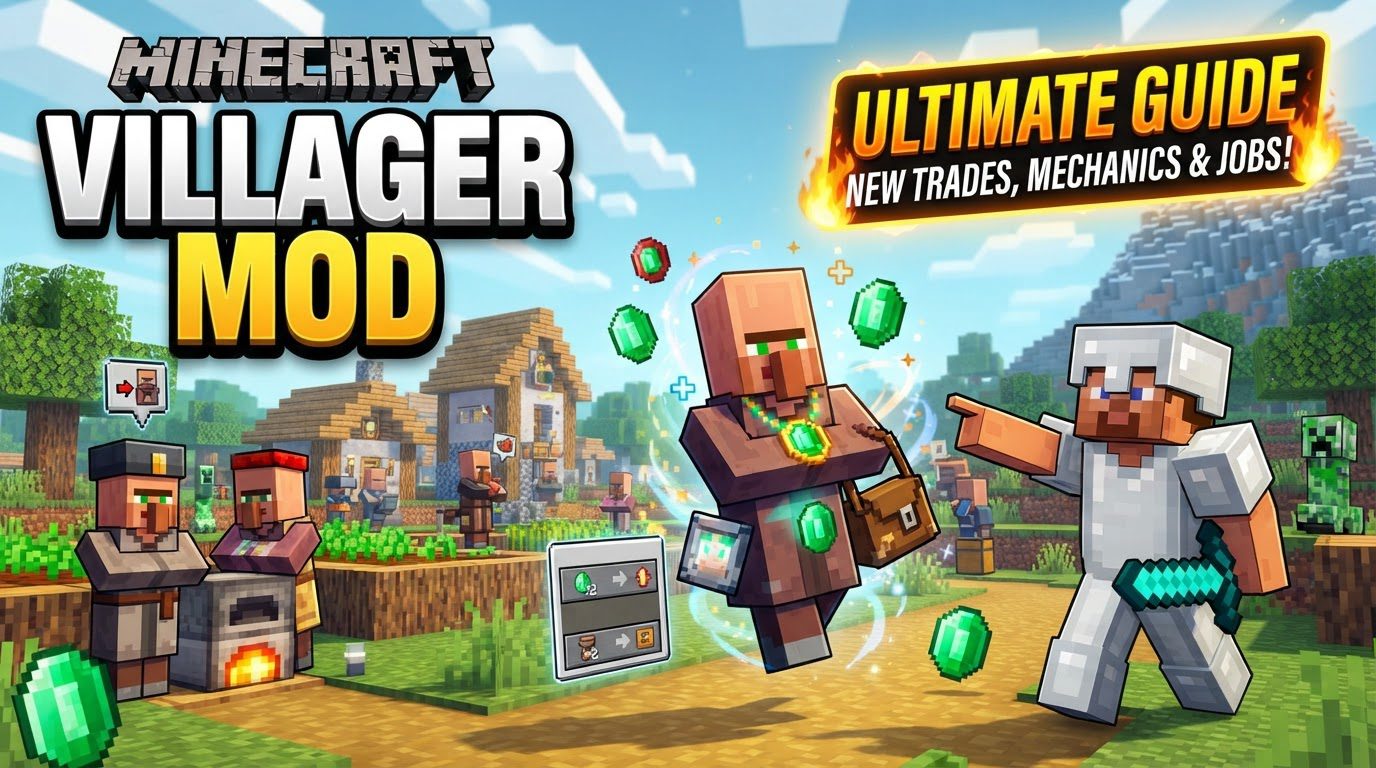
Minecraft villager mods are transformative additions that redefine interactions with these blocky inhabitants. Far from simple trade machines, these modifications can turn villagers into complex NPCs with unique personalities, family lives, and even combat capabilities. They inject a new layer of depth and engagement into your Minecraft world, moving beyond the vanilla mechanics to create bustling, dynamic settlements.
Unlocking New Possibilities: Core Mod Mechanics
The true power of villager mods lies in their ability to fundamentally alter and expand upon existing gameplay loops. These enhancements range from purely aesthetic changes to deep, systemic overhauls that can reshape your entire in-game economy and social structure.
Beyond Vanilla Trades: New Professions and Workstations
One of the most immediate and impactful changes many villager mods introduce is an expansion of the villager economy. Vanilla Minecraft offers a decent range of professions, but mods take this much further. You’ll encounter a variety of new villager types, each with unique professions and corresponding workstations. This dramatically broadens the scope of items you can trade for, allowing for more specialized economies within your world. Imagine trading with a dedicated lumberjack villager for specific wood types, or a miner villager for rare ores, all within a more diverse and vibrant village ecosystem.
A Personal Touch: Humanoid Villagers and Dialogue
For players who find the default villager models a bit too simplistic, certain mods offer a complete aesthetic overhaul. Mods like “Villagers Reborn” replace the iconic blocky models with more human-like characters. This change isn’t just cosmetic; these new models often come with unique names, distinct personalities, and even dialogue systems. Suddenly, villagers aren’t just generic entities; they become individuals with whom you can feel a greater connection, adding a role-playing dimension to your gameplay.
Building Bonds: Relationships and Family Systems
Some of the most intricate villager mods introduce deep social mechanics. Players can build genuine relationships with villagers, progressing from acquaintances to friends, and in some cases, even to romantic partners. This can lead to dating, marriage, and the ability to start a family within the game. These systems often involve reputation, gift-giving, and completing tasks for villagers, making your interactions feel meaningful and your village a true community.
Directing Your Workforce: Management and Commands
Gone are the days of villagers aimlessly wandering or being difficult to control. Many mods empower players with significant management capabilities. You can issue direct orders to villagers, such as commanding them to follow you, stay in a specific location, or return to their designated home. Furthermore, these mods often allow you to manage their inventory, equip them with tools or armor, and even receive gifts from them as your relationship with them strengthens. This level of control transforms villagers from passive entities into active participants in your adventures and base management.
Streamlining Commerce: Advanced Trading and Automation
For players focused on efficiency and large-scale operations, villager mods offer significant quality-of-life improvements. Beyond just new trades, some mods introduce “villager items” that allow for easier transportation of villagers, eliminating the need for complex minecart or boat systems. Furthermore, automated traders can be set up, breeders can be optimized, and converters can transform resources more efficiently, making large-scale farming and resource generation much more manageable and less tedious.
Your Personal Militia: Followers and Guards
Security is a constant concern in Minecraft, and some villager mods provide a unique solution. They introduce villagers or other humanoid mobs that can be hired as followers. These loyal companions will fight alongside you against hostile mobs, providing much-needed backup in dangerous situations. Additionally, they can be assigned to guard your bases and villages, creating a more secure environment and giving your settlements a living defense system.
Integrating Mods: A Step-by-Step Guide
Bringing these exciting villager enhancements into your game is a straightforward process, but it requires careful attention to detail.
- Install a Mod Loader: The vast majority of Minecraft mods, including villager mods, require a mod loader to function. The two most popular loaders are Forge and Fabric. You’ll need to download and install the appropriate version of your chosen mod loader that matches your Minecraft client version.
- Download the Mod: Once your mod loader is set up, find the specific villager mod you wish to install. Reputable sources like CurseForge and Modrinth are the best places to download mods. Always double-check that the mod version is compatible with your Minecraft version and the mod loader you’re using.
- Place Mod in “mods” Folder: Navigate to your Minecraft installation directory. On most operating systems, this is found in your user folder under
.minecraft. Inside this directory, you should find a folder namedmods. Simply drag and drop the downloaded.jarfile of your villager mod into thismodsfolder. - Launch Minecraft: Open your Minecraft launcher. Before hitting “Play,” ensure you select the profile associated with your mod loader (e.g., “forge” or “fabric”) from the version selection dropdown. Launch the game, and your new villager mod should be active.
Navigating Common Hurdles
Even with careful installation, issues can arise. Knowing common pitfalls can save you hours of troubleshooting.
- Incorrect
mobGriefingSetting: As mentioned, if themobGriefinggame rule is set tofalse, villagers may fail to pick up food or other items, which can prevent breeding and sometimes even job acceptance. Ensure this is set totruefor full villager functionality. - Villagers Not Taking Jobs: This is a frequent complaint. Possible causes include job blocks being too far away from the villager, other job blocks being closer and already claimed, or conflicts with other mods. Some specific villager mods might also require villagers to have access to a bed before they will accept a profession.
- Mod Conflicts: Running multiple mods that alter the same game mechanics, especially villager behavior, can lead to unpredictable issues. Villagers might ignore workstations, behave erratically, or even cause game crashes. It’s often best to test mods in isolation before combining many.
- Outdated Mod Versions: Using a mod version that does not match your Minecraft version or your mod loader version is a recipe for disaster. This can result in crashes on startup or features simply not working as intended. Always match versions carefully.
- Assuming Vanilla Behavior: A crucial mistake is expecting modded villagers to behave exactly like their vanilla counterparts. Villager mods often rewrite fundamental AI. Always consult the mod’s documentation to understand its unique mechanics and expectations.
Pro Tips for Modded Villager Play
To get the most out of your enhanced villagers, keep these best practices in mind:
- Check Mod Compatibility Religiously: Before installing any mod, verify its compatibility with your specific Minecraft version and any other mods you intend to run. This proactive step prevents many headaches.
- Read Mod Documentation: The mod’s wiki, CurseForge page, or Modrinth description is your best friend. It contains vital information about specific features, crafting recipes, unique mechanics, and troubleshooting tips that are exclusive to that mod.
- Backup Your World Regularly: This cannot be stressed enough. Before adding any new mods, especially those that significantly alter game mechanics, make a backup of your Minecraft world. This safeguards your progress against unforeseen issues or corruptions.
- Experiment with Villager Placement: If villagers aren’t behaving as expected, particularly regarding job acceptance, try adjusting the proximity of job blocks, ensuring they have clear pathfinding, and confirming they have access to beds. Sometimes, a slight repositioning can resolve stubborn issues.
Embracing villager mods opens up a rich, new dimension to Minecraft. From intricate social simulations to powerful automation tools, these modifications transform the humble villager into a cornerstone of a more complex and engaging world. With careful installation and an understanding of their unique mechanics, you can build truly dynamic and thriving settlements.
Tags:
YOU MAY ALSO LIKE...


