

Mythic Upgrades Wiki
One of the most disheartening experiences for any Minecraft player eager to try a new mod is a game crash during startup, often accompanied by cryptic error messages. For those venturing into the “Mythic Upgrades” mod, this common pitfall, frequently linked to mixin injection failures in specific game versions like 1.21.1, highlights a crucial point: proper installation and dependency management are paramount to unlocking its advanced late-game potential.
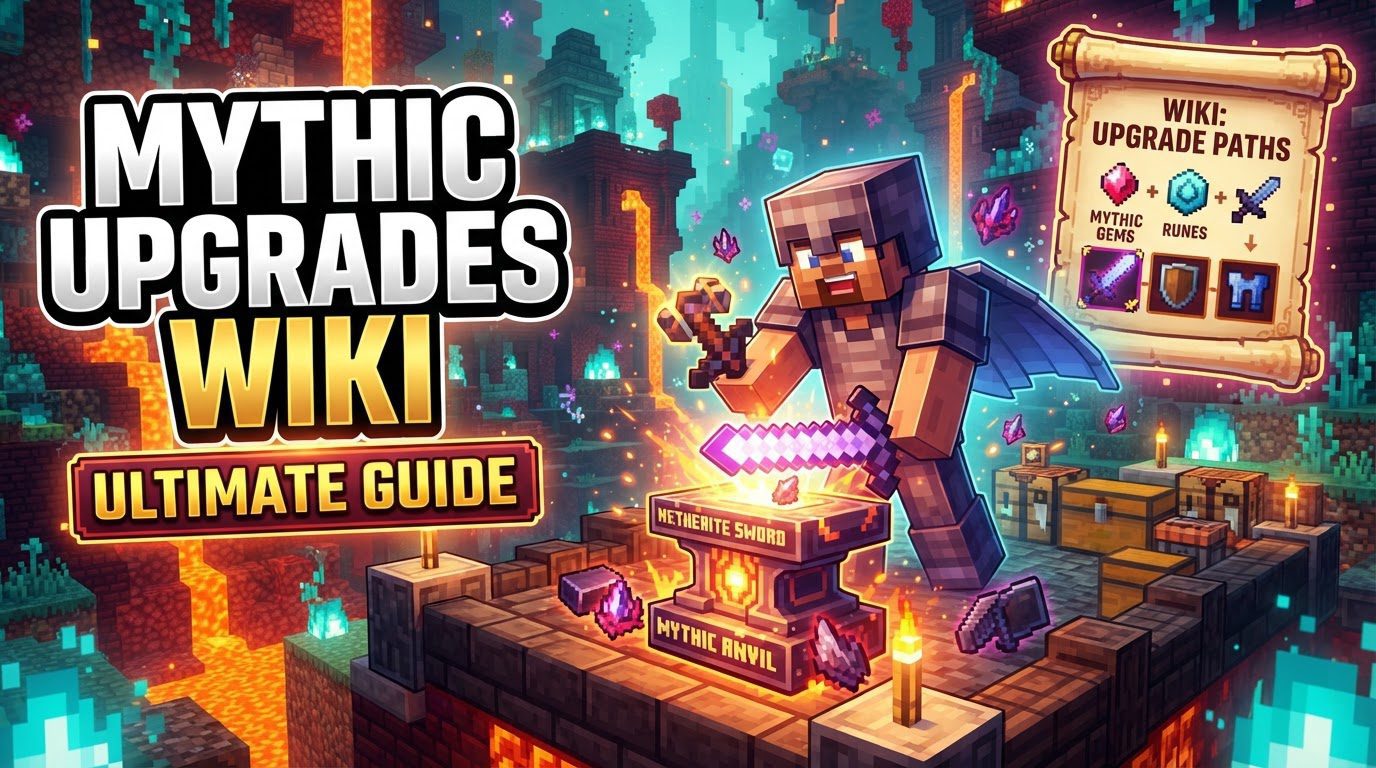
The “Mythic Upgrades” Minecraft mod dramatically redefines end-game progression, empowering players to transcend the boundaries of standard Netherite gear. Far beyond mere cosmetic tweaks, this expansion introduces a rich layer of customization, allowing you to imbue your most powerful tools and armor with unique, game-changing abilities. By building upon the familiar mechanics of the vanilla smithing table, the mod seamlessly integrates new mythical ores and upgrade possibilities, transforming how you approach combat, exploration, and resource gathering in the post-Ender Dragon world.
Core Mechanics: Forging Legend
At its heart, “Mythic Upgrades” extends the established Netherite upgrade system. Players who have mastered the art of transforming Diamond gear into Netherite will find the transition intuitive. The mod introduces a collection of distinct mythical ores, each possessing unique properties. These ores, once acquired, are combined with your existing Netherite tools and armor using a smithing table, alongside specialized upgrade templates. This process doesn’t just increase stats; it fundamentally alters the item, granting entirely new effects that can dramatically shift gameplay strategy. Beyond gear, the mod even weaves new cave biomes into the world generation and opens up avenues for crafting potent new potions, demonstrating its comprehensive approach to enhancing the Minecraft experience.
Unearthing Power: The Mythical Ores
The cornerstone of the “Mythic Upgrades” mod lies in its diverse array of new ores, each with a specific biome where it can be found and a unique benefit it bestows. Understanding where to find these precious resources and what they offer is key to planning your late-game progression.
- Necoium (or Necrocite): This is arguably the most critical mythical ore. Found exclusively in The End dimension, Necoium generates between Y levels 32 and 64, with the highest concentrations typically around Y48. Its role as a crucial crafting component for all other mythical ores makes prioritizing its collection after defeating the Ender Dragon a strategic imperative.
- Sapphire: For those seeking to enhance their offensive capabilities, Sapphire is a must-have. This vibrant blue ore is found within the frigid reaches of Ice Spikes biomes. When applied to Netherite weapons, Sapphire significantly increases their attack damage, making your already formidable blades even more destructive.
- Ruby: Complementing Sapphire in the realm of weaponry, Ruby offers a different kind of offensive boost. Discovered in the striking Badlands, Wooded Badlands, and Eroded Badlands biomes, Ruby upgrades Netherite weapons with both greater efficiency and increased attack speed, allowing for quicker combat and faster resource collection.
- Jade: Defense is paramount in Minecraft, and Jade provides a direct answer. This verdant ore is found in the lush, often challenging Mangrove Swamps. Integrating Jade into your Netherite armor grants additional protection, strengthening your defenses against tough foes.
- Topaz: Durability is often an overlooked statistic, but Topaz ensures your gear lasts longer. This golden-hued ore is located in the expansive Desert biomes. Upgrading Netherite armor and weapons with Topaz effectively doubles their durability, reducing repair frequency and extending active gameplay.
- Peridot: A unique defensive and offensive hybrid, Peridot is often associated with Jungle Temples. When crafted into armor, Peridot can bestow a potent “poison thorns” effect, damaging and poisoning any enemy that strikes you. This makes it an excellent choice for players who prefer a reactive combat style.
- Aquamarine & Ametrine: While specific details on their exact effects are not provided in depth, these two additional ores further expand the customization options available. Their presence indicates even more avenues for tailoring your gear to specific playstyles or challenges, encouraging further exploration and experimentation within the mod.
The Path to Power: A Step-by-Step Upgrade Guide
Transforming your standard Netherite gear into mythical artifacts follows a clear, multi-stage process, leveraging the familiar smithing table interface. Here’s how to unlock the full potential of your equipment:
- Acquire Your Base Gear: The journey begins with your desired Netherite tools or armor pieces, serving as the foundation for mythical power.
- Locate and Mine Mythical Ores: Armed with biome knowledge, embark on expeditions to find specific mythical ores. Remember Necoium’s importance in The End as a precursor.
- Obtain Upgrade Templates: Just like vanilla armor trims and Netherite upgrades, mythical upgrades require specific smithing upgrade templates. These templates are often found in structures relevant to the ore’s biome; for example, Peridot smithing upgrades have a 10% spawn rate within Jungle Temples.
- Duplicate Templates (As Needed): Most templates can be duplicated by combining the template, a diamond, and the respective mythical ore (or its ingot) in a crafting table, an efficient way to prepare for multiple upgrades.
- Utilize the Smithing Table: With your Netherite item, the mythical ore (or its refined ingot), and the correct upgrade template in hand, head to a smithing table. Place all three components into the designated slots. The output slot will display your newly upgraded mythical item, ready with enhanced abilities.
Strategic Considerations for Mythic Mastery
Beyond the basic upgrade process, a few strategic insights can significantly enhance your experience with the “Mythic Upgrades” mod:
- Necoium First, Always: After conquering The End, shift your focus immediately to mining Necoium. Its role as a fundamental crafting component for other mythical ores means securing a substantial supply early on will dramatically accelerate your progress. Addressing this bottleneck proactively is key.
- Peridot Armor Synergy: If you opt for Peridot armor, consider pairing it with existing thorns and protection enchantments. The “poison thorns” effect from Peridot synergizes with traditional thorns, creating a potent defensive setup that severely punishes attackers while maintaining high damage reduction.
- Balanced Progression: The mod is meticulously designed to feel balanced within the existing vanilla Minecraft progression curve. This means that while the upgrades are powerful, they are not game-breaking. They serve to extend the challenge and reward of the late game, rather than trivializing it, ensuring that your efforts in acquiring these mythical materials feel earned and impactful.
Navigating Challenges: Common Installation Pitfalls
While the allure of mythical upgrades is strong, a smooth entry into the modded experience requires careful attention to technical details. As mentioned, installation and compatibility issues are the most frequently reported hurdles for players. Game crashes during startup, particularly those referencing “mixin injection failures,” are strong indicators of underlying problems.
To avoid these frustrations, always ensure you have installed all necessary dependencies. For “Mythic Upgrades,” these typically include:
- Fabric API: Essential for most Fabric-based mods.
- Mythic Lib: Often a core library for many advanced mods, especially those by the same developer.
- TriQue API: Another common API that provides foundational functionalities for certain mod interactions.
Verify that these dependencies are installed for the correct version of Minecraft and are compatible with the specific version of “Mythic Upgrades” you are using. A mismatch in versions or missing libraries is the most common culprit for startup failures. Consulting the mod’s documentation or community forums can provide specific version requirements and troubleshooting steps.
Embracing the Mythical Journey
The “Mythic Upgrades” mod offers a refreshing and deep extension to Minecraft’s late-game. By introducing a diverse array of new ores, each with distinct properties and biome-specific locations, it encourages players to embark on new adventures even after conquering the Ender Dragon. Seamless smithing table integration and strategic upgrade choices empower you to forge legendary gear reflecting your playstyle. From Topaz’s doubled durability to Peridot’s poison infliction, customization possibilities are vast, ensuring an engaging journey long after the credits roll.
Tags:
YOU MAY ALSO LIKE...


