

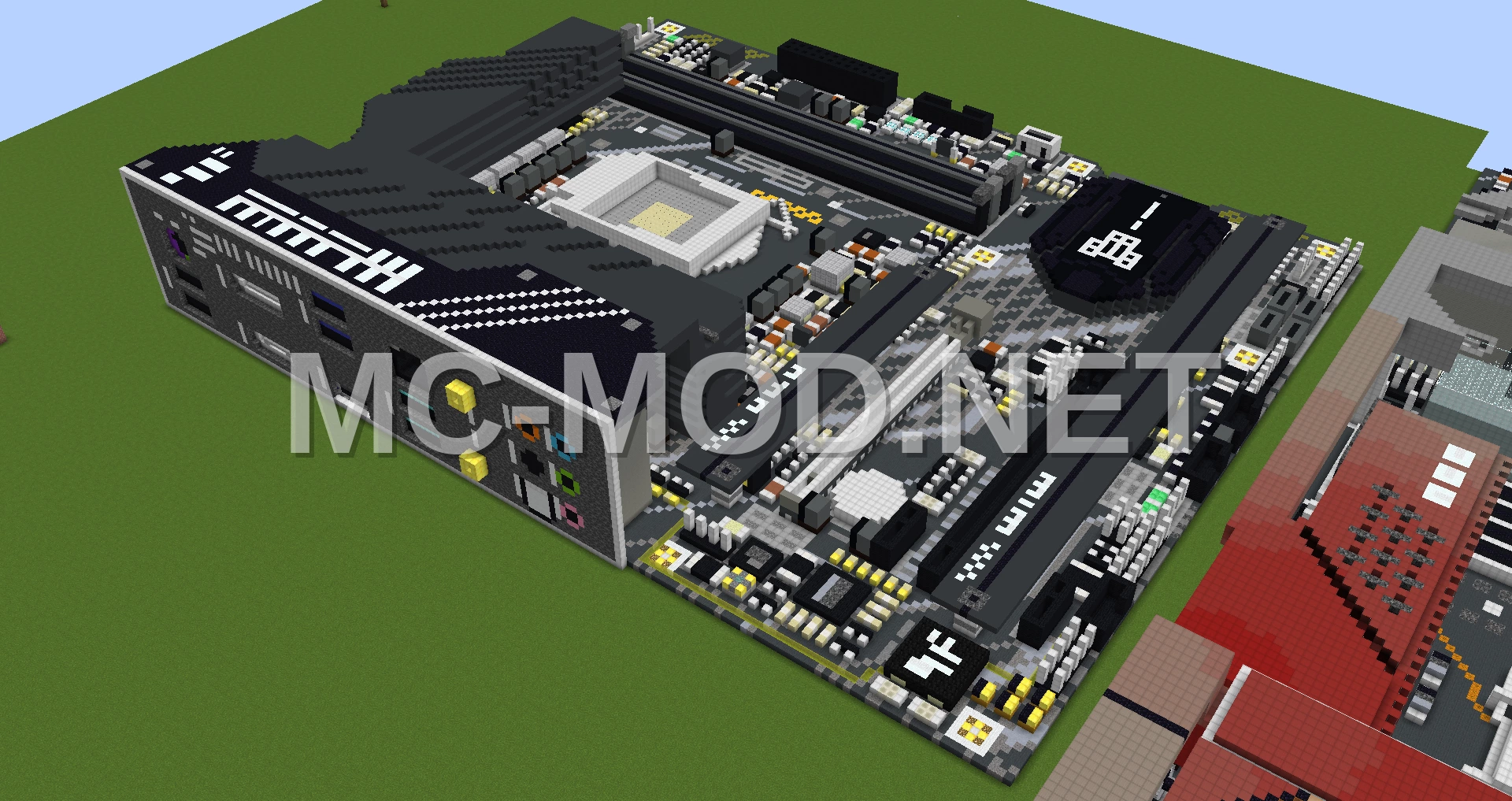
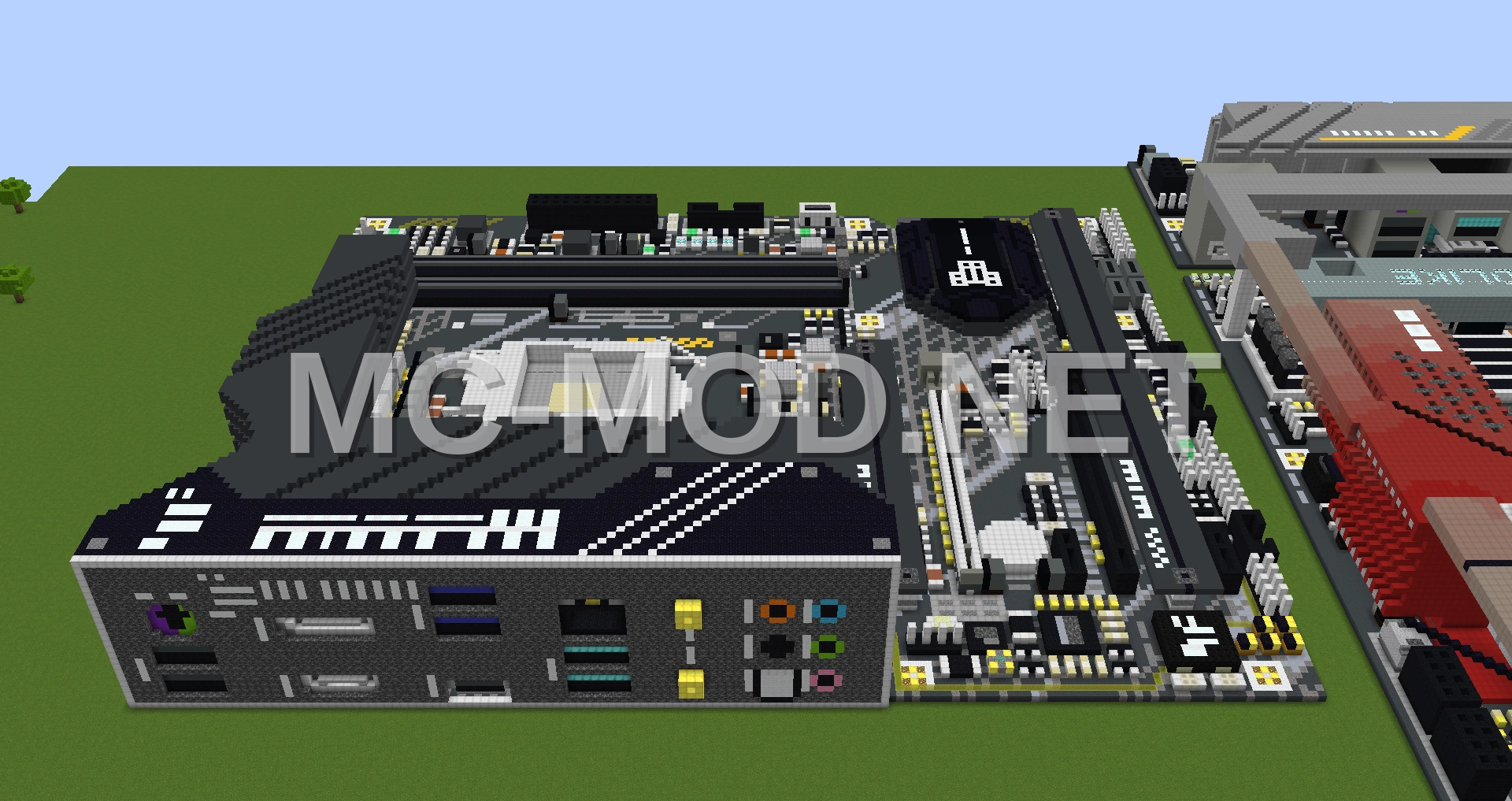
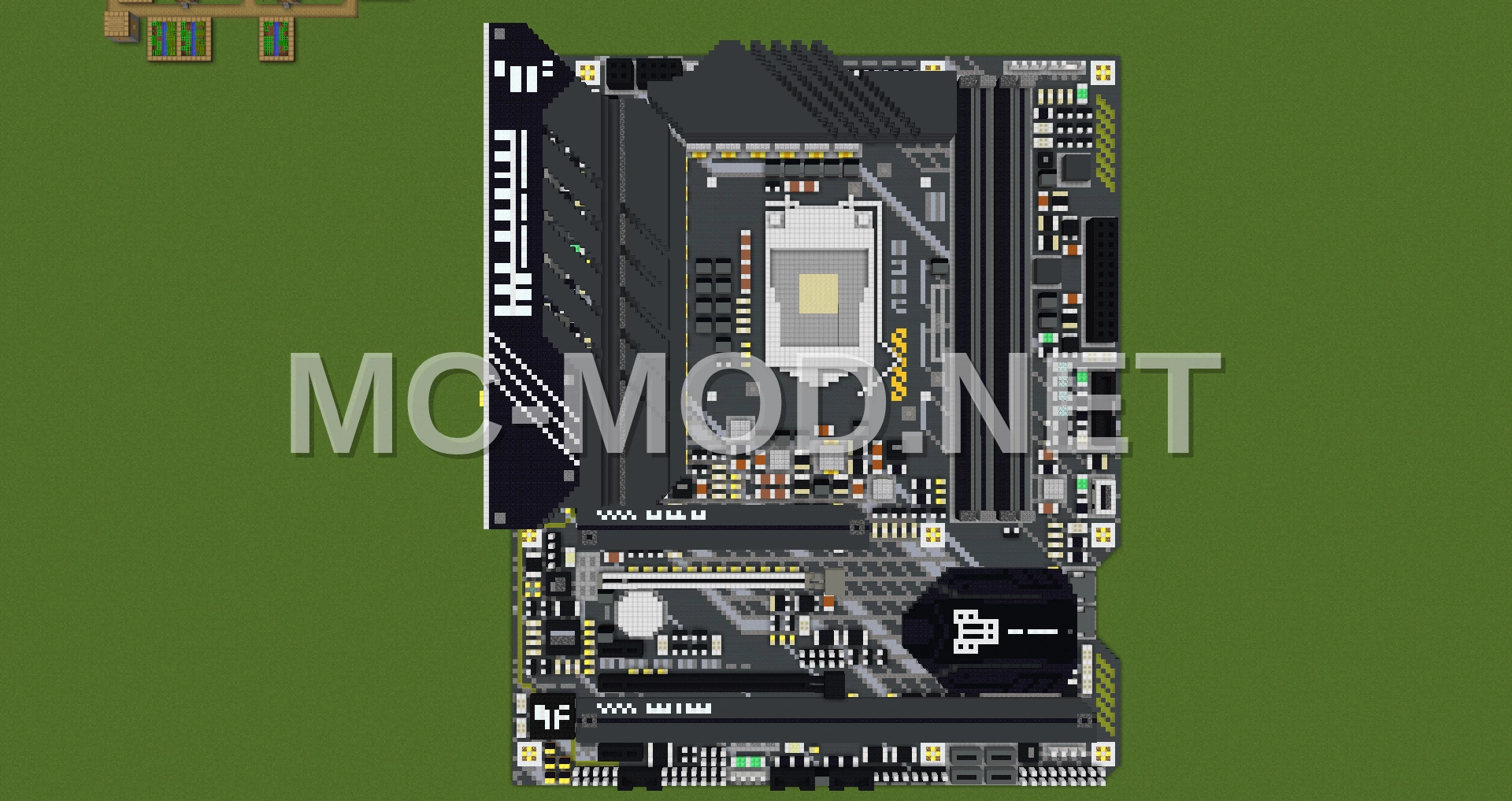
ASUS TUF Gaming Motherboard Pixel Art
3D Preview
Drag to rotate · scroll to zoom.
| Category | Decoration, Miscellaneous, Pixel Art |
|---|---|
| Theme | Other |
| Author | MatthewStevenGo |
| Format | .schematic |
| Size | Huge |
This is a detailed voxel art recreation of the ASUS TUF Z590-PLUS GAMING WIFI motherboard. Created with MCEdit, this build accurately represents the physical board as a Minecraft structure.
Please note that this schematic is purely a visual representation and does not include any functional components or bundles. It is designed to showcase the intricate details of the motherboard’s design as a piece of pixel art.
Materials Required
51 block types · 77,522 blocks · 128×25×150
Before You Build
This build uses 77,522 blocks across 51 block types – about 1,212 stacks in total, or 45 shulker boxes worth of material. It occupies 128×150 blocks of ground and stands 25 blocks tall.
What to bring first
Survival or creative?
This build is not survival-obtainable as-is. It contains Bedrock, which cannot be collected in survival – paste it in creative, or substitute those blocks.
How to Place It:
Moving parts
It includes Slime Block, so check the mechanism still works after pasting – redstone state and item-container contents do not always survive a paste.
More Decoration schematics
 Chum Bucket Restaurant
 Church Building
 Circe’s Saga
 Circular Botanical Park Pavilion
 Circus Tent Structure
 City Center Building
 City Garbage Truck Model
 City Hall Building