

Automatic Shulker Box Searcher and Indexer
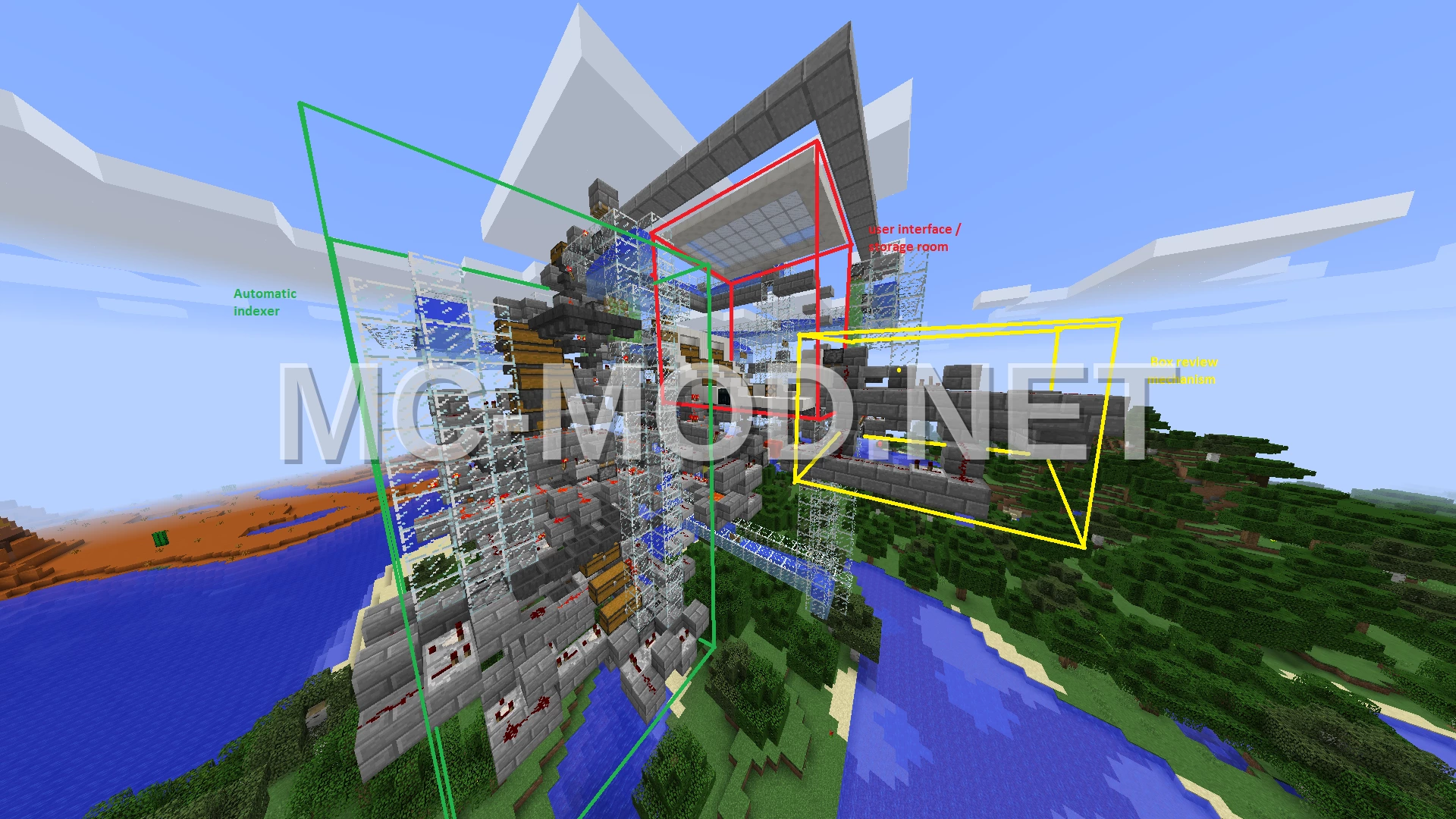
3D Preview
Drag to rotate · scroll to zoom.
| Category | Redstone, Storage, Utility |
|---|---|
| Theme | Other |
| Author | baridian |
| Format | .schematic |
| Size | Large |
This automatic shulker box indexing system allows you to easily search your stored items. Place your shulker boxes in the designated chests on the right side of the machine. Once loaded, press the button to activate the auto-indexing process, which will populate the index on the left side.
For the system to function correctly, ensure that there are shulker boxes present in the storage chests before initiating auto-indexing. Improper use, such as running the indexer without any boxes, may lead to system damage.
To search for an item, hover your mouse over the desired item in the index and press ‘Q’. The item must be placed on the green carpet for the search to commence. The system will then display shulker boxes containing the searched item in the review area, located opposite the storage chests. Press the button to clear the current review and proceed to the next matching box.
Materials Required
40 block types · 2,889 blocks · 25×26×31
Before You Build
This build uses 2,889 blocks across 40 block types – about 46 stacks in total, or 2 shulker boxes worth of material. It occupies 25×31 blocks of ground and stands 26 blocks tall.
What to bring first
Survival or creative?
Every block in this build can be obtained in survival, so it can be built by hand without creative mode or commands. You will need Silk Touch for Glass, Glass Pane, Ice, Infested Stone.
How to Place It:
Moving parts
It includes Comparator, Dispenser, Dropper, Hopper, Lever, Note Block, Piston, Redstone Block, so check the mechanism still works after pasting – redstone state and item-container contents do not always survive a paste.
More Redstone schematics
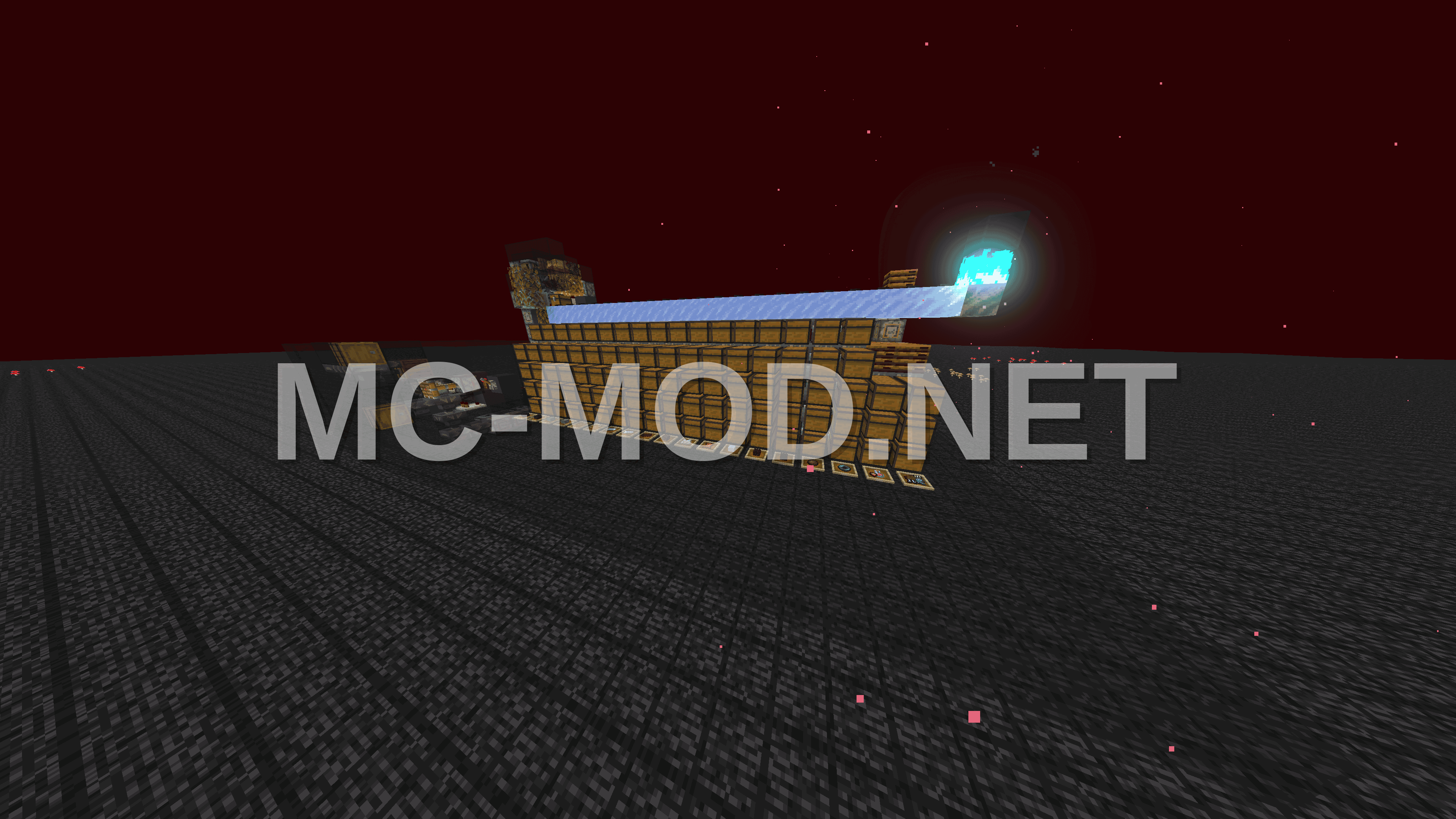 Piglin Bartering Station With Gold Block Unloader
 Piglin Gold Farm With Storage
 Pillager Raid Farm for Bad Omen
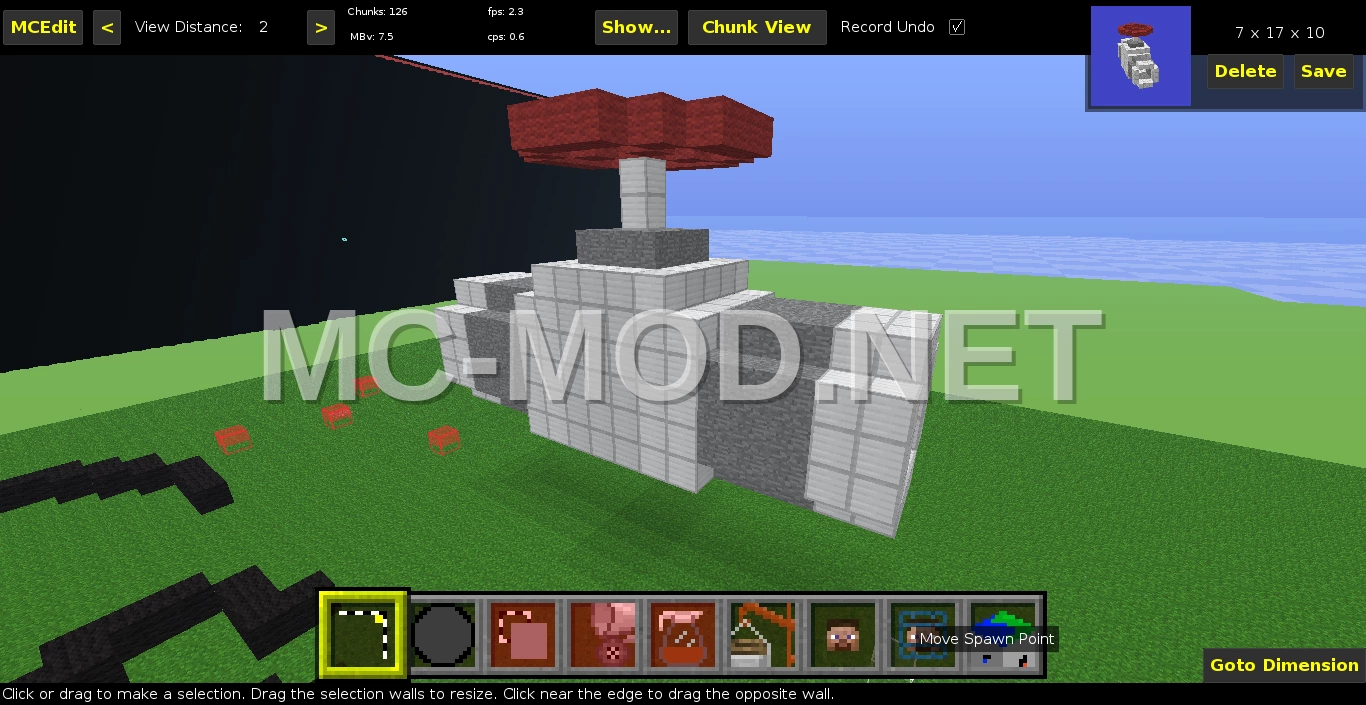 Pipe Valve Control
 Pirates of the Caribbean Note Block Machine
 Pirate’s Theme Noteblock Song
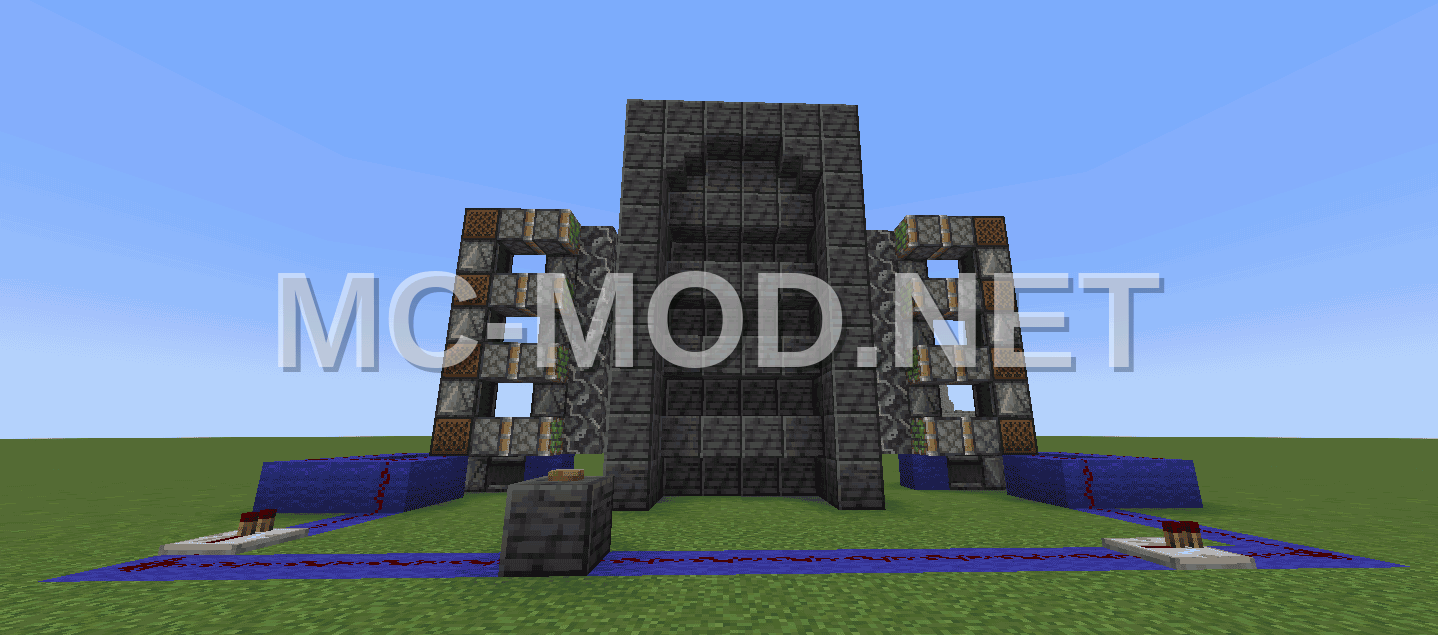 Piston Door 8×4 Design
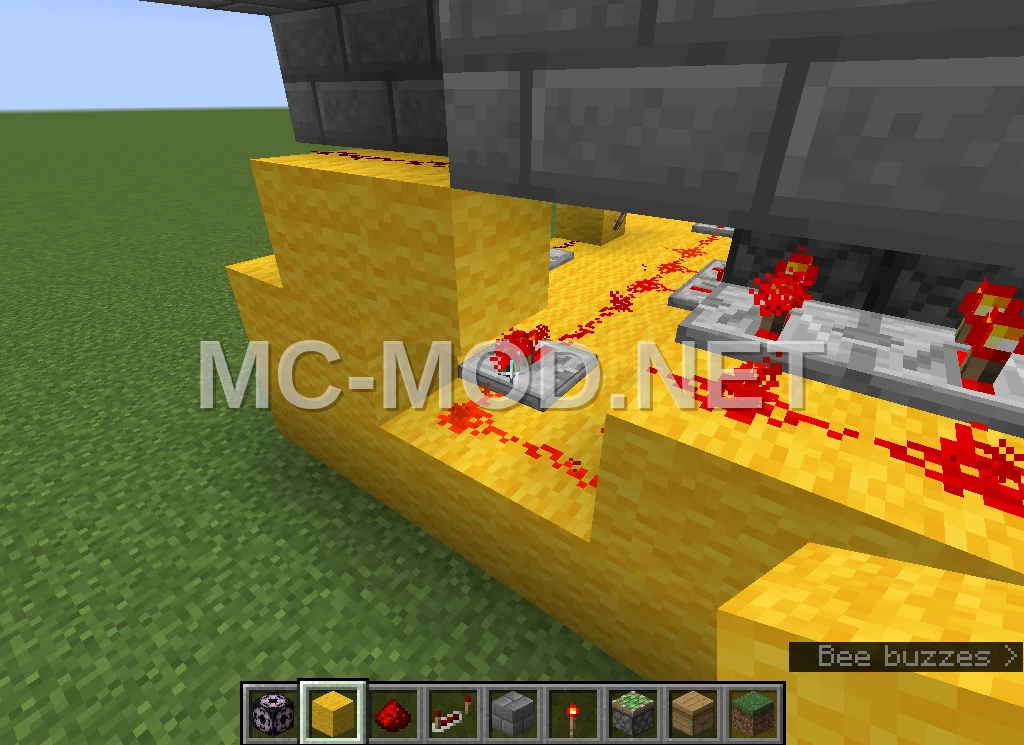 Pitfall Trap Build