

Redstone TNT Sniper Cannon
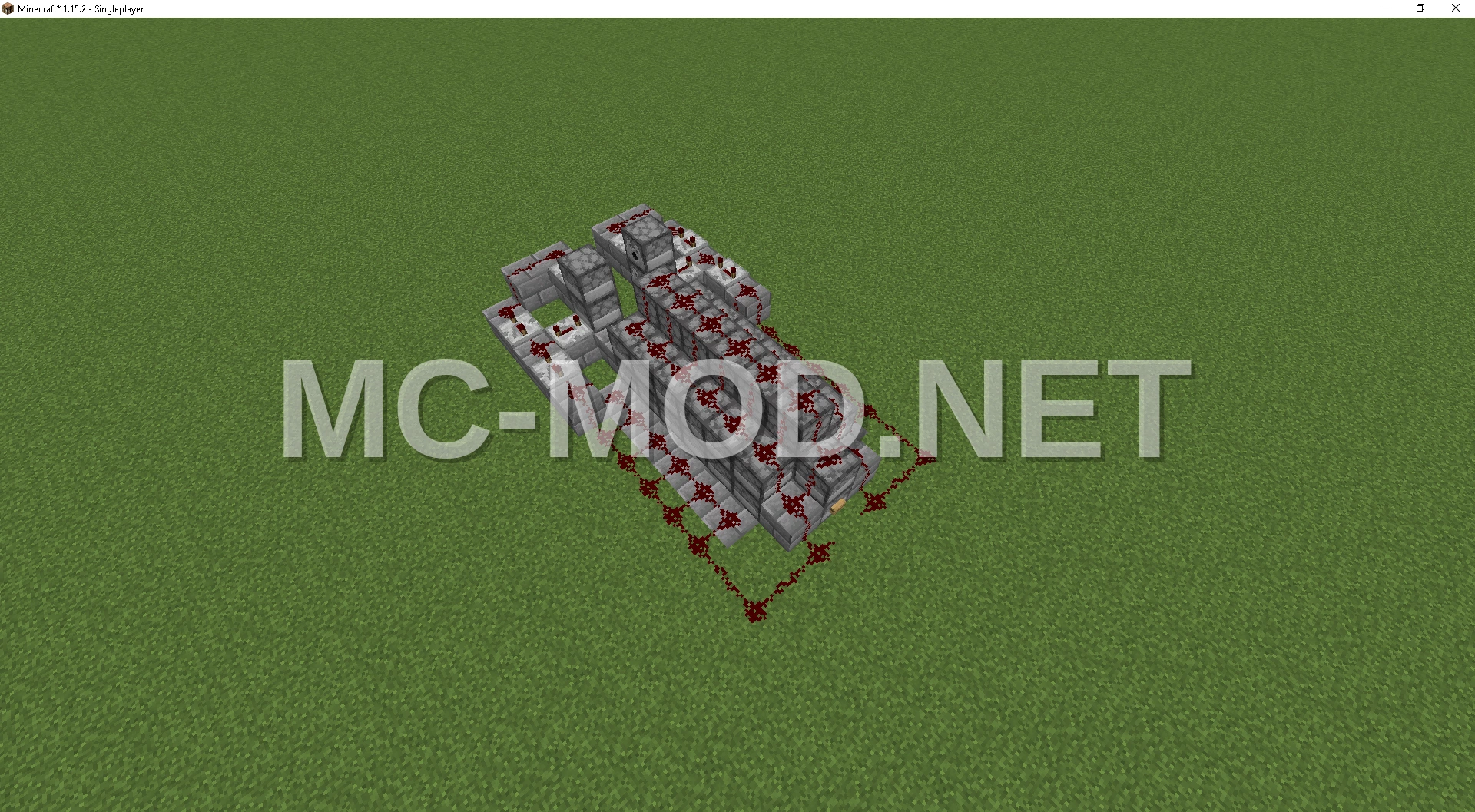
3D Preview
Drag to rotate · scroll to zoom.
| Category | Games, Miscellaneous, Redstone |
|---|---|
| Theme | Other |
| Author | TopProAtSchems |
| MC Version | 26.2+3926.226.1.226.1.126.11.21.111.21.101.21.91.21.81.21.71.21.61.21.51.21.41.21.31.21.21.21.11.211.20.61.20.51.20.41.20.31.20.21.20.11.201.19.41.19.31.19.21.19.11.191.18.21.18.11.181.17.11.171.16.51.16.41.16.31.16.21.16.11.161.15.2 |
| Format | .schem |
| Size | Medium |
This TNT cannon is designed for long-range sniping, launching four TNT blocks simultaneously. For optimal performance, paste the schematic at Y-coordinate 12 in a flat world, as the integrated redstone circuitry is positioned just below the cannon. Pasting at this level ensures the redstone remains intact and functional, maximizing the cannon’s power. The cannon is pre-configured to always face north.
To integrate this schematic into your WorldEdit setup, locate the schematics folder within your Minecraft configuration directory. On Windows, this is typically found at C:/Users/*your user*/AppData/Roaming/.minecraft/config/worldedit/schematics. Replace ‘*your user*’ with your actual Windows username, then simply place the schematic file into this folder. Enjoy using your new powerful TNT cannon!
Materials Required
9 block types · 534 blocks · 18×10×22
Before You Build
This build uses 534 blocks across 9 block types – about 9 stacks in total, which fits inside a single shulker box. It occupies 18×22 blocks of ground and stands 10 blocks tall.
What to bring first
Survival or creative?
Every block in this build can be obtained in survival, so it can be built by hand without creative mode or commands. You will need Silk Touch for Grass Block.
How to Place It:
Moving parts
It includes Dispenser, Redstone Wire, Repeater, so check the mechanism still works after pasting – redstone state and item-container contents do not always survive a paste.
More Games schematics
 Satriale’s Pork Store
 Scalable Iron Farm
 SCP Foundation Containment Cell
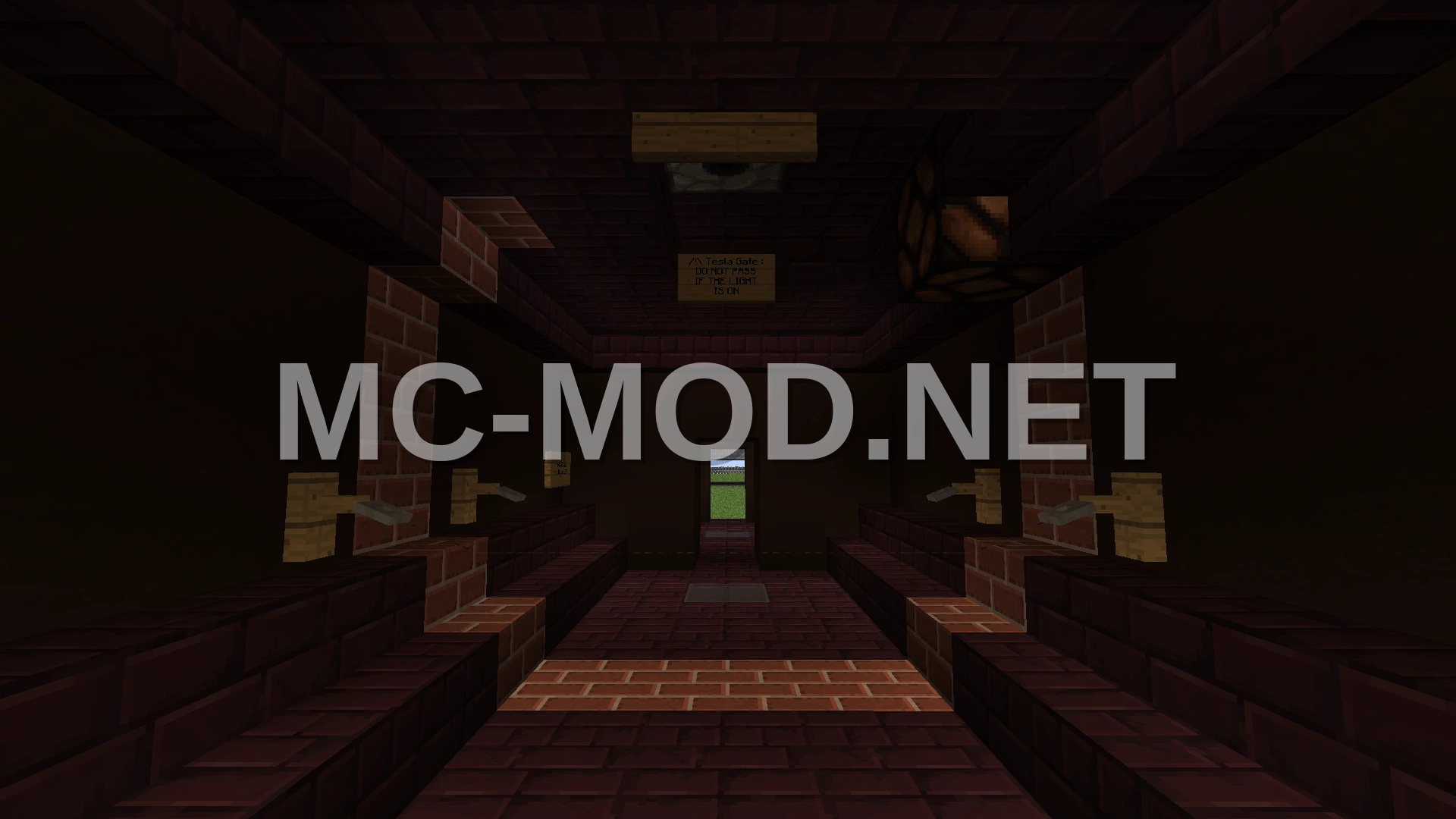 SCP Foundation Containment Corridor
 SCP Foundation Corridor Build
 SCP Foundation Corridor Section
 SCP Foundation Facility Corridor
 SCP Keter Class Structure