

Working Minecraft Keyboard Computer
3D Preview
Drag to rotate · scroll to zoom.
| Category | Component, Redstone, Utility |
|---|---|
| Theme | Other |
| Author | RedStop |
| Format | .schematic |
| Size | Large |
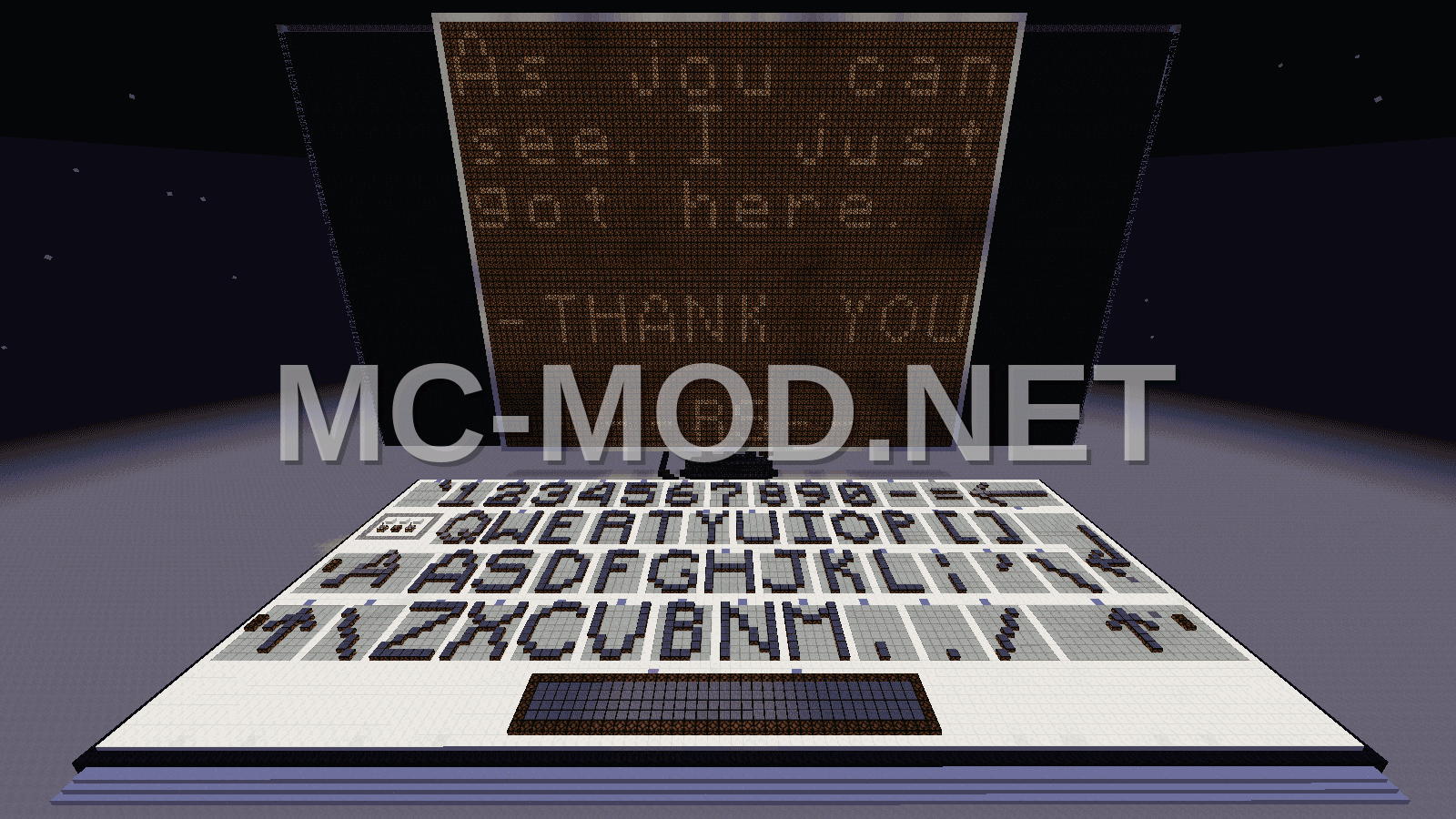
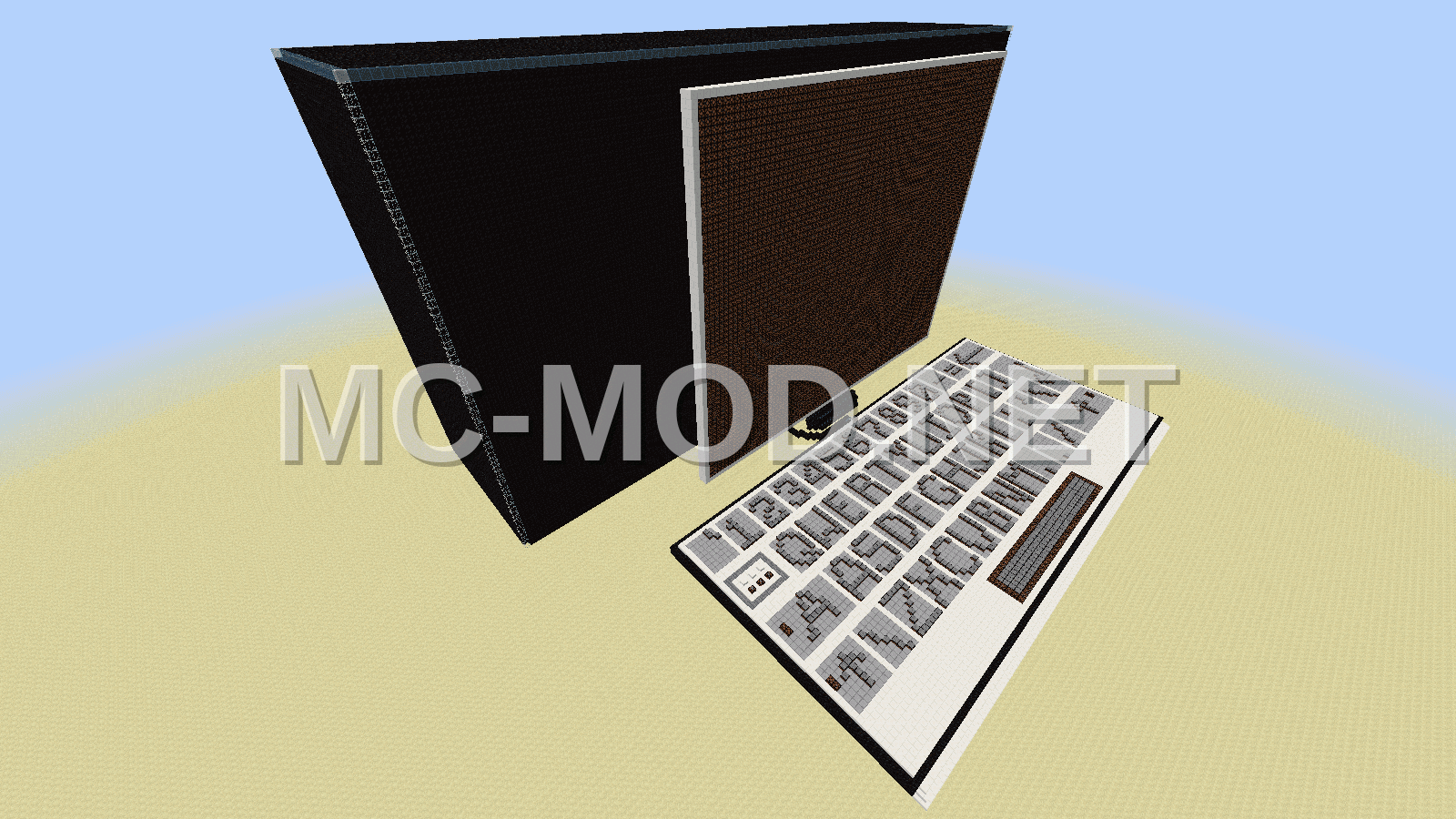
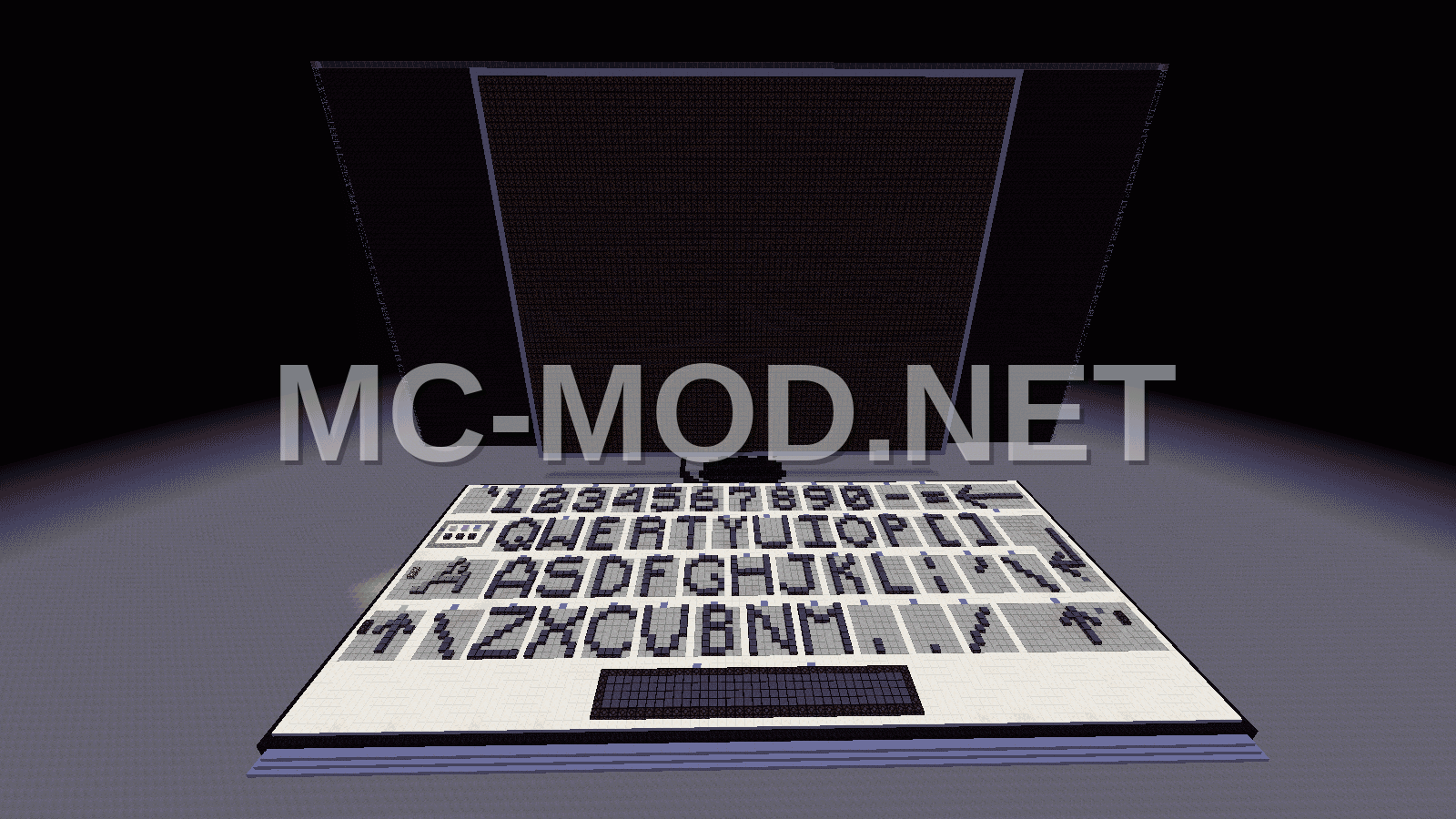
This is a functional computer build in Minecraft, complete with a working keyboard. The display features a 10×7 grid, allowing for 70 characters. It operates at a good speed compared to other similar creations. The keyboard includes both lowercase and uppercase characters for every key, excluding the spacebar. Development began around Minecraft 1.6 and was completed in December 2016 with the release of Minecraft 1.11.
To use this computer, you will need a reasonably fast PC with a dual-core CPU and at least 6GB of RAM. A dedicated video card and Minecraft version 1.11 or higher are also required. It is recommended to use MCedit for importing this build into your world. Please do not rotate the build or spam the keys; allow each character to appear on the screen before inputting the next.
Feel free to use this schematic in your own worlds, but please provide a link back to this page. Direct download links are not permitted. If you create a video showcasing this computer, please share the link in the comments.
Materials Required
41 block types · 158,529 blocks · 108×74×146
Before You Build
This build uses 158,529 blocks across 41 block types – about 2,478 stacks in total, or 92 shulker boxes worth of material. It occupies 108×146 blocks of ground and stands 74 blocks tall.
What to bring first
Survival or creative?
This build is not survival-obtainable as-is. It contains Command Block, which cannot be collected in survival – paste it in creative, or substitute those blocks.
How to Place It:
Moving parts
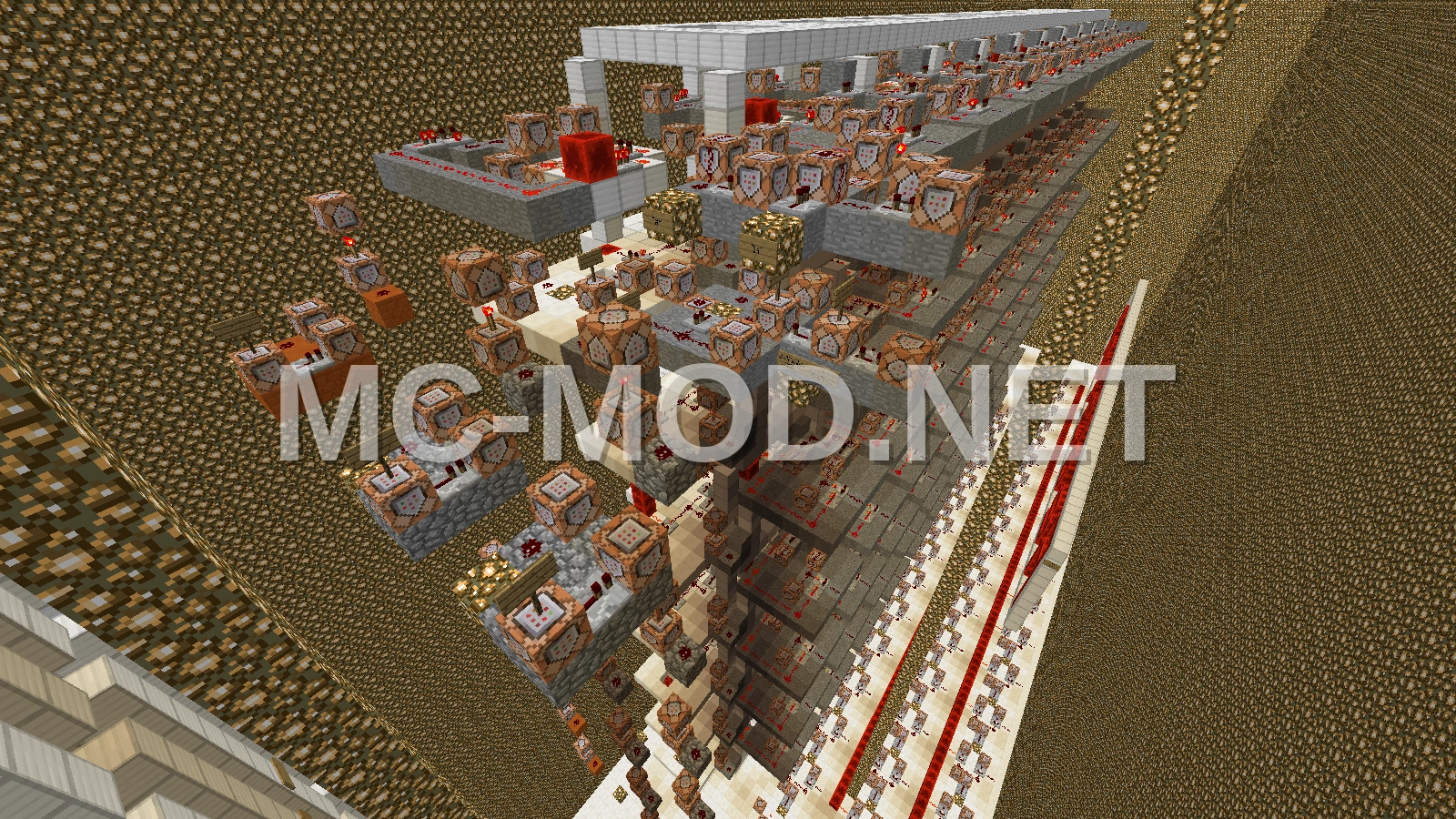
It includes Comparator, Lever, Redstone Block, Redstone Lamp, Redstone Torch, Redstone Wire, Repeater, so check the mechanism still works after pasting – redstone state and item-container contents do not always survive a paste.
More Component schematics
 AFK Fishing Farm
 AFK Gravel Duplicator
 AFK XP Farm: Cactus Smelter
 Albert Einstein Pixel Art Sculpture
 Alchemy Shop – Medieval Crafting Station
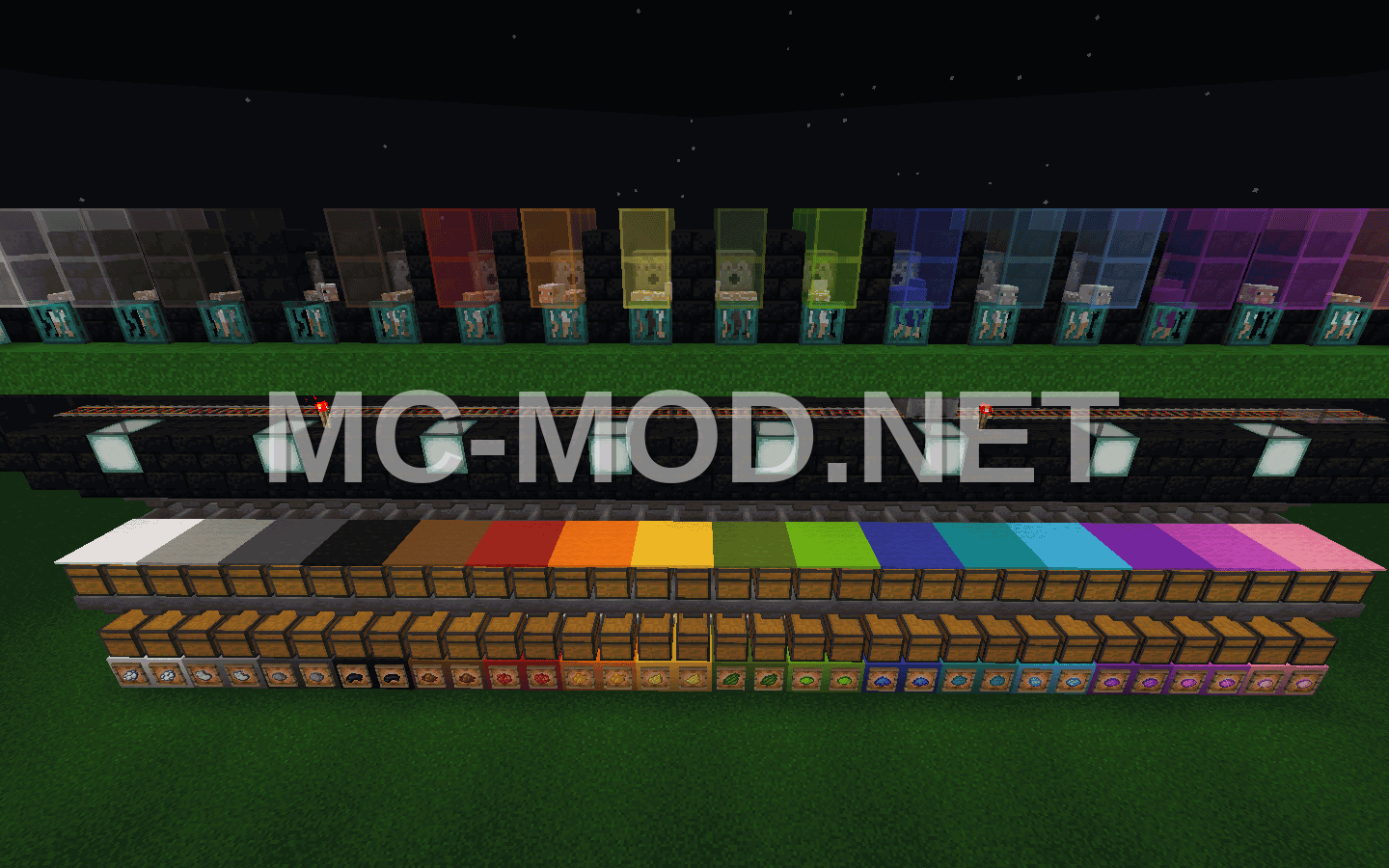 All Color Sheep Farm Schematic
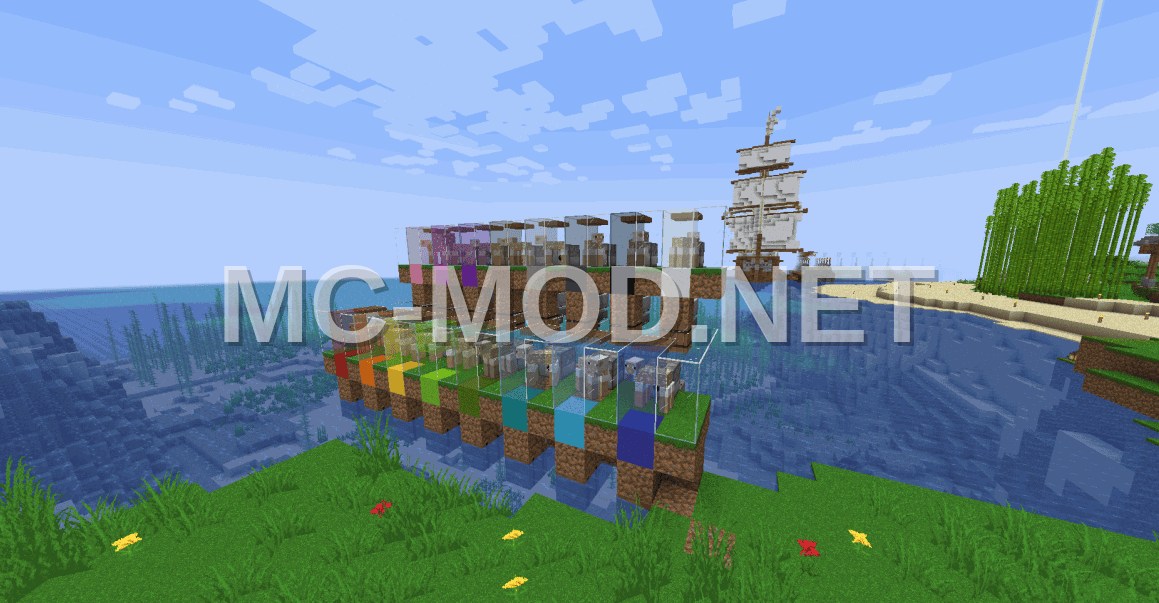 All Color Wool Sheep Farm
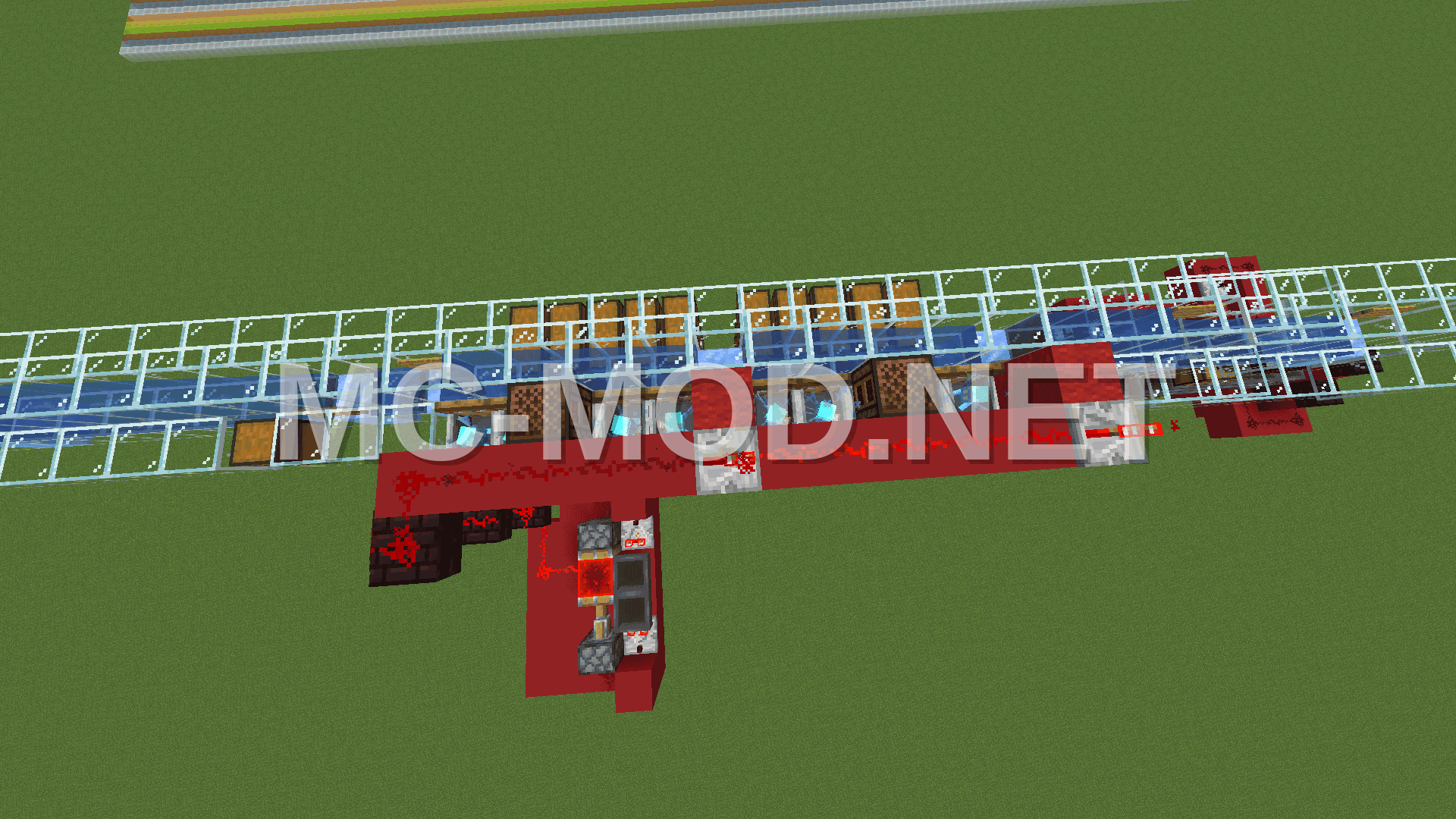 Allay Item Sorter System