

The Complete Breakdown of Hopper Lock Clock Frequency
Miscalculating the number of items needed for a specific delay is a frequent pitfall for many aspiring redstone engineers. Understanding the precise relationship between item count and pulse frequency in a hopper lock clock is paramount for reliable automation. These ingenious circuits are the backbone of countless automated systems in Minecraft, generating timed pulses that dictate everything from farm cycles to complex contraptions. Mastering their frequency control is key to unlocking advanced redstone capabilities.
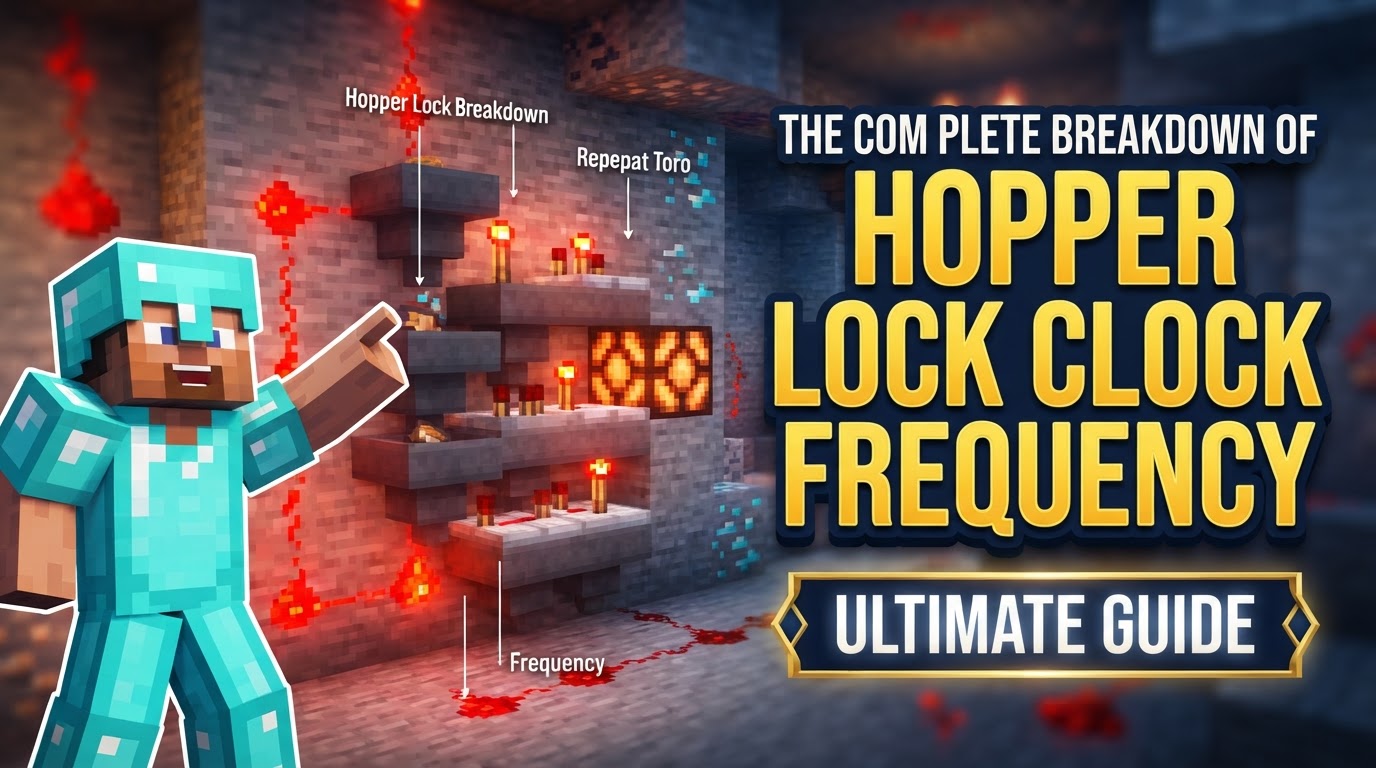
The Fundamental Mechanics of Hopper Lock Clocks
At its heart, a hopper lock clock is a delicate dance of item transfer and redstone logic. Its operation hinges on a few core components:
- Item Transfer and Locking: The circuit’s engine consists of two hoppers positioned to face into each other. Items continuously transfer between them. The magic happens when a hopper is “locked” – this occurs when it receives a redstone signal. A locked hopper temporarily ceases its ability to pull items from above or push items into an adjacent inventory. However, it’s crucial to remember that items can still be pushed into a locked hopper from above, and pulled out of it from below by other active hoppers. This nuanced behavior is vital for complex designs.
- Comparators: Redstone comparators are the eyes of the clock. Placed strategically on top of each hopper, they detect the presence and quantity of items within. The strength of the redstone signal output by a comparator is directly proportional to how full the hopper is, providing the feedback mechanism necessary to control the clock’s cycle.
- Control Mechanism: The comparator’s output is fed into a control mechanism, which is typically designed to alternate power between the two hoppers. A common setup involves sticky pistons moving a redstone block, or an RS NOR latch. When a comparator detects enough items in its hopper, it triggers this mechanism, which then powers and locks the opposite hopper. This forces items to flow into the newly unlocked hopper, initiating the next half-cycle. Once the second hopper accumulates enough items, its comparator triggers the mechanism again, reversing the flow and completing the cycle.
Constructing a Piston-Based Hopper Clock: A Step-by-Step Guide
One of the most common and robust designs for a hopper lock clock utilizes sticky pistons and a redstone block. Here’s how to build it:
- Place Hoppers: Begin by placing a temporary solid block. Then, while sneaking (shift-clicking), place a hopper feeding into this temporary block. Break the temporary block. Now, sneak again and place a second hopper so it points directly into the first one. This forms the essential back-and-forth item transfer loop.
- Add Comparators: On top of each hopper, place a redstone comparator. Ensure the comparator’s single red dot is facing outwards, away from the hopper, indicating it’s reading the hopper’s contents.
- Build the Power Circuit: Place a solid building block directly behind each comparator. On top of these blocks, place redstone dust or redstone torches. Next, place two sticky pistons facing each other, each attached to the redstone signal from the block below. Finally, place a redstone block in the gap between the two sticky pistons. This redstone block will be pushed back and forth, alternating between powering and locking the hoppers.
- Insert Items: The final step is to place your desired number of items into one of the hoppers. These items will “ping-pong” between the two hoppers, driving the timed signal.
Mastering Frequency: Item Count and Timing Precision
The true power of a hopper lock clock lies in its ability to generate highly customizable pulse frequencies. The clock’s period – the time it takes for a full cycle to complete – is directly proportional to the number of items you place inside the hoppers.
- The Core Relationship: A common single-item hopper clock typically has a period of approximately 7.5 game ticks (equivalent to 0.75 seconds). Each additional item inserted into the hoppers generally adds a specific delay to this period. Some sources indicate each additional item adds 8 game ticks (0.8 seconds), while others suggest 7 game ticks (0.7 seconds). This slight discrepancy can be important for highly precise applications, and it’s often best to test your specific setup or use a reliable online calculator.
- Practical Calculations: Hoppers can hold up to 320 individual items (or 5 stacks of 64). Given that hoppers transfer items at a rate of 2.5 items per second, this allows for incredibly long timers. For instance, to achieve a one-minute activation/deactivation cycle (a total period of 60 seconds), you would need approximately 150 items. This capacity makes hopper clocks ideal for long-duration timers where other redstone mechanisms might become unwieldy.
- N-Hopper Loop Clocks: For more complex scenarios, “N-hopper loop clocks” are a variation where items circulate through a series of N hoppers. The period for such a clock is calculated as N × 0.4 seconds, offering a different approach to timing control.
Advanced Applications and Output Options
Beyond simple on/off signals, hopper lock clocks offer versatility in their output and application:
- Varied Outputs: In piston-based designs, the moving redstone block provides a reliable on/off signal, with each state lasting for half of the clock’s total period. However, with creative redstone wiring, you can also derive more specific outputs, such as single-tick pulses at the start or end of a cycle, or half-cycle off-pulses.
- Compactness: Compared to sprawling chains of redstone repeaters, hopper clocks are remarkably compact, especially when generating long delays. This makes them ideal for builds where space is at a premium.
- Pausing and Stopping: The clock’s operation can be easily controlled. By applying a redstone signal directly to one of the hoppers, you can “freeze” it, effectively pausing the clock. In piston designs, a lever connected to one of the pistons can achieve the same effect. Pistonless designs often rely on an RS NOR latch to manage item movement, offering another avenue for control.
- Design Variations: While the piston-based design is common, other variations exist. “Multi-item hopper clocks” use latches to control item movement, often for more precise or complex timing sequences. “Pistonless versions” forego the moving redstone block entirely, relying solely on redstone logic gates like RS NOR latches to manage the hopper locking and unlocking.
Troubleshooting Common Pitfalls
Even seasoned redstone enthusiasts can encounter issues with hopper lock clocks. Being aware of common mistakes can save hours of debugging:
- Incorrect Item Count: This is arguably the most frequent error. Always double-check your calculations for the number of items required for your desired delay. Remember that hoppers can hold up to 320 items, allowing for timers stretching several minutes, but precise timing requires precise item counts.
- Misunderstanding Hopper Locking Mechanics: A locked hopper cannot pull or push items itself. However, items can still be pushed into it from above or pulled out of it from below. This distinction is critical for advanced designs and can be a source of confusion if not fully understood.
- Inaccurate Timing: While generally reliable, absolute precision can sometimes be elusive. Minor game tick discrepancies with comparators and item transfer rates can lead to slight variations in timing, especially over very long durations. If hyper-accuracy is needed, thorough testing is recommended.
- Server Lag: On multiplayer servers, network latency and server lag can significantly impact the consistent operation and timing of redstone circuits, including hopper clocks. What works perfectly in single-player might be slightly desynchronized on a busy server.
- Outdated Designs: Minecraft undergoes frequent updates, and game mechanics can change. Older hopper clock designs might not function correctly or optimally in newer versions of the game. Always ensure your chosen design is compatible with your current Minecraft version.
The hopper lock clock remains a cornerstone of Minecraft redstone, offering unparalleled control over timed pulses. By understanding its core mechanics, mastering item-based frequency control, and being mindful of common pitfalls, players can harness this versatile device to create sophisticated and efficient automated systems, pushing the boundaries of what’s possible in their blocky worlds.
Tags:
YOU MAY ALSO LIKE...


