

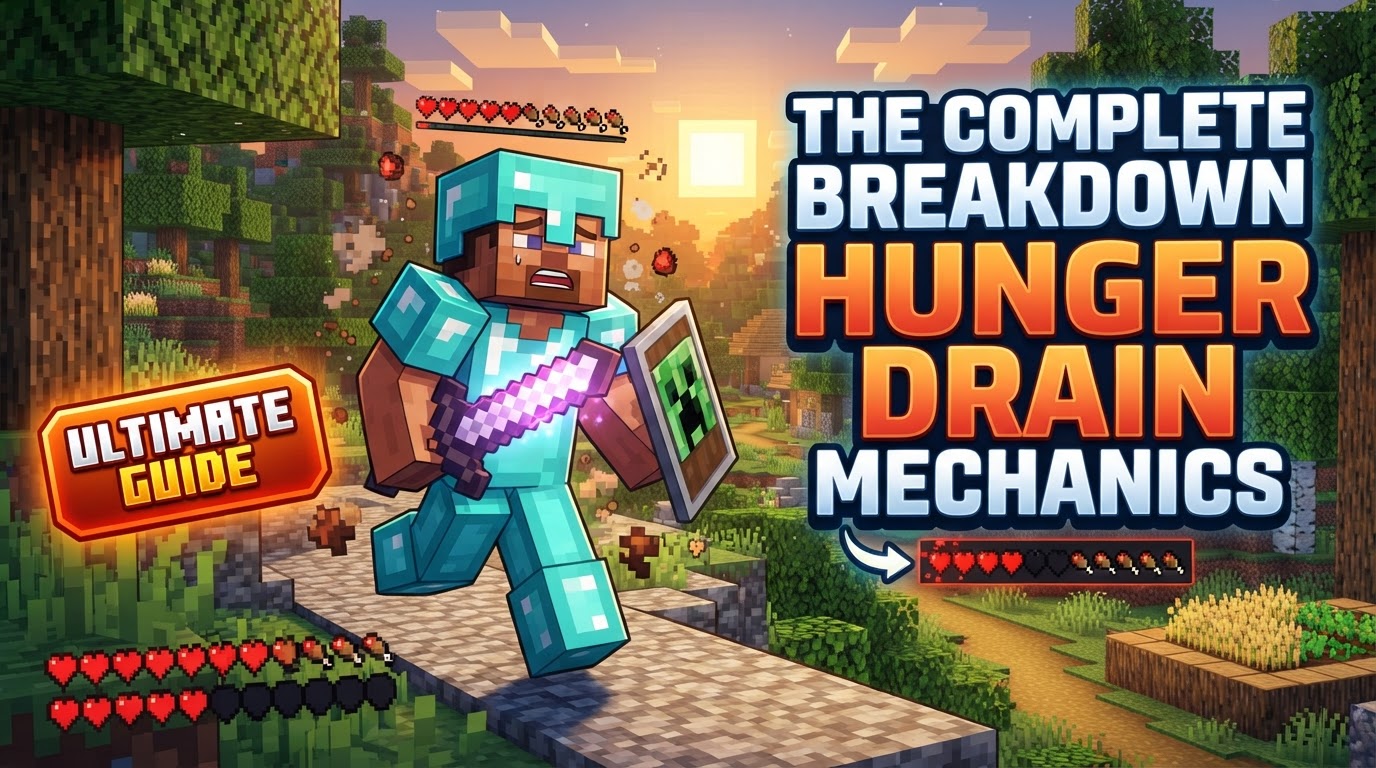
The Complete Breakdown of Hunger Drain Mechanics
In Minecraft, a full hunger bar isn’t merely 10 drumsticks; it’s a complex interplay of 20 hidden hunger points, alongside invisible saturation and exhaustion values that profoundly dictate your in-game survival and performance. Understanding these underlying mechanics is crucial for maintaining health, mobility, and overall effectiveness in the game world.
Beyond the Visible: The Core Hunger Mechanics
While the visible hunger bar is your primary indicator, two hidden statistics – Saturation and Exhaustion – are the true drivers of your character’s metabolic needs.
- The Hunger Bar (Food Bar):
Represented by ten drumstick icons above your hotbar, a full bar signifies 20 hunger points (each drumstick is 2 points). This bar depletes as you perform actions like sprinting, digging, or fighting, and is refilled by eating food.
- Saturation: The Hidden Buffer
This invisible stat determines how long it takes for the visible hunger bar to start depleting. When saturation runs out, the hunger bar may “jitter” before visually decreasing. Different foods provide varying levels of saturation; higher saturation means it takes longer to get hungry again.
- Exhaustion: The Rate Governor
Another hidden stat, exhaustion governs the rate at which saturation decreases. Various player actions increase exhaustion. Once exhaustion reaches 4 points, one saturation point is consumed, and the exhaustion level resets. This process continues until saturation is zero, then it starts consuming hunger points.
The Invisible Cycle: How Hunger Drains
The depletion of your character’s energy follows a precise, sequential process driven by your actions:
- Exhaustion Accumulation: Player actions like sprinting, jumping, mining, fighting, swimming, or taking damage increase a hidden “exhaustion” value.
- Saturation Depletion: Once enough exhaustion accumulates (4 points), one point of saturation is consumed, and the exhaustion counter resets. This happens invisibly as long as saturation remains.
- Hunger Bar Depletion: When saturation reaches zero, the visible hunger bar begins to deplete (one hunger point at a time) as exhaustion continues to accumulate. This is often signaled by the hunger bar shaking or “jittering.”
- Impact on Abilities and Health: As the hunger bar depletes further, the player loses the ability to naturally regenerate health, then to sprint, and finally starts taking damage if the bar reaches zero.
The Consequences of a Depleted Bar: Why Hunger Levels Matter
Your current hunger level significantly impacts critical survival mechanics, including health regeneration and mobility:
- Optimal Health Regeneration (20 Hunger Points with Saturation, Java Edition): Health regenerates quickly (1 health point every 0.5 seconds).
- Slow Health Regeneration (18+ Hunger Points): Health slowly regenerates (1 health point every 4 seconds).
- No Natural Health Regeneration (17 Points or Below): Natural health regeneration stops completely.
- Inability to Sprint (6 Points or Below): The player cannot sprint, severely limiting mobility.
- Starvation Damage (0 Points): The player’s health depletes. The severity depends on difficulty:
- Easy Difficulty: Health stops dropping at 10 (5 hearts).
- Normal Difficulty: Health stops dropping at 1 (half a heart).
- Hard Difficulty: Starvation can lead to death.
Mastering Your Metabolism: Practical Hunger Management
Effective hunger management is crucial for long-term survival and efficiency. Implement these strategies to keep your character well-fed and functional:
- Prioritize Satiating Foods: Foods with higher saturation values, like golden carrots or cooked meats (e.g., beef, pork), keep hunger at bay for longer, making them more efficient. Bread is also a good option.
- Avoid Unnecessary Sprinting and Jumping: Sprinting, and especially sprint-jumping, are major sources of exhaustion, rapidly draining your hunger. Conserve energy by walking when not in immediate danger.
- Eat When Necessary: Consume food before your hunger bar gets too low (ideally above 18 points) to maintain health regeneration and sprinting abilities. Proactive eating is key.
- Carry a Food Supply: Always have adequate food when adventuring to prevent critical hunger levels, particularly in dangerous areas or far from home.
- Turn Off Auto-Jump: This setting can unintentionally trigger sprint-jumps, leading to increased and often unnoticed hunger drain. Disabling it grants more control.
- Eat Efficiently: Avoid eating when your hunger bar is completely full to prevent wasting saturation points that would exceed the cap. Wait for a few hunger points to drop.
- Milk for Food Poisoning: A milk bucket can instantly negate the “Hunger” status effect caused by spoiled foods like raw chicken or rotten flesh.
Pitfalls of Poor Planning: Avoiding Common Hunger-Related Errors
Being aware of these frequent mistakes can prevent unnecessary setbacks in your Minecraft journey:
- Ignoring the Hunger Bar: Failing to monitor your hunger can lead to loss of health regeneration, inability to sprint, and eventual starvation damage.
- Constant Sprinting: Sprinting everywhere, especially early on, quickly depletes hunger resources, requiring frequent eating.
- Eating Low-Saturation Foods Inefficiently: Relying on many low-saturation foods or eating them when only slightly hungry leads to frequent food consumption and resource waste.
- Not Carrying Enough Food: Venturing into unknown or dangerous territory without sufficient food supplies is a major risk.
- Underestimating Difficulty Impact: Forgetting that hunger can be lethal on Hard difficulty can lead to unexpected deaths.
Difficulty and Special Conditions: Hunger Variations
Minecraft’s hunger mechanics can vary based on game settings and specific in-game effects:
- Peaceful Difficulty: On Peaceful, hunger does not drain and will automatically regenerate to maximum if not full, removing any survival concerns related to food.
- Creative Mode: The hunger bar is present but static; it never drains, as survival mechanics are disabled.
- Food Poisoning: Certain foods (pufferfish, raw chicken, rotten flesh) can cause a “Hunger” status effect, which makes the hunger bar deplete faster and turns it yellow-green, posing a temporary but significant challenge.
By understanding and applying these comprehensive hunger drain mechanics, you can ensure your Minecraft character remains well-fed, healthy, and ready for any adventure the world throws your way.
Tags:
YOU MAY ALSO LIKE...


