

The Complete Breakdown of Minecart Track Switching Logic
Many players underestimate the precision and complexity involved in setting up efficient minecart track switching. It’s not just about placing a lever; it’s about understanding the subtle interplay of redstone, momentum, and timing that transforms a simple track into a sophisticated transport network. Mastering these intricacies is key to building reliable and automated transportation systems across your Minecraft world.
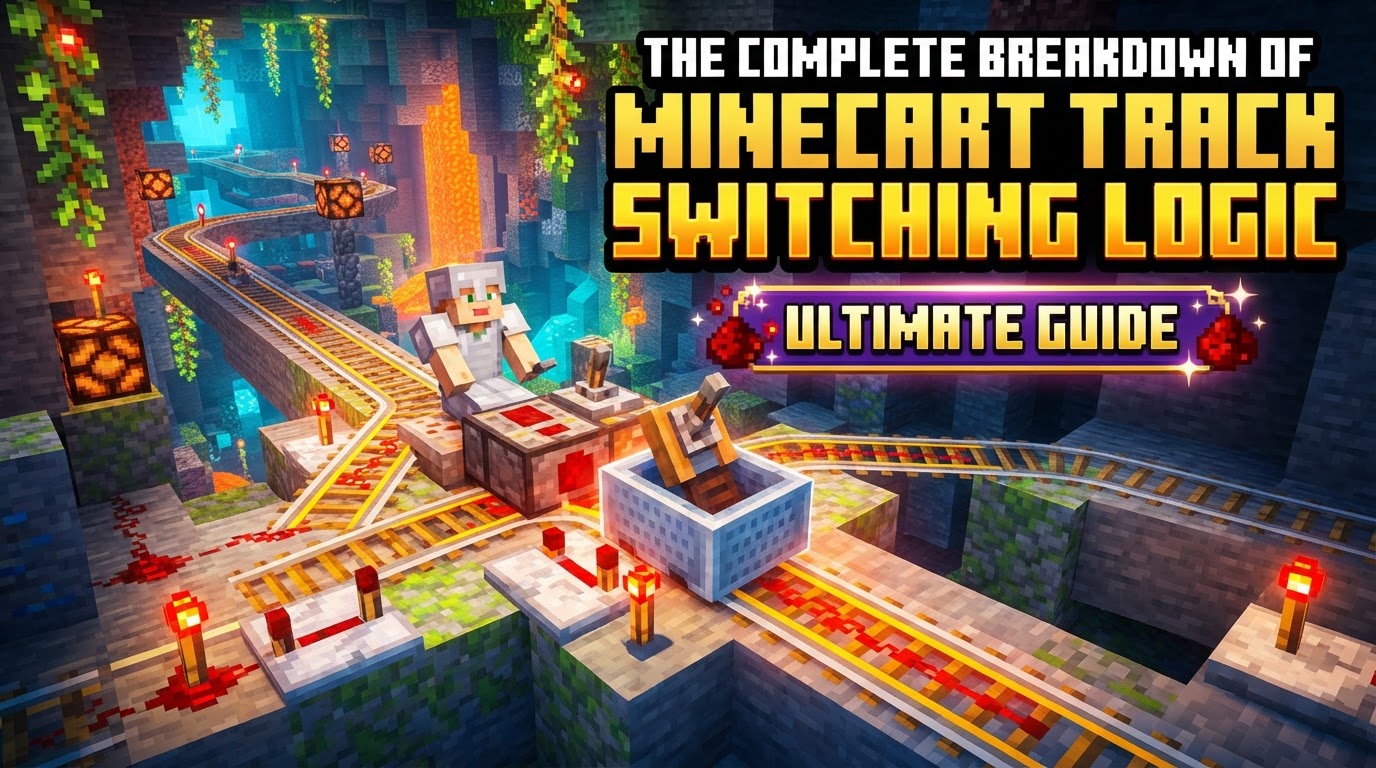
The Core Mechanism: Redstone and Rail Orientation
At the heart of minecart track switching lies a fundamental principle: certain rail types can have their direction altered by a redstone signal. Specifically, curved rails and junction rails (T-intersections) are reactive to redstone power. When unpowered, a curved rail defaults to a bent orientation, guiding a minecart along its inherent curve. Similarly, a T-junction will default to one path. However, introduce a redstone signal to these rails, and their orientation will instantly switch, directing any incoming minecart down an alternate path. This simple yet powerful mechanic forms the basis of all track switching logic, allowing a single piece of track to dynamically change the course of a minecart.
Understanding this default behavior is crucial. Without any redstone input, your minecarts will always follow the unpowered, default path. This means that to initiate a switch, a redstone signal must be actively applied to the rail. The duration and source of this signal will dictate whether the switch is momentary, constant, or automated, enabling a wide array of design possibilities from simple manual junctions to complex, multi-branching rail networks.
Essential Components for Dynamic Track Control
To effectively manipulate track direction, you’ll need a variety of redstone components. Each serves a distinct purpose in generating, transmitting, or detecting signals to control your rails:
- Levers and Buttons: These are your most straightforward manual control options. A lever provides a constant redstone signal when activated, maintaining the track in its switched state until manually toggled off. Buttons, conversely, provide a momentary pulse, useful for quick, single-use switches or for triggering automated sequences.
- Detector Rails: These intelligent rails are indispensable for automation. When a minecart passes over a detector rail, it emits a brief redstone pulse. This pulse can be used to activate a track switch just as the cart approaches, or to power adjacent powered rails to maintain momentum. Their ability to sense a minecart’s presence makes them critical for hands-free systems.
- Powered Rails: While their primary function is to propel or stop minecarts by controlling their momentum, powered rails can also be integrated into switching systems. An unpowered powered rail will significantly slow or even stop a minecart, while an activated one will boost it. By linking powered rails to a redstone circuit, you can control not only direction but also speed, ensuring carts arrive at their destination at the appropriate velocity or stop precisely at a station.
- Redstone Torches: Providing a constant redstone signal, redstone torches are useful for maintaining a track in a specific switched position permanently, or for inverting signals within a more complex circuit. They are a simple, always-on power source.
- Calibrated Sculk Sensors: Introduced in Minecraft 1.20+, these sophisticated sensors offer a new level of precision for automated switching. Unlike standard sculk sensors, calibrated versions can filter vibrations, allowing them to detect specific events like minecart movement with greater accuracy. This enables more advanced and reliable automatic switching systems, especially in scenarios where precise timing or selective activation is required.
Beyond direction, Minecart Momentum is a crucial factor. Powered rails, when active, impart momentum, speeding up carts. When inactive, they act as brakes, rapidly decelerating or stopping carts. This interplay between direction and speed control is fundamental to designing efficient and safe rail systems.
Building a Functional Switching System: A Step-by-Step Approach
Implementing minecart switching involves a logical progression:
- Placement of Junction Rail: Begin by laying down the track where you intend for the minecart to have a choice of paths. This will typically be a curved rail at an intersection or a T-junction. Ensure it’s correctly oriented for the default path you desire when unpowered.
- Redstone Connection: Next, connect your chosen power source (e.g., a lever, button, or detector rail) to the junction rail using redstone dust. The redstone dust must be adjacent to the rail or connect to a block directly beneath it to transmit the signal. Ensure the redstone circuit is complete and capable of reaching the target rail.
- Powering the Switch: Activate your power source. If connected correctly, the redstone signal will flow to the junction rail, and you will visually observe the rail’s orientation change. For instance, a curved rail might bend the opposite way, or a T-junction might open up a different path. This visual confirmation is your indicator that the switch is active.
- Creating a Controlled Stop (Optional but Recommended): For stations, loading zones, or controlled stops, dig a two-block deep hole. Place two powered rails inside this depression. Connect these powered rails to a button or switch. When activated, these powered rails will boost the cart out of the hole. When deactivated, the cart will roll into the hole and come to a complete stop, effectively creating a holding bay or a controlled disembarkation point. This prevents carts from endlessly looping or overshooting their destination.
Advanced Techniques for Automated and Efficient Minecart Networks
Once you grasp the basics, you can elevate your rail systems with advanced techniques:
- Automatic Switching: Leverage detector rails to trigger redstone circuits that automatically change track directions as a minecart approaches. This can involve a detector rail activating a switch rail, then a repeater circuit resetting the switch after a delay. For more complex, multi-cart systems, you might have a detector rail at a fork activate a specific path based on the cart’s origin or destination, using more elaborate redstone logic gates.
- Sequential Cart Handling: In systems with multiple minecarts using the same track, timing becomes paramount. If switches activate too quickly, subsequent carts might be misdirected. Introduce redstone repeaters or hopper timers into your circuits to create delays between switching actions. This ensures that one minecart has fully cleared a junction before the track switches for the next, preventing collisions or unintended pathing.
- Optimized Speed Management: Maintaining appropriate speed is crucial for preventing derailing and ensuring timely travel. A common and effective ratio for powered rails to regular rails on flat ground or gentle inclines is 5 powered rails for every 4 regular rails. This provides a good balance of speed and resource efficiency. For vertical climbs, you may need a higher density of powered rails. Furthermore, the `minecartMaxSpeed` gamerule (experimental as of version 1.21) offers a global solution to increase minecart speeds across your world, though its experimental nature means it might be subject to change.
- Orientation Awareness: Minecraft’s block placement can sometimes be sensitive to the cardinal directions (North, South, East, West). When building complex track layouts or rotating pre-built structures, be mindful of this. Tracks can sometimes connect or behave differently depending on their orientation relative to the world grid, which can impact switching logic and cart flow.
Common Pitfalls and Troubleshooting Minecart Systems
Even the most experienced builders encounter issues. Here are some common problems and considerations:
- Minecarts Stopping or Derailing Unexpectedly: This can occur for several reasons. Sharp curves, especially at high speeds, can sometimes cause derailing. Running multiple minecarts very close together on the same track, or on different circular tracks that intersect, can lead to physics glitches. Additionally, if chunks unload and reload while minecarts are in motion, their momentum or position might be reset incorrectly, causing them to stop or derail.
- Unintended Direction Changes: Occasionally, a minecart might spontaneously change direction after being passed by another minecart on a neighboring track, or due to a phantom interaction with a block. This is often a minor glitch but can disrupt automated systems. Ensuring clear spacing between parallel tracks and robust redstone signals can help mitigate this.
- Inefficient Powering of Powered Rails: A common mistake is using a detector rail to activate too many powered rails at once. If the redstone signal chain is too long or too weak, the powered rails might deactivate before the minecart reaches them, bringing the cart to an immediate and unwelcome halt. Ensure your power sources are sufficient and that repeaters are used to maintain signal strength over distance.
- Clunky Speed Control: In earlier versions, achieving nuanced speed control for different sections of a track (e.g., fast main line vs. slow station arrival) required complex redstone setups involving numerous powered rails and precise timing. While solutions exist, the community has often suggested “speed change rails” as a quality-of-life feature to simplify this aspect of track design, indicating that current methods can still feel somewhat cumbersome.
By understanding these mechanics, utilizing the right components, and being mindful of common pitfalls, you can construct robust, efficient, and highly automated minecart transport systems that seamlessly move you and your resources across your Minecraft creations.
Tags:
YOU MAY ALSO LIKE...


