

The Complete System Behind Custom Biome Generation
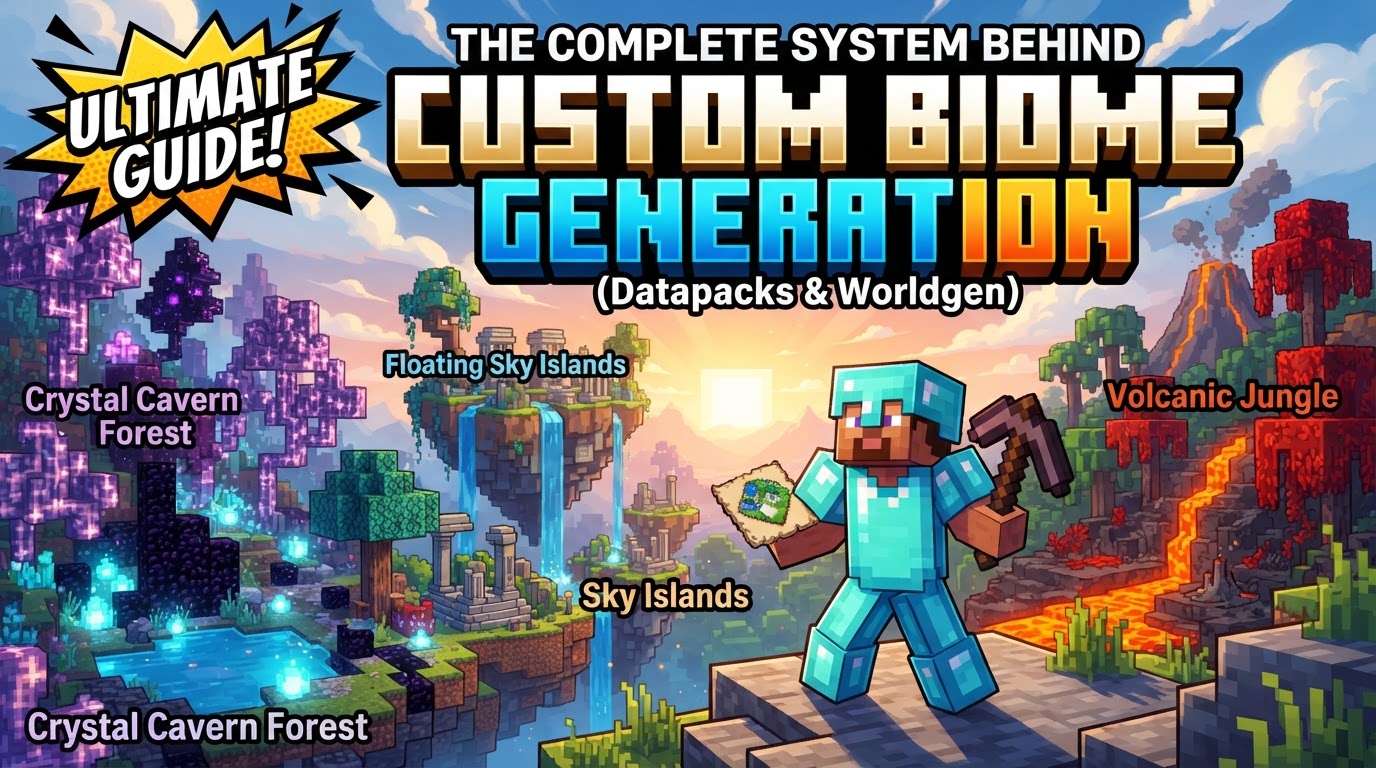
Beyond the familiar plains and forests that populate a standard Minecraft world lies a complex, multi-layered system that empowers creators to sculpt entirely new environments. This intricate framework, a testament to Minecraft’s procedural generation capabilities, allows for the creation of custom biomes – unique ecological regions with their own terrain, flora, fauna, and atmospheric properties. Mastering this system is key to truly personalizing your Minecraft experience, whether you’re building a custom map, expanding a server, or simply experimenting with world generation.
The Foundational Pillars of World Generation
At its heart, Minecraft’s world generation is a marvel of procedural algorithms. From a single world seed, the game constructs an entire landscape through multiple passes. This process begins with broad strokes, defining the overall terrain and the placement of major biomes, before refining details like features, structures, and even the smallest patches of grass. Custom biome generation hooks into this established pipeline, injecting your unique designs into the fabric of the world.
Java Edition: Navigating the Multi-Noise Landscape (1.18+)
For Java Edition players, particularly since version 1.18, custom biome placement revolves around the sophisticated Multi-Noise Biome Source. This system employs several Perlin noise variables to determine not just where a biome generates, but also how it influences the surrounding terrain shape. Think of it as defining a specific “climate” or “geological signature” for your biome within a six-dimensional space. The key variables include:
- Temperature: Governs the distribution of hot versus cold biomes, influencing everything from snow levels to vegetation types.
- Humidity/Vegetation: Dictates the lushness or dryness of an area, leading to biomes like dense jungles or arid deserts.
- Continentalness: Determines whether an area is part of a large landmass, a coast, or deep ocean. High continentalness values indicate inland areas, while low values suggest open water.
- Erosion: Shapes the terrain above sea level, creating features like mountains, valleys, and flat plains. Different erosion values contribute to varied topographical expressions.
- Depth: While implicitly related to other variables, depth influences the vertical layering of terrain features and can help define subtle variations in elevation.
- Weirdness: An abstract variable that introduces additional variation and, when combined with “Peaks and Valleys” settings, helps distinguish unique terrain features such as towering mountain peaks or winding riverbeds.
Each biome is assigned specific thresholds across these six dimensions. When the noise values at a particular world coordinate fall within a biome’s defined range, that biome is generated. This intricate interplay allows for highly organic and natural-looking transitions between diverse environments.
Bedrock Edition: Component-Driven Design
Bedrock Edition takes a different, component-based approach to custom biome definition, primarily through JSON files within behavior and resource packs. While powerful, it’s crucial to understand a significant limitation: custom biomes in Bedrock Edition generally cannot change the fundamental *shape* of the terrain. Instead, they dictate what blocks fill that terrain and what features populate it. Key components you’ll interact with include:
minecraft:climate: Controls the biome’s temperature and precipitation, affecting whether rain falls as snow and if water freezes.minecraft:overworld_height: While present, this component in custom biomes primarily dictates the material composition rather than sculpting the terrain’s actual height profile, which is largely predetermined by the base world generation.minecraft:surface_parameters: Defines the blocks that make up the biome’s surface, such as dirt, grass, sand, or custom blocks.minecraft:replace_biomes: This is the primary mechanism for a custom biome to generate. Instead of defining its own noise parameters, a custom Bedrock biome “claims” a share of an existing vanilla biome’s generation area. For instance, you might configure your custom biome to replace a certain percentage of the vanilla “Plains” biome.
Universal Biome Properties and Settings
Despite their differing underlying generation mechanics, both Java and Bedrock Editions utilize a similar set of properties to define a biome’s characteristics:
- Block Replacement: Specifying the ground, underground, seafloor, and other material blocks that compose the biome.
- Visuals: Customizing colors for the sky, grass, leaves, water, and underwater fog. In Bedrock, these are often defined in a separate client biome file within resource packs.
- Features: Controlling the density and type of natural occurrences, such as the number of trees, grass patches, flowers, mushrooms, sand/gravel patches, reeds, and cacti per chunk.
- Structures: Enabling or disabling the generation of vanilla structures like villages or ocean ruins, and defining the placement of custom structures.
- Mob Spawning: Establishing biome-specific rules for which entities can spawn, and at what frequency.
- Temperature and Rainfall: Influencing weather patterns (rain, snow), vegetation types, and the formation of ice.
- Biome Weight/Frequency: Controls how often a custom biome attempts to generate relative to other biomes. This is especially important in Bedrock’s
replace_biomessystem.
The Biome Creation Workflow: A General Approach
Crafting a custom biome follows a systematic process, regardless of your chosen edition:
- Define Biome Properties: Start by outlining the core characteristics: ground blocks, visual palette, temperature, and specific features.
- Configure Generation Rules: Determine where and how frequently your biome will appear. This involves setting noise parameters for Java Edition or utilizing the
replace_biomescomponent for Bedrock. - Add Features and Structures: Populate your biome with unique elements. This often involves creating separate feature and feature rule files to define custom trees, ore veins, or unique structures.
- Implement Spawn Rules: Design custom rules for entities that will exclusively spawn within your new environment.
- Package and Test: For Bedrock, organize your JSON files into specific folders (
biomes,features,feature_rules,spawn_rules,structures) within behavior and resource packs. For Java, package your JSON definitions into a data pack. - Load In-Game: Enable your custom content through add-on packs or data packs in a new world. Sometimes, experimental features need to be enabled for custom content to function.
- Verify Generation: Use in-game commands like
/locate biomeor spectator mode to confirm that your biome generates correctly and displays all its intended features and visual properties.
Strategic Tips for Success
- Leverage Vanilla References: The vanilla game’s behavior and resource packs are invaluable resources. Examine their file structures and component definitions to understand best practices.
- Ensure World Seed Consistency: If you introduce any elements of randomness into your custom generation (e.g., custom ore distribution), ensure they are tied to the world’s seed. This guarantees reproducible worlds, which is crucial for sharing or debugging.
- Diversify Java Parameters: For Java Edition 1.18+, biomes with overly similar noise parameters will compete for the same space, leading to smaller, fragmented biome patches. Introduce sufficient variation in your temperature, humidity, continentalness, and erosion values to allow your biome to generate distinctly.
- Balance Biome Weight (Bedrock): Carefully adjust the biome weight within the
replace_biomescomponent. A high weight can make your biome overly dominant, while a low weight might make it rarely appear. - Utilize Community Tools: Tools like MCreator can streamline the creation process without deep coding. For Java Edition, Misode and Snowcapped are excellent resources for visualizing and generating world generation data packs.
Navigating Common Pitfalls
- Incorrect File Structure/Formatting: Typos in JSON identifiers, incorrect
format_versiondeclarations, or misplacing files within your pack structure are common culprits for generation failures. Always double-check your JSON syntax. - Biome Weight and Parameter Conflicts: This is a frequent issue. If multiple biomes have overly similar generation parameters (Java) or if biome weights are poorly balanced (Bedrock), your custom biome may not appear as intended or may be overshadowed by others.
- Java
NullPointerException: In Java Edition, this error often points directly to a typo or structural error within your data pack’s JSON files. Review recently modified files meticulously. - Cascading Worldgen Lag: Improper handling of chunk loading or excessively complex generation rules can lead to significant performance degradation during world creation. Optimize your feature generation and avoid overly dense or computationally expensive elements.
- Bedrock Terrain Modification Limitations: Reiterate this crucial point: custom biomes in Bedrock Edition cannot directly change the *shape* of the terrain. They primarily define the block composition and features within an existing terrain shape. Setting unrealistic expectations here leads to frustration.
- Unrealistic Expectations (1.18+ Java): Significant changes in Minecraft 1.18+ reduced the direct control modders have over terrain shaping. Creating stark, unnatural contrasts between biomes or extremely flat/steep custom terrain types is considerably harder than in previous versions.
The journey into custom biome generation is a rewarding one, allowing you to truly make Minecraft worlds your own. By understanding the core mechanics of each edition and diligently applying best practices, you can transform familiar landscapes into truly unique and immersive environments.
Tags:
YOU MAY ALSO LIKE...


