The Real Reason Certain Biome Features Never Align
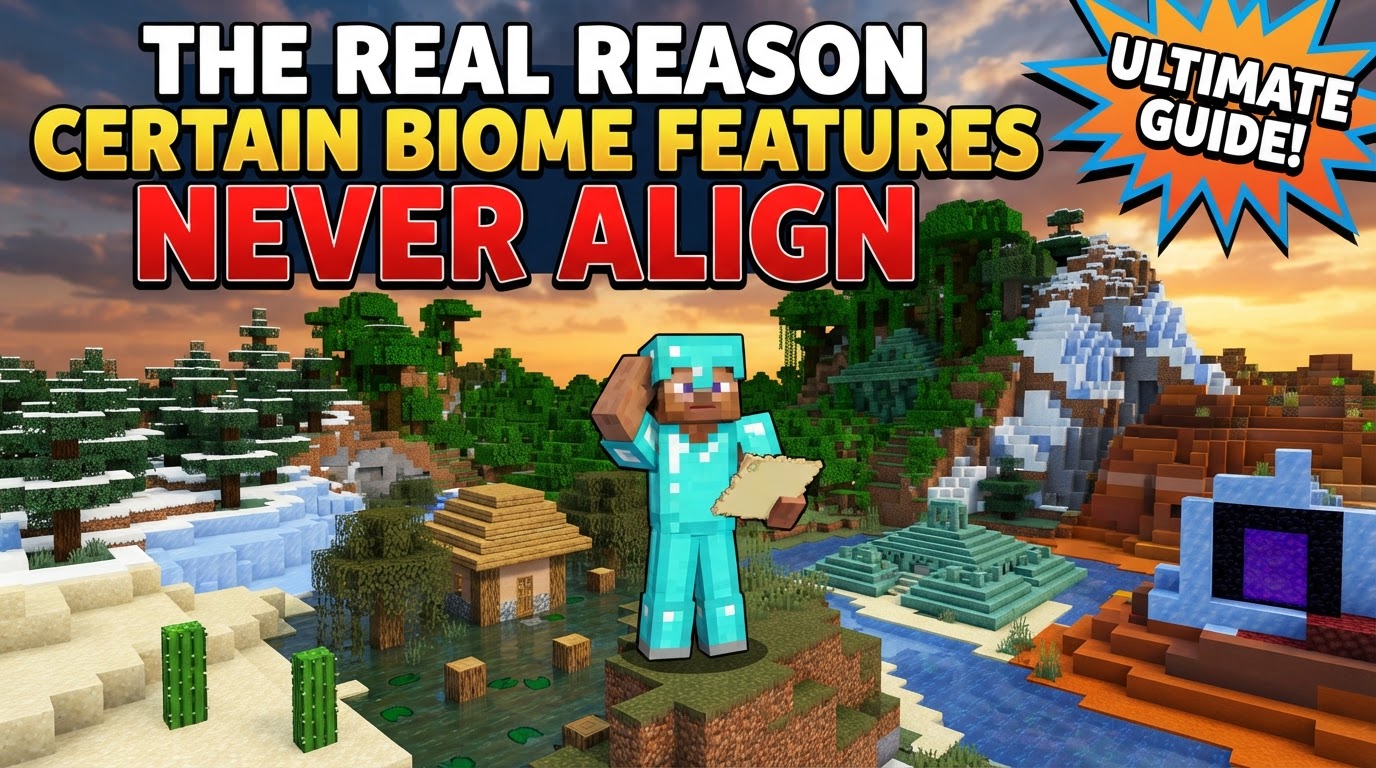
The true explanation behind Minecraft’s occasionally perplexing biome feature misalignments lies in its layered and somewhat independent procedural generation process. Rather than a single, perfectly synchronized operation, the game constructs its vast worlds through a series of distinct, sequential passes. This multi-stage approach, while fundamental to creating diverse and expansive landscapes, inherently introduces opportunities for visual discrepancies where a feature intended for one biome might subtly ‘bleed’ into an adjacent one, or where the visual boundary of a biome doesn’t quite match the placement of its characteristic elements.
The Foundations of Creation: Understanding Procedural Generation
At its core, Minecraft’s world is a masterpiece of procedural generation. This means that instead of being hand-designed, every block, every tree, and every mountain range is algorithmically created. This process begins with a simple yet powerful element: the world seed. This seed, a string of characters or numbers, acts as the initial input for a Pseudo-Random Number Generator (PRNG). The beauty of this system is its determinism; given the same seed and game version, the PRNG will always produce the exact same sequence of “random” numbers, ensuring that your world is replicable and identical every time.
The entire generation process unfolds in a sophisticated multi-pass system. Think of it like an artist painting a landscape: first, they sketch the basic outlines (terrain), then they decide where different types of environments will be (biomes), and finally, they add the details like trees, rocks, and buildings (features and structures). This sequential, distinct layering is critical to understanding why things don’t always align perfectly.
Underpinning this entire system are sophisticated mathematical tools known as noise functions, primarily gradient noise functions like Perlin and Simplex noise. These functions are responsible for the organic, natural-looking contours of the terrain, preventing the world from appearing blocky or artificial despite being made of blocks. In modern versions of Minecraft (1.18+), this has evolved into a “Multi-Noise System.” This advanced system uses 3D noise maps to define a complex array of climate parameters across the world, including temperature, humidity, continentalness (how far from oceans), erosion, and a parameter known as “weirdness.” Each biome in the game is then defined by an ideal range for these specific climate parameters. The game assigns the biome whose parameters most closely match the noise values at any given location. These biome assignments then dictate everything from mob spawns and precipitation patterns to the subtle atmospheric lighting of an area.
From Barren Land to Lush Biome: The Step-by-Step Process
To truly grasp the misalignment phenomenon, it’s essential to follow the world generation journey step-by-step:
- Seed Initialization: The chosen world seed kickstarts the PRNG, setting the stage for all subsequent calculations.
- Terrain Generation: Using the initial noise algorithms, the game first sculpts the basic topographical landscape. This includes determining the elevations for towering mountains, expansive plains, deep valleys, and vast oceans. At this stage, there are no biomes, just raw landforms.
- Biome Assignment: This is a crucial pass. Based on a separate set of noise values that define the climate parameters (temperature, humidity, etc.), biomes are assigned to different regions of the already generated terrain. This pass establishes the general environmental characteristics for each area, such as whether it will be a desert, a forest, or a snowy tundra. However, it’s important to remember that this is largely an abstract assignment based on numerical parameters, not yet a visual population of specific features.
- Feature and Structure Population: Only after biomes are determined do the game’s algorithms begin populating the world with its characteristic elements. “Features” are natural, smaller elements like individual trees, flowers, tall grass, and mineral ores. “Structures” are larger, more complex generated elements such as villages, temples, strongholds, and dungeons. The placement rules for these elements are, of course, biome-dependent. A desert village won’t spawn in a snowy taiga. However, the critical point here is that while these elements respect the biome type, their placement algorithms do not necessarily operate with a pixel-perfect adherence to the exact, visually sharp boundaries established during the earlier biome assignment step. This layered generation, where different elements are processed sequentially and somewhat independently, is a primary reason for observed misalignments.
- Chunk-Level Randomness: Adding another layer of variability, smaller decorative elements like the exact placement of individual trees, specific ore veins, or patches of tall grass involve an additional degree of randomness at the chunk level. This means that even if two players load the same seed, the very minor decorative details might vary slightly depending on how and when chunks are loaded, further contributing to minor visual inconsistencies.
The Core of the Matter: Why Features Don’t Always Align
The primary cause of perceived misalignment, where a feature appears to be in the “wrong” biome, is the **layered and somewhat decoupled nature of Minecraft’s world generation passes**. Biomes themselves are determined by abstract “climate” parameters derived from noise maps. These parameters then serve as a guide for populating features and structures. The critical distinction is that the algorithms responsible for placing these features and structures, while respecting the overarching biome type, do not necessarily operate with a pixel-perfect adherence to the exact visual borders of the biome that was defined in an earlier generation pass.
Imagine the biome assignment pass drawing a fuzzy line on the map, and then the feature population pass placing trees based on that general area. Because these are separate operations, using slightly different interpretations of the underlying noise or simply having a degree of randomness in their placement, a tree characteristic of a forest biome might end up one or two blocks into an adjacent plains biome. This results in features associated with one biome “bleeding” slightly into an adjacent biome. This is not a bug, but rather an inherent outcome of the efficiency and complexity of the multi-pass generation system.
Furthermore, with the 1.18+ generation, the concept of “overlapping biome splotches” is at play, where biome boundaries are not always strictly organic and can even appear surprisingly straight. This can create stark visual discrepancies when feature placement, which aims for a more natural distribution, clashes with these somewhat artificial-looking biome lines. The biome defines the *rules* for features, but the features’ *exact placement* has its own set of influences, leading to the observed visual mismatch.
Common Misconceptions and What to Expect
Understanding the underlying mechanics helps dispel some common misunderstandings:
- Expecting Perfectly Sharp or Always Logically Flowing Biome Transitions: The game’s reliance on underlying noise functions and its multi-pass generation system inherently leads to some degree of “bleed” or non-alignment between the visual borders of biomes and the features found within them. The world is designed to feel organic, not mathematically precise at every boundary.
- Assuming Biome Definition is Solely Visual: Biomes are not just their surface appearance. They are defined by a complex interplay of underlying climate parameters. These parameters then influence feature placement, mob spawns, and even weather patterns. The visual features are a *consequence* of the biome definition, not the definition itself.
Navigating Imperfection: Practical Tips for Players
While the misalignment is an intrinsic part of Minecraft’s world generation, there are ways to interact with or mitigate its effects:
- Adjust the “Biome Blend Radius”: In your video settings, you can find an option called “Biome Blend Radius.” This setting influences the smoothness of color transitions for elements like grass and water between different biomes. A higher value will create a smoother, more gradual blend, which can effectively mask some of the subtle misalignments between biome borders and feature placements, making the transitions appear more natural.
- Use In-Game Commands for Precision: If you require strict adherence to biome boundaries for building projects or resource management, the in-game command
/locate biomeis invaluable. It will tell you the precise coordinates of the nearest instance of a specified biome, allowing you to identify its true boundaries, even if a few stray trees suggest otherwise. - Be Aware of Seed Map Variations: Online seed maps are fantastic tools for predicting biome and structure locations. However, be aware that while they accurately predict the general layout, minor decorative features like specific tree placements, patches of tall grass, or small ore veins can have slight variations in-game due to the additional layer of randomness applied during chunk-level generation.
Ultimately, the slight misalignments are a small price to pay for the incredible diversity and scale of Minecraft’s procedurally generated worlds. They are a testament to the complex, layered systems that bring these blocky landscapes to life, adding a touch of natural, unpredictable charm to every new adventure.
Tags:
YOU MAY ALSO LIKE...