

The Real Reason Your Automatic Sorter Misses Items
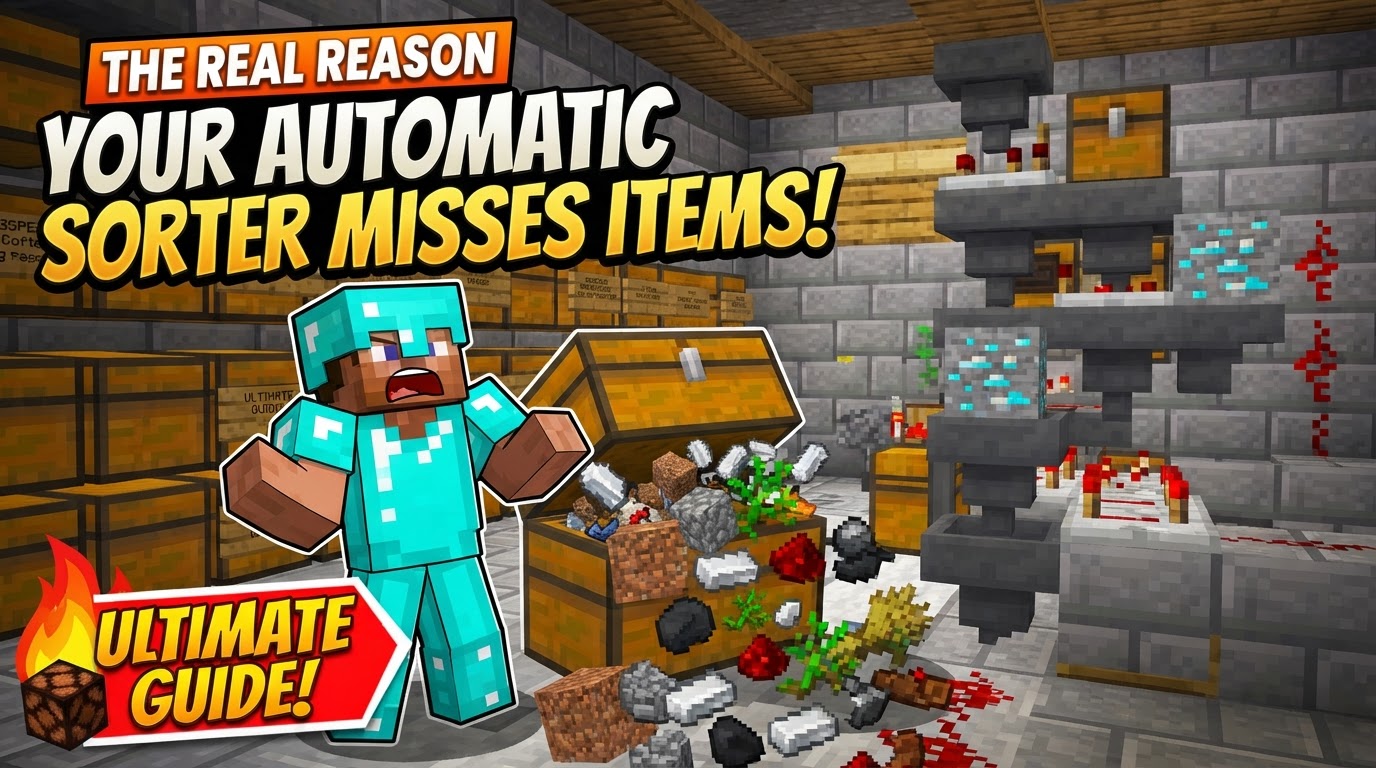
Many a seasoned Minecraft builder has stared in dismay at their meticulously constructed automatic item sorter, only to find precious resources bypassing their intended destination, or worse, disappearing entirely. The frustrating truth is, your sorter isn’t just “broken”; it’s often succumbing to subtle, yet critical, misinterpretations of Minecraft’s underlying mechanics. The real reason your automatic sorter misses items isn’t usually a random bug, but rather a predictable outcome of specific design flaws or an incomplete understanding of how hoppers and comparators truly interact.
The Deceptive Simplicity of Sorting
At its core, an automatic item sorter relies on two fundamental redstone components: hoppers and comparators. Hoppers are the workhorses, diligently transferring items at a rate of 2.5 items per second. Comparators, on the other hand, are the brains, capable of detecting the fullness of a container and emitting a redstone signal strength proportional to that fullness. When combined with clever redstone circuitry, this detection allows specific items to be siphoned off into dedicated storage.
However, the crucial detail often overlooked is that sorters don’t “recognize” individual item types. Instead, a comparator simply measures the stack size within a filter hopper. It’s the precise setup of items within that filter hopper that dictates whether a specific item will trigger the sorting mechanism. This distinction is paramount, as any deviation from the ideal item count or placement can throw the entire system into disarray.
The Silent Saboteurs: Core Reasons for Missed Items
Misaligned Minds: The Comparator Conundrum
One of the most common and easily rectifiable errors is the incorrect placement or rotation of your comparators. A comparator must be attached to the filter hopper and face away from it, directing its signal into the redstone circuitry designed to unlock the hopper below. If a comparator is placed backward, facing into the hopper, or simply misaligned, it will fail to detect the item count, emit no signal, and consequently, the redstone logic to divert items will never activate. Items will then simply flow past the sorting module, ending up in an overflow chest or, if none exists, getting lost in the system.
The Unstable Foundation: Flawed Filter Hoppers
The heart of any sorting module is its filter hopper, and its setup is incredibly precise. For reliable sorting, each filter hopper should contain 41 of the desired item you wish to sort in the first slot, followed by four non-stackable “filler” items (e.g., renamed dirt, cobblestone, or any junk item that won’t naturally enter the system) in the remaining four slots. This specific configuration creates a comparator signal strength of 2. When an incoming item of the desired type enters the filter hopper, the count rises to 42, briefly increasing the signal strength to 3, which then triggers the redstone mechanism to unlock the hopper below and divert the item.
Any deviation here is a recipe for failure:
- Insufficient Item Counts: If the filter hopper has too few items (e.g., less than 41 of the desired item), the comparator’s base signal will be too low, or even zero. The incoming items won’t generate a strong enough signal to trigger the diversion, and they’ll flow right through.
- Excessive Item Counts: Conversely, if the filter hopper contains too many items, the comparator’s signal can become too strong. A signal that reaches strength 3 or higher prematurely can permanently unlock the hopper below, causing it to empty its contents into the chest, effectively breaking the filter. More dangerously, an overly strong redstone signal can “bleed” into adjacent sorting modules, accidentally unlocking their hoppers and leading to items being sorted into the wrong chests.
- Incorrect Item Placement: The item you intend to sort *must* be in the first slot of the filter hopper. If it’s in any other slot, the sorting mechanism will not function as intended, as the comparator’s signal strength calculation is based on the first slot’s contents primarily influencing the threshold.
The Overwhelmed Pipeline: Input Speed vs. Hopper Throughput
Hoppers have a fixed transfer rate of 2.5 items per second. While this might seem adequate for casual play, a high-volume input system (like an active farm or a large storage dump) can easily overwhelm it. If items are fed into the main hopper line faster than the filter hoppers can process them, they will back up. When the main input line becomes full, items will “skip” over the filter hoppers, bypassing the sorting mechanism entirely. These unsorted items will then proceed to the end of the line, often ending up in an overflow chest or, if not handled, despawning or getting stuck.
The Unruly Current: Redstone Signal Bleed
In compact or poorly spaced designs, a redstone signal from one sorting module can inadvertently activate an adjacent module. This “signal bleed” occurs when a strong redstone signal extends beyond its intended target, powering components in a neighboring circuit. For example, if a comparator’s signal is too strong or if redstone dust is placed too close to another module, it can prematurely unlock a hopper in an adjacent sorter, causing items to be mis-sorted into the wrong chest. Ample spacing and careful redstone dust placement are crucial to prevent this.
The Ghost in the Machine: Chunk Loading Discrepancies
One of the most insidious and frustrating causes of sorter failure, especially on servers or in large single-player worlds, is inconsistent chunk loading. If your sorter spans multiple Minecraft chunks, and those chunks load and unload at different times (e.g., as players move around, or server processes manage resources), the delicate redstone timing can be disrupted. This can cause hoppers to stop transferring, comparators to fail to detect, or redstone signals to become desynchronized, leading to items getting stuck, mis-sorted, or lost. For maximum reliability, it’s highly recommended to build your entire sorter within a single chunk. If crossing chunk borders is unavoidable, ensure that sensitive redstone components remain within a single chunk, and only item transfer mechanisms (like water streams) cross the boundary.
Bedrock’s Unique Challenge: The Hopper Update Order
Minecraft Bedrock Edition players face an additional hurdle: the inconsistent hopper update order. Unlike Java Edition, where hopper behavior is more predictable, Bedrock hoppers can sometimes process items in a random order. This unpredictability can occasionally lead to mis-sorting issues, especially in complex designs or under heavy item load, making certain advanced sorter designs less reliable on Bedrock compared to Java.
Building for Bulletproof Reliability
Understanding these pitfalls is the first step; implementing preventative measures is the next. To build a robust and reliable item sorter:
- Dedicated Filter Items: Always use renamed junk items (e.g., renamed dirt blocks) as your four filler items. Renaming them prevents them from stacking with any naturally occurring items that might pass through your system, thus maintaining the precise item count in your filter hopper.
- Precision Placement and Ample Space: Double-check every comparator’s orientation. Ensure sufficient space between sorting modules to prevent redstone signal bleed. A compact design might look appealing but often sacrifices reliability.
- Modular Testing: Build and thoroughly test each individual sorting module in isolation before connecting it to a larger system. This makes debugging infinitely easier.
- Mastering the Flow: Water Streams for Scale: For very large systems or high-volume item transport, consider using water streams (especially over ice blocks) to move items to your sorting modules. Water streams are generally faster and more scalable than long chains of hoppers for initial item distribution.
- Anchoring Your Creation: Chunk Alignment Best Practices: Whenever possible, design your sorter to fit entirely within one chunk. Use F3+G (Java Edition) or similar methods to visualize chunk borders. If a sorter must cross a chunk boundary, ensure that the redstone logic and filter hoppers remain entirely within one chunk, with only passive item transport crossing the divide.
- Overflow Management: Always include an overflow chest at the end of your main item input line. This ensures that any items that bypass the sorting modules (due to full hoppers, mis-sorting, or unsorted types) have a place to go, preventing them from despawning or getting stuck.
Building a truly reliable automatic item sorter in Minecraft is less about brute force and more about meticulous attention to detail and a deep understanding of its core mechanics. By addressing these common pitfalls, you can transform a temperamental contraption into a steadfast servant, dutifully organizing your world’s riches.
Tags:
YOU MAY ALSO LIKE...


