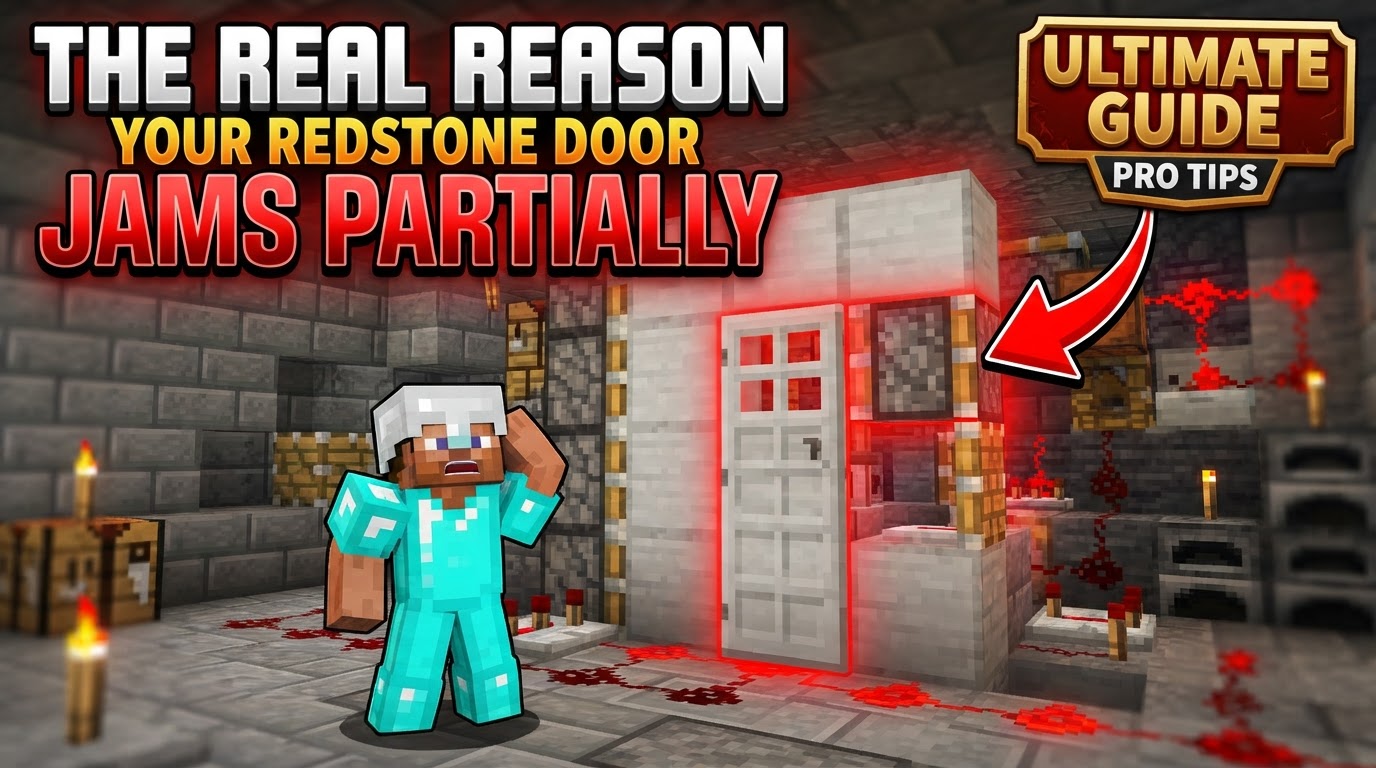
The Real Reason Your Redstone Door Jams Partially
Many a redstone engineer has stared in frustration at a partially extended or retracted piston door, wondering why their carefully constructed contraption refuses to operate flawlessly. A door that jams halfway, leaving an unsightly block protruding or failing to seal completely, is a common and infuriating problem in Minecraft. While the allure of a hidden entrance or an automated storage system is strong, the path to a perfectly functional redstone door is often fraught with subtle complexities. The real reason your redstone door jams partially isn’t usually a single catastrophic failure, but rather a combination of nuanced game mechanics, oversight in design, or simply a misunderstanding of how redstone truly behaves.
This guide delves into the core mechanics and common pitfalls that lead to those frustrating partial jams, offering clarity and practical advice to help you build reliable redstone doors, whether you’re a novice or a seasoned builder. Understanding these underlying principles is key to troubleshooting existing builds and designing robust contraptions from scratch.
The Silent Killer: Signal Strength and Range Limitations
One of the most fundamental principles of redstone is also one of the most frequently overlooked: signal decay. A redstone signal, when transmitted purely through redstone dust, can only travel a maximum of 15 blocks from its power source. Beyond this limit, the signal simply dies, or more accurately, its power level drops to zero. If your redstone dust path to a piston is longer than 15 blocks without any signal amplification, the piston at the end of the line will receive no power at all, or perhaps only a weak, intermittent pulse if the power source itself is fluctuating. This often manifests as only some pistons activating, or pistons activating weakly and failing to extend fully, leading to a partial jam. Repeaters are the crucial component here, not only extending the signal range by outputting a full-strength signal but also introducing customizable delays.
The Critical Dance of Timing and Pulse Length
Pistons are surprisingly sensitive to the duration of the redstone pulse they receive. A common mistake involves misunderstanding the behavior of a “one-tick pulse.” When a piston receives a very short, one-game-tick pulse of power, it will extend and then immediately retract, “spitting out” any block it was holding. This is a powerful mechanic for certain designs but can be detrimental if unintended. If this one-tick pulse then passes through a repeater set to a delay (even the default one-tick delay), it effectively lengthens the pulse. What started as a one-tick pulse might become a two- or three-tick pulse by the time it reaches the piston. This longer pulse will cause the piston to extend and hold the block, rather than spitting it out, leading to a permanent jam if that’s not the desired behavior. Incorrect timing also extends to the activation sequence itself; if pistons are meant to extend or retract in a specific order for a complex door, any deviation in their timing can cause blocks to collide or pistons to block each other, resulting in a partial jam.
The Great Divide: Java vs. Bedrock Redstone
Perhaps one of the most frustrating aspects of redstone troubleshooting stems from the fundamental differences between Minecraft’s Java and Bedrock editions. Redstone mechanics, while superficially similar, diverge significantly in their underlying logic. Features like quasi-connectivity (discussed below) are exclusive to Java Edition, while Bedrock has its own unique quirks regarding block updates and signal propagation. Following a redstone door tutorial designed for Java Edition while playing on Bedrock (or vice-versa) is a surefire way to encounter unexpected behavior, including partial jams. Always, always verify the game version a tutorial is intended for to save yourself hours of head-scratching.
Quirks of the Java Piston: Quasi-Connectivity
Exclusive to Java Edition, quasi-connectivity (QC) is a mechanic that often baffles new redstone builders and can be a prime culprit for jammed doors. QC means that a piston can be powered not only by a redstone signal directly adjacent to it but also by a block two blocks above it or even diagonally. More importantly, once a piston is “quasi-powered” or “bud-powered” (Block Update Detector powered), it often requires a block update in an adjacent block to register that the power source has been removed and retract. This means a piston might stay extended long after its direct power source is turned off, holding your door open or closed partially. Builders often inadvertently power pistons through QC without realizing it, or fail to provide the necessary block update to retract them, leading to persistent jams.
Ghost Signals: Cross-Powering and Interference
In the pursuit of compact and efficient designs, builders often place redstone components in close proximity. This can, however, lead to unintended consequences known as cross-powering or interference. Redstone dust, repeaters, and other components can inadvertently power adjacent blocks or circuits, even if they aren’t directly connected in your intended design. For instance, a redstone line running directly over a piston or next to another redstone component might power it unintentionally, causing it to activate out of sequence or remain powered when it shouldn’t. This is particularly prevalent in highly compact piston doors where every block matters. Ensuring adequate isolation between different parts of your redstone mechanism is crucial to prevent these “ghost signals” from causing partial jams.
Foundational Flaws: Wiring and Placement Errors
Sometimes, the simplest mistakes are the hardest to spot. Incorrect wiring and component placement are fundamental issues that can easily lead to a partially jammed door. This includes obvious errors like redstone dust not properly connecting to a piston or a power source due to a missing block or an incorrect angle. Less obvious errors involve the orientation of components, such as repeaters facing the wrong way, or a redstone torch placed incorrectly. For example, a redstone torch placed directly underneath a block will power that block. If a redstone signal is then fed into that powered block, the torch will turn off. Misunderstanding these basic power mechanics can lead to pistons receiving power when they shouldn’t, or not receiving power when they should, thus causing a partial jam.
The Human Factor: Rapid Toggling
While often less about inherent design flaws and more about user interaction, rapidly activating and deactivating a redstone door can sometimes “break” the mechanism, particularly for complex piston doors. This is often referred to as “spamming” the input. When a redstone circuit is rapidly toggled, the components may not have enough time to complete their full cycle of extension and retraction before the next signal arrives. This can lead to pistons getting “stuck” in an extended or retracted state, or blocks being left in an incorrect position, causing a partial jam. It’s a reminder that even the most robust redstone contraptions sometimes need a moment to breathe and reset.
Preventative Measures and Best Practices
The Workbench of Innovation: Creative Mode Testing
Before committing to a survival build, always construct and rigorously test your redstone doors in Creative Mode. This environment allows for instant material access, flight, and quick destruction, making it ideal for identifying and troubleshooting issues without the constraints of resource gathering or hostile mobs. Use this opportunity to observe signal paths, piston behavior, and timings carefully.
Mastering the Repeater
Repeaters are your best friends in redstone. Use them strategically not only to extend redstone signals beyond the 15-block limit but also to introduce precise delays. Understanding how different repeater settings affect pulse length and timing is paramount for complex piston doors that require specific sequences.
Knowledge is Power: Piston Mechanics
Familiarize yourself with the nuances of piston behavior. Understand how a one-tick pulse causes a piston to “spit out” a block, and in Java Edition, learn the intricacies of quasi-connectivity and how to provide block updates to retract bud-powered pistons. This foundational knowledge will prevent many common jamming issues.
Designing for Isolation
When designing compact redstone, pay close attention to potential cross-powering. Try to maintain at least one block of air or an inert block (like stone) between redstone lines or components that are not intended to interact. This isolation prevents unintended signals from interfering with your door’s operation.
The Tutorial Trap: Version Verification
If you’re following a tutorial, double-check that it’s designed for your specific Minecraft edition (Java or Bedrock). This simple step can save you immense frustration, as many complex redstone contraptions are not cross-compatible.
Embrace the Space: Initial Oversizing
When troubleshooting or building a new, complex redstone door, don’t be afraid to build with more space between components initially. A slightly larger footprint can make it much easier to visually trace redstone signals, identify interference, and understand the flow of power before attempting to compact the design. Once functional, you can then incrementally reduce space.
Ultimately, a partially jammed redstone door is a signal that one or more fundamental redstone mechanics are being misunderstood or misapplied. By systematically checking signal strength, timing, game version compatibility, potential interference, and basic wiring, you can diagnose and rectify most jamming issues. Patience, methodical testing, and a solid understanding of redstone’s core principles are your best tools for building reliable and frustration-free automated doors in Minecraft.
Tags:
YOU MAY ALSO LIKE...