

The Science of Knockback Direction Calculation
Many players assume that the direction of knockback in Minecraft is always, without exception, determined by the relative physical positions of the attacker and the target. This common misconception overlooks a crucial, game-changing mechanic that dictates how knockback truly behaves in the heat of combat. Understanding the true science behind knockback direction is not just for advanced players; it’s fundamental to mastering both offensive and defensive strategies in Minecraft’s dynamic world.
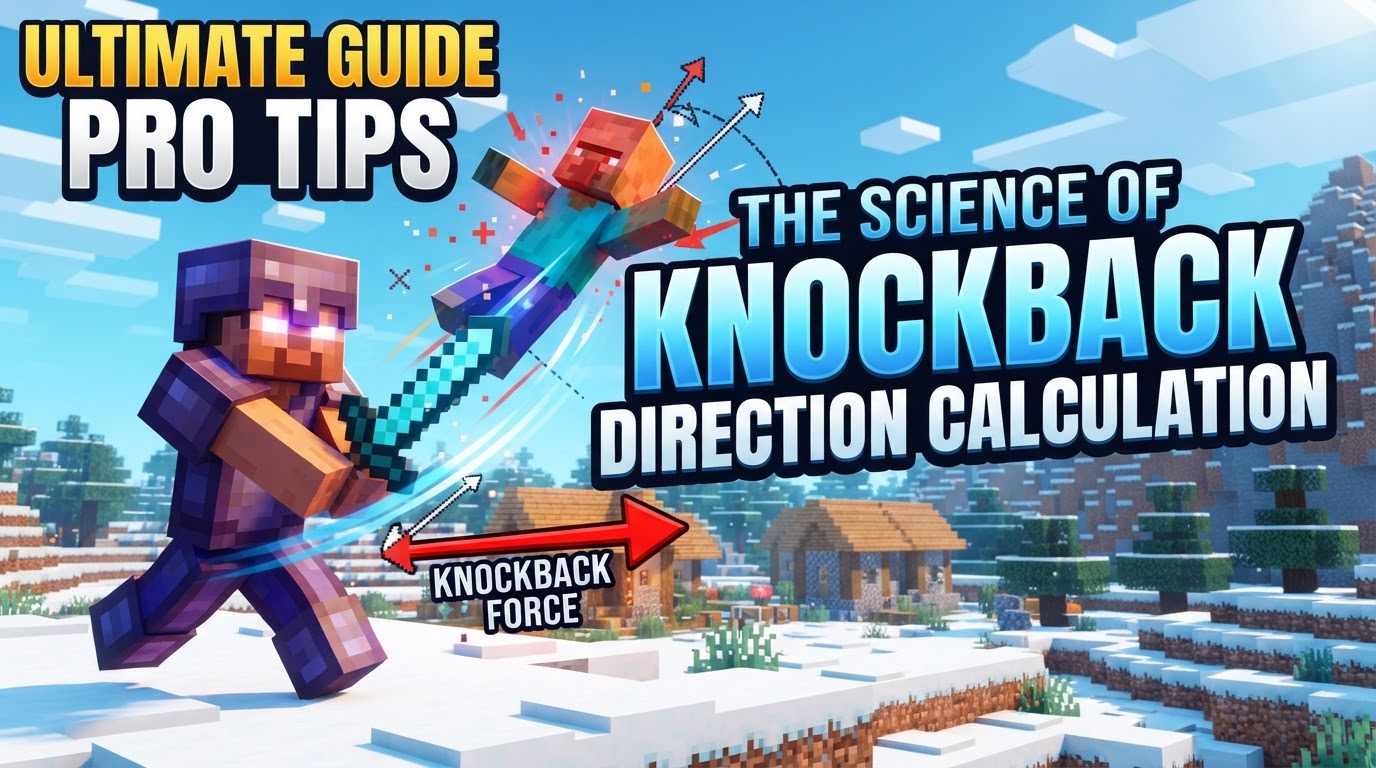
The Core Principles of Minecraft’s Knockback
At its most basic level, knockback in Minecraft is a physics-based response to an attack, designed to push entities away from the source of damage. By default, this movement is calculated based on the vector formed between the attacker and the target. If you hit an enemy from their left, they tend to move right. If you hit them from behind, they move forward. This intuitive system forms the foundation of most combat encounters.
However, knockback is not merely a horizontal push. Every instance of knockback also includes an upward velocity component. This vertical lift is crucial, as it can temporarily disorient opponents, allow for follow-up aerial attacks, or even launch targets over environmental obstacles. The combination of horizontal and vertical forces creates the characteristic arc of a knocked-back entity.
It’s also important to note that not all entities are equally susceptible to knockback. Certain powerful or unique mobs possess inherent knockback resistance. Entities such as the formidable Warden, the teleporting Shulker, the stoic Iron Golem, the aggressive Hoglin, the destructive Ravager, and even the seemingly docile Glow Squids and normal Squids, will experience significantly reduced knockback effects. Recognizing these resistant foes is key to adjusting your combat tactics.
Unveiling Knockback Displacement: The Override Mechanic
The most significant deviation from the default relative-position calculation is a mechanic known as “knockback displacement.” This advanced system allows the attacker to dictate the knockback trajectory, fundamentally altering how combat flows. Knockback displacement is not always active; it is specifically triggered under two conditions:
- Performing a Sprint Hit: When an attacker connects with an enemy while actively sprinting, the knockback calculation shifts.
- Using a Weapon with the “Knockback” Enchantment: Any weapon enchanted with Knockback I or II will activate this displacement mechanic.
When either of these conditions is met, the game ignores the relative positions of the attacker and target for determining direction. Instead, the direction of the knockback is determined by the attacker’s “look direction” from the immediate previous game tick. This subtle detail is where the true mastery of knockback displacement lies.
The “Knockback” enchantment itself does more than just activate displacement; it also significantly increases the overall knockback distance. Each level of the enchantment adds approximately 3 blocks to the distance a target is pushed. While this can be advantageous for crowd control or creating space, it can also be a double-edged sword, as discussed later.
It’s a common misconception that critical hits cause more knockback. While critical hits do significantly increase damage, they do not inherently provide a greater knockback effect. It is the sprint hit that serves as a primary source of increased knockback, often surpassing the effect of a simple un-sprinted attack, even if it’s a critical hit.
The Step-by-Step Process of Controlled Knockback
To fully grasp and utilize knockback displacement, understanding its precise activation sequence is vital:
- Attacker Initiates an Attack: The player or entity begins their attack animation.
- Condition Check: The game checks if the attack qualifies as a sprint hit or if the weapon being used has the “Knockback” enchantment.
- Direction Override: If either condition is met, the game abandons the default relative-position calculation for knockback direction.
- Look Direction Application: The direction of the knockback is then determined by the attacker’s “look direction” (the direction their camera is facing) from the game tick immediately preceding the hit registration. This means the direction you were looking a fraction of a second before the impact is what matters.
- Trajectory Alteration: A rapid change in the attacker’s camera (look) direction just before the hit registers can therefore significantly alter the resulting knockback trajectory of the target, allowing for precise control over where an enemy is sent.
Mastering Offensive Knockback: Strategic Applications
Understanding knockback displacement opens up a new dimension of combat strategy. To strategically control the direction an opponent is sent, you must intentionally execute sprint hits or wield weapons enchanted with the Knockback enchantment. This isn’t just about pushing enemies away; it’s about pushing them exactly where you want them to go.
One of the most advanced techniques involves what players often refer to as “flicking.” This entails quickly changing your camera’s look direction just before your attack connects. By rapidly “flicking” your mouse to the side, up, or down in that critical moment, you can achieve unpredictable and drastically altered knockback trajectories. This can be used to:
- Disorient Opponents: Sending an enemy in an unexpected direction can disrupt their movement patterns and make it harder for them to retaliate or reposition.
- Counter Momentum: If an opponent is charging you, a well-placed, flicked knockback can halt their advance or send them spinning off course.
- Environmental Hazards: Perhaps the most potent use is pushing enemies into traps, off ledges, or into dangerous terrain like lava, cobwebs, or even other hostile mobs.
Practicing these techniques in a controlled environment is essential to developing the muscle memory required for effective “flicking” in fast-paced combat scenarios.
Minimizing Incoming Knockback: Defensive Maneuvers
Just as you can manipulate knockback offensively, you can also employ strategies to minimize the knockback you receive. Being knocked back can be detrimental, breaking combos, sending you into danger, or simply costing you valuable combat time.
- Continuous Trading of Hits: If you are constantly hitting your opponent, you can often mitigate some of the incoming knockback. This isn’t a direct reduction, but by keeping them staggered and unable to land clean, powerful hits, you reduce the overall impact.
- Moving Against the Knockback: A highly effective technique is to actively move towards the attacker or in the exact opposite direction of the incoming knockback. This includes techniques like “W-tapping,” “A-tapping,” or “D-tapping,” where you briefly release and repress your movement key. By generating your own forward or lateral momentum against the force, you effectively reduce the perceived distance and impact of the knockback.
- Sprinting Towards the Attacker: Similar to moving against the knockback, sprinting directly into an incoming attack can also help in reducing the amount of knockback you experience. Your own forward momentum counteracts the push, keeping you closer to your target.
These defensive tactics require precise timing and an understanding of combat flow, but they are invaluable for maintaining control and momentum in player-versus-player combat or against powerful mobs.
Dispelling Common Knockback Misconceptions
Several persistent myths surround knockback in Minecraft, hindering players from truly understanding and utilizing its mechanics:
- Myth 1: Knockback direction is *always* solely based on relative positions. As detailed, this is incorrect. Sprint hits and the Knockback enchantment introduce a displacement mechanic where the attacker’s look direction becomes paramount.
- Myth 2: The attacker’s look direction has little impact. This severely underestimates the significant effect a quick “flick” of the camera can have on the trajectory, turning an ordinary push into a strategic placement.
- Myth 3: Critical hits inherently cause more knockback. While critical hits are vital for damage, they do not inherently provide a greater knockback effect. It is the sprint hit, not the critical hit, that offers a substantial boost to knockback.
- Myth 4: The “Knockback” enchantment is always beneficial. While useful for specific strategies, over-relying on the “Knockback” enchantment can sometimes be counterproductive. Pushing enemies too far away can make follow-up damage difficult, reduce farming efficiency, or even send them out of reach. Strategic use, rather than constant application, is key.
Mastering the science of knockback direction calculation transforms Minecraft combat from a simple exchange of blows into a sophisticated dance of positioning, timing, and environmental manipulation. By understanding when and how the attacker’s look direction can override default physics, and by implementing both offensive and defensive strategies, players can gain a significant edge in any encounter. The next time you enter a skirmish, remember that knockback is not just a nuisance; it’s a tool waiting to be wielded with precision.
Tags:
YOU MAY ALSO LIKE...


