

The Science of Minecart Track Connection Logic
Did you know a single redstone power source can activate a staggering 17 powered rails in Minecraft? This seemingly simple fact is just one facet of the intricate science governing minecart track connection logic, a system far more nuanced than merely placing blocks on the ground. Mastering the specific behaviors of different rail types, their automatic connection rules, and their interactions with redstone is paramount for constructing efficient, reliable, and automated transportation networks across your blocky worlds.
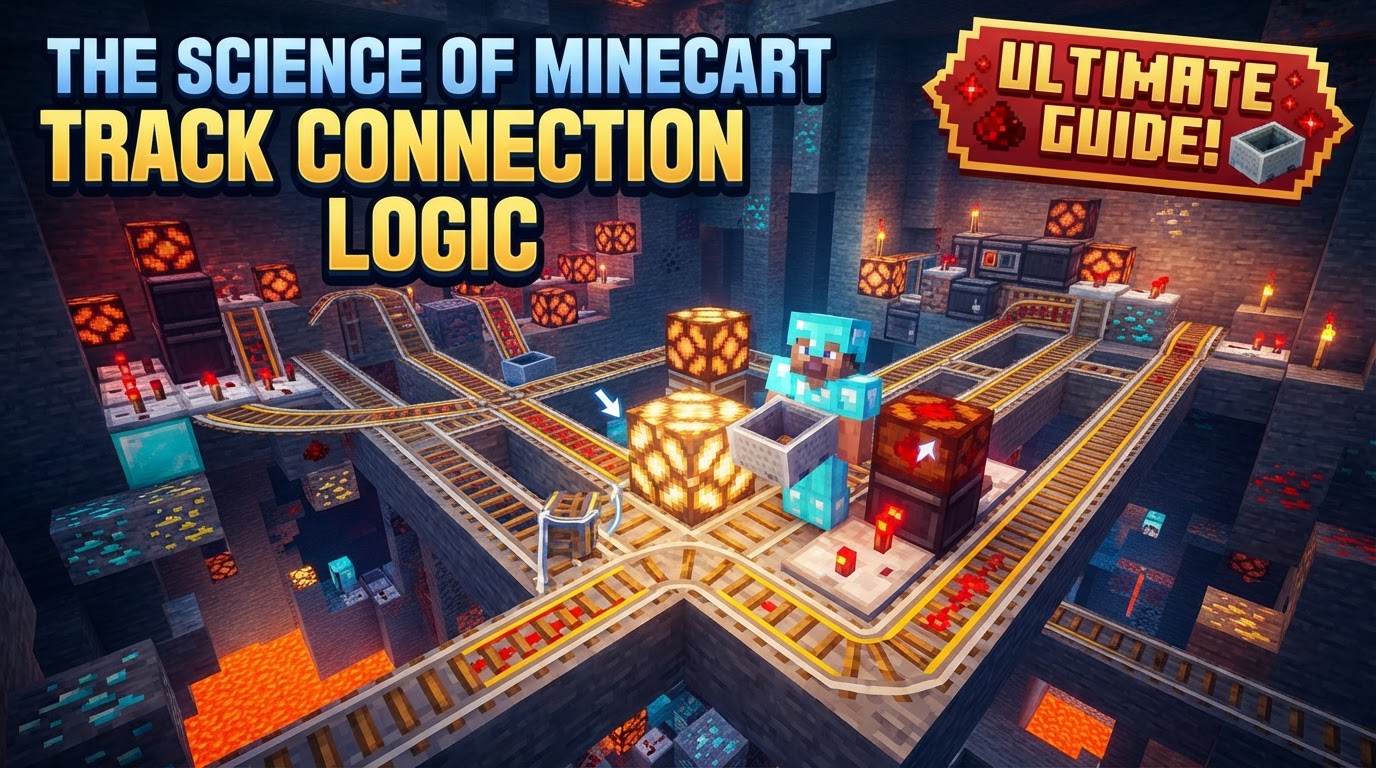
The underlying mechanics that dictate how rails behave, how minecarts move, and how redstone integrates with these systems form the backbone of any successful rail infrastructure. From basic transport lines to complex multi-station hubs, understanding these principles will elevate your building prowess and ensure your minecarts always reach their intended destination.
The Foundation: Rail Types and Their Unique Functions
At the core of any minecart system are the distinct rail types, each serving a specific purpose. Recognizing their individual roles is the first step towards building sophisticated tracks.
- Standard Rail: This is your workhorse rail, providing basic transport. When placed, it intelligently forms curves and slopes to connect with adjacent rails, adapting to the terrain and existing track layouts. It’s the most common and versatile rail type.
- Powered Rail: Essential for speed control, powered rails accelerate or decelerate minecarts. Crucially, they require an active redstone signal to boost minecarts; without power, they act as effective brakes, bringing minecarts to a halt.
- Detector Rail: Functioning like an integrated pressure plate, the detector rail emits a redstone signal when a minecart passes over it. This momentary signal can be harnessed for automation, triggering doors, pistons, or other redstone components.
- Activator Rail: A utility rail with multiple specialized uses. When powered, it can eject passengers from minecarts, prime TNT minecarts for explosion (causing them to explode shortly after leaving the rail), and even lock or unlock hopper minecarts, controlling their item collection behavior.
Automatic Connections and Strategic Orientation
Minecraft’s rail system features an intelligent automatic connection logic, which simplifies track placement but also introduces specific rules for orientation and interaction.
- Dynamic Linking: Rails automatically connect to adjacent rails, forming smooth curves or inclines as needed. This greatly streamlines the process of laying long stretches of track.
- Powered and Detector Rail Alignment: These specialized rails have unique orientation rules. If there are two adjacent rails on non-opposite sides, or three or more adjacent rails, a powered or detector rail will align itself in the east-west direction. However, if no adjacent rails are present when placed, they default to a north-south orientation. They will reorient themselves instantly if rails are subsequently placed to their east or west.
- Creating Ramps: Building verticality into your system is straightforward. When a rail is placed directly one block below or above an existing rail, it automatically connects, forming a ramp. This allows for seamless transitions between different elevations.
Redstone’s Influence: Powering Your Network
Redstone is the lifeblood of any advanced minecart system, particularly for powering and automating track segments.
- Powering Powered Rails: Powered rails are fundamentally redstone components. They demand an adjacent active power source to function. This can be a redstone torch placed directly underneath or next to the rail, a lever attached to an adjacent block, or a redstone block placed underneath or next to it.
- Power Propagation: A single activated powered rail possesses the remarkable ability to power up to eight connected adjacent powered rails on either side. This means a single redstone power source can activate a continuous stretch of up to 17 powered rails (the source rail plus eight on each side), a crucial detail for economical power distribution.
- Detector Rail Utility: When a minecart passes over a detector rail, it emits a brief redstone signal with a power level of 15. This strong, short burst of power is ideal for triggering automated systems, such as opening doors as a minecart approaches, activating pistons to redirect tracks, or even turning on other powered rails further down the line.
The Dynamics of Movement: Speed and Direction
Understanding how minecarts gain, lose, and maintain speed, alongside their directional behavior at intersections, is vital for smooth operation.
- Minecart Speed Mechanics: An activated powered rail provides a significant speed boost to a moving minecart. On flat ground, a minecart typically reaches its maximum speed after passing over just three consecutive powered rails. Conversely, unpowered rails, particularly a stretch of two or more, act as brakes, capable of bringing a minecart to a complete stop.
- Directional Logic at Intersections: Intersections are where track logic becomes most critical. The “South-East Rule” dictates behavior at T-intersections: a minecart entering from the “back” of a curved rail (e.g., entering a north-south rail from the west, where the track curves south) will travel straight. Entering from other legs will cause it to follow the curve. This rule also applies to 4-way intersections without curved rails when entering from the east or west.
- The Downhill Rule: An important override to the South-East Rule is the “Downhill Rule.” At non-curve track intersections, minecarts will always prioritize traveling downhill. This means if a track offers both a straight path and a downhill path, the minecart will always take the downhill route, regardless of other directional logic.
Constructing Your Rails: A Practical Guide
Laying down tracks effectively involves a systematic approach, leveraging the automatic connection features while being mindful of specific requirements.
- Select and Place: Begin by selecting the desired rail type from your inventory. Right-click on the block where you wish to place the rail. The game’s inherent logic will automatically adjust the rail to form curves or slopes, connecting it with any existing adjacent rails.
- Complex Intersections: For intricate junctions or multi-directional switches, you may need to employ strategic placement. This often involves placing rails in a specific order, or even temporarily removing surrounding rails to force a desired connection before replacing the removed sections. This allows for precise control over the track’s final configuration.
- Powering Powered Rails: Once your powered rails are in place, ensure they receive a redstone signal. This can be achieved by placing a redstone torch directly underneath or next to the rail, attaching a lever to an adjacent block and activating it, or positioning a redstone block underneath or next to the rail.
Advanced Techniques for Seamless Travel
Beyond basic placement, optimizing your minecart system for efficiency and automation requires understanding advanced strategies.
- Powered Rail Spacing: For maintaining consistent maximum speed on flat ground, placing a powered rail every 8-12 blocks is ideal. However, for more cost-effective solutions that still maintain regular movement without reaching peak speed, a powered rail every 25-30 blocks can suffice.
- Uphill Travel: Inclines demand more frequent power. To counteract gravity and ensure minecarts successfully ascend slopes, place powered rails every 2 to 3 blocks on uphill segments.
- Automated Systems: Integrate detector rails to create smart systems. Use them to activate powered rails only as a minecart approaches, conserving redstone power. They can also trigger other mechanisms like automatic doors, item dispensers at stations, or piston-based track switches.
- Switches and Stations: Combine detector rails with T-intersections and redstone signals (from levers, buttons, or complex selection circuits) to design multi-destination stations. This allows players to choose their route, sending minecarts to different branches of the network.
- Nether Travel: For long-distance transportation, building minecart lines in the Nether is incredibly efficient. One block traveled in the Nether corresponds to eight blocks in the Overworld, drastically shortening travel times for vast distances.
Avoiding Derailment: Common Pitfalls and Solutions
Even with a solid understanding of rail logic, certain issues can arise. Knowing common mistakes and their causes helps in troubleshooting and prevention.
- Unexpected Connections: Rails, particularly when placed in close proximity or in grid-like patterns, can sometimes connect to unintended adjacent rails. This often requires careful, deliberate placement or the temporary removal of surrounding rails to achieve the desired connection.
- Minecarts Stopping/Derailing: Minecarts can occasionally stop or even derail. This is more common on sharp curves, especially when multiple minecarts are running on concentric tracks. Furthermore, if a chunk containing a moving minecart unloads and then reloads, the minecart might stop or disappear.
- Unpowered Powered Rails as Brakes: A frequent oversight is forgetting to power powered rails. When unpowered, these rails function as brakes, bringing minecarts to a complete stop instead of boosting them forward. Always ensure your powered rails are properly activated.
- Lack of Initial Momentum: A minecart placed directly on an *active* powered rail will not move on its own. It requires an initial push from the player, or more practically, it needs to be placed on an unpowered rail segment that leads directly into a powered one, allowing it to gain momentum.
- Pushing Rails with Pistons: While rails can be moved by pistons, this often leads to complications. When pushed, rails frequently reorient themselves to a default direction, potentially breaking complex track layouts. They may also pop off as items if pushed upwards or in certain configurations, requiring careful testing.
By internalizing these core principles of minecart track connection logic, you gain the power to design and implement robust, efficient, and truly automated transportation systems, transforming your Minecraft world into a hub of seamless travel.
Tags:
YOU MAY ALSO LIKE...


