

Understanding Entity Collision Detection at Boundaries
The most common misconception among Minecraft players is that an entity’s visual model perfectly dictates its physical interactions. In reality, the intricate dance of movement and obstruction within Minecraft’s blocky world is governed by an invisible, yet fundamental, system: entity collision detection at boundaries. Far from the complex physics of the real world, Minecraft employs a remarkably simplistic, grid-based approach designed for functional gameplay rather than hyper-realism. Understanding this underlying mechanism is key to mastering movement, building efficient redstone contraptions, and even debugging pesky technical issues.
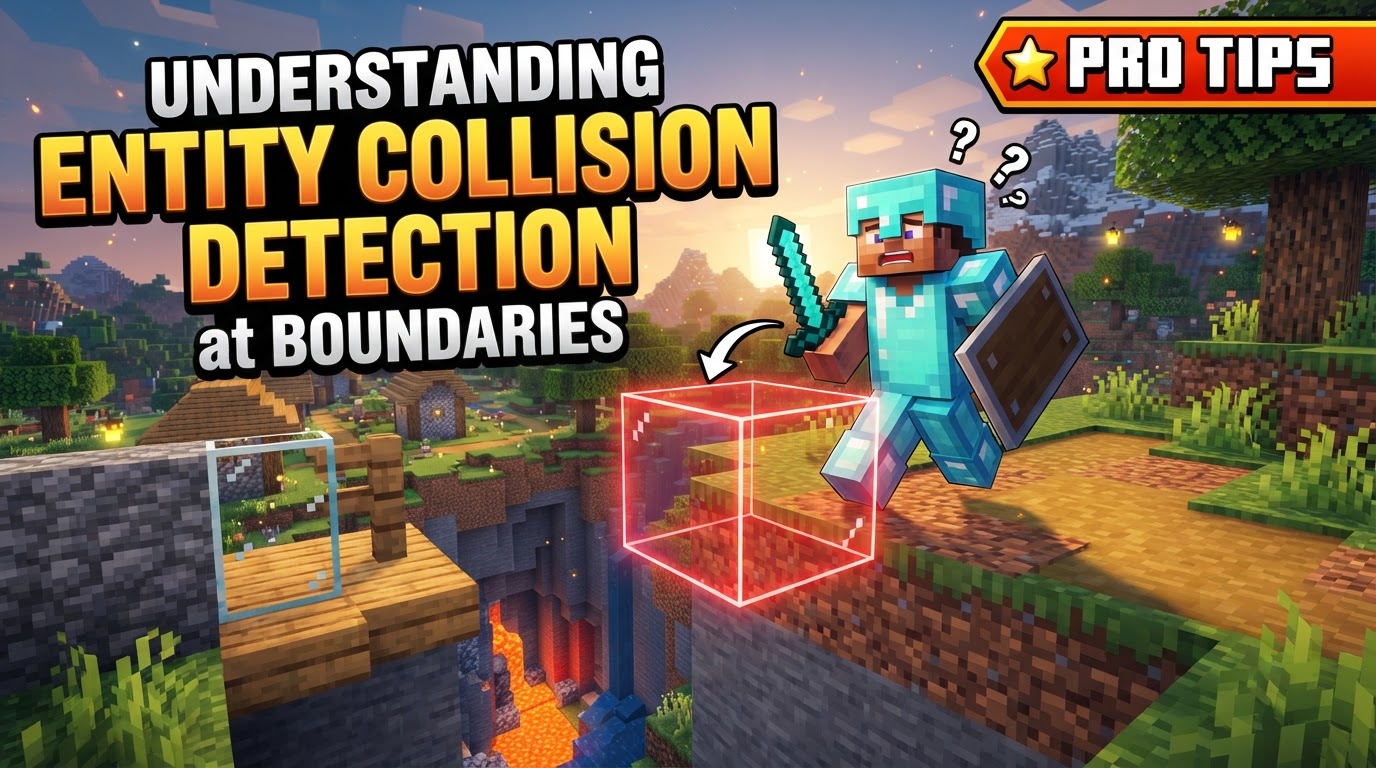
The Invisible Architecture: Collision Boxes
At the heart of Minecraft’s collision system are “collision boxes,” also known as “bounding boxes.” These are unseen, typically cuboid regions that define the physical presence of entities and blocks within the game world. They are the true arbiters of interaction, dictating what an entity can pass through, push against, or stand upon. These boxes are defined by minimum and maximum X, Y, and Z coordinates, creating a precise, albeit invisible, boundary.
For the vast majority of interactions, collisions occur between an entity and a block. While entities do possess collision boxes that allow them to push each other and prevent simultaneous occupation of the same space, the primary physics calculations revolve around entity-block interactions. The player entity, for instance, has a single bounding box with dimensions of 0.6 meters on the X and Z axes and 1.8 meters on the Y axis. Its precise position, as visible on the debug screen (F3), is always located at the bottom center of this box.
Blocks, too, possess collision boxes, though theirs can be far more complex. Unlike the simple cuboid of most entities, a single block might have multiple bounding boxes forming an intricate shape. Furthermore, the collision shape of a block is dynamic; it can change based on its current state. For example, an open fence gate will have a different collision profile than a closed one. Critically, not all blocks possess collision boxes; non-solid blocks such as tall grass, signs, or buttons are designed to be permeable, allowing entities to pass directly through them.
The Rhythmic Pulse: Physics Updates and Movement
Minecraft’s physics and collision calculations operate on a precise schedule, updating 20 times per second. Each of these updates is referred to as a “tick,” meaning movement and collision detection are processed once per game tick. This consistent rate ensures predictable behavior across the game world.
Unlike more sophisticated game engines that might use ray-tracing or continuous collision detection, Minecraft employs a sequential axis movement approach. Instead of calculating all potential collisions simultaneously, the game moves an entity incrementally along each cardinal axis in a specific order. This method, while simpler, is highly efficient for a block-based world. Historically, the order was consistently Y (vertical), then X (horizontal), then Z (horizontal). This step-by-step process allows the game to resolve vertical collisions, such as landing on the ground, before addressing horizontal movement and potential wall collisions.
The Tick-by-Tick Dance of Entity Movement
Understanding the precise order of operations during each tick is crucial for predicting entity behavior near boundaries:
- Velocity Update: The process begins after an entity’s velocity has been calculated and updated based on factors like player input, gravity, or external forces.
- Y-axis Movement: The entity is first attempted to be moved along the Y-axis. This is the primary stage for vertical interaction. If a downward vertical collision is detected – meaning the entity has hit the ground or a block below it – its vertical speed is immediately reset to zero, effectively stopping its fall.
- X-axis Movement: Following the Y-axis resolution, the entity is then moved along the X-axis. This handles horizontal movement and collisions with walls or obstacles along that plane.
- Z-axis Movement: Finally, the entity is moved along the Z-axis, resolving any remaining horizontal collisions.
- Version 1.14+ Adjustment: A significant change occurred in version 1.14 and later regarding horizontal movement. For entities, the order of X and Z axis movement can now depend on their velocity. If the absolute value of the entity’s Z-speed is greater than its X-speed, the order becomes Y-X-Z. Otherwise, it remains Y-Z-X. This subtle change can impact very specific edge cases of collision and sliding behavior.
- Stepping Over Blocks: A special allowance in the collision system permits entities, if they are currently on the ground, to automatically “step over” walls or obstacles that are less than 0.6 meters (approximately 1.18 blocks) in height. This convenient feature prevents players from constantly getting stuck on minor elevation changes.
Beyond the Visuals: Practical Considerations
Several nuances and advanced features exist within Minecraft’s collision detection:
- Hitbox vs. Collision Box: It’s important to distinguish between a “hitbox” and a “collision box.” A hitbox is the area a player can interact with, such as clicking to attack an entity or interact with a block. This visual target may not always perfectly align with the underlying collision box that dictates physical movement.
- Custom Collision Shapes: For those delving into custom content creation, such as with data packs or mods, collision boxes for custom blocks and entities can be precisely defined. Properties like
originandsizeallow for the creation of multi-part collision shapes and varying heights, enabling highly specific block interactions. - Disabling Block Collisions: In certain scenarios, it’s possible to make a block completely non-collidable. By setting its
minecraft:collision_boxcomponent tofalse, entities will be able to pass straight through it, effectively making it a visual-only element. - Debugging Tools: Visualizing these invisible boundaries can be invaluable for builders and developers. Tools like Blockbench, for instance, offer the ability to display and manipulate collision boxes for entities, aiding in precise design.
- Command and Data Pack Integration: For advanced gameplay mechanics, it’s possible to programmatically check for collisions. Conditions like
origins:block_collisioncan be used in commands or data packs to detect if an entity’s bounding box is currently colliding with specific block types, opening up possibilities for custom triggers and events.
Navigating the Pitfalls: Common Misunderstandings
Despite its apparent simplicity, the collision system can lead to common misconceptions:
- Over-reliance on Visuals: The most frequent mistake is assuming that an entity’s visual model or a block’s appearance perfectly represents its collision box. This is often not the case. For example, a witch’s hat might not be part of its actual hitbox, and many block models appear different from their underlying bounding box. Always remember that the invisible box, not the visible pixels, dictates physical interaction.
- Simplistic Entity-Entity Collision: While entities can push each other and cannot occupy the same space, the physics governing entity-entity interaction is very basic. There’s no inherent complex interaction like damage from one entity falling onto another. Such advanced behaviors require specific handling through modifications or plugins.
- Inefficient Checks for Fast Entities: The sequential, grid-based collision method, while efficient for typical movement, can become less optimal for extremely fast-moving entities. If an entity moves too far in a single tick, it might “tunnel” or “clip” through thin obstacles because the game only checks specific points along its path, potentially missing a collision that occurred between those points. The system is designed for discrete steps, not continuous motion.
- “Ticking Entity” Errors: A common server-side issue, particularly in modded environments, is the “ticking entity” error. This occurs when a corrupted entity or block entity within a chunk cannot be processed correctly during a tick, leading to server crashes. While often associated with mods, it can occasionally manifest in vanilla gameplay due to corrupted world data. This highlights the critical importance of a properly ticking entity for the game’s stability.
By understanding that Minecraft’s collision detection prioritizes functional gameplay over hyper-realism, players and creators can better predict interactions, design more robust builds, and troubleshoot unexpected behaviors at the boundaries of the blocky world.
Tags:
YOU MAY ALSO LIKE...


